The 6 Best Image Restoration Software in 2026, Ranked
6 tools for the best image restoration software, compared on pricing, free plans and best-fit use. Cost notes and weak points included. Reviewed this month.
- Editor's choice
 Affinity Photo
Professional editing without subscription
Starts atSee websiteVisit affinity.serif.comFull review - Great alternative
 ON1 Photo RAW
All-in-one raw editing and organization
Starts at$49.99Visit on1.comFull review - Also consider
 Adobe Photoshop
Advanced manual retouching and compositing
Starts atSee websiteVisit adobe.comFull review
Direct answer
For professional editing without subscription, Affinity Photo is where this list starts. Listed starting prices: ON1 Photo RAW from $49.99 and Topaz Photo AI from $19 per month. ON1 Photo RAW fits all-in-one raw editing and organization; Adobe Photoshop fits advanced manual retouching and compositing. The full list of 6 tools follows, with prices and free plan facts.
TL;DR:
- The list opens with Affinity Photo, aimed at professional editing without subscription.
- Affinity Photo, Luminar Neo and the 4 others all need a premium plan or a trial, since no free plan is listed.
- Starting prices begin at $19 per month with Topaz Photo AI.
- Before buying Affinity Photo, weigh this: no built-in AI upscaling.
- Luminar Neo fits AI-driven enhancements with a straightforward interface.
Last checked November 2026. Prices and plan details were read from the vendors' own pages in November 2026; vendors change plans often, so confirm the current price on the vendor site before you buy.
Quick comparison
| Tool | Best for | Starts at | Free plan? | |
|---|---|---|---|---|
| Affinity Photo | Professional editing without subscription | See website | Not stated | Visit |
| ON1 Photo RAW | All-in-one raw editing and organization | $49.99 | Free trial | Visit |
| Adobe Photoshop | Advanced manual retouching and compositing | See website | Not stated | Visit |
 Topaz Photo AI | Automatic sharpening, denoising, and upscaling | $19 per month | Not stated | Visit |
| ACDSee Photo Studio | Photo management and editing combination | See website | Not stated | Visit |
 Luminar Neo | AI-driven enhancements with a straightforward interface | See website | No | Visit |
Image Restoration Software, one by one
This LinkVetted guide covers 6 options for image restoration software. Each profile lists a starting price, free plan details, strengths and drawbacks, so you can drop poor fits quickly.
Affinity Photo makes the most sense for professional editing without subscription. It is available as a one-time purchase, making it attractive to users who dislike subscriptions.
Affinity Photo lacks some of the AI-driven automation found in Topaz Photo AI or Luminar Neo, so tasks like batch denoising may need more manual effort. It also has a ramp-up time. Check the vendor site for Affinity Photo pricing; none is listed in this comparison. Free options: Not stated.
Trade-offs to know: No built-in AI upscaling.
- Full editing tools
- Supports raw editing and focus stacking
- Ramp-up time similar to Photoshop
ON1 Photo RAW targets all-in-one raw editing and organization. If you need the most advanced manual retouching, Photoshop remains more solid.
On top of that, ON1 Photo RAW is well suited to those seeking an all-in-one editor with solid restoration capabilities. On cost, ON1 Photo RAW starts like this: $49.99. Free access: Free trial.
Points against: Some tools less refined than competitors.
- Merges raw processing and photo management
- One-time purchase choice
- Interface can be overwhelming
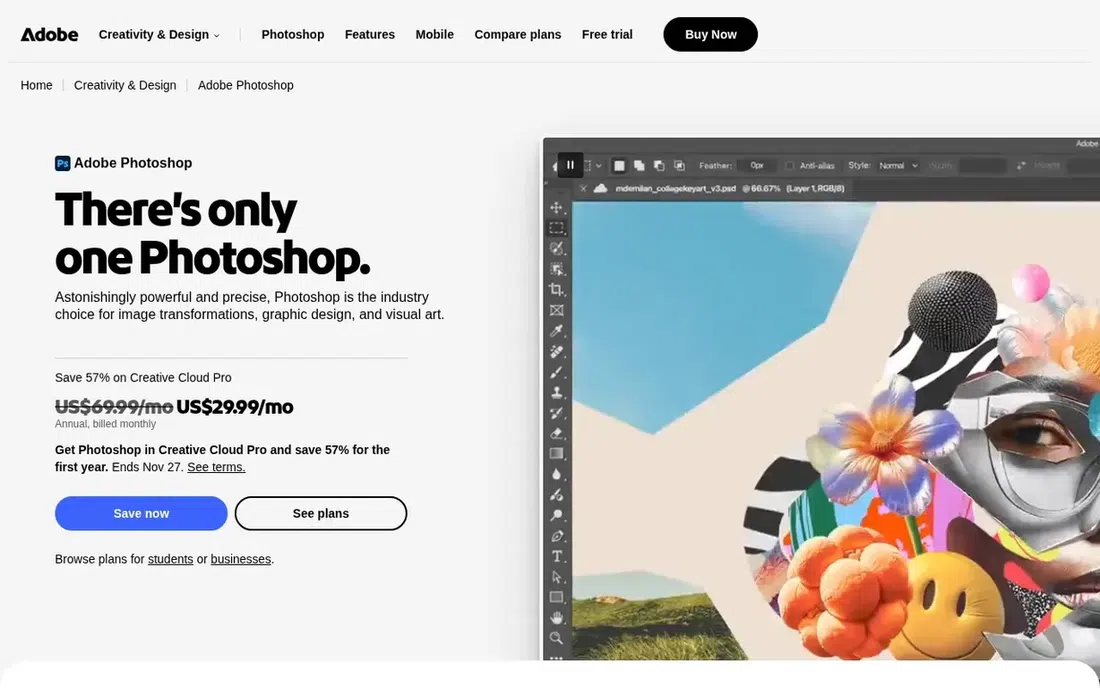
Adobe Photoshop is aimed squarely at advanced manual retouching and compositing. For straightforward denoising or upscaling, a dedicated tool like Topaz Photo AI might be more efficient.
On top of that, the software also supports AI-powered features like neural filters for enhancement. On top of that, it needs a subscription, which some users prefer to avoid. Check the vendor site for Adobe Photoshop pricing; none is listed in this comparison. Free access: Not stated.
Where it is weaker: Steep ramp-up time.
- Full set of editing tools
- Broad plugin and filter support
- Subscription-based model
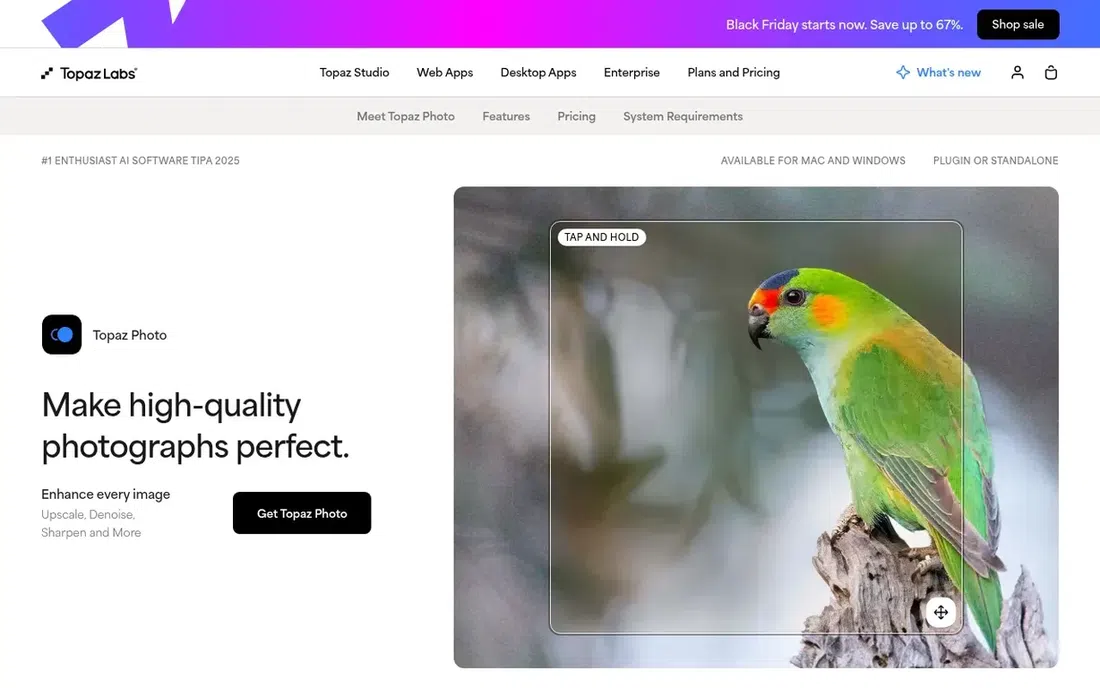
Topaz Photo AI is a good fit for automatic sharpening, denoising, and upscaling. Topaz Photo AI is a specialized tool built around sharpening, denoising, and upscaling images using AI models. It is aimed at photographers and enthusiasts who want quick, automatic restoration without deep manual editing.
Strengths: automatic workflow.
Drawbacks to consider: Can over-smooth fine textures if not adjusted.
From a buyer's view, choose Topaz Photo AI when speed and automation are priorities. Worth adding: the software examines each image and applies corrections, making it a solid choice for batch processing or fast fixes. That said, Topaz Photo AI lacks advanced manual retouching features like healing brushes or complicated masking. Topaz Photo AI cost at the entry level: $19 per month. Free plan details: Not stated.
- Works as a standalone app or plugin
- Dedicated AI models for sharpen, denoise, upscale
- Restricted manual retouching tools
ACDSee Photo Studio
Best for: Photo management and editing combination
ACDSee Photo Studio serves Photo management and editing combination. ACDSee Photo Studio is a software suite that merges photo editing with digital asset management. It offers tools for enhancing and restoring images, along with solid organization features.
It is well-suited for users who require to run large photo libraries and perform entry-level to intermediate edits. For specialized restoration like advanced denoising or upscaling, dedicated tools may yield better results. No starting price is listed for ACDSee Photo Studio here; confirm pricing on the vendor site. Free plan details: Not stated.
Honest limits: Interface can feel dated.
- Strong digital asset management
- Supports many different formats
- Editing tools less advanced than dedicated editors

Luminar Neo was built for AI-driven enhancements with a straightforward interface. Luminar Neo is a photo editor that emphasizes AI-assisted enhancements, making it accessible to users who want quick results without deep technical knowledge. It bundles features for noise reduction, sharpening, and upscaling, all presented in a straightforward interface.
In practice, Whereas Luminar Neo deals with numerous restoration tasks well, it lacks the deep manual retouching capabilities of Photoshop or the specialized automation of Topaz Photo AI. Choose Luminar Neo for convenience and speed. For very damaged photos requiring in-depth repair, a more advanced tool may be necessary. No starting price is listed for Luminar Neo here; confirm pricing on the vendor site. There is no free plan with Luminar Neo.
Drawbacks to consider: Less precise manual control.
- Approachable interface
- Works as standalone or plugin
- Restricted advanced restoration features
How we chose
Selection started from tools commonly considered for image restoration software, then narrowed to 6 that have clear pricing information or a clear quote process. Figures are shown as the vendors publish them. Billing terms, seat minimums and add-ons can change the real cost. The order reflects how well each tool fits the most common buying scenario for image restoration software, then price clarity, then free plan access. It is a starting point, not a verdict.
A buyer's checklist
- Ask Affinity Photo, Adobe Photoshop, ACDSee Photo Studio and Luminar Neo for a written quote, since no starting price is shown.
- Use real work to test the free trial from ON1 Photo RAW, rather than a demo project.
- Before choosing Affinity Photo, weigh its main limit: no built-in AI upscaling.
- Before rolling out Affinity Photo, verify the integrations your workflow depends on.
- Get the contract term, renewal terms and any onboarding fees from ACDSee Photo Studio in writing.
FAQ
Does any tool for image restoration software here have a free plan?
A permanent free plan is not offered by Affinity Photo, Luminar Neo or the other tools here. ON1 Photo RAW offer a trial. Plan a short evaluation period instead.
Do I need a separate tool for upscaling?
Topaz Photo AI contains upscaling as a core feature. Other editors may offer upscaling through plugins or built-in tools, but dedicated AI upscalers commonly supply better results.
How are the tools for image restoration software ordered?
Affinity Photo sits first and Luminar Neo last because the order follows typical fit for image restoration software, then price clarity and free access. It is a judgement call, so read each profile for fit and limits.
Can I try these options before paying?
Often, yes. ON1 Photo RAW offers a free trial. Use your own data and a real task during the test, and check what the free tier or trial limits before you rely on it. Prices, free plan details and limits for all 6 tools in this image Restoration software roundup sit on the individual cards above.
Do these tools publish their prices?
Not all of them. Affinity Photo, Adobe Photoshop, ACDSee Photo Studio and Luminar Neo publish no starting price, so expect a quote request for those. The rest, ON1 Photo RAW included, show a starting price, though seats and billing terms still change the final cost.
Sources
- https://affinity.serif.com/photo
- https://www.on1.com/products/photo-raw
- https://www.adobe.com/products/photoshop.html
- https://www.topazlabs.com/topaz-photo-ai
- https://www.acdsee.com
- https://skylum.com/luminar