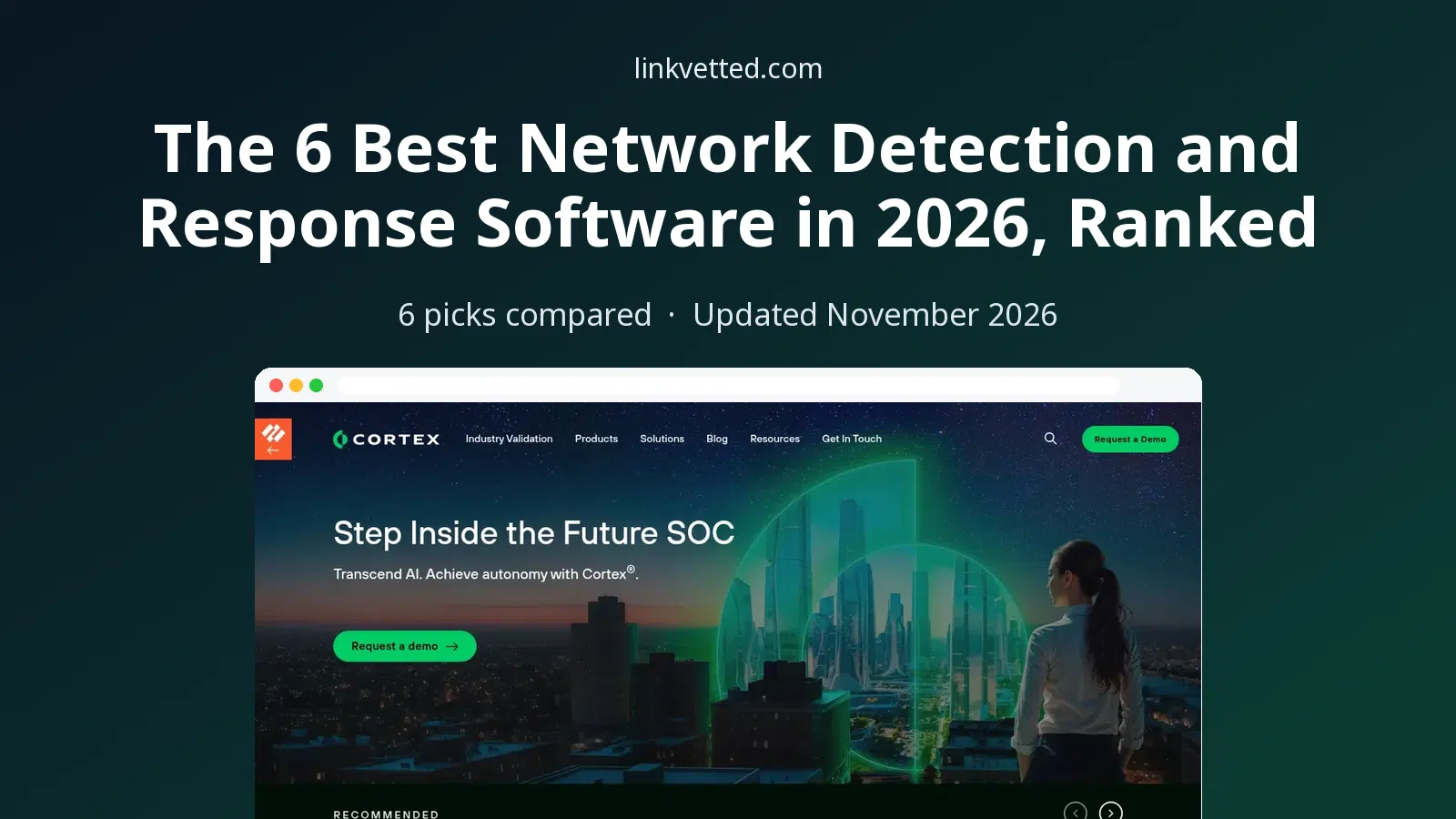
The 6 Best Network Detection and Response Software in 2026, Ranked
Weighing the best network detection and response software? We lined up 6 products by cost, free access and fit. Read the caveats before you buy. Facts only.
- Editor's choiceTrend Micro Network Detection and Response
Layered protection within an enterprise system
Starts atSee websiteVisit trendmicro.comFull review - Great alternativeExtraHop Reveal(x)
Network visibility for modern enterprises
Starts atSee websiteVisit extrahop.comFull review - Also consider
 Palo Alto Networks Cortex XDR
SOC transformation and AI-driven operations
Starts atSee websiteVisit paloaltonetworks.comFull review
Direct answer
Trend Micro Network Detection and Response is the first pick on this list for layered protection within an enterprise system. Listed starting prices: CrowdStrike Falcon Insight XDR from $7.99 per device per month. If your case is different, ExtraHop Reveal(x) suits Network visibility for modern enterprises and Palo Alto Networks Cortex XDR suits SOC transformation and AI-driven operations. The other 3 tools in the list cover narrower or pricier cases.
TL;DR:
- Trend Micro Network Detection and Response sits first on this list: layered protection within an enterprise system.
- Darktrace comes with a trade-off: autonomous response needs careful governance.
- Vectra AI fits Network and identity observability with AI.
- The lowest published monthly entry price here is $7.99 per device per month, from CrowdStrike Falcon Insight XDR.
Last checked November 2026. Prices and plan details were read from the vendors' own pages in November 2026; vendors change plans often, so confirm the current price on the vendor site before you buy.
Quick comparison
| Tool | Best for | Starts at | Free plan? | |
|---|---|---|---|---|
| Trend Micro Network Detection and Response | Layered protection within an enterprise system | See website | Not stated | Visit |
| ExtraHop Reveal(x) | Network visibility for modern enterprises | See website | Not stated | Visit |
| Palo Alto Networks Cortex XDR | SOC transformation and AI-driven operations | See website | Not stated | Visit |
 Darktrace | Autonomous AI response to in-progress attacks | See website | Not stated | Visit |
| CrowdStrike Falcon Insight XDR | Wide AI-native detection across environments | $7.99 per device per month | Free trial | Visit |
 Vectra AI | Network and identity observability with AI | See website | Not stated | Visit |
Every option for network detection and response software explained
Short on time? The summary and table above give the quick view of 6 tools for network detection and response software, and the profiles that follow give the detail behind each entry.
Trend Micro Network Detection and Response
Best for: Layered protection within an enterprise system
Pick Trend Micro Network Detection and Response if this describes you: layered protection within an enterprise system. Trend Micro Network Detection and Response sits within an enterprise AI cybersecurity system that emphasizes layered protection, cyber risk exposure management and security operations.
Honest limits: Full benefit needs platform adoption.
The network detection capability is one component of a bigger system, so standalone buyers may find the surrounding suite unnecessary. No starting price is listed for Trend Micro Network Detection and Response here; confirm pricing on the vendor site. On free options: Not stated.
- Layered protection approach
- Part of a wide enterprise cybersecurity product
- Network detection is one piece of a bigger suite
ExtraHop Reveal(x)
Best for: Network visibility for modern enterprises
ExtraHop Reveal(x) is built with Network visibility for modern enterprises in mind. Sensor placement relies on available network taps or mirror ports, which affects planning.
The main drawbacks: Visibility alone is not full response.
No starting price is listed for ExtraHop Reveal(x) here; confirm pricing on the vendor site. Free options: Not stated.
- Pitched at agentic enterprise environments
- Supports investigation of network activity
- Deployment relies on network taps or mirrors
Palo Alto Networks Cortex XDR
Best for: SOC transformation and AI-driven operations

Palo Alto Networks Cortex XDR serves SOC transformation and AI-driven operations. It brings detection and response together so analysts can investigate and act from a unified workflow. Lean security teams without dedicated SOC staff may find the operational model demanding.
In daily use, teams already using Palo Alto Networks firewalls and security services commonly find it a natural extension, and bigger SOCs seeking to modernize processes are the primary audience. More specifically, the system's strengths are deepest when paired with other Palo Alto Networks products, so mixed-vendor environments may see less benefit. From a buyer's view, consider a more straightforward managed or sensor-focused choice if you lack the people to run advanced workflows. Palo Alto Networks Cortex XDR does not show a starting price in this comparison, so check the vendor site for current pricing. Free plan details: Not stated.
Downsides: May be complicated for lean teams.
- Suits Palo Alto security ecosystems
- AI-driven product designed for SOC transformation
- Full value relies on ecosystem alignment
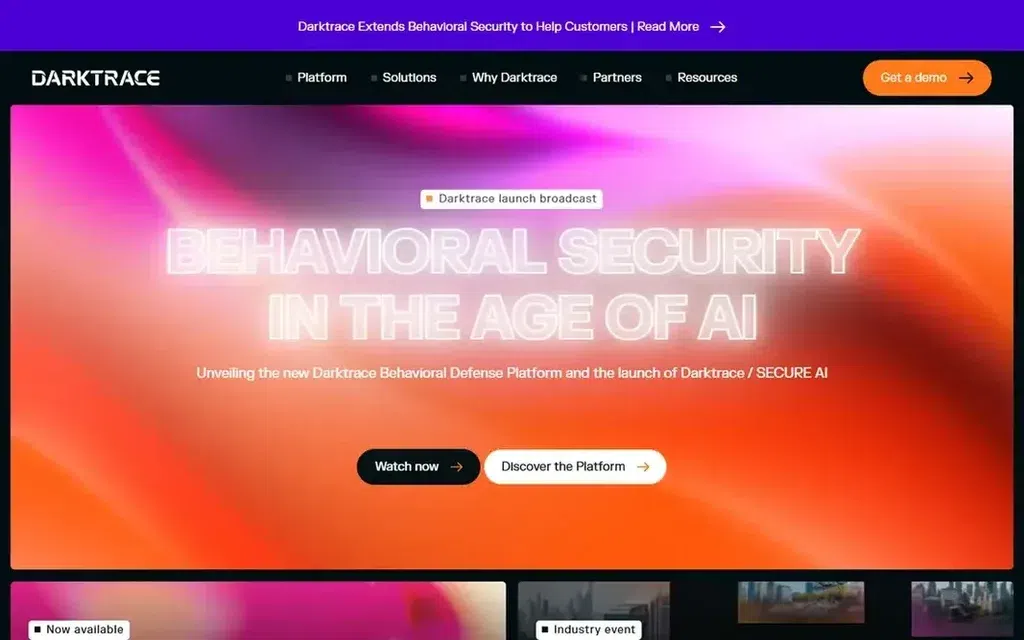
For autonomous AI response to in-progress attacks, Darktrace is a natural candidate. Autonomous response is feature-rich but demands clear governance so legitimate activity is not disrupted, and behavioral learning takes time to settle.
Points against: Autonomous response needs careful governance.
More specifically, Darktrace presents itself as an essential AI cybersecurity product whose technology interrupts in-progress cyber attacks within seconds, including ransomware, email phishing, and threats to cloud environments and critical infrastructure. No starting price is listed for Darktrace here; confirm pricing on the vendor site. As for free access: Not stated.
- Handles ransomware
- Also addresses critical infrastructure environments
- Behavioral learning needs a tuning period
CrowdStrike Falcon Insight XDR
Best for: Wide AI-native detection across environments
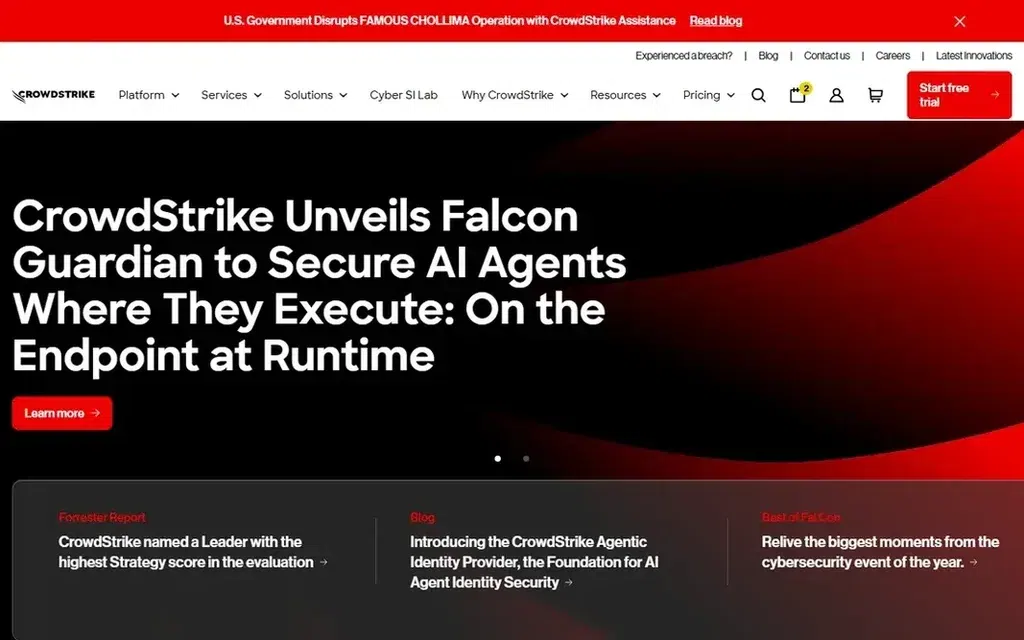
CrowdStrike Falcon Insight XDR is aimed squarely at wide AI-native detection across environments. Its extended detection and response scope means network and endpoint signals are correlated in one place, which suits security teams that want consolidated visibility instead of separate point tools.
What users get: Extended detection and response scope.
Drawbacks to consider: Wide scope may need tuning.
Entry price for CrowdStrike Falcon Insight XDR: $7.99 per device per month. On free options: Free trial.
- AI-native detection approach
- Cloud-native system spanning endpoints, cloud
- Best value for teams needing full system
Vectra AI makes the most sense for Network and identity observability with AI. The combination of network visibility and identity context suits security teams that require to detect attacker behavior across hybrid estates instead of monitor a single layer in isolation.
Beyond that, organizations seeking only basic network traffic monitoring may find the scope broader than necessary. No starting price is listed for Vectra AI here; confirm pricing on the vendor site. On free options: Not stated.
Points against: Needs integration planning across environments.
Strengths: Focus on reducing exposure and speeding response.
- AI-native security and observability
- Coverage across network, identity
- Wide coverage may need phased rollout
What went into this list
The comparison looks at four things: starting price, free access, how well the feature set matches network detection and response software, and the main limit of each tool. Seat minimums, billing terms and add-ons can move the real cost, so the starting prices here are a guide and not a quote. Position on the page reflects fit for a typical buyer first, with price clarity and free access breaking ties. Treat it as a guide, not a ruling.
A buyer's checklist
- Ask Trend Micro Network Detection and Response, ExtraHop Reveal(x), Palo Alto Networks Cortex XDR and others for a written quote, since no starting price is shown.
- Use real work to test the free trial from CrowdStrike Falcon Insight XDR, rather than a demo project.
- Read the limits listed for Trend Micro Network Detection and Response first: Network detection is one piece of a bigger suite.
- Look at the renewal terms for CrowdStrike Falcon Insight XDR: auto-renewal, notice periods and price changes can matter more than the first-year price.
- Before you load data into Darktrace, check what an export looks like and who can run it.
FAQ
What is the cheapest option for network detection and response software in this list?
On published monthly entry prices, CrowdStrike Falcon Insight XDR is the lowest here at $7.99 per device per month. Entry price is only part of the cost, because seats, add-ons and billing terms can change the total.
Can I try these options before paying?
Often, yes. CrowdStrike Falcon Insight XDR offers a free trial. Use your own data and a real task during the test, and check what the free tier or trial limits before you rely on it. For the full picture, the cards above cover all 6 entries of this network detection and response software list, including price, free plan and limits.
Is Trend Micro Network Detection and Response the right pick for everyone comparing network detection and response software?
No single tool suits every team. Trend Micro Network Detection and Response comes first because it fits layered protection within an enterprise platform, while ExtraHop Reveal(x) suits Network visibility for modern enterprises and Palo Alto Networks Cortex XDR suits SOC transformation and AI-driven operations. Match the tool to your own size, budget and workflow before deciding.
Is autonomous response safe for production networks?
Look for scoping, approval workflows and the capacity to disable automatic actions. More specifically, plenty of teams start in a monitor-only mode before enabling containment.
How do I choose between a XDR product and a network-only tool?
Network-only tools focus deeply on traffic analysis and can be more straightforward to operate. Choose based on whether you need wide correlation or specialized network insight.
What does network detection and response software do?
It watches network traffic and related telemetry to detect suspicious behavior, then helps analysts investigate and respond. Response may be manual, guided or automatic based on the tool.
Sources
- https://www.trendmicro.com
- https://www.extrahop.com
- https://www.paloaltonetworks.com/cortex
- https://darktrace.com
- https://www.crowdstrike.com
- https://www.vectra.ai