Best Endpoint Detection and Response Tools in 2026: 8 Tools Compared
Compare the best endpoint detection and response tools for 2026, with autonomous response, managed detection, pricing, and picks for small and large teams.
- Editor's choice
 CrowdStrike Falcon
Cloud-native EDR with threat intelligence
Starts at$59.99 per device per yearVisit crowdstrike.comFull review - Great alternative
 SentinelOne Singularity
Autonomous response and rollback
Starts at$69.99 per endpoint per yearVisit sentinelone.comFull review - Also consider
 Microsoft Defender for Endpoint
Microsoft 365 environments
Starts at$3 per user per monthVisit microsoft.comFull review
TL;DR:
- CrowdStrike Falcon and SentinelOne Singularity lead for enterprise EDR, with CrowdStrike stronger on threat intelligence and SentinelOne stronger on autonomous rollback.
- Microsoft Defender for Endpoint is the best value for Microsoft 365 teams, because many already own it through existing licenses.
- Small teams without a security team should favor managed EDR, such as Huntress, over a tool-only purchase they cannot staff.
- EDR pricing is usually per endpoint per year, so model your full device count, including servers, before you compare.
- Test detection, isolation, and rollback on a lab machine before rollout, and check agent performance on your oldest devices.
Quick comparison
| Tool | Best for | Starts at | Free plan? | |
|---|---|---|---|---|
| CrowdStrike Falcon | Cloud-native EDR with threat intelligence | $59.99 per device per year | Free trial | Visit |
| SentinelOne Singularity | Autonomous response and rollback | $69.99 per endpoint per year | No | Visit |
| Microsoft Defender for Endpoint | Microsoft 365 environments | $3 per user per month | Free trial | Visit |
 Huntress Managed EDR | Small teams needing a managed SOC | $8.99 per endpoint per month | No | Visit |
 Palo Alto Cortex XDR | Palo Alto network customers | See website | Free trial | Visit |
 Sophos Intercept X | SMBs on the Sophos stack | See website | Free trial | Visit |
 Bitdefender GravityZone | Budget-conscious multi-layer protection | $38.50 per endpoint per year | Free trial | Visit |
 Trend Micro Vision One | Broad multi-layer protection | See website | Free trial | Visit |
The best endpoint detection and response tools
Endpoint detection and response, or EDR, records activity on workstations and servers, detects suspicious behavior that traditional antivirus misses, and can isolate a compromised machine. Extended detection and response, or XDR, adds signals from email, identity, and cloud. The tools below cover both, with a focus on true EDR capability.
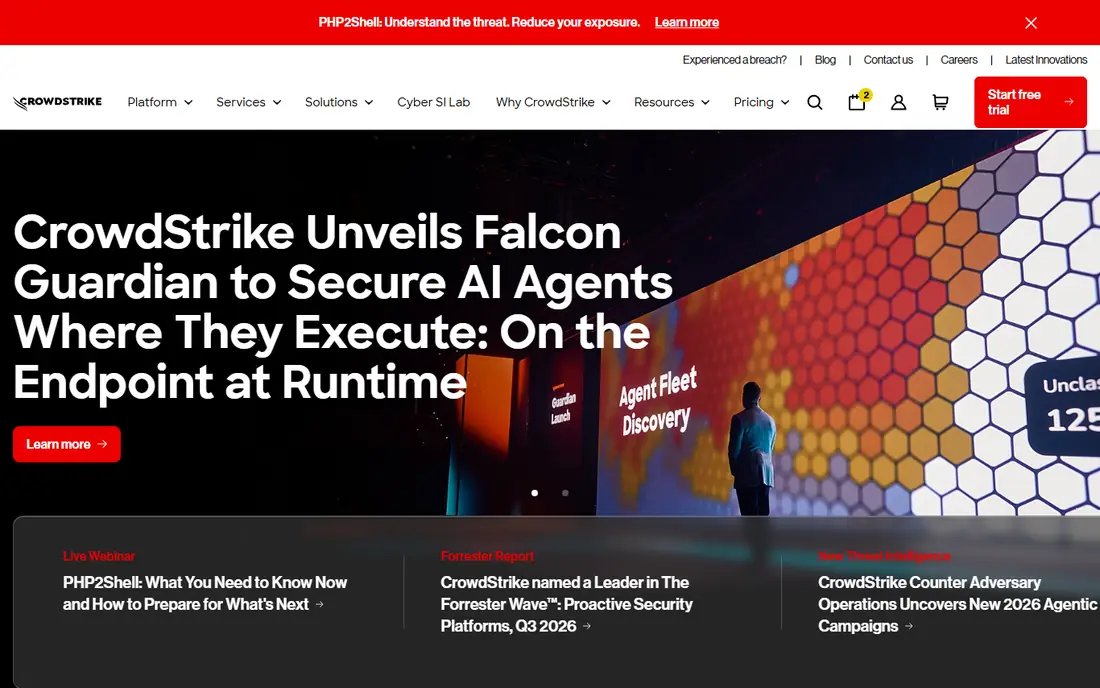
CrowdStrike Falcon built much of the modern EDR market, and its cloud-native design remains a strength. A lightweight agent sends telemetry to the cloud, where the Threat Graph correlates activity across endpoints and threat intelligence identifies known adversary patterns. Falcon OverWatch adds human threat hunting, and Falcon Complete adds a fully managed SOC for teams that do not want to staff one.
Entry pricing covers a basic tier, while full EDR features sit on higher tiers, so check which tier your quote includes before comparing. Teams without analysts should price Falcon Complete, not just the tool. For organizations that want deep detection and are willing to pay for it, Falcon remains the reference platform.
- Lightweight cloud-native agent
- Deep threat intelligence
- Human-led threat hunting
- Managed Falcon Complete option
- Full EDR tiers cost more than the entry tier
- Internet-dependent design
- Needs analyst time without the managed option
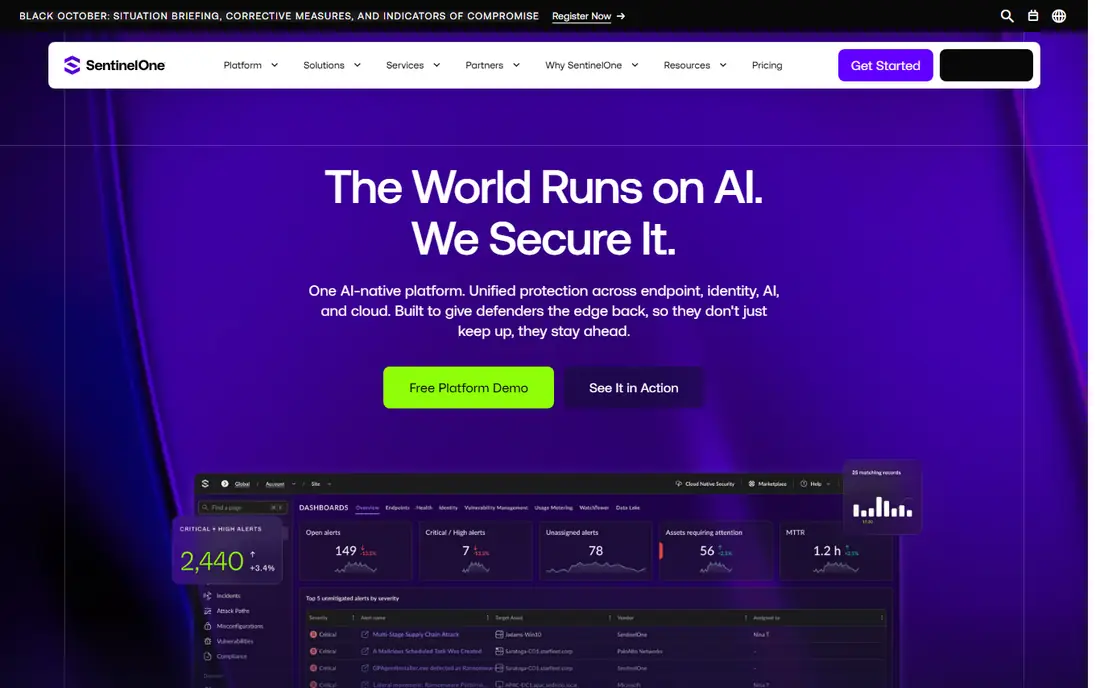
SentinelOne Singularity stands out for autonomous response. Its on-device AI can detect, kill, and roll back ransomware damage without waiting for a cloud decision or a human analyst, which matters most at 3 a.m. when nobody is watching alerts. The Storyline view shows an attack as a timeline, making investigation faster than a pile of separate alerts.
Pricing rises steeply across tiers, with full EDR and managed options well above the entry figure, so model the tier you actually need. Teams that want hands-off protection for endpoints, especially small teams, will value rollback most. Larger teams should test SentinelOne's console and reporting against CrowdStrike before choosing.
- Autonomous detection and remediation
- One-click ransomware rollback
- On-device AI
- Storyline timeline view
- Advanced tiers cost substantially more
- Setup and tuning take training
- Managed Vigilance is an add-on
Microsoft Defender for Endpoint is the obvious first check for any team already running Microsoft 365, because Plan 2 is included in E5 licenses and Plan 1 is available standalone at a low price. Integration is native, with automated investigation, attack surface reduction rules, and remediation built into the Microsoft stack. For Windows-heavy environments, that native fit is hard to beat.
Licensing is the main headache, with different plans, add-ons, and bundle rules to untangle. Cross-platform coverage for Mac and Linux is good but less deep than Windows, and teams outside the Microsoft stack may prefer a vendor-neutral tool. If you already pay for E5, deploy Defender first and only add another EDR for high-risk endpoints.
- Native Microsoft 365 and Azure integration
- Included in some E5 licenses
- Automated investigation and remediation
- Strong Windows coverage
- Licensing is complex
- Cross-platform depth is less than rivals
- Best value requires Microsoft 365 commitment
Huntress Managed EDR is designed for small businesses without a security team, pairing EDR technology with a 24/7 security operations center that reviews alerts and responds on your behalf. That managed layer is the point: a tool-only EDR that nobody watches will miss attacks, while Huntress analysts triage and act for you. Pricing is clear per endpoint per month, which helps small budgets.
Larger organizations with their own SOC may find the managed model less flexible than a tool they control directly. For a small business, though, Huntress often delivers better real protection than a more powerful tool left unmonitored. If you have no dedicated security staff, start here.
- 24/7 managed SOC included
- Built for small businesses
- Clear per-endpoint pricing
- Human analysts review alerts
- Less suited to large enterprises with in-house SOCs
- Managed model means less direct console control
Palo Alto Cortex XDR extends EDR into XDR by correlating endpoint data with network, cloud, and identity signals, which helps teams investigate one incident instead of several separate alerts. Automated response, including host isolation and process blocking, is fast, and Live Terminal lets analysts inspect a remote endpoint during an incident. For teams already using Palo Alto firewalls, the integration is a clear advantage.
Pricing is quote only, and the platform rewards teams already committed to Palo Alto. Standalone buyers should compare it carefully against CrowdStrike and SentinelOne on total cost and console usability. If your network is Palo Alto-based, Cortex XDR deserves a serious trial.
- Unified endpoint, network, and cloud data
- Fast automated response
- Live Terminal for investigation
- Strong analytics
- Quote-only pricing
- Interface complexity
- Best value inside the Palo Alto ecosystem
Sophos Intercept X combines endpoint protection, EDR, and XDR features in a stack that many small and mid-size businesses already use for firewall and endpoint security. Threat hunting tools help lean teams investigate alerts, and Sophos MDR adds a managed team for organizations that want analysts without hiring them. Central management suits teams running several Sophos products.
Pricing often comes through partners and varies by tier, so get a written quote for the tier that includes full EDR, not just antivirus. Teams already on Sophos will find Intercept X the simplest upgrade path. Teams starting fresh should compare it against Defender and Huntress on price and managed support.
- Endpoint protection plus EDR and XDR in one stack
- Threat hunting tools
- Sophos MDR add-on
- Familiar SMB management
- Quote via partner for many buyers
- Full EDR features depend on tier
- MDR is an add-on cost
Bitdefender GravityZone offers multi-layer endpoint protection with EDR and XDR features at list prices well below CrowdStrike and SentinelOne. That value suits budget-conscious teams, schools, and mid-size businesses that need solid protection across Windows, Mac, and Linux without enterprise pricing. Central management keeps administration simple for lean IT teams.
Managed detection is not included in the self-service tiers, so teams without analysts should price the managed option or pair GravityZone with a monitoring service. Advanced EDR features also sit on higher tiers, so check tier details. For value-focused teams with some security capacity, GravityZone is a strong, affordable pick.
- Low list pricing
- Multi-layer protection
- Broad platform coverage
- Centralized management
- Managed detection is not in self-service tiers
- Advanced EDR features need higher tiers
Trend Micro Vision One extends EDR into XDR by pulling signals from endpoints, email, cloud workloads, and networks into one investigation view. That breadth helps teams that already use Trend Micro for email or cloud security, and its threat research operation is large and long-established. Managed detection options help teams without a full SOC.
Pricing is quote only, and the breadth of the platform can feel complex for small teams. If you already run Trend Micro products, Vision One is a natural consolidation choice. If you only need endpoint protection, a simpler EDR tool may be faster to deploy and easier to run.
- Broad protection across endpoint, email, cloud, and network
- XDR correlation
- Large threat research team
- Managed options available
- Quote-only pricing
- Platform breadth can feel complex
- Console learning curve
How we picked these
We compared official vendor pricing, feature documentation, and public EDR comparisons for tools operating in 2026, focusing on tools with true detection, investigation, and response features, not antivirus alone. We favored tools with autonomous or managed response options, cross-platform coverage, and a track record in independent testing. Prices shown are published list figures where available, or a quote-only note where the vendor does not publish a price, and tier differences are noted because entry tiers often lack full EDR features.
What to check before you buy
Start with staffing, not features. If nobody will watch alerts at night, buy a managed option such as Huntress, Falcon Complete, Sophos MDR, or SentinelOne Vigilance. If you have analysts, a tool-only purchase gives more control and may cost less. That single decision narrows the list faster than any feature comparison.
Next, test on your real devices. Install the agent on your oldest laptops, your servers, and your Mac or Linux machines if you have them, and measure performance impact during normal work. Check detection on a lab machine using safe test samples, and practice isolation and rollback before you roll out company-wide.
Coverage and integration
Confirm coverage for every operating system and device type you run, including servers, virtual machines, and remote laptops. Check integrations with your SIEM, ticketing system, and identity provider, because EDR alerts should flow into incident workflows, not sit in a separate console. Ask about offline protection, because laptops that travel still need protection without internet access.
Cost at full scale
Model cost at your full endpoint count, including servers and future growth, and at the tier that includes full EDR. Add managed service costs where needed, and check contract length and renewal terms. A tool that looks cheap at entry tier can become expensive once you add the tiers and services you actually need.
FAQ
What is the best endpoint detection and response tool?
CrowdStrike Falcon and SentinelOne Singularity lead for enterprise EDR, with CrowdStrike stronger on threat intelligence and SentinelOne stronger on autonomous rollback. Microsoft Defender for Endpoint is best for Microsoft 365 teams, and Huntress Managed EDR is best for small teams without a security staff.
What is the best endpoint detection and response software for small business?
Huntress Managed EDR is a strong pick for small businesses, because it includes a 24/7 managed SOC at a clear per-endpoint price. Microsoft Defender for Business and Bitdefender GravityZone are good lower-cost options for teams with some IT capacity but no dedicated security staff.
How is EDR different from antivirus?
Traditional antivirus blocks known malware using signatures, while EDR records endpoint activity, detects suspicious behavior that signatures miss, and lets teams investigate and respond to attacks. EDR can isolate a machine, kill malicious processes, and roll back changes, which antivirus alone cannot do reliably.
Do I need EDR or XDR?
If you only need endpoint protection, EDR is enough. XDR adds email, identity, cloud, and network signals, which helps larger teams investigate incidents across systems. Small teams should buy EDR plus managed detection first, and only move to XDR when they have the data sources and staff to use it.
How much does EDR cost?
Published list prices range from $3 per user per month for Microsoft Defender for Business, $38.50 per endpoint per year for Bitdefender GravityZone, $59.99 per device per year for CrowdStrike Falcon Go, and $69.99 per endpoint per year for SentinelOne entry tiers, to quote-only pricing for Palo Alto, Sophos, and Trend Micro. Full EDR and managed tiers cost more than entry tiers.