Best Audience Response Software in 2026: 8 Products Compared
We compare the best audience response software for live polls, Q and A and quizzes, with pricing and fit for classrooms, meetings and large events today.
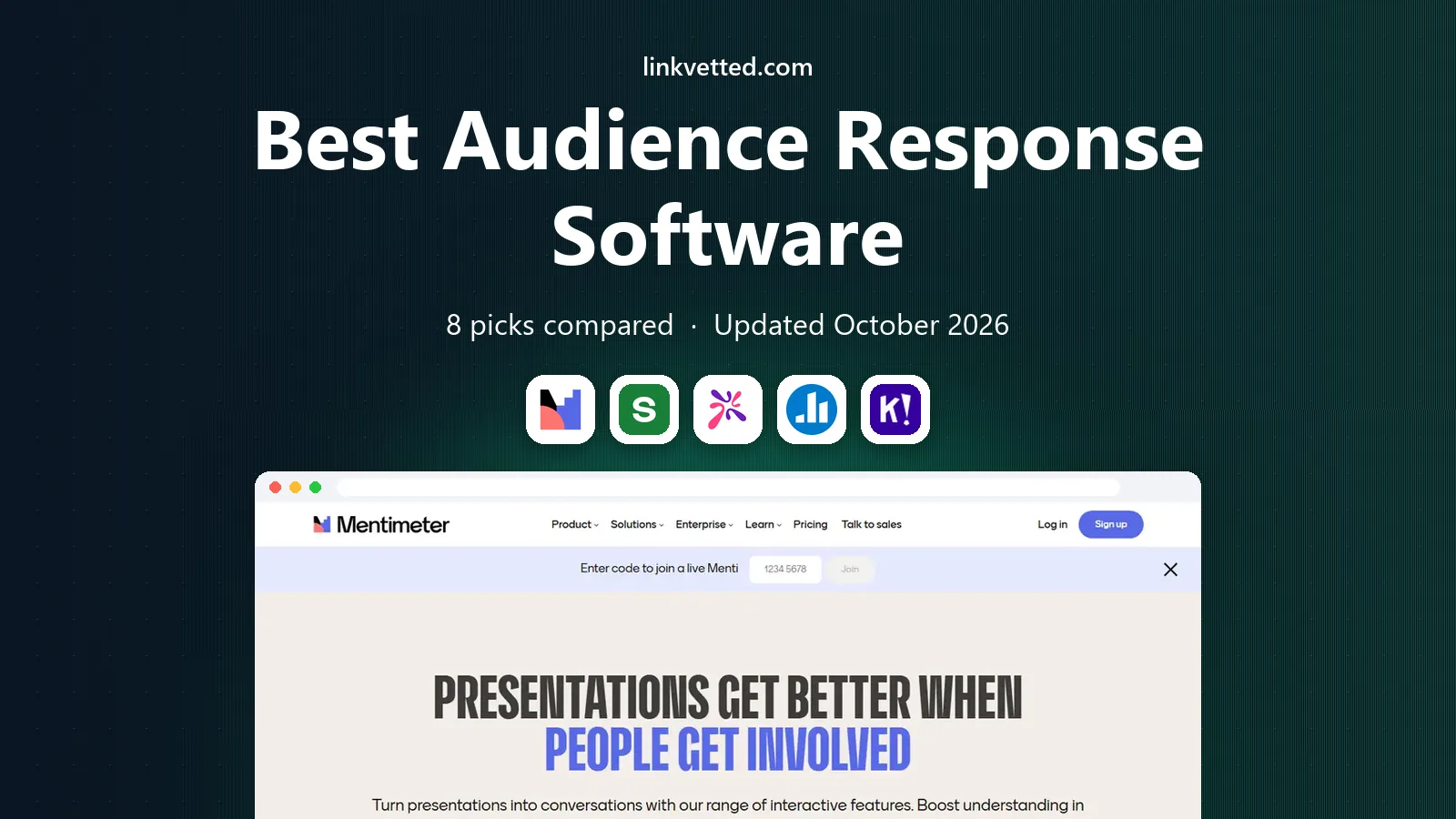
- Editor's choice
 Mentimeter
Polished polls and Q and A for meetings
Starts atSee websiteVisit mentimeter.comFull review - Great alternative
 Slido
Large meetings and conference Q and A
Starts atSee websiteVisit slido.comFull review - Also consider
 AhaSlides
Polls inside slides for teachers
Starts at$7.95 per monthVisit ahaslides.comFull review
TL;DR:
- Mentimeter and Slido lead for polished live polls and Q and A in meetings and conferences.
- AhaSlides suits teachers and trainers who want polls inside slides at a low price.
- Poll Everywhere suits teams that want SMS and web voting without a new presentation tool.
- Kahoot suits classrooms and team events where quizzes and competition drive energy.
- Check participant limits, moderation and PowerPoint or Google Slides links before event day.
Quick comparison
| Tool | Best for | Starts at | Free plan? | |
|---|---|---|---|---|
| Mentimeter | Polished polls and Q and A for meetings | See website | Yes | Visit |
| Slido | Large meetings and conference Q and A | See website | Yes | Visit |
| AhaSlides | Polls inside slides for teachers | $7.95 per month | Yes | Visit |
 Poll Everywhere | SMS and web voting for any talk | See website | Yes | Visit |
 Kahoot | Quiz games for classrooms and teams | See website | Yes | Visit |
 Vevox | Secure polls for corporate and education | See website | Yes | Visit |
 Glisser | Events with slides, polls and notes | See website | No | Visit |
 Pigeonhole Live | Moderated Q and A for conferences | See website | Free trial | Visit |
The best audience response software
Audience response software lets a room vote, answer questions and ask questions from phones, without clickers or extra hardware. We compared official feature pages, pricing pages and public reviews for tools with live polls, Q and A, quizzes, word clouds and moderation, focusing on ease for presenters and participants.

Mentimeter fits presenters who want a polished, modern look without building a slide deck around a polling tool. You can add multiple-choice polls, scales, open text, word clouds and Q and A to a presentation, and the audience joins by code from a phone browser. Results update live, which keeps a room focused. The honest catch is limits. The free plan is good for small classes and meetings, but larger audiences and more question types need a paid plan. Mentimeter also works best when the presenter plans interaction in advance, rather than adding a poll as an afterthought. For regular meeting and classroom use, it is a reliable first pick.
- Clean live polls, word clouds and Q and A
- PowerPoint and Google Slides links
- Easy join by code
- Free plan limits participants and question types
- Advanced analytics need paid plans
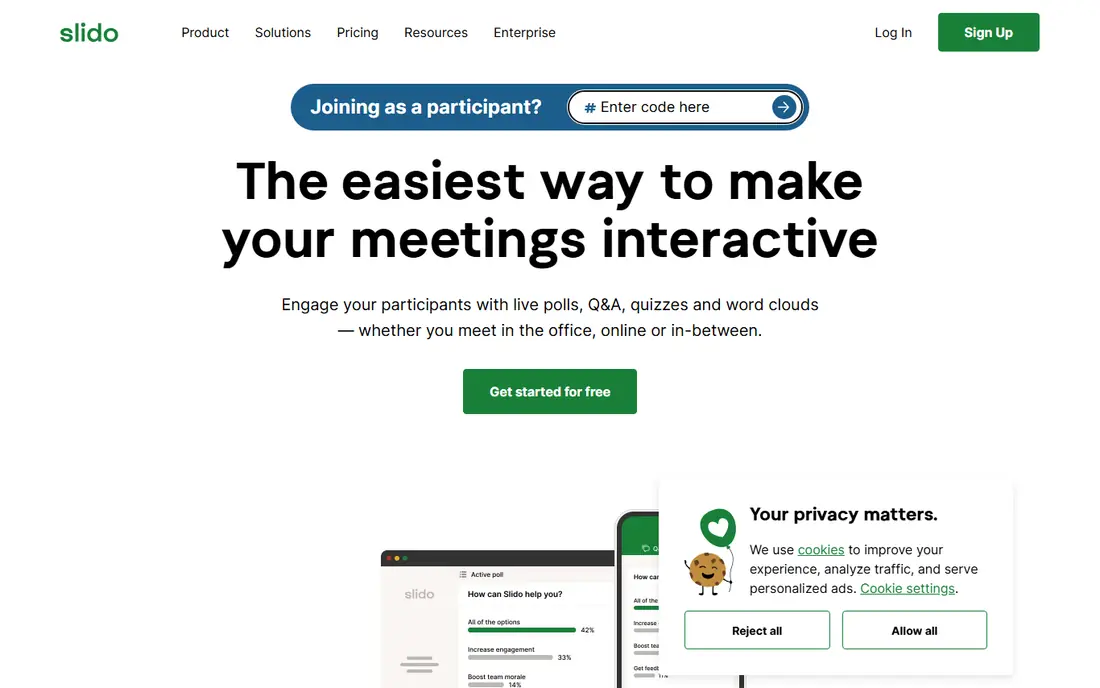
Slido fits conferences, town halls and large internal meetings where questions need moderation and voting. Attendees can submit questions, upvote the ones they care about, and answer polls without downloading an app. Moderators can hide duplicates, mark questions answered and keep the session on track. The catch is cost at scale. Slido is free for small use, but large events, multiple rooms and advanced analytics move to paid plans. Presenters should also test the slide integration before event day, since a last-minute link problem can stall a session. For large Q and A, Slido remains one of the safest choices.
- Strong moderated Q and A with upvoting
- Polls inside PowerPoint, Google Slides and Webex
- Good for large events
- Free plan limits participants and features
- Pricing for large events needs a quote check
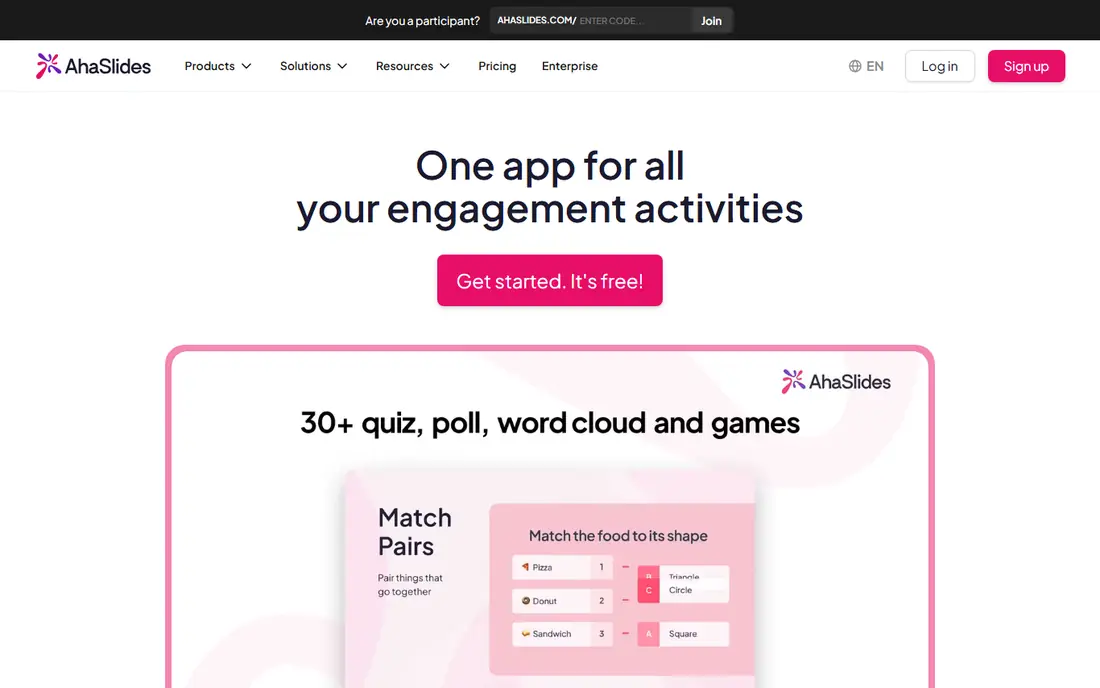
AhaSlides fits teachers, trainers and small business presenters who want interaction inside a slide deck at a low price. You can build a full presentation with polls and quizzes, share a code, and see results live. AI quiz generation helps teachers create questions faster, and anonymous feedback options suit classroom use. The honest catch is audience size on the free plan and a slightly simpler design system than Mentimeter or Slido. For classes and workshops under 50 people, the free plan is genuinely useful. For large corporate events, check participant limits and branding options on paid plans before committing.
- Low starting price
- Polls, quizzes, word clouds and Q and A in slides
- PowerPoint and Google Slides integration
- Design polish trails Mentimeter for corporate events
- Free plan caps participants at 50
Poll Everywhere fits presenters who speak to mixed audiences, including people who may not want to install an app or join a new platform. Attendees can vote by text message or web link, and polls can sit inside existing slide decks. That flexibility helps in classrooms, churches, conferences and corporate training. The catch is look and depth. Poll Everywhere is practical rather than flashy, and its free plan limits responses and features. Teams that need word clouds, quizzes and polished Q and A moderation may prefer Mentimeter or Slido. Teams that need simple, reliable voting for any audience will find Poll Everywhere dependable.
- SMS and web voting options
- Works inside PowerPoint, Google Slides and Keynote
- Good for audiences without app installs
- Interface feels more functional than modern rivals
- Advanced reporting needs paid plans
Kahoot fits teachers and team leaders who want energy, competition and quick knowledge checks. Players join by PIN, answer on phones, and see scores live, which keeps attention in a way a plain poll often does not. Ready-made quizzes cover many school and training topics, so setup can be fast. The honest catch is fit. Kahoot is excellent for quizzes and review games, but it is not the best tool for nuanced polls, open Q and A or sensitive feedback. Presenters should also check whether they need a school, business or personal plan, since limits differ. For fun, fast quizzes, Kahoot is still a top pick.
- Fun quiz games with music and competition
- Huge library of ready-made quizzes
- Easy for students and teams
- Game format suits quizzes more than serious polls or Q and A
- School and business pricing differ
Vevox fits universities, hospitals and companies that need anonymous, moderated participation with a professional tone. Polls, surveys, Q and A and word clouds run from PowerPoint or a browser, and participants join by code without an account. That anonymity helps shy audiences speak up. The catch is that Vevox feels more restrained than game-like rivals, which is a strength for formal meetings and a weakness for lively events. Paid plans are needed for larger audiences and full analytics. For corporate training, lectures and town halls where trust and moderation matter, Vevox is a solid, steady choice.
- Anonymous polls and Q and A with moderation
- PowerPoint integration
- Good for universities and companies
- Free plan has participant and feature limits
- Design options are more restrained than Mentimeter
Glisser fits event organizers who want attendees to follow slides on their own devices, take private notes and answer polls in one place. That device view helps large rooms where back rows cannot see the screen well, and it gives organizers analytics on engagement, questions and slide views after the event. The honest catch is price clarity. Glisser is built for events rather than a single classroom, and pricing often requires a quote. Small presenters may find Mentimeter or AhaSlides cheaper and simpler. Event teams that value slide sharing plus interaction, though, will find Glisser a useful all-in-one event layer.
- Shares slides to attendee devices live
- Polls, Q and A and private notes in one event view
- Event analytics
- No free plan on published terms
- Pricing is quote-based for many events
Pigeonhole Live fits conferences, panels and hybrid events where Q and A needs structure across sessions. Moderators can filter, prioritize and display questions, run polls and manage chat, while attendees join by code. Panel controls help hosts move between speakers without losing questions. The catch is scope and cost. Pigeonhole Live is an event tool, so a teacher with one class may not need its session management. Multi-day events should price all sessions, moderators and branding before booking. For conferences where Q and A quality decides attendee satisfaction, it is a strong, focused pick.
- Strong moderated Q and A, polls and chat for events
- Panel and session controls
- Branding options
- Event pricing can add up for multi-day conferences
- Simpler classroom use may be overkill
How we picked these
We compared official feature pages, pricing pages and documentation, plus public reviews, for audience response tools still available in October 2026. We favored tools with live polls and Q and A, a phone-based join method without mandatory app installs, moderation options and a free plan or trial where possible. We did not run live events on each tool for this guide, so presenters should test participant limits and slide links before a real audience.
Running a session that actually gets replies
Software alone does not create participation. People reply when the question is clear, the join step is easy and the result is used in the room.
Make joining take seconds
Put the code and QR code on every relevant slide, read it aloud, and give people 30 seconds to join before the first poll. Test the code on a phone, not just on your laptop. If joining needs an account, a download or a long form, many attendees will simply watch instead of voting.
Ask questions with a purpose
Use polls to check understanding, surface opinions or decide a next step, and show the result before moving on. Avoid polls that only test trivia with no follow-up. For sensitive topics, use anonymous mode and say so plainly, since people answer more honestly when they trust that setting.
Moderate Q and A with care
Assign a moderator who is not the main speaker, so questions get grouped, duplicates get merged and off-topic or rude questions can be hidden. State the moderation policy briefly at the start. Good moderation protects speakers and attendees, and it keeps the best questions visible.
FAQ
What is audience response software?
It is software that lets an audience vote in polls, answer quizzes, submit questions and see results live from phones or laptops. Presenters use it in classrooms, meetings, training and conferences to check understanding, gather opinions and run Q and A without special clicker hardware.
Do attendees need to install an app?
Usually no. Most tools in this guide let attendees join from a phone browser with a code or QR code, and Poll Everywhere also supports SMS voting. Check the tool you pick, since some advanced features or event apps may still ask attendees to install something.
Which tool is best for a classroom?
AhaSlides and Kahoot suit classrooms well: AhaSlides for polls inside slides at a low price, and Kahoot for quiz games and review. Mentimeter also works well for older students and training. Pick based on whether you need polls, quizzes or both, and check free participant limits.
Which tool is best for a large conference?
Slido and Pigeonhole Live suit large conferences, since both offer moderated Q and A, upvoting and session controls. Glisser adds live slide sharing for large rooms. Price all sessions and rooms before booking, since large-event pricing differs from small-meeting pricing.
Can I use polls in PowerPoint or Google Slides?
Yes, with several tools here. Mentimeter, Slido, AhaSlides, Poll Everywhere and Vevox offer PowerPoint or Google Slides integrations, though features vary by plan. Test the integration with your exact slide file before event day, since fonts, images and links can behave differently.
Are anonymous polls really anonymous?
Anonymous modes in these tools are designed not to show names with answers, but presenters should still avoid asking for identifying details in open text. Check the vendor privacy page for how responses, IP data and exports are handled, and tell attendees what anonymous means for that session.