Best Music Composition Software in 2026: Prices, Free Plans and 6 Picks
Best music composition software: 6 contenders ranked by fit, with entry costs and free tiers. The weak spots sit next to the strengths. Full profiles inside.
- Editor's choice
 Pro Tools
Recording, editing and post-production
Starts atSee websiteVisit avid.comFull review - Great alternativeFL Studio
Beat making and arranging
Starts atSee websiteVisit image-line.comFull review - Also consider
 Reaper
Configurable, light composition
Starts atSee websiteVisit reaper.fmFull review
Direct answer
Pro Tools leads the list, best for recording, editing and post-production. Listed starting prices: Reason from $11.99 a month. Alternatives: FL Studio for beat making and arranging, and Reaper for configurable, light composition. All 6 tools are compared below on price, free plan and limits.
TL;DR:
- Pro Tools is the opening pick, best for recording, editing and post-production.
- None of the 6 tools, from Pro Tools to Ableton Live, has a free plan, so budget for a subscription or use a trial.
- The lowest published monthly entry price here is $11.99 per month, from Reason.
- Ableton Live fits idea sketching and sound design.
Last checked November 2026. Prices and plan details were read from the vendors' own pages in November 2026; vendors change plans often, so confirm the current price on the vendor site before you buy.
Quick comparison
| Tool | Best for | Starts at | Free plan? | |
|---|---|---|---|---|
| Pro Tools | Recording, editing and post-production | See website | Not stated | Visit |
| FL Studio | Beat making and arranging | See website | Not stated | Visit |
| Reaper | Configurable, light composition | See website | Not stated | Visit |
 Logic Pro | Mac and iPad songwriting | See website | Not stated | Visit |
| Reason | Virtual rack instruments and effects | $11.99 a month | Not stated | Visit |
| Ableton Live | Idea sketching and sound design | See website | Not stated | Visit |
Music Composition Software compared in detail
If you are comparing music composition software, this page covers 6 tools in one place: what each is best for, what it costs to start, whether it has a free plan, and the main limit to know about.
Pro Tools is a good fit for recording, editing and post-production. Pro Tools from Avid is a professional digital audio workstation for recording, editing, composing and mixing music, audio and sound for film and television. It is built around the needs of studio recording and post-production, where precise editing and session interchange matter.
Its strength in editing and post-production means composition and creative sketching are less of a focus than in loop- or pattern-oriented DAWs. Beginners may also find the ramp-up time steeper, so a more straightforward tool can be a better starting point. Pro Tools shows no starting price here, so confirm the cost on the vendor site. As for free access: Not stated.
Points against: Composition tools are less central.
- Capable recording and editing focus
- Aimed at music and film work
- Not the most easy-to-learn for beginners
FL Studio
Best for: Beat making and arranging
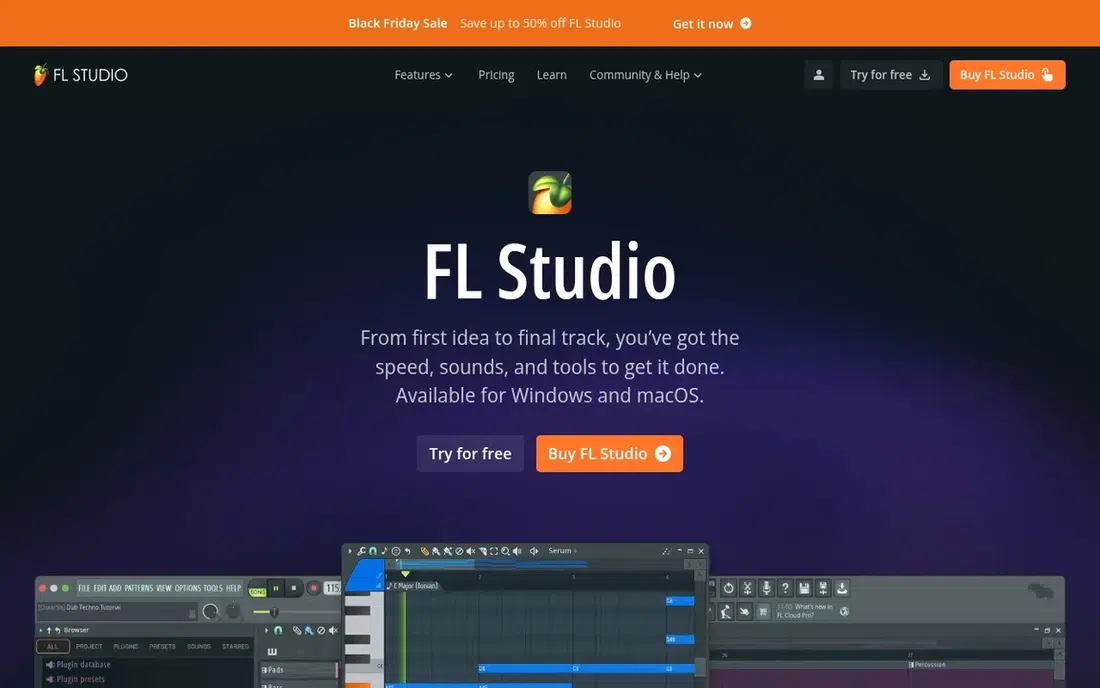
FL Studio is a good fit for beat making and arranging. FL Studio by Image-Line is a digital audio workstation for creating, arranging, recording, editing, mixing and mastering music.
Those who require deep notation or heavy audio post-production may find another DAW a better fit. No starting price is listed for FL Studio here; confirm pricing on the vendor site. Trial and free access: Not stated.
Highlights: Plugin and edition choices. Where it is weaker: Pattern-based workflow divides opinion.
- Record and edit
- Produce, arrange
- Interface differs from linear DAWs
Reaper is aimed squarely at configurable, light composition. It is known for a light footprint and a highly customizable workflow, letting composers tailor menus, actions and layouts to their own process.
Downsides: Fewer built-in instruments than some DAWs.
Reaper shows no starting price here, so confirm the cost on the vendor site. Free access: Not stated.
- Light audio production focus
- Highly customizable workflow
- Defaults need setup time
Logic Pro was built for Mac and iPad songwriting. It fits songwriters, producers and media composers who want a single application from first idea through final mix.
Composers on other systems or those wanting a lighter, more configurable setup may look elsewhere. Logic Pro shows no starting price here, so confirm the cost on the vendor site. On free options: Not stated.
Honest limits: Large feature set takes time to learn.
- Runs on Mac and iPad
- Editing and mixing features
- Tied to Apple hardware
Reason
Best for: Virtual rack instruments and effects
Reason is aimed squarely at virtual rack instruments and effects. Reason from Reason Studios is a DAW built around a virtual rack of instruments and effects, letting you build a personal sound from modular-style devices.
Beyond that, the rack metaphor and device-centric workflow take adjustment, and the software is less associated with film or television post-production. In practice, the vendor positions it as music-making software for producers who want a distinctive sonic identity. On cost, Reason starts like this: $11.99 per month. Trial and free access: Not stated.
Points against: Rack metaphor takes adjustment.
- Centred on building your own sound
- Virtual rack instrument and effect collection
- Less typical in post-production
Ableton Live
Best for: Idea sketching and sound design
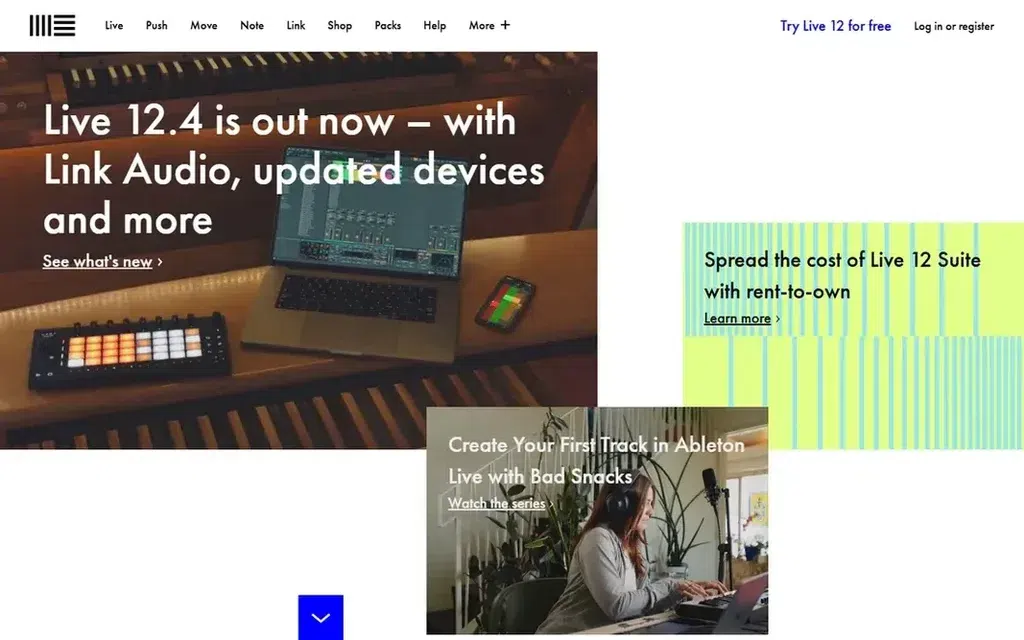
Where Ableton Live fits: idea sketching and sound design. The latest version layers on experimental sound design tools and precision mixing effects alongside workflow improvements.
Where it falls short: Dense interface for newcomers.
For everyday use, the interface packs a lot into one screen, which can feel overwhelming at first. It is not the most solid choice if notation or large orchestral scoring is central to your work. No starting price is listed for Ableton Live here; confirm pricing on the vendor site. Free plan details: Not stated.
- Experimental sound design tools
- Session view suits loop-based composition
- Less centred on traditional notation
Our selection method
LinkVetted looked at what each vendor publishes: pricing, plan limits, feature coverage for music composition software and stated drawbacks. No hands-on testing is claimed. Treat prices as a snapshot: vendors change plans often, so check the vendor site for the figure that applies today. The ranking is editorial: typical fit first, then clear pricing, then free access. If your needs are unusual, read the profiles rather than relying on position.
What to confirm before you sign up
- Ask Pro Tools, FL Studio, Reaper and others for a written quote, since no starting price is shown.
- Before choosing Pro Tools, weigh its main limit: not the most easy-to-learn for beginners.
- See whether Reaper offers onboarding or training, and whether it is included in the price.
- Check whether the features you need in Pro Tools sit on the entry plan or only on higher tiers.
- Get the contract term, renewal terms and any onboarding fees from Reason in writing.
FAQ
Can I try these options before paying?
Not by default. None of the tools, from Pro Tools to Ableton Live, lists a free plan or a free trial here, so ask each vendor for a demo before committing.
Do these tools publish their prices?
Not all of them. Pro Tools, FL Studio, Reaper and others publish no starting price, so expect a quote request for those. The rest, Reason included, show a starting price, though seats and billing terms still change the final cost.
Does any tool for music composition software here have a free plan?
No tool in this list, Pro Tools and Ableton Live included, has a permanent free plan. Trials and quotes are the usual route, so plan a short evaluation period.
What is the cheapest option for music composition software in this list?
On published monthly entry prices, Reason is the lowest here at $11.99 per month. Entry price is only part of the cost, because seats, add-ons and billing terms can change the total. Each of the 6 options in this music composition software guide has its own card above with the price, free plan and limits.
Can these tools replace notation software?
Most of these DAWs bundle some notation or score editing, but dedicated notation applications normally go deeper. If printed scores and parts are central to your work, confirm the notation features on the vendor site first.
Sources
- https://www.avid.com/pro-tools
- https://www.image-line.com/fl-studio
- https://www.reaper.fm
- https://www.apple.com/logic-pro
- https://www.reasonstudios.com
- https://www.ableton.com/en/live