Motion Graphics Software for Social Media Teams in 2026: The 5 Best Options Side by Side
Searching for the best motion graphics software for social media teams? Here are 5 options with prices and free plans. Read the caveats before you buy. No hype.
- Editor's choice
 Adobe Premiere Pro
Editing and finishing social video projects
Starts atSee websiteVisit adobe.comFull review - Great alternative
 CapCut
Fast AI-assisted vertical video edits
Starts atSee websiteVisit capcut.comFull review - Also considerApple Motion
Mac-based motion graphics for Final Cut Pro users
Starts atSee websiteVisit apple.comFull review
Direct answer
Start with Adobe Premiere Pro if you need editing and finishing social video projects. Listed starting prices: Vyond from $58 a month. If your case is different, CapCut suits fast AI-assisted vertical video edits and Apple Motion suits Mac-based motion graphics for Final Cut Pro users. Details, prices and limits for the rest of the 5 tools are below.
TL;DR:
- This list starts with Adobe Premiere Pro, which is built for editing and finishing social video projects.
- CapCut stands alone as the one tool in this list with a free plan.
- Vyond fits business explainer and animated videos.
- Vyond is the lowest-priced starter here at $58 per month.
Last checked November 2026. Prices and plan details were read from the vendors' own pages in November 2026; vendors change plans often, so confirm the current price on the vendor site before you buy.
Quick comparison
| Tool | Best for | Starts at | Free plan? | |
|---|---|---|---|---|
| Adobe Premiere Pro | Editing and finishing social video projects | See website | Not stated | Visit |
| CapCut | Fast AI-assisted vertical video edits | See website | Yes | Visit |
| Apple Motion | Mac-based motion graphics for Final Cut Pro users | See website | Not stated | Visit |
 Adobe After Effects | In-depth motion design and animation control | See website | Not stated | Visit |
 Vyond | Business explainer and animated videos | $58 a month | Free trial | Visit |
The 5 tools in detail
LinkVetted put together this guide to motion graphics software for social media teams for readers who want a clear shortlist without reading every vendor page. It compares 5 tools on starting price, free plans, who each one suits and where each one falls short.
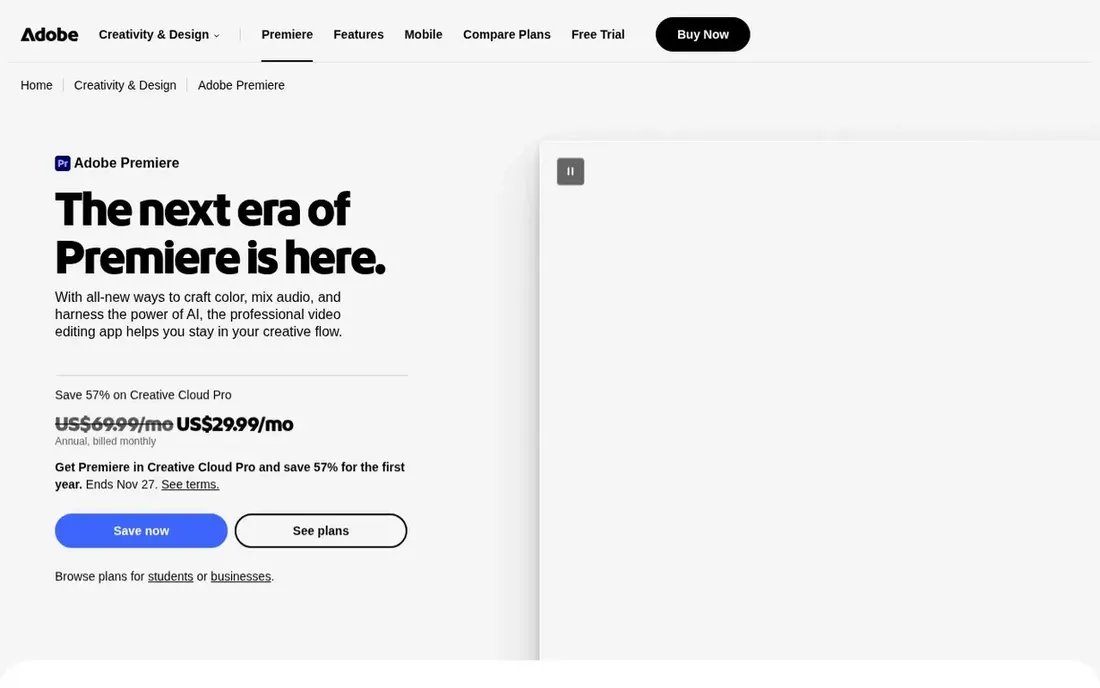
Adobe Premiere Pro is a good fit for editing and finishing social video projects. Social media teams frequently use it as the finishing hub where motion graphics, captions, and sound come together. More specifically, pick a more straightforward editor if your central need is fast template-based social posts.
Watch-outs: Motion graphics are not its primary focus.
For everyday use, Premiere Pro is an editor first, so dedicated animation work is typically better handled in a motion graphics tool. Its interface can feel dense for team members who only cut short clips. No starting price is listed for Adobe Premiere Pro here; confirm pricing on the vendor site. As for free access: Not stated.
- Suits into broader Adobe workflows
- Professional editing and trimming tools
- Full feature set can overwhelm casual editors
CapCut works best for fast AI-assisted vertical video edits. CapCut is an AI video editor for editing YouTube and Instagram videos with smart templates and creative effects. It is available on desktop, mobile, and online, which fits social teams that require to turn around vertical videos rapidly.
Where CapCut stands out: online access; AI-powered editing tools and templates.
Watch-outs: Template-heavy output can look generic.
The template library helps smaller teams produce refined motion elements without dedicated animation staff. As for the details, teams that require unique branded motion systems may outgrow its templates. CapCut is optimized for quick social edits instead of complicated motion graphics, so custom animation control is restricted. Check the vendor site for CapCut pricing; none is listed in this comparison. CapCut offers a free plan.
- Made for short-form social video
- Desktop, mobile
- Advanced motion design options are restricted
Apple Motion
Best for: Mac-based motion graphics for Final Cut Pro users
Apple Motion serves Mac-based motion graphics for Final Cut Pro users. It is suited to social teams already working in the Apple ecosystem that want to build animated titles, transitions, and effects.
What to check first: Less typical in mixed-OS teams.
As for the details, the integration with Final Cut Pro makes it a natural choice for editors who require motion elements inside their edit timeline. It is less widely used than some alternatives, so finding shared templates or tutorials may take more effort. This comparison lists no price for Apple Motion; ask the vendor. As for free access: Not stated.
- Built to complement Final Cut Pro
- Live motion graphics engine
- Mac-only product
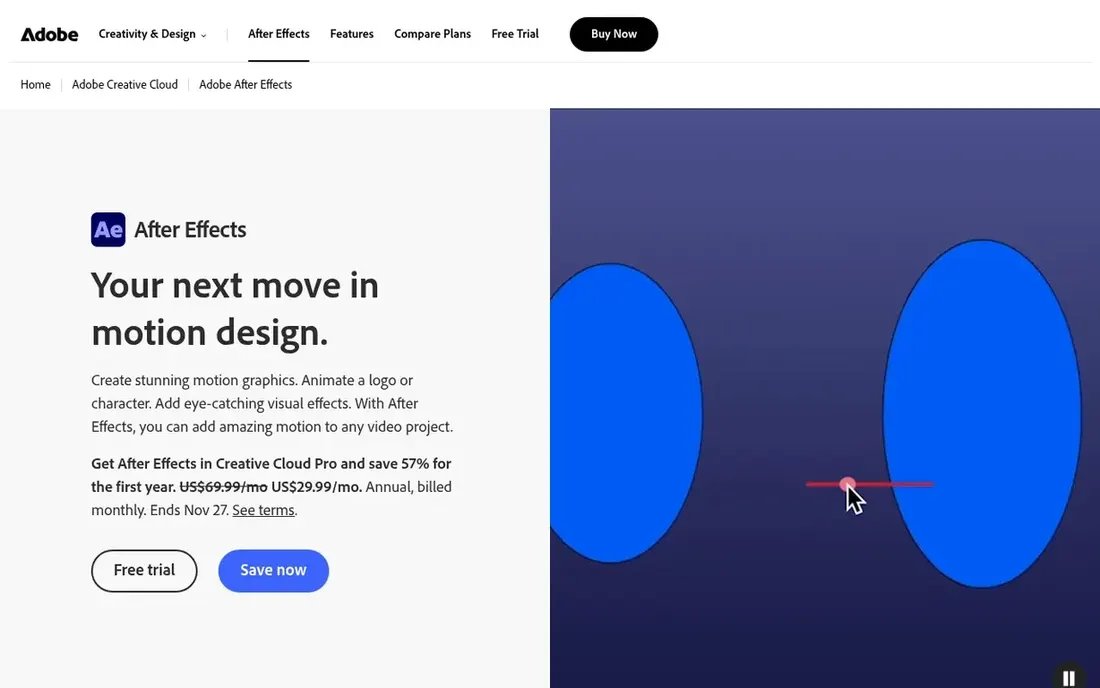
Adobe After Effects was built for in-depth motion design and animation control. Adobe After Effects is a motion graphics application aimed at design, film, TV, video, and web work. It lets teams take an idea and make it move with layered animation, effects, and precise timing controls.
Limits to weigh: Steep ramp-up time for beginners.
Also, teams without a dedicated designer may find it heavy for fast turnarounds. For everyday use, choose a lighter editor when speed matters more than frame-level control. Adobe After Effects shows no starting price here, so confirm the cost on the vendor site. On free options: Not stated.
- Deep keyframing and effects choices
- Industry-standard motion graphics toolset
- Needs capable hardware for smooth playback
In short, Vyond is for business explainer and animated videos. Social media teams can use it for explainer-style animations, training snippets, and branded business messages without traditional keyframing.
It suits teams that require consistent animated content but do not have motion designers on staff. Vyond starts at: $58 per month. On free options: Free trial.
Points against: Less suited to cinematic motion design.
- AI video creation for business use
- Style options for animated content
- Centred on business video styles
How we compared the tools
LinkVetted looked at what each vendor publishes: pricing, plan limits, feature coverage for motion graphics software for social media teams and stated drawbacks. No hands-on testing is claimed. Prices and plan limits come from vendor pages and can change, so confirm them on the vendor site before you buy. Tools are placed by general fit for motion graphics software for social media teams, with price clarity and free access as tie-breakers. A different team can reasonably rank them differently.
Questions to settle before buying
- Confirm the entry price on the vendor page. For Adobe Premiere Pro, CapCut, Apple Motion and Adobe After Effects that means a quote rather than a fixed price.
- Test the free plan from CapCut against your real workload before relying on it.
- Run a trial of Vyond with real work before paying for a year; your own workflow is the best test.
- Before choosing Adobe Premiere Pro, weigh its main limit: Motion graphics are not its primary focus.
- Ask Adobe Premiere Pro about contract length, onboarding fees and user minimums before you sign.
- Find out whether the entry plan of CapCut covers your must-haves or only a trimmed-down version.
FAQ
Do these tools publish their prices?
Not all of them. Adobe Premiere Pro, CapCut, Apple Motion and Adobe After Effects publish no starting price, so expect a quote request for those. The rest, Vyond included, show a starting price, though seats and billing terms still change the final cost.
Can I try these tools before paying?
Often, yes. CapCut has a free plan and Vyond offers a free trial. Use your own data and a real task during the test, and check what the free tier or trial limits before you rely on it.
Do social media teams need After Effects if they already use Premiere Pro?
Premiere Pro is an editor, whereas After Effects is designed for motion graphics and animation. Teams that require custom animated titles, transitions, or effects frequently pair the two.
Which options for motion graphics software for social media teams have a free plan?
CapCut is the only tool in this list with a free plan. Free plans usually cap users, projects or features, so check the limits on the vendor page. One other tool offers a trial instead.
What is the cheapest option for motion graphics software for social media teams in this list?
On published monthly entry prices, Vyond is the lowest here at $58 per month. Entry price is only part of the cost, because seats, add-ons and billing terms can change the total.
Sources
- https://www.adobe.com/products/premiere.html
- https://www.capcut.com
- https://www.apple.com/final-cut-pro/motion
- https://www.adobe.com/products/aftereffects.html
- https://www.vyond.com