Motion Graphics Software for Social Media Creators in 2026: The 5 Best Options Side by Side
Best motion graphics software for social media creators: 5 tools compared on price, free plans and fit. Each pick comes with its main catch. Updated for 2026.
- Editor's choice
 CapCut
Mobile-first editing with AI tools
Starts atPricing on requestVisit capcut.comFull review - Great alternative
 Canva
Fast template-based motion graphics
Starts atPricing on requestVisit canva.comFull review - Also consider
 Adobe After Effects
In-depth keyframe animation and compositing
Starts atPricing on requestVisit adobe.comFull review
Direct answer
CapCut comes first here, mainly for mobile-first editing with AI tools. Look at Canva for fast template-based motion graphics, and at Adobe After Effects for in-depth keyframe animation and compositing. The remaining 2 options are covered below with pricing notes and limits. None of these vendors publish plan prices, so pricing is on request for every option.
TL;DR:
- Top of the list is CapCut, which targets mobile-first editing with AI tools.
- CapCut is the only tool of the 5 with a free plan.
- CapCut comes with a trade-off: advanced motion graphics are limited.
- For all-in-one editing, color, VFX, and audio, DaVinci Resolve is worth a look.
- Pricing across the list, from CapCut to DaVinci Resolve, is by quote only.
Last checked November 2026. Pricing on request: vendors did not publish plan prices when this guide was last checked (November 2026), so ask each vendor for a written quote.
Quick comparison
| Tool | Best for | Starts at | Free plan? | |
|---|---|---|---|---|
| CapCut | Mobile-first editing with AI tools | Pricing on request | Yes | Visit |
| Canva | Fast template-based motion graphics | Pricing on request | Not stated | Visit |
| Adobe After Effects | In-depth keyframe animation and compositing | Pricing on request | Not stated | Visit |
| Apple Motion | Motion graphics for Final Cut Pro users | Pricing on request | Not stated | Visit |
 DaVinci Resolve | All-in-one editing, color, VFX, and audio | Pricing on request | Not stated | Visit |
The 5 tools in detail
LinkVetted compared 5 motion graphics software for social media creators. The goal is a practical shortlist: published prices, free plan facts, best-fit use cases and honest limits for every entry.
CapCut is aimed squarely at mobile-first editing with AI tools. Creators who require precise keyframe control should look to dedicated software.
From a buyer's view, CapCut centres on accessible editing instead of deep motion design, so complicated animation may need another tool. In daily use, the homepage notes availability on desktop, mobile, and online, so it fits quick, cross-device workflows. This comparison lists no price for CapCut; ask the vendor. You can start on CapCut without paying.
The main drawbacks: A good match for short-form content.
- AI-powered editing features
- Online access
- Advanced motion graphics are limited
Canva is aimed squarely at fast template-based motion graphics. Canva is an online visual suite for creating social media posts, presentations, videos, and more.
In daily use, Canva's simplicity means less granular control over keyframes and complicated animation. Canva shows no starting price here, so confirm the cost on the vendor site. Free options: Not stated.
What to check first: Less precise animation control.
- Browser-based access
- Simple drag-and-drop interface
- Advanced motion graphics may feel restricted
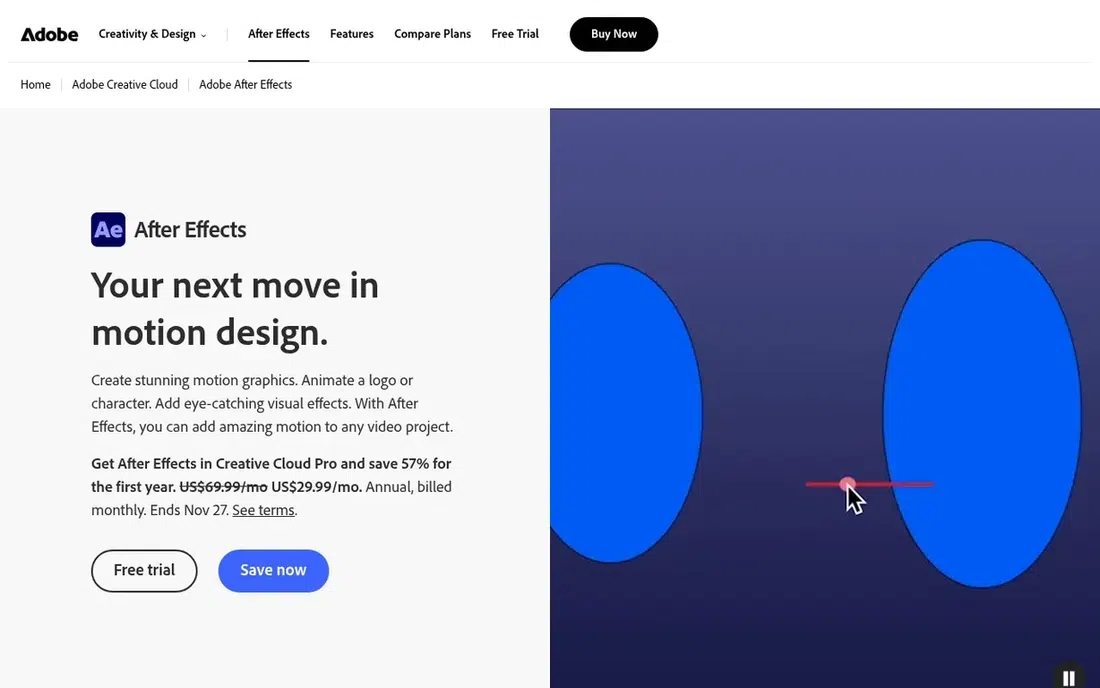
Choose Adobe After Effects for detailed keyframe animation and compositing. Choose After Effects when precise animation control matters more than speed.
Downsides: Steep ramp-up time for beginners.
Also, Adobe After Effects is a motion graphics application for designing animated titles, transitions, and visual effects. For everyday use, creators who primarily need fast template-based graphics may prefer a more straightforward editor. This comparison lists no price for Adobe After Effects; ask the vendor. As for free access: Not stated.
- Deep animation and effects controls
- Deep integration with Adobe video apps
- Needs a capable computer
Apple Motion
Best for: Motion graphics for Final Cut Pro users
Apple Motion serves Motion graphics for Final Cut Pro users. It suits Mac-based creators who already edit in Final Cut Pro and want to add custom motion elements.
Trade-offs to know: Less handy without Final Cut Pro.
More specifically, Motion is restricted to the Mac system and is most valuable inside the Final Cut Pro ecosystem. Apple Motion shows no starting price here, so confirm the cost on the vendor site. As for free access: Not stated.
- Meant to complement Final Cut Pro
- Mac-optimized performance
- Mac-only
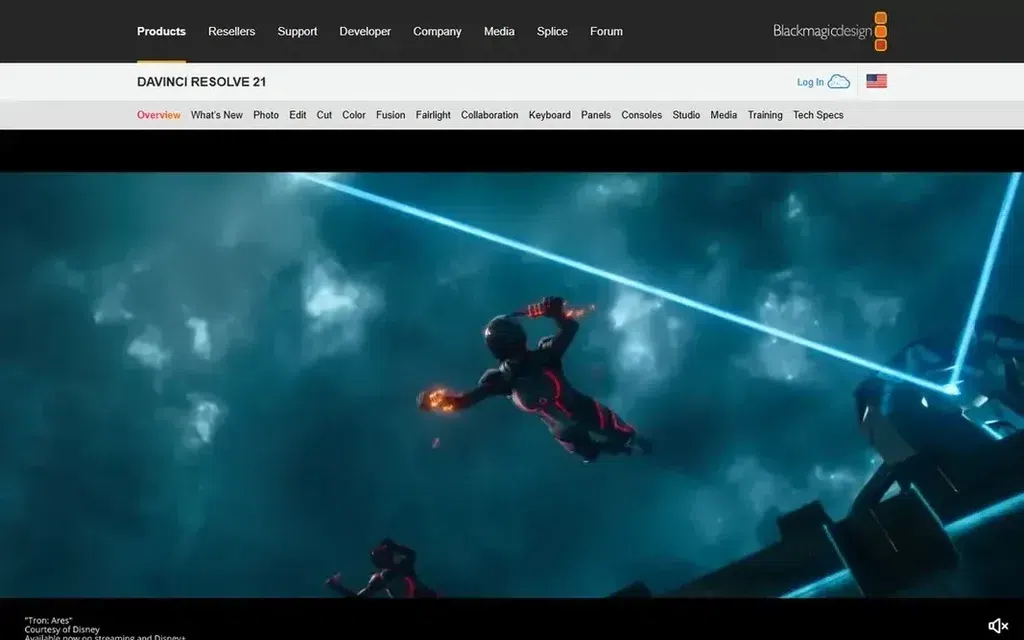
DaVinci Resolve works best for all-in-one editing, color, VFX, and audio. DaVinci Resolve is a single application for video editing, color correction, visual effects, and audio postproduction. The breadth of Resolve means a ramp-up time, and its interface can feel dense for fast social edits.
Where it is weaker: Needs a capable system for heavy projects.
From a buyer's view, the homepage notes free and premium versions for Mac, Windows, and Linux, so it appeals to cross-platform editors. Creators focused only on motion graphics may prefer a dedicated animation tool. DaVinci Resolve shows no starting price here, so confirm the cost on the vendor site. Free options: Not stated.
- Available for Mac, Windows, Linux
- Professional-grade feature set
- Can be overwhelming for beginners
Our selection method
A buyer's checklist
- Request quotes from CapCut, DaVinci Resolve and the others; the list shows no fixed prices.
- Test the free plan from CapCut against your real workload before relying on it.
- Before choosing CapCut, weigh its main limit: advanced motion graphics are restricted.
- Read the plan comparison for DaVinci Resolve carefully; key features often start on a higher tier.
- Confirm minimum seats and billing terms with Adobe After Effects before you commit to an annual plan.
FAQ
Which options for motion graphics software for social media creators have a free plan?
CapCut is the only tool in this list with a free plan. Free plans usually cap users, projects or features, so check the limits on the vendor page. Prices, free plan details and limits for all 5 tools in this motion Graphics software for social media Creators roundup sit on the individual cards above.
Do these tools publish their prices?
No. None of the tools, from CapCut to DaVinci Resolve, shows a fixed starting price here, so budget time for quotes.
How are the tools for motion graphics software for social media creators ordered?
The order follows typical fit for motion graphics software for social media creators, with CapCut first and DaVinci Resolve last, then price clarity and free access. It is editorial judgement, not a score, so another team could rank the tools differently.
Is CapCut the right pick for everyone comparing motion graphics software for social media creators?
No single tool suits every team. CapCut comes first because it fits mobile-first editing with AI tools, while Canva suits quick template-based motion graphics and Adobe After Effects suits detailed keyframe animation and compositing. Match the tool to your own size, budget and workflow before deciding.
Is Mac-only software a problem for social media creators?
Cross-platform choices like DaVinci Resolve, Adobe tools, Canva, and CapCut work on several systems, which can be more adaptable for mixed-device workflows.
Sources
- https://www.capcut.com
- https://www.canva.com
- https://www.adobe.com/products/aftereffects.html
- https://www.apple.com/final-cut-pro/motion
- https://www.blackmagicdesign.com/products/davinciresolve