5 Best Medical 3D Visualization Software for Startups for 2026, Vetted and Compared
5 best medical 3D visualization software for startups, compared on pricing, free plans and best-fit use. Details on cost, catches and fit. Facts only.
- Editor's choiceOsiriX MD
DICOM viewing on macOS
Starts atPricing on requestVisit osirix-viewer.comFull review - Great alternativeAmira
Biological image analysis
Starts atPricing on requestVisit thermofisher.comFull review - Also considerSimpleware
Image to simulation-ready models
Starts atPricing on requestVisit synopsys.comFull review
Direct answer
Our first pick is OsiriX MD, best for DICOM viewing on macOS. If your case is different, Amira suits biological image analysis and Simpleware suits image to simulation-ready models. The remaining 2 options are covered below with pricing notes and limits. None of these vendors publish plan prices, so pricing is on request for every option.
TL;DR:
- This list starts with OsiriX MD, which is built for DICOM viewing on macOS.
- No starting price is shown for any of the 5 tools, OsiriX MD and 3D Slicer included, so plan time for sales calls.
- 3D Slicer suits open source medical image computing.
- None of the 5 tools, from OsiriX MD to 3D Slicer, has a free plan, so budget for a subscription or use a trial.
Last checked November 2026. Pricing on request: vendors did not publish plan prices when this guide was last checked (November 2026), so ask each vendor for a written quote.
Quick comparison
| Tool | Best for | Starts at | Free plan? | |
|---|---|---|---|---|
| OsiriX MD | DICOM viewing on macOS | Pricing on request | Not stated | Visit |
| Amira | Biological image analysis | Pricing on request | Not stated | Visit |
| Simpleware | Image to simulation-ready models | Pricing on request | Not stated | Visit |
| DICOM Viewer | Fast PACS DICOM review | Pricing on request | Not stated | Visit |
| 3D Slicer | Open source medical image computing | Pricing on request | Not stated | Visit |
The full medical 3D visualization software for startups list
LinkVetted compared 5 medical 3D visualization software for startups. The goal is a practical shortlist: published prices, free plan facts, best-fit use cases and honest limits for every entry.
OsiriX MD
Best for: DICOM viewing on macOS
OsiriX MD is aimed squarely at DICOM viewing on macOS. Startups that work on macOS and need a clinical-grade viewer can use it to inspect and analyze medical studies.
Where it falls short: macOS system focus.
Pricing for OsiriX MD is not stated here, so ask the vendor for current figures. Trial and free access: Not stated.
- Well-known medical imaging viewer
- DICOM-focused workflow
- Commercial MD edition
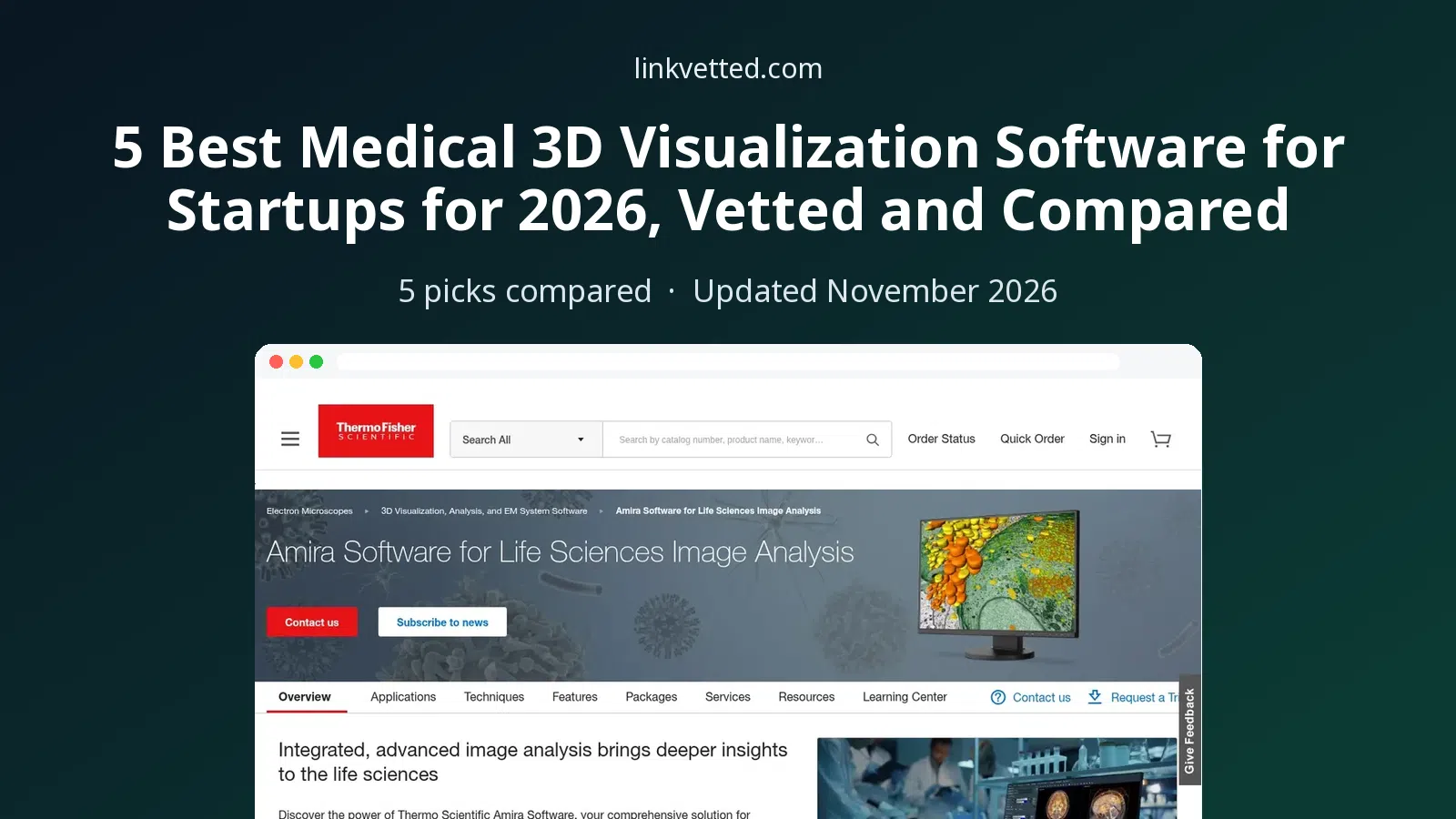
Amira
Best for: Biological image analysis
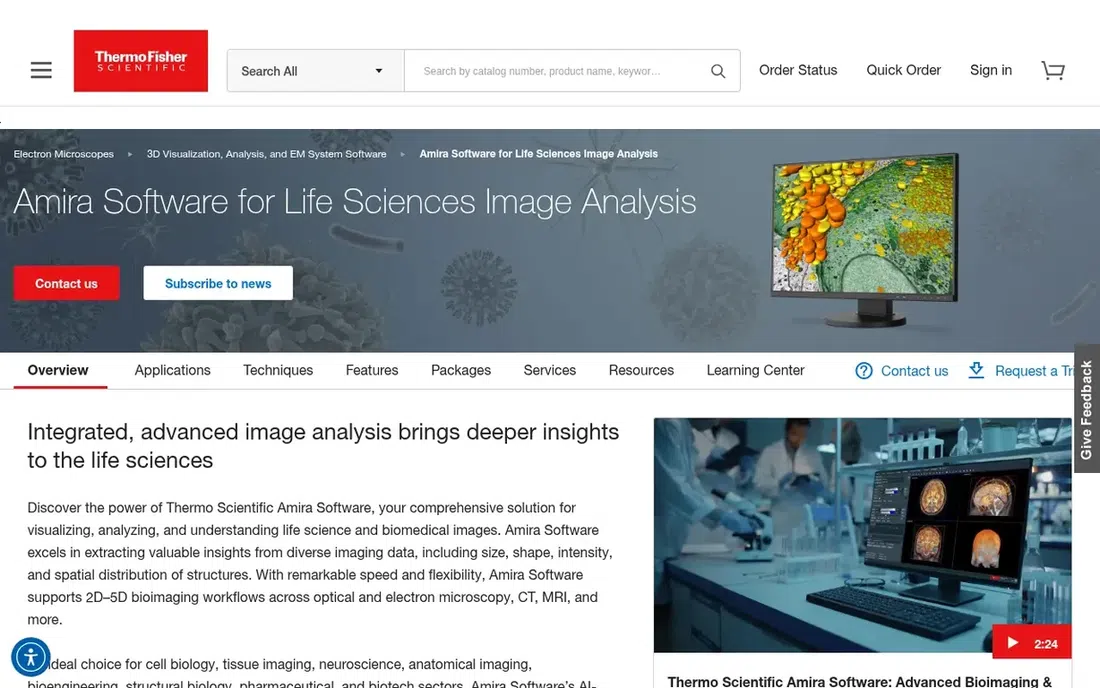
In short, Amira is for biological image analysis. Amira Software from Thermo Fisher Scientific gives you advanced image analysis for biomedical research, with a focus on microscope image analysis across the life sciences. On top of that, Amira is a commercial research tool, and its emphasis on biological image analysis means it is not targeted at routine clinical DICOM reading.
As for the details, startups with clinical imaging workflows may need a separate viewer. From a buyer's view, startups in biotech or preclinical research can use it to visualize and analyze complicated biological datasets. Pricing for Amira is not stated here, so ask the vendor for current figures. On free options: Not stated.
The main drawbacks: Commercial license.
- Supports biological workflows
- Advanced microscope image analysis
- Research-oriented focus
Simpleware
Best for: Image to simulation-ready models
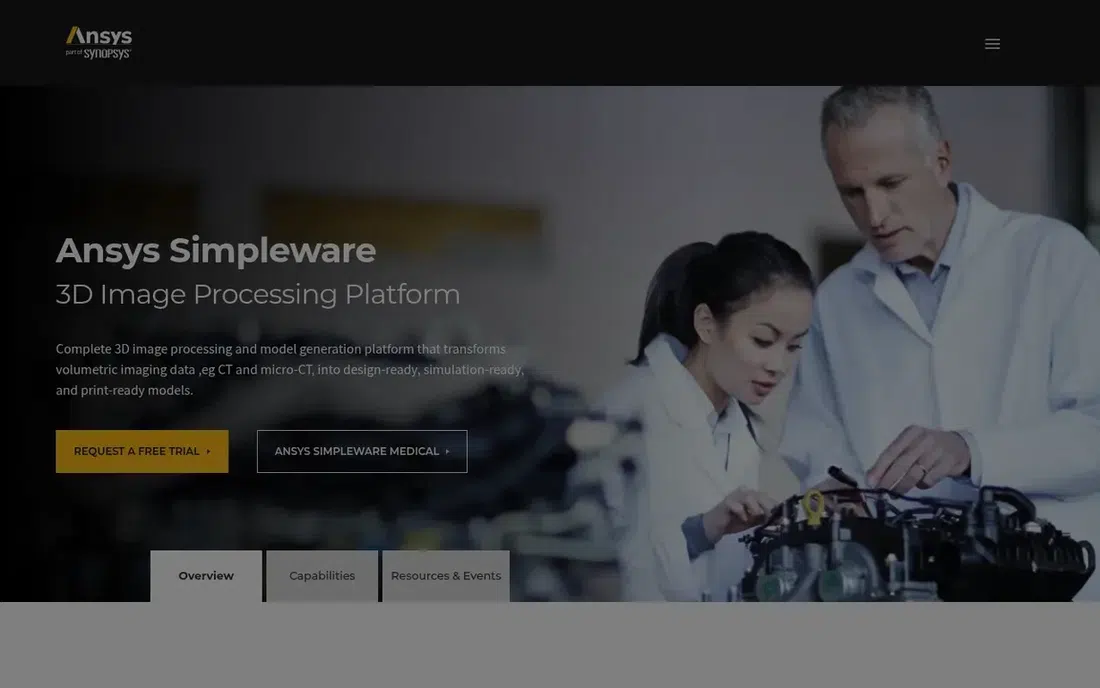
Simpleware makes the most sense for image to simulation-ready models. Simpleware is 3D image processing software from Ansys that turns MRI, CT and micro-CT data into design and simulation-ready models. In practice, teams that chiefly have to read DICOM studies should look at a dedicated viewer, and those needing wide visualization may combine Simpleware with other tools.
From a buyer's view, startups working on medical devices, biomechanics or product development can use it to bridge imaging and engineering simulation. Its strength in model preparation means it is not a full clinical viewer or diagnostic workstation. Check the vendor site for Simpleware pricing; none is listed in this comparison. Free options: Not stated.
What Simpleware does well: CT and micro-CT data.
Where it is weaker: Concentrated on model preparation.
- Transforms MRI
- Outputs design and simulation-ready models
- Commercial licensing required
DICOM Viewer
Best for: Fast PACS DICOM review
DICOM Viewer serves fast PACS DICOM review. RadiAnt DICOM Viewer is a PACS DICOM viewer meant to supply a focused experience for reviewing medical images. Startups that require those capabilities should pair it with a product such as 3D Slicer or Simpleware.
For routine DICOM review, that said, it provides a clear and efficient workflow. In practice, as a viewer, RadiAnt is less suited to advanced 3D processing, segmentation or simulation preparation. DICOM Viewer shows no starting price here, so confirm the cost on the vendor site. Free options: Not stated.
Where it is weaker: Viewer-centric feature set.
- Focused user experience
- Built for PACS DICOM viewing
- Restricted advanced processing
3D Slicer
Best for: Open source medical image computing
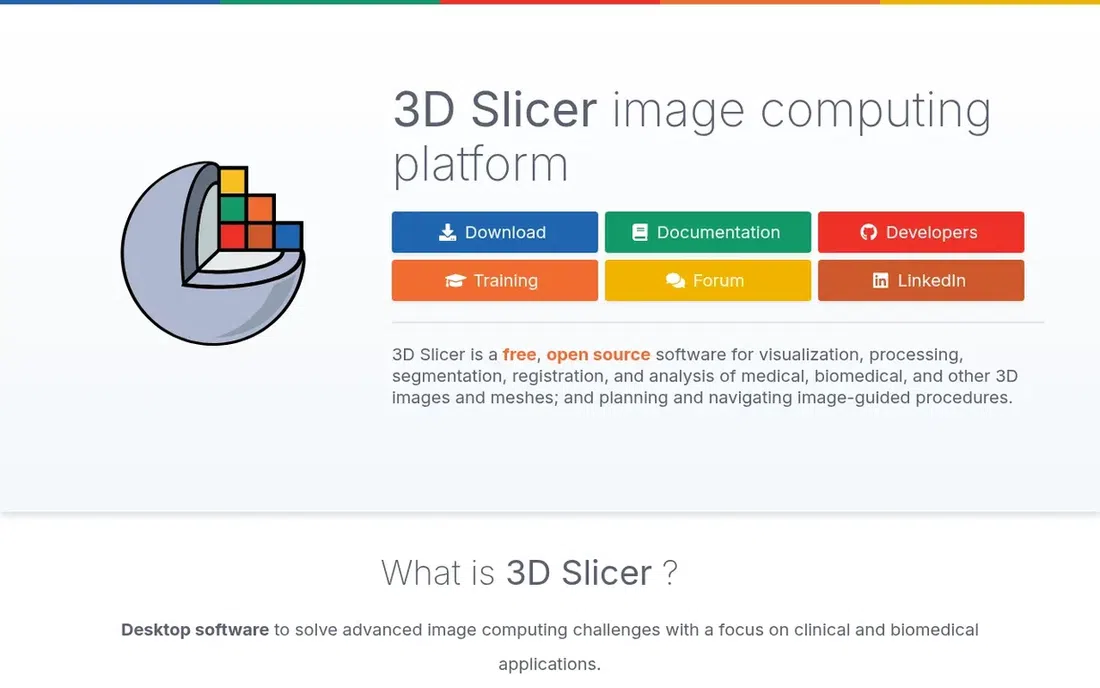
Where 3D Slicer fits: open source medical image computing. 3D Slicer is an open source image computing system for visualization, processing, segmentation, registration and analysis of medical, biomedical and other 3D images and meshes. It also supports planning and navigation for image-guided procedures.
Startups with technical teams and restricted budgets commonly choose it as a foundation since it spans a broad set of imaging tasks without licensing overhead. For everyday use, the product is feature-rich but can feel complicated for non-specialists, and formal vendor support is restricted compared to commercial suites. 3D Slicer shows no starting price here, so confirm the cost on the vendor site. As for free access: Not stated.
Watch-outs: Restricted formal vendor support.
- Supports image-guided procedure planning
- Wide visualization and segmentation
- Steeper ramp-up time
Selection criteria
What to check before you buy
- Confirm the entry price with every vendor: no tool from OsiriX MD to 3D Slicer shows a fixed starting price.
- Read the limits listed for OsiriX MD first: macOS product focus.
- Ask DICOM Viewer about contract length, onboarding fees and user minimums before you sign.
- Confirm the exact Amira plan that includes your must-have features.
- Ask the daily users to test 3D Slicer on a live task before you roll it out to everyone.
FAQ
Does any tool for medical 3D visualization software for startups here have a free plan?
A permanent free plan is not offered by OsiriX MD, 3D Slicer or the other tools here. Plan a short evaluation period instead.
How are the tools for medical 3D visualization software for startups ordered?
OsiriX MD sits first and 3D Slicer last because the order follows typical fit for medical 3D visualization software for startups, then price clarity and free access. It is a judgement call, so read each profile for fit and limits.
Which tool is a good match for preparing models for simulation?
OsiriX MD comes first here and is built for DICOM viewing on macOS. Buyers with other needs may prefer Amira (for biological image analysis) or Simpleware (for image to simulation-ready models). Compare costs and limits first.
Is OsiriX MD the right pick for everyone comparing medical 3D visualization software for startups?
No single tool suits every team. OsiriX MD comes first because it fits DICOM viewing on macOS, while Amira suits biological image analysis and Simpleware suits image to simulation-ready models. Match the tool to your own size, budget and workflow before deciding.
Can I try these tools before paying?
Not by default. None of the tools, from OsiriX MD to 3D Slicer, lists a free plan or a free trial here, so ask each vendor for a demo before committing.
Sources
- https://www.osirix-viewer.com
- https://www.thermofisher.com/us/en/home/electron-microscopy/products/software-em-3d-vis/amira-software.html
- https://www.synopsys.com/simpleware.html
- https://www.radiantviewer.com
- https://www.slicer.org