Manufacturing Presentation Software in 2026: The 6 Best Options Side by Side
Compare 6 picks for the best manufacturing presentation software, with prices, free plans and who each fits. Pros and cons for every tool. Refreshed for 2026.
- Editor's choice
 Pitch
Collaborative team presentation work
Starts at€10 a monthVisit pitch.comFull review - Great alternative
 Beautiful.ai
Brand-consistent decks for enterprise teams
Starts at$14.50 a monthVisit beautiful.aiFull review - Also consider
 Prezi
Interactive training and live sessions
Starts atSee websiteVisit prezi.comFull review
Direct answer
Our first pick is Pitch, best for collaborative team presentation work. Listed starting prices: Pitch from €10 a month and Beautiful.ai from $14.50 a month. Beautiful.ai fits brand-consistent decks for enterprise teams; Prezi fits interactive training and live sessions. Prices, free plans and limits for all 6 tools follow.
TL;DR:
- Pitch takes the first slot, best suited to collaborative team presentation work.
- Google Slides comes with a trade-off: needs a stable connection for best use.
- Microsoft PowerPoint is the one to check for general manufacturing decks and pitch content.
- Pitch is the only tool of the 6 with a free plan.
- The cheapest monthly starting price in the list is $14.50 per month, offered by Beautiful.ai.
Last checked November 2026. Prices and plan details were read from the vendors' own pages in November 2026; vendors change plans often, so confirm the current price on the vendor site before you buy.
Quick comparison
| Tool | Best for | Starts at | Free plan? | |
|---|---|---|---|---|
| Pitch | Collaborative team presentation work | €10 a month | Yes | Visit |
| Beautiful.ai | Brand-consistent decks for enterprise teams | $14.50 a month | Free trial | Visit |
| Prezi | Interactive training and live sessions | See website | Not stated | Visit |
 Google Slides | Browser-based collaborative slide decks | See website | Not stated | Visit |
 Lucidchart | Process and system diagrams | See website | Not stated | Visit |
 Microsoft PowerPoint | General manufacturing decks and pitch content | See website | Not stated | Visit |
Manufacturing Presentation Software compared in detail
Choosing manufacturing presentation software usually comes down to price, fit and limits. This LinkVetted guide sets 6 tools side by side on those three points, with the facts kept short and checkable.
Pitch serves collaborative team presentation work. Pitch centers on slides and collaboration instead of process mapping or interactive audience tools.
Trade-offs to know: Fewer diagramming features.
As for the details, choose a diagramming or interactive product when the presentation relies on systems visuals or live polling rather than team editing. Pitch pricing: €10 per month. A free plan is available with Pitch.
Reasons to shortlist it: Built around team collaboration.
- Share and deliver in one place
- Create
- Teams may need time to adjust workflows
Beautiful.ai is aimed squarely at brand-consistent decks for enterprise teams. Beautiful.ai is an AI presentation product made for enterprise teams, keeping every deck on-brand and ready to share across a company.
It suits manufacturing organizations that want consistent visual standards across many presenters, like corporate updates, capability decks and standardized training material produced by different departments. On cost, Beautiful.ai starts like this: $14.50 per month. Trial and free access: Free trial.
Points against: Not a diagramming tool.
- Keeps decks on-brand
- Built for company-wide sharing
- Less control over custom layouts
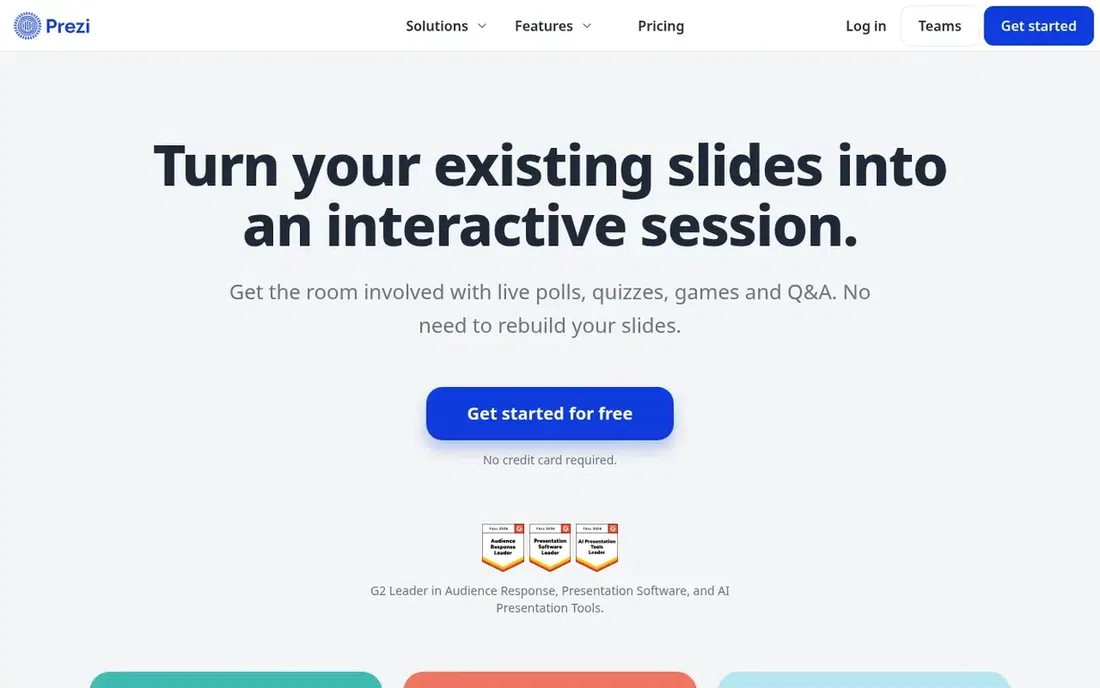
In short, Prezi is for interactive training and live sessions. Prezi is an interactive presentation system for educators, trainers and teams.
Downsides: Zooming canvas takes adjustment.
On top of that, pick a conventional slide tool when the goal is a static document that people read later instead of a live session. Beyond that, the interactive canvas can feel unfamiliar for straightforward technical briefings, and dense reference decks may be more straightforward elsewhere. No starting price is listed for Prezi here; confirm pricing on the vendor site. As for free access: Not stated.
- Designed for trainers and educators
- Live polls and quizzes joined from phones
- Less natural for dense technical decks
Google Slides was built for browser-based collaborative slide decks. Google Slides is a presentation slideshow maker within Google Workspace, offering templates for plenty of use cases and AI help for generating visualizations.
Honest limits: Advanced diagramming is restricted.
As for the details, Google Slides is most solid for standard slide work and less so for in-depth system diagrams or interactive sessions. Pick a dedicated diagramming tool when process maps are the core of the presentation. Check the vendor site for Google Slides pricing; none is listed in this comparison. Free access: Not stated.
- Templates for plenty of use cases
- Slideshow maker in the browser
- Needs a stable connection for best use
Lucidchart is aimed squarely at process and system diagrams. Lucidchart is a diagramming tool instead of a presentation maker, so narrative slide decks are better built elsewhere.
From a buyer's view, pair it with a slide tool when the presentation needs both storytelling and precise process visuals. Lucidchart does not show a starting price in this comparison, so check the vendor site for current pricing. Trial and free access: Not stated.
Watch-outs: Not a slide deck tool first.
- Suited to systems and process mapping
- Diagramming with AI and automation
- Slide-style storytelling is restricted
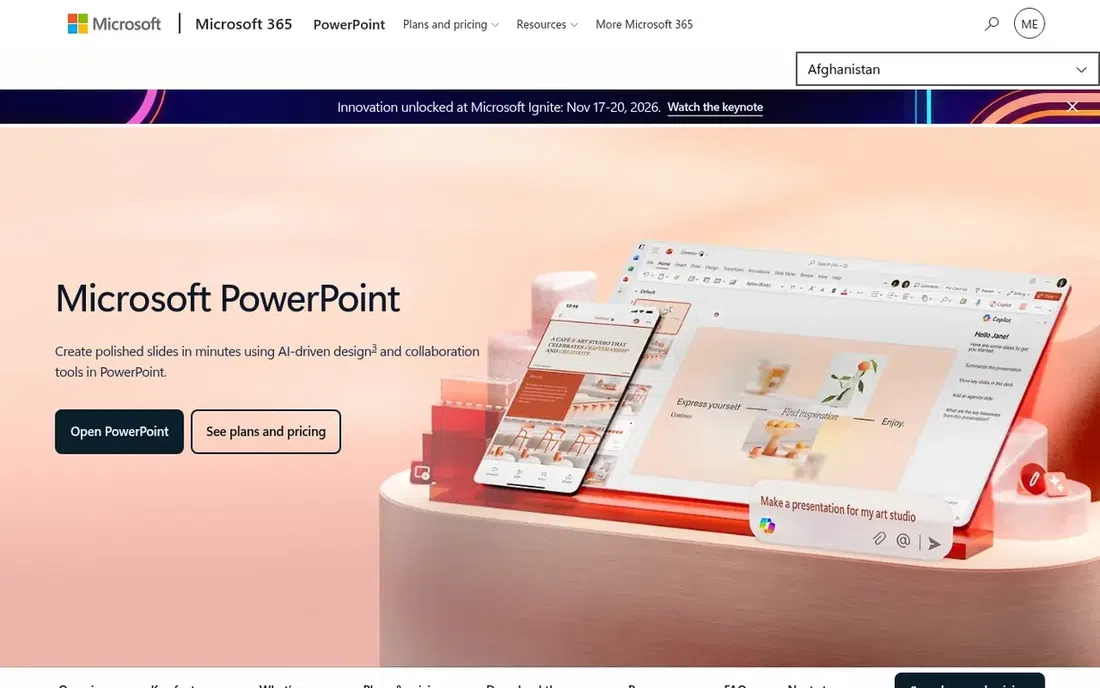
Microsoft PowerPoint serves general manufacturing decks and pitch content. It suits manufacturing teams that require steady slide production for internal updates, supplier meetings and training material.
It fits organizations already working in Microsoft environments where shared editing and standard templates matter. Microsoft PowerPoint shows no starting price here, so confirm the cost on the vendor site. Trial and free access: Not stated.
Where it falls short: Interactive audience features are entry-level.
- Widely used across office environments
- Takes care of clean slideshows and in-depth decks
- Diagramming is restricted next to dedicated tools
What went into this list
Selection started from tools commonly considered for manufacturing presentation software, then narrowed to 6 that have clear pricing information or a clear quote process. Where a vendor does not publish a price, the entry says quote. Where a price depends on seats or billing term, the entry says so. The order reflects how well each tool fits the most common buying scenario for manufacturing presentation software, then price clarity, then free plan access. It is a starting point, not a verdict.
A buyer's checklist
- Get a written quote from Prezi, Google Slides, Lucidchart and Microsoft PowerPoint; the list shows no starting price for them.
- Look at the free plan from Pitch closely: its caps decide whether it is usable for real work.
- Run a trial of Beautiful.ai with real work before paying for a year; your own workflow is the best test.
- Read the limits listed for Pitch first: fewer diagramming features.
- Confirm the exact Lucidchart plan that includes your must-have features.
- Ask the daily users to test Pitch on a live task before you roll it out to everyone.
FAQ
Is Pitch the right pick for everyone comparing manufacturing presentation software?
No single tool suits every team. Pitch comes first because it fits collaborative team presentation work, while Beautiful.ai suits brand-consistent decks for enterprise teams and Prezi suits interactive training and live sessions. Match the tool to your own size, budget and workflow before deciding.
What should teams check before choosing?
Confirm template compatibility, shared editing permissions and whether diagramming or interactive features are needed. Also review export and sharing choices so decks work for both on-site and remote audiences.
What is the cheapest option for manufacturing presentation software in this list?
On published monthly entry prices, Beautiful.ai is the lowest here at $14.50 per month. Entry price is only part of the cost, because seats, add-ons and billing terms can change the total. Each of the 6 options in this manufacturing presentation software guide has its own card above with the price, free plan and limits.
Which options for manufacturing presentation software have a free plan?
Pitch is the only tool in this list with a free plan. Free plans usually cap users, projects or features, so check the limits on the vendor page. One other tool offers a trial instead. All 6 picks in this manufacturing presentation software comparison list a starting price, free plan details and the main limits on their cards above.
Which tool is a good match for manufacturing training presentations?
This list starts with Pitch, which fits collaborative team presentation work. For other needs, Beautiful.ai is aimed at brand-consistent decks for enterprise teams, and Prezi at interactive training and live sessions. Check each tool's price and main limit first.
Can I try these options before paying?
Often, yes. Pitch has a free plan and Beautiful.ai offers a free trial. Use your own data and a real task during the test, and check what the free tier or trial limits before you rely on it. For the full picture, the cards above cover all 6 entries of this manufacturing presentation software list, including price, free plan and limits.
Sources
- https://pitch.com
- https://www.beautiful.ai
- https://prezi.com
- https://workspace.google.com/products/slides
- https://www.lucidchart.com
- https://www.microsoft.com/microsoft-365/powerpoint