IT Company Presentation Software in 2026: The 5 Best Options Side by Side
Best IT company presentation software, compared. 5 tools with published prices, free plans and limits. The catches are listed up front. Reviewed this month.
- Editor's choice
 Canva
Design-focused presentations and visual content
Starts atSee websiteVisit canva.comFull review - Great alternative
 Beautiful.ai
AI-assisted on-brand presentations
Starts at$14.50 a monthVisit beautiful.aiFull review - Also consider
 Pitch
Collaborative team presentations
Starts at€10 a monthVisit pitch.comFull review
Direct answer
Canva comes first here, mainly for design-focused presentations and visual content. Listed starting prices: Beautiful.ai from $14.50 a month and Pitch from €10 a month. If your case is different, Beautiful.ai suits AI-assisted on-brand presentations and Pitch suits collaborative team presentations. All 5 tools are compared below on price, free plan and limits.
TL;DR:
- Number one here is Canva, a fit for design-focused presentations and visual content.
- The cheapest monthly starting price in the list is $14.50 per month, offered by Beautiful.ai.
- Genially fits interactive and animated content creation.
- Pitch stands alone as the one tool in this list with a free plan.
Last checked November 2026. Prices and plan details were read from the vendors' own pages in November 2026; vendors change plans often, so confirm the current price on the vendor site before you buy.
Quick comparison
| Tool | Best for | Starts at | Free plan? | |
|---|---|---|---|---|
| Canva | Design-focused presentations and visual content | See website | Not stated | Visit |
| Beautiful.ai | AI-assisted on-brand presentations | $14.50 a month | Free trial | Visit |
| Pitch | Collaborative team presentations | €10 a month | Yes | Visit |
 Microsoft PowerPoint | Full slide creation and pitch decks | See website | Not stated | Visit |
 Genially | Interactive and animated content creation | See website | Not stated | Visit |
IT Company Presentation Software compared in detail
If you are comparing IT company presentation software, this page covers 5 tools in one place: what each is best for, what it costs to start, whether it has a free plan, and the main limit to know about.
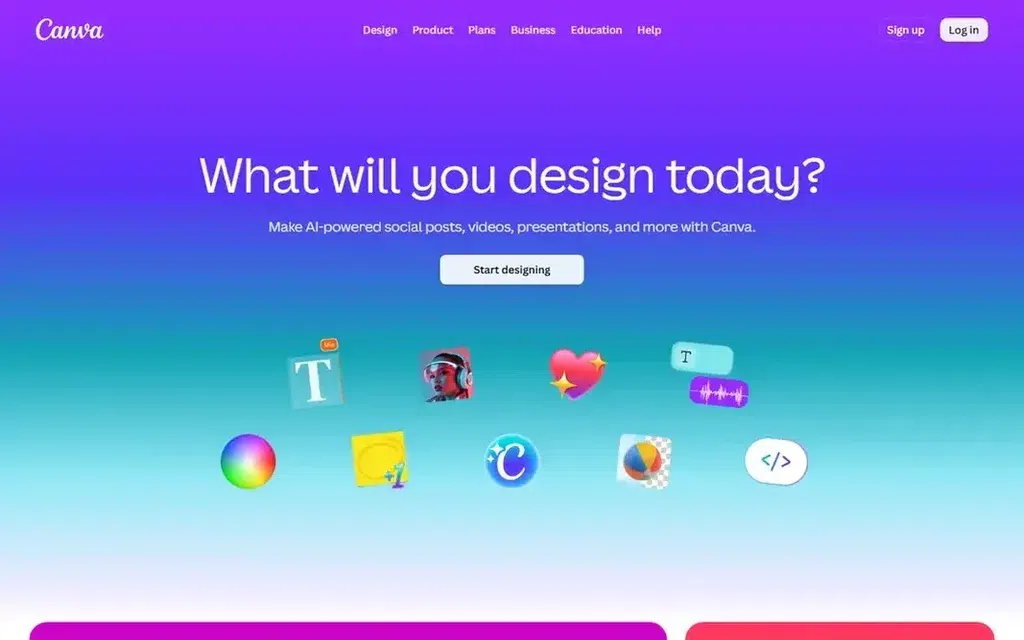
Canva works best for design-focused presentations and visual content. Canva is a visual suite that permits users to produce presentations along with social media posts, posters, and more. It is well suited to IT businesses that require fast, visually appealing slides without deep design skills.
The platform provides numerous templates and elements to simplify creation. On top of that, Whereas Canva excels at design, it may lack the advanced presentation features and data visualization capabilities of dedicated tools. No starting price is listed for Canva here; confirm pricing on the vendor site. Trial and free access: Not stated.
The main drawbacks: Limited advanced presentation features.
- Broad template library
- Versatile for various design needs
- Design-centric approach may lack depth for complicated data
Choose Beautiful.ai for AI-assisted on-brand presentations. Beautiful.ai is an AI presentation product built for enterprise teams. It automatically formats slides to keep every deck on-brand and ready to share.
The main drawbacks: May not suit highly custom presentations.
Worth adding: for highly customized presentations, traditional tools like PowerPoint may be preferred. More specifically, beautiful.ai's automation can limit creative freedom for users who want pixel-perfect control. What you pay to start with Beautiful.ai: $14.50 per month. As for free access: Free trial.
- AI-powered design automation
- Simple sharing across teams
- Less manual control over design
Pitch is designed for collaborative team presentations. Teams needing highly specialized or legacy features should evaluate carefully.
As for the details, as a relatively newer tool, Pitch may lack some of the deep features of long-standing software like PowerPoint. The starting price for Pitch: €10 per month. Pitch includes a free tier.
Where it falls short: Less established than some competitors.
- AI-powered workspace
- Focus on team productivity
- May need ramp-up time for advanced features
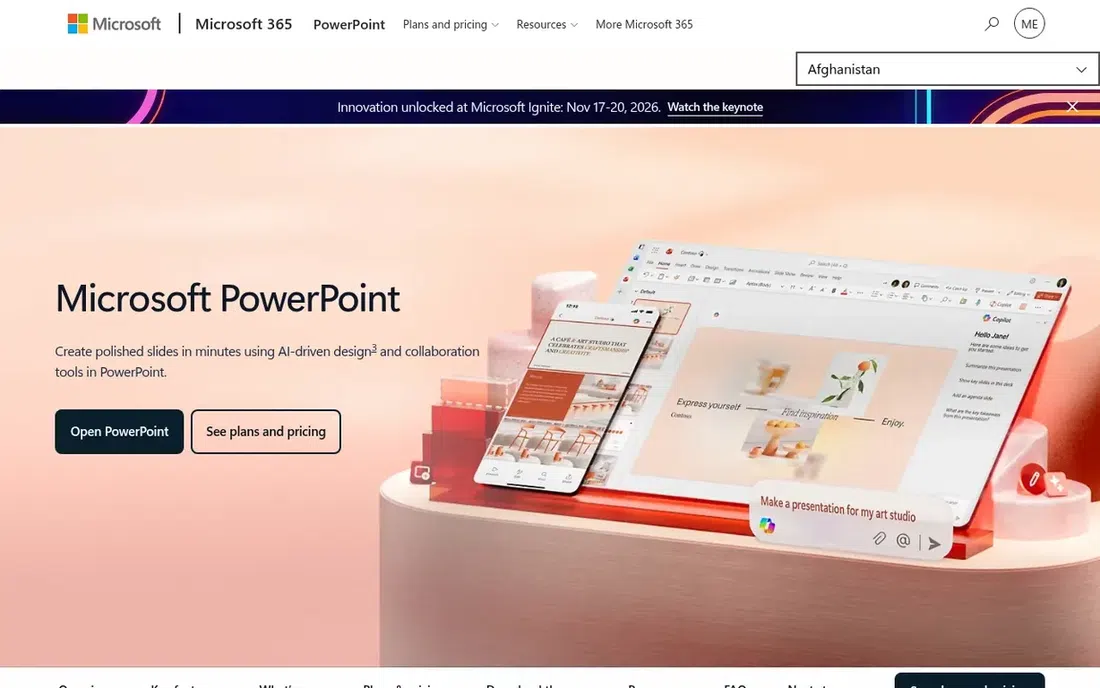
For full slide creation and pitch decks, Microsoft PowerPoint is a natural candidate. Its familiarity across industries makes it a safe choice for client-facing decks.
That said, PowerPoint can be overwhelming for users who require fast, straightforward slides, and collaboration features are less smooth than some cloud-native tools. Check the vendor site for Microsoft PowerPoint pricing; none is listed in this comparison. On free options: Not stated.
Trade-offs to know: Needs Microsoft 365 for full functionality.
- Widely used and compatible with most systems
- Rich feature set for in-depth presentations
- Can be complicated for beginners
Genially makes the most sense for interactive and animated content creation. The product supports many different content types.
For everyday use, Genially may be overkill for straightforward slide decks, and its advanced features need time to learn. Genially shows no starting price here, so confirm the cost on the vendor site. Free options: Not stated.
What to check first: Steeper ramp-up time for advanced features.
- Versatile content types
- No-code interactivity
- Can be complicated for straightforward presentations
What went into this list
Pricing pages, product documentation and feature lists were the main sources, and every entry carries at least one honest drawback. Where a price is missing, the vendor does not list one publicly or ties it to a quote. Always confirm before budgeting. The order reflects how well each tool fits the most common buying scenario for IT company presentation software, then price clarity, then free plan access. It is a starting point, not a verdict.
Things to verify first
- Ask Canva, Microsoft PowerPoint and Genially for a written quote, since no starting price is shown.
- Look at the free plan from Pitch closely: its caps decide whether it is usable for real work.
- Take the trial from Beautiful.ai and push a live task through it before you pay.
- Before choosing Canva, weigh its main limit: restricted advanced presentation features.
- Find out what support Pitch includes on your plan, and whether onboarding help costs extra.
- Total up the real monthly cost of Genially, including add-ons, extra users and usage-based fees.
FAQ
Can I try these options before paying?
Often, yes. Pitch has a free plan and Beautiful.ai offers a free trial. Use your own data and a real task during the test, and check what the free tier or trial limits before you rely on it. For the full picture, the cards above cover all 5 entries of this IT company presentation software list, including price, free plan and limits.
Do these tools publish their prices?
Not all of them. Canva, Microsoft PowerPoint and Genially publish no starting price, so expect a quote request for those. The rest, Beautiful.ai included, show a starting price, though seats and billing terms still change the final cost.
Can I use Canva for professional presentations?
Yes, Canva gives you numerous templates and design elements that can build professional-looking presentations. It is especially a decent match for visually focused decks but may lack advanced features.
How are the tools for IT company presentation software ordered?
Canva sits first and Genially last because the order follows typical fit for IT company presentation software, then price clarity and free access. It is a judgement call, so read each profile for fit and limits.
Which options for IT company presentation software have a free plan?
Pitch is the only tool in this list with a free plan. Free plans usually cap users, projects or features, so check the limits on the vendor page. One other tool offers a trial instead. Prices, free plan details and limits for all 5 tools in this IT company presentation software roundup sit on the individual cards above.
Sources
- https://www.canva.com
- https://www.beautiful.ai
- https://pitch.com
- https://www.microsoft.com/microsoft-365/powerpoint
- https://genially.com