Managed Hosting Platforms for Remote Teams in 2026: The 5 Best Options Side by Side
5 products for the best managed hosting platforms for remote teams, ranked by fit, with starting costs and free tiers. Real limits included. Numbers first.

- Editor's choice
 Liquid Web
Reliability and compliant infrastructure
Starts atSee websiteVisit liquidweb.comFull review - Great alternative
 Kinsta
Enterprise leaning WordPress hosting
Starts at$17.50 a monthVisit kinsta.comFull review - Also consider
 Cloudways
Managed cloud hosting across providers
Starts at$20 per monthVisit cloudways.comFull review
Direct answer
Liquid Web comes first here, mainly for reliability and compliant infrastructure. Listed starting prices: Kinsta from $17.50 a month, Cloudways from $20 per month and WP Engine from $28.00 per month. Alternatives: Kinsta for enterprise leaning WordPress hosting, and Cloudways for managed cloud hosting across providers. The remaining 2 options are covered below with prices and limits.
TL;DR:
- Number one here is Liquid Web, a fit for reliability and compliant infrastructure.
- Kinsta has the lowest monthly starting price in this list: $17.50 per month.
- Liquid Web, WP Engine and the 3 others all need a premium plan or a trial, since no free plan is listed.
- WP Engine is the one to check for managed WordPress for distributed teams.
- Cloudways comes with a trade-off: needs some technical comfort.
Last checked November 2026. Prices and plan details were read from the vendors' own pages in November 2026; vendors change plans often, so confirm the current price on the vendor site before you buy.
Quick comparison
| Tool | Best for | Starts at | Free plan? | |
|---|---|---|---|---|
| Liquid Web | Reliability and compliant infrastructure | See website | Not stated | Visit |
| Kinsta | Enterprise leaning WordPress hosting | $17.50 a month | Free trial | Visit |
| Cloudways | Managed cloud hosting across providers | $20 per month | Free trial | Visit |
 Pantheon | WebOps across WordPress, Drupal, Next.js | See website | Not stated | Visit |
 WP Engine | Managed WordPress for distributed teams | $28.00 per month | Not stated | Visit |
Our 5 managed hosting platforms for remote teams
This LinkVetted guide covers 5 managed hosting platforms for remote teams. Each profile lists a starting price, free plan details, strengths and drawbacks, so you can drop poor fits quickly.
Liquid Web was built for reliability and compliant infrastructure. Liquid Web gives you hosting options designed for uptime, performance, and security, including dedicated servers, managed hosting, and compliant infrastructure.
The breadth of choices means more decisions and configuration than a narrow WordPress host. More specifically, choose Liquid Web when dedicated resources, compliance, or mixed workloads are part of the requirement. Check the vendor site for Liquid Web pricing; none is listed in this comparison. Free plan details: Not stated.
What to check first: May exceed small team needs.
- Focus on uptime and security
- Compliant infrastructure choices
- Broader offering needs more evaluation

For enterprise leaning WordPress hosting, Kinsta is a natural candidate. Kinsta presents itself as hosting designed for WordPress, emphasizing enterprise grade speed, security, and support. Choose Kinsta when WordPress performance and support depth are priorities.
Where it is weaker: May be more than small teams need.
In daily use, distributed teams that rely on quick page loads and responsive support will find the positioning relevant. Beyond that, smaller teams without demanding performance needs may also find a more straightforward managed choice sufficient. Price to start with Kinsta: $17.50 per month. Free options: Free trial.
- Support positioned as enterprise grade
- Emphasis on speed and security
- WordPress only scope
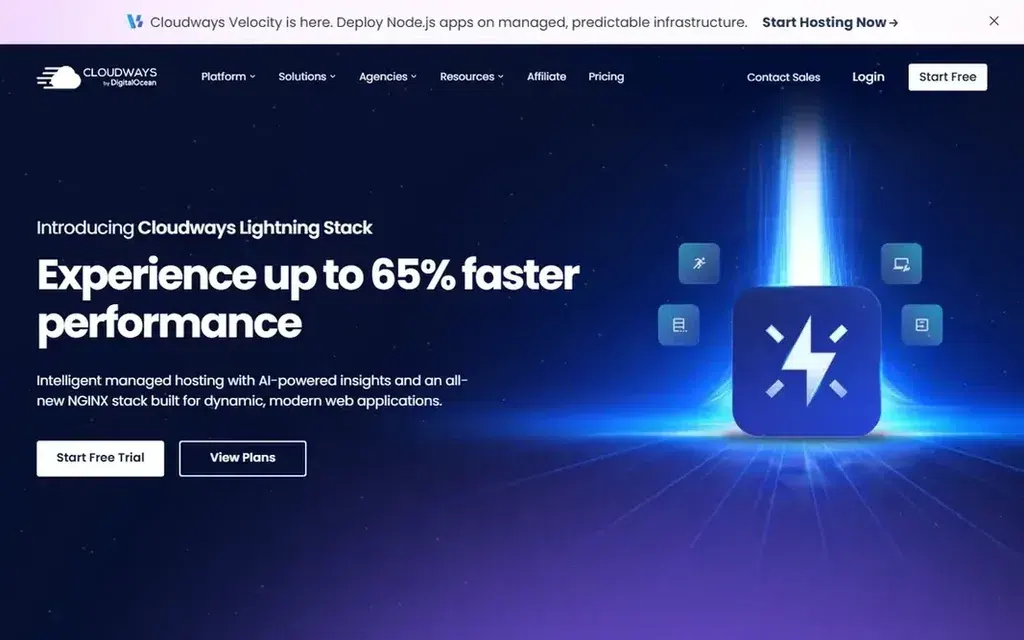
Cloudways makes the most sense for managed cloud hosting across providers. Cloudways describes itself as a managed cloud hosting product simplified, targeted at small and midsize companies. It lets teams run sites on cloud infrastructure without handling server administration straight.
Managed cloud still assumes some familiarity with server concepts. So teams wanting a completely hands off WordPress experience may prefer WP Engine or Kinsta. More specifically, organizations needing dedicated hardware or compliance heavy environments should review Liquid Web. On cost, Cloudways starts like this: $20 per month. On free options: Free trial.
Points against: Requires some technical comfort.
- Managed cloud hosting model
- Geared toward small and midsize companies
- Not a WordPress only product
Choose Pantheon for WebOps across WordPress, Drupal, Next.js. It suits remote engineering and marketing teams that run several frameworks and want structured development workflows.
Where it is weaker: Less suited to straightforward brochure sites.
More specifically, the developer oriented model can be more than a small team with one simple site needs. Pantheon does not show a starting price in this comparison, so check the vendor site for current pricing. Trial and free access: Not stated.
- WebOps workflow orientation
- Supports WordPress, Drupal, Next.js
- Developer oriented
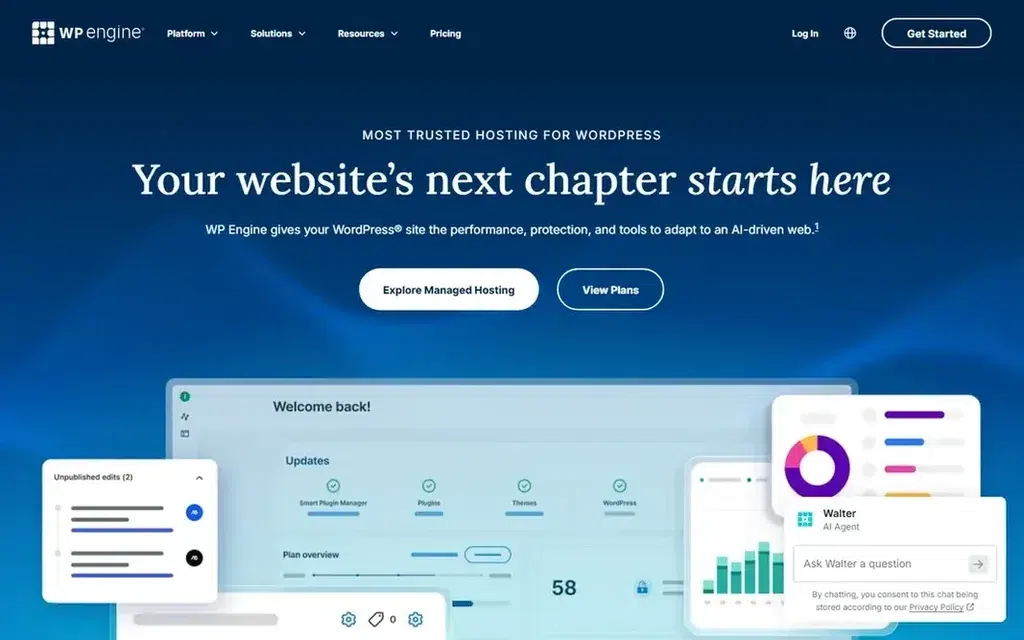
WP Engine works best for managed WordPress for distributed teams. Teams spread across time zones benefit from a provider that positions support as always available.
Points against: WordPress centric.
WP Engine is a website hosting system built around WordPress, with support and security options described on its homepage. Starting cost for WP Engine: $28.00 per month. Free plan details: Not stated.
- Managed WordPress focus
- Round the clock support
- Less suited to non WordPress stacks
How we compared the tools
For each of the 5 tools we noted price, free plan or trial, fit for managed hosting platforms for remote teams and the main limit, using vendor pages and documentation. Where a vendor does not publish a price, the entry says quote. Where a price depends on seats or billing term, the entry says so. The order reflects how well each tool fits the most common buying scenario for managed hosting platforms for remote teams, then price clarity, then free plan access. It is a starting point, not a verdict.
Things to verify first
- Confirm the entry price on the vendor page. For Liquid Web and Pantheon that means a quote rather than a fixed price.
- Take the trial from Kinsta and Cloudways and push a live task through it before you pay.
- Before choosing Liquid Web, weigh its main limit: broader offering needs more evaluation.
- Check the integration list for WP Engine against the tools you run today, and note which ones need a higher plan.
- Ask Cloudways which support channels and response times come with the plan you would buy.
FAQ
Does any tool for managed hosting platforms for remote teams here have a free plan?
No tool in this list, Liquid Web and WP Engine included, has a permanent free plan. Kinsta, Cloudways offer a trial. Trials and quotes are the usual route, so plan a short evaluation period.
What should remote teams check before buying managed hosting?
Confirm supported stacks, support coverage across time zones, security and compliance features, staging and deployment workflows, and regional data center coverage. These details vary by vendor and should be verified on each official site instead of assumed from summaries.
Do these tools publish their prices?
Not all of them. Liquid Web and Pantheon publish no starting price, so expect a quote request for those. The rest, Kinsta included, show a starting price, though seats and billing terms still change the final cost. Prices, free plan details and limits for all 5 tools in this managed hosting platforms for remote teams roundup sit on the individual cards above.
Which managed hosting system is a good match for a remote WordPress team?
For most readers this guide would start with Liquid Web, built for reliability and compliant infrastructure. Kinsta is the alternative for enterprise leaning WordPress hosting, and Cloudways for managed cloud hosting across providers. The right answer depends on budget and workflow.
How are the tools for managed hosting platforms for remote teams ordered?
The order follows typical fit for managed hosting platforms for remote teams, with Liquid Web first and WP Engine last, then price clarity and free access. It is editorial judgement, not a score, so another team could rank the tools differently.
What is the cheapest option for managed hosting platforms for remote teams in this list?
On published monthly entry prices, Kinsta is the lowest here at $17.50 per month. Entry price is only part of the cost, because seats, add-ons and billing terms can change the total. Each of the 5 options in this managed hosting platforms for remote teams guide has its own card above with the price, free plan and limits.
Sources
- https://www.liquidweb.com
- https://kinsta.com
- https://www.cloudways.com
- https://pantheon.io
- https://wpengine.com