Best LLM for Software Development in 2026: Prices, Free Plans and 5 Picks
Best LLM for software development in 2026: 5 contenders with entry costs and free tiers. The weak spots sit next to the strengths. Checked this month.
- Editor's choice
 Gemini
Google-centric teams and general AI assistance
Starts atSee websiteVisit gemini.google.comFull review - Great alternativeCodeium
Managing several agents from one command center
Starts at$20 a monthVisit codeium.comFull review - Also consider
 ChatGPT
General coding questions, explanations, and drafting
Starts atSee websiteVisit chatgpt.comFull review
Direct answer
Our first pick is Gemini, best for Google-centric teams and general AI assistance. Listed starting prices: Codeium from $20 a month and Cursor from $8 per month. Look at Codeium for managing several agents from one command center, and at ChatGPT for general coding questions, explanations, and drafting. Details, prices and limits for the rest of the 5 tools are below.
TL;DR:
- Gemini takes the first slot, best suited to Google-centric teams and general AI assistance.
- GitHub Copilot suits GitHub-centric teams wanting wide editor and terminal support.
- Only 3 of the 5 tools have a free plan (Codeium, ChatGPT, Cursor), so check the caps.
- The cheapest monthly starting price in the list is $8 per month, offered by Cursor.
- One limit worth knowing about Cursor: needs adopting a new editor.
Last checked November 2026. Prices and plan details were read from the vendors' own pages in November 2026; vendors change plans often, so confirm the current price on the vendor site before you buy.
Quick comparison
| Tool | Best for | Starts at | Free plan? | |
|---|---|---|---|---|
| Gemini | Google-centric teams and general AI assistance | See website | Not stated | Visit |
| Codeium | Managing several agents from one command center | $20 a month | Yes | Visit |
| ChatGPT | General coding questions, explanations, and drafting | See website | Yes | Visit |
 Cursor | Developers who want an agent-first coding environment | $8 per month | Yes | Visit |
 GitHub Copilot | GitHub-centric teams wanting wide editor and terminal support | See website | Not stated | Visit |
The full LLM for software development list
If you are comparing LLM for software development, this page covers 5 tools in one place: what each is best for, what it costs to start, whether it has a free plan, and the main limit to know about.
Where Gemini fits: Google-centric teams and general AI assistance. If your priority is in-editor code generation and refactoring, a dedicated coding assistant is a better primary choice.
It suits teams already invested in Google's ecosystem and individuals who want a conversational assistant for development questions. Gemini shows no starting price here, so confirm the cost on the vendor site. On free options: Not stated.
Where it is weaker: Coding features vary by surface.
- Handy for research and explanation
- Suits Google Workspace contexts
- Not a dedicated coding IDE
Codeium
Best for: Managing several agents from one command center
For managing several agents from one command center, Codeium is a natural candidate. Codeium, presented under the Devin Desktop banner, provides a command center to run any agent, locally or in the cloud. It is made for planning, reviewing, and shipping with a team of agents.
Honest limits: Less centred on single-editor assistance.
Main advantages: Command center for managing any agent. From a buyer's view, choose Codeium when agent orchestration and a unified command center are central to your workflow. Also, managing a team of agents can introduce coordination overhead and may be more than a solo developer needs. Codeium starts at: $20 per month. Codeium includes a free tier.
- Supports local and cloud agents
- Geared toward planning, review, shipping
- Agent orchestration brings setup complexity
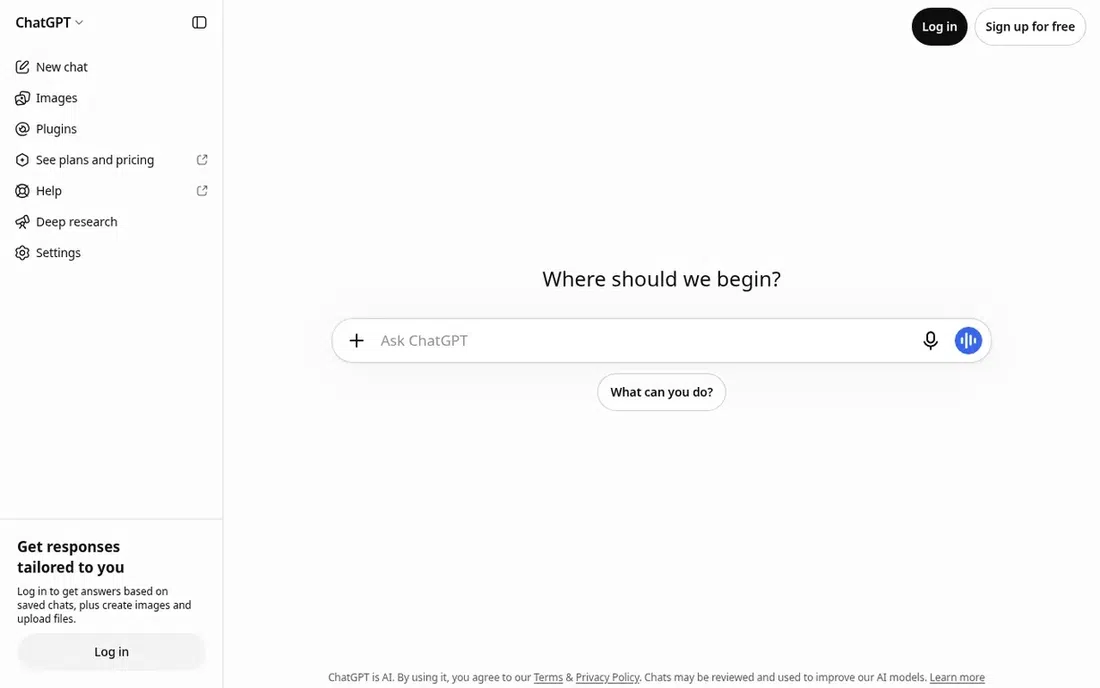
Choose ChatGPT for general coding questions, explanations, and drafting. ChatGPT is a general assistant for answering questions, writing, creating images, completing work, and coding in one place. It is available through the web and an app, so it works alongside whatever editor you already use.
Use ChatGPT when you need adaptable, conversational help across plenty of tasks. More specifically, ChatGPT is not primarily an IDE-native coding assistant, so moving code between chat and your project is manual. ChatGPT shows no starting price here, so confirm the cost on the vendor site. ChatGPT offers a free plan.
Where it is weaker: Not a native IDE integration by default.
- Coding in one place
- Available via web and app
- Needs copy-paste between chat and editor
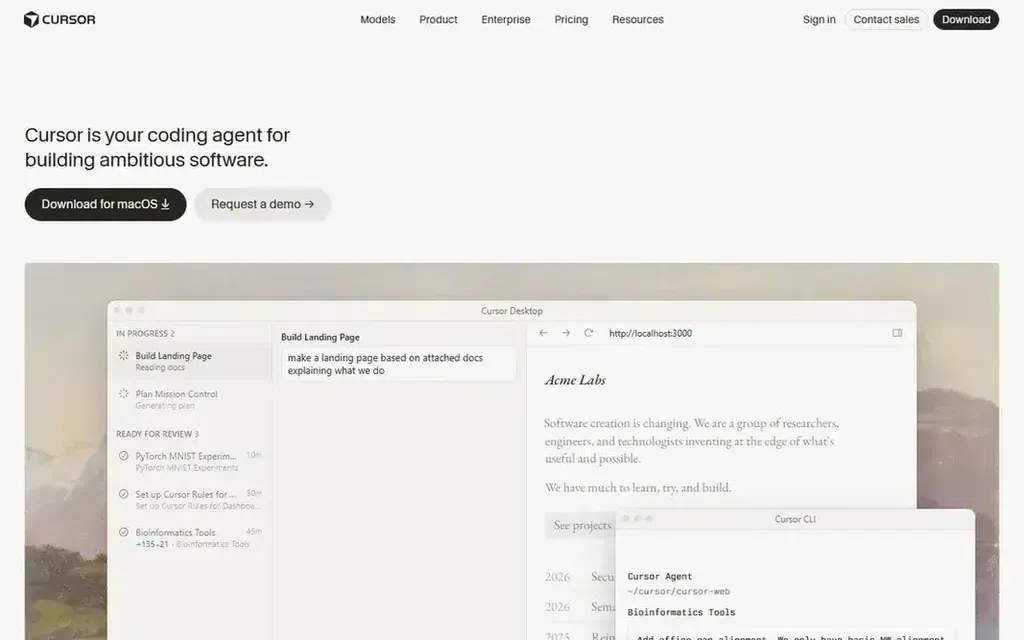
Pick Cursor if this describes you: developers who want an agent-first coding environment. You can accelerate development by handing off tasks to Cursor straight.
If you need tight integration with GitHub issues and pull requests across several surfaces, GitHub Copilot may be more natural. On top of that, choose Cursor when agent-driven task handoff is the priority. On cost, Cursor starts like this: $8 per month. Cursor includes a free tier.
Trade-offs to know: Needs adopting a new editor.
- Built around agents that turn ideas into code
- Built to accelerate task handoff
- Agent workflows may need adjustment
GitHub Copilot
Best for: GitHub-centric teams wanting wide editor and terminal support
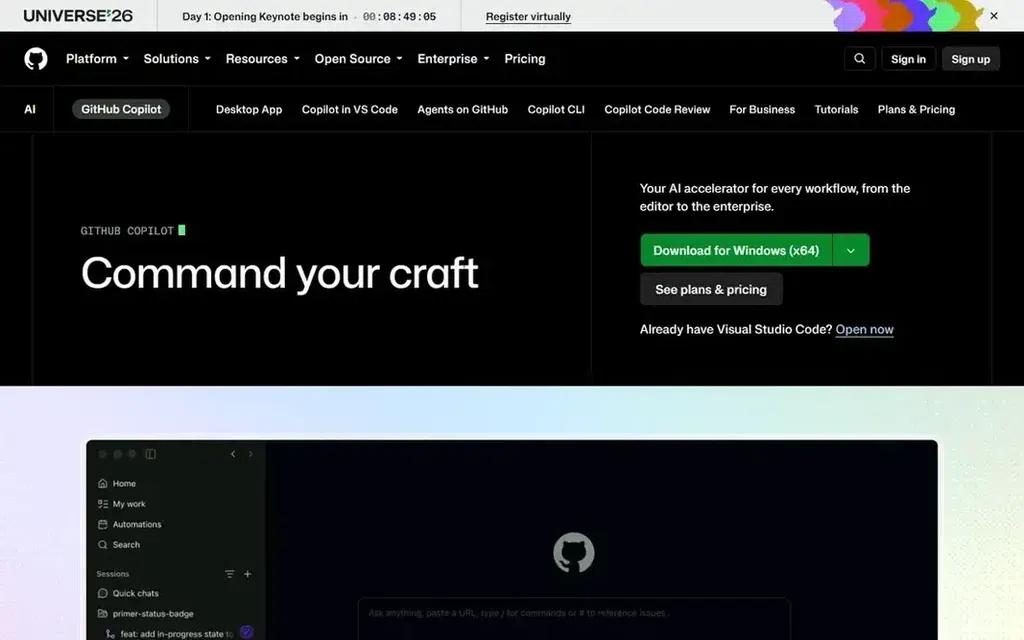
GitHub Copilot is a good fit for GitHub-centric teams wanting wide editor and terminal support. If you want a standalone agent-first editor instead of a layered assistant, Cursor may be a better fit.
Worth adding: GitHub Copilot is an AI coding agent that supports development from an open issue through reviewing and merging a pull request. Since Copilot spans numerous surfaces, teams may have to decide which features to adopt and how to govern them. GitHub Copilot does not show a starting price in this comparison, so check the vendor site for current pricing. Free options: Not stated.
Trade-offs to know: Best value may rely on GitHub usage.
- Works in the editor, terminal, desktop, GitHub
- Spans the path from issue to pull request
- Agent features can need workflow changes
How we chose
The comparison looks at four things: starting price, free access, how well the feature set matches LLM for software development, and the main limit of each tool. Where a price is missing, the vendor does not list one publicly or ties it to a quote. Always confirm before budgeting. The order reflects how well each tool fits the most common buying scenario for LLM for software development, then price clarity, then free plan access. It is a starting point, not a verdict.
Before you commit
- Ask Gemini, ChatGPT and GitHub Copilot for a written quote, since no starting price is shown.
- Read the fine print on the free plans from Codeium, ChatGPT and Cursor; seat, project and feature caps differ.
- Before choosing Gemini, weigh its main limit: not a dedicated coding IDE.
- Ask Cursor how an export works before you move any records in; an easy exit lowers the risk.
- Find out what support ChatGPT includes on your plan, and whether onboarding help costs extra.
FAQ
How are the tools for LLM for software development ordered?
Gemini sits first and GitHub Copilot last because the order follows typical fit for LLM for software development, then price clarity and free access. It is a judgement call, so read each profile for fit and limits.
Can I try these tools before paying?
Often, yes. Codeium, ChatGPT and Cursor have a free plan. Use your own data and a real task during the test, and check what the free tier or trial limits before you rely on it.
What is the cheapest option for LLM for software development in this list?
On published monthly entry prices, Cursor is the lowest here at $8 per month. Entry price is only part of the cost, because seats, add-ons and billing terms can change the total. For the full picture, the cards above cover all 5 entries of this LLM for software development list, including price, free plan and limits.
Do these tools publish their prices?
Not all of them. Gemini, ChatGPT and GitHub Copilot publish no starting price, so expect a quote request for those. The rest, Codeium included, show a starting price, though seats and billing terms still change the final cost.
Sources
- https://gemini.google.com
- https://codeium.com
- https://chatgpt.com
- https://cursor.com
- https://github.com/features/copilot