Best LLM Keyword Rank Tracker Software in 2026: 8 Tools Compared
Best LLM keyword rank tracker software in 2026: compare 8 AI search tools that track brand mentions, citations and prompts across chat engines, updated weekly.

- Editor's choice
 Profound
Enterprise brands tracking many AI engines
Starts atSee websiteVisit tryprofound.comFull review - Great alternative
 Peec AI
Agencies and multi-client teams
Starts at$95 per monthVisit peec.aiFull review - Also consider
 Scrunch AI
Teams focused on crawler and site data
Starts at$250 per monthVisit scrunch.comFull review
TL;DR:
- Profound offers the widest engine coverage on higher tiers, but entry pricing is by quote for many buyers.
- Otterly is the cheapest clear starting point, while Peec gives agencies a clean multi-client view.
- Prompt counts, engine choice, and check frequency decide the real cost, so compare those limits before the headline price.
- AI visibility data changes fast, so treat a single week of results as a baseline, not a verdict.
Quick comparison
| Tool | Best for | Starts at | Free plan? | |
|---|---|---|---|---|
| Profound | Enterprise brands tracking many AI engines | See website | Free trial | Visit |
| Peec AI | Agencies and multi-client teams | $95 per month | Free trial | Visit |
| Scrunch AI | Teams focused on crawler and site data | $250 per month | Free trial | Visit |
 Otterly.AI | Small teams starting with AI tracking | $29 per month | Free trial | Visit |
 Goodie AI | Brands that want answers and fixes | See website | Free trial | Visit |
 Brandlight | Brands tracking reputation in AI answers | See website | Free trial | Visit |
 AthenaHQ | Teams wanting a free starting tier | $295 per month | Yes | Visit |
 ZipTie | Teams that want usage-based tracking | See website | Free trial | Visit |
The best LLM keyword rank tracker software
AI answers do not show a simple ranked list of ten links, so these tools track prompts, mentions, citations, and share of answers across chat engines instead of classic positions alone.
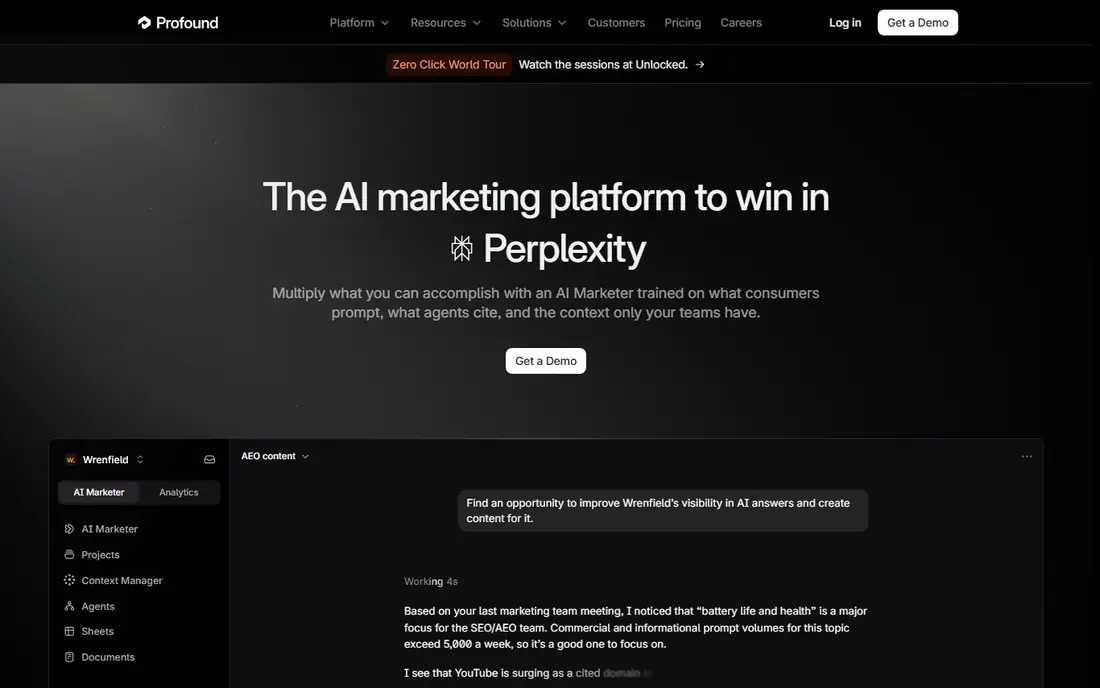
Profound is the enterprise-grade tracker for brands that need depth across ChatGPT, Perplexity, Google AI surfaces, and more. That focus makes it a clear fit for enterprise brands tracking many ai engines, and its strongest point is wide engine coverage on enterprise tiers. We compared its official feature pages and pricing with the other tools in this list, and it stands out for buyers who want that specific strength without paying for a much larger suite.
Pricing starts at See website, and the free option is listed as Free trial. In daily use, expect a straightforward setup for the core job, plus the usual limits that come with a lower tier, such as fewer templates, fewer sends, or fewer seats. The honest catch is entry pricing is by quote, so check that limit against your real volume before you commit.
Pick this one if enterprise brands tracking many ai engines matches your main need and the price fits your budget for the next year. Skip it if you need a wider set of features in one place, since a broader platform may cost more at first but save you from stitching several tools together.
- Wide engine coverage on enterprise tiers
- Citation and crawler analysis
- Analytics connections
- Entry pricing is by quote
- Smaller teams may find it heavy
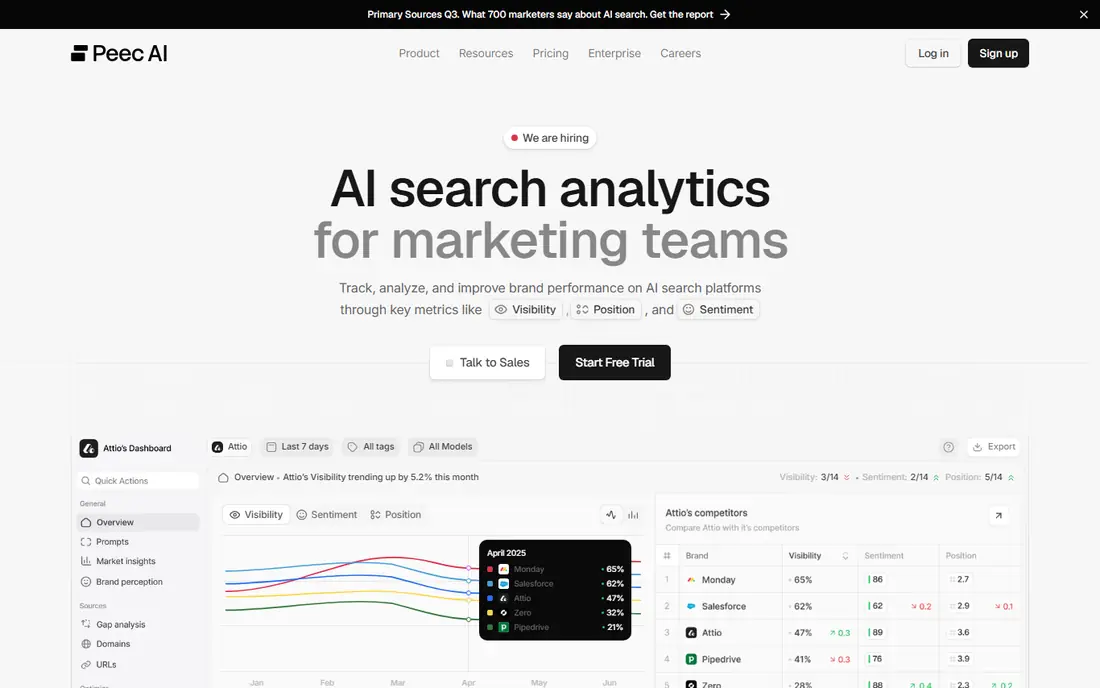
Peec AI suits agencies that need one dashboard for several clients and clear competitor comparisons. That focus makes it a clear fit for agencies and multi-client teams, and its strongest point is clean competitor tracking. We compared its official feature pages and pricing with the other tools in this list, and it stands out for buyers who want that specific strength without paying for a much larger suite.
Pricing starts at $95 per month, and the free option is listed as Free trial. In daily use, expect a straightforward setup for the core job, plus the usual limits that come with a lower tier, such as fewer templates, fewer sends, or fewer seats. The honest catch is entry plan covers only some engines, so check that limit against your real volume before you commit.
Pick this one if agencies and multi-client teams matches your main need and the price fits your budget for the next year. Skip it if you need a wider set of features in one place, since a broader platform may cost more at first but save you from stitching several tools together.
- Clean competitor tracking
- Unlimited seats on many plans
- Daily prompt checks
- Entry plan covers only some engines
- Claude needs a higher tier
Scrunch AI stands out when you want to know how AI crawlers see your site, not only whether you were mentioned. That focus makes it a clear fit for teams focused on crawler and site data, and its strongest point is ai crawler analytics. We compared its official feature pages and pricing with the other tools in this list, and it stands out for buyers who want that specific strength without paying for a much larger suite.
Pricing starts at $250 per month, and the free option is listed as Free trial. In daily use, expect a straightforward setup for the core job, plus the usual limits that come with a lower tier, such as fewer templates, fewer sends, or fewer seats. The honest catch is higher starting price, so check that limit against your real volume before you commit.
Pick this one if teams focused on crawler and site data matches your main need and the price fits your budget for the next year. Skip it if you need a wider set of features in one place, since a broader platform may cost more at first but save you from stitching several tools together.
- AI crawler analytics
- Site readability checks
- Brand presence tracking
- Higher starting price
- Some features need enterprise tiers
Otterly gives small teams a first AI visibility dashboard without an enterprise budget. That focus makes it a clear fit for small teams starting with ai tracking, and its strongest point is low starting price. We compared its official feature pages and pricing with the other tools in this list, and it stands out for buyers who want that specific strength without paying for a much larger suite.
Pricing starts at $29 per month, and the free option is listed as Free trial. In daily use, expect a straightforward setup for the core job, plus the usual limits that come with a lower tier, such as fewer templates, fewer sends, or fewer seats. The honest catch is fewer prompts on the entry plan, so check that limit against your real volume before you commit.
Pick this one if small teams starting with ai tracking matches your main need and the price fits your budget for the next year. Skip it if you need a wider set of features in one place, since a broader platform may cost more at first but save you from stitching several tools together.
- Low starting price
- Covers ChatGPT, Perplexity, and Google AI surfaces
- Unlimited seats
- Fewer prompts on the entry plan
- Some engines are add-ons
Goodie AI pairs tracking with suggested fixes, which helps teams that need next steps, not only charts. That focus makes it a clear fit for brands that want answers and fixes, and its strongest point is answer-level tracking. We compared its official feature pages and pricing with the other tools in this list, and it stands out for buyers who want that specific strength without paying for a much larger suite.
Pricing starts at See website, and the free option is listed as Free trial. In daily use, expect a straightforward setup for the core job, plus the usual limits that come with a lower tier, such as fewer templates, fewer sends, or fewer seats. The honest catch is pricing is not fully public on all tiers, so check that limit against your real volume before you commit.
Pick this one if brands that want answers and fixes matches your main need and the price fits your budget for the next year. Skip it if you need a wider set of features in one place, since a broader platform may cost more at first but save you from stitching several tools together.
- Answer-level tracking
- Optimisation guidance
- Competitor views
- Pricing is not fully public on all tiers
- Newer platform with less history
Brandlight focuses on how a brand is described in AI answers, which matters when wording shapes trust. That focus makes it a clear fit for brands tracking reputation in ai answers, and its strongest point is brand mention and sentiment views. We compared its official feature pages and pricing with the other tools in this list, and it stands out for buyers who want that specific strength without paying for a much larger suite.
Pricing starts at See website, and the free option is listed as Free trial. In daily use, expect a straightforward setup for the core job, plus the usual limits that come with a lower tier, such as fewer templates, fewer sends, or fewer seats. The honest catch is public pricing is limited, so check that limit against your real volume before you commit.
Pick this one if brands tracking reputation in ai answers matches your main need and the price fits your budget for the next year. Skip it if you need a wider set of features in one place, since a broader platform may cost more at first but save you from stitching several tools together.
- Brand mention and sentiment views
- Competitor benchmarking
- Prompt tracking
- Public pricing is limited
- Coverage varies by plan
AthenaHQ is worth a look for teams that want to test with a free tier before paying for broad coverage. That focus makes it a clear fit for teams wanting a free starting tier, and its strongest point is free tier with credits. We compared its official feature pages and pricing with the other tools in this list, and it stands out for buyers who want that specific strength without paying for a much larger suite.
Pricing starts at $295 per month, and the free option is listed as Yes. In daily use, expect a straightforward setup for the core job, plus the usual limits that come with a lower tier, such as fewer templates, fewer sends, or fewer seats. The honest catch is paid starting price is high, so check that limit against your real volume before you commit.
Pick this one if teams wanting a free starting tier matches your main need and the price fits your budget for the next year. Skip it if you need a wider set of features in one place, since a broader platform may cost more at first but save you from stitching several tools together.
- Free tier with credits
- Broad engine coverage
- Optimisation guidance
- Paid starting price is high
- Credit model takes care to compare
ZipTie suits teams with uneven prompt volumes, since you choose what to track and how often. That focus makes it a clear fit for teams that want usage-based tracking, and its strongest point is usage-based pricing. We compared its official feature pages and pricing with the other tools in this list, and it stands out for buyers who want that specific strength without paying for a much larger suite.
Pricing starts at See website, and the free option is listed as Free trial. In daily use, expect a straightforward setup for the core job, plus the usual limits that come with a lower tier, such as fewer templates, fewer sends, or fewer seats. The honest catch is smaller brand than rivals, so check that limit against your real volume before you commit.
Pick this one if teams that want usage-based tracking matches your main need and the price fits your budget for the next year. Skip it if you need a wider set of features in one place, since a broader platform may cost more at first but save you from stitching several tools together.
- Usage-based pricing
- Choice of engines and check frequency
- Pay for what you track
- Smaller brand than rivals
- Reporting depth varies by setup
How we picked these
We compared official pricing pages, engine lists, prompt limits, and public comparisons for each tool. We favoured tools that let you edit prompts, track named competitors, and show citations or sources behind an answer, since a score without a source is hard to act on. Where pricing was not published, we used See website.
How to pick an LLM keyword rank tracker that fits your workload
Start with your prompt list. Write 20 to 50 real questions a customer might ask, plus the brand and competitor names that should appear in answers. A tool that only tracks a handful of prompts will miss the long tail, while a tool with hundreds of prompts you never read wastes money. Match the prompt count and check frequency to that list.
Then check engine fit. ChatGPT and Perplexity matter for most buyers, but Google AI Overviews and Gemini matter when search traffic still drives sales. Ask whether the tool shows the cited source, the answer wording, and change over time. If it only shows a single score, you will struggle to explain a drop or prove a fix worked.
FAQ
What is an LLM keyword rank tracker?
It tracks how often a brand, product, or site appears in answers from AI engines such as ChatGPT and Perplexity, for prompts you choose. It reports mentions, citations, and share of answers, rather than a classic search position.
Is LLM tracking the same as Google rank tracking?
No. Google rank tracking follows positions on a results page. LLM tracking follows prompt answers, which can change wording, sources, and recommendations each time. The two views work best together.
How many prompts should I track?
Start with 20 to 50 core prompts covering buying questions, comparisons, and brand questions. Add competitor prompts so you can see relative visibility, then expand only when you act on the first set.
Why do AI answers change from day to day?
Models, sources, and retrieved pages change, and the same prompt can produce different wording. That is why daily or weekly trends matter more than one single answer.
Can these tools improve my AI visibility?
They can show gaps, missing citations, and weak pages, and some suggest content fixes. Ranking in AI answers still depends on clear, factual, well-structured pages and credible sources.