Best Live Chat Software for Schools (2026): 6 Picks Checked on Vendor Pages
Best live chat software for schools, compared. 6 tools with published prices, free plans and limits. Verdicts stay brief and factual. Budget notes included.
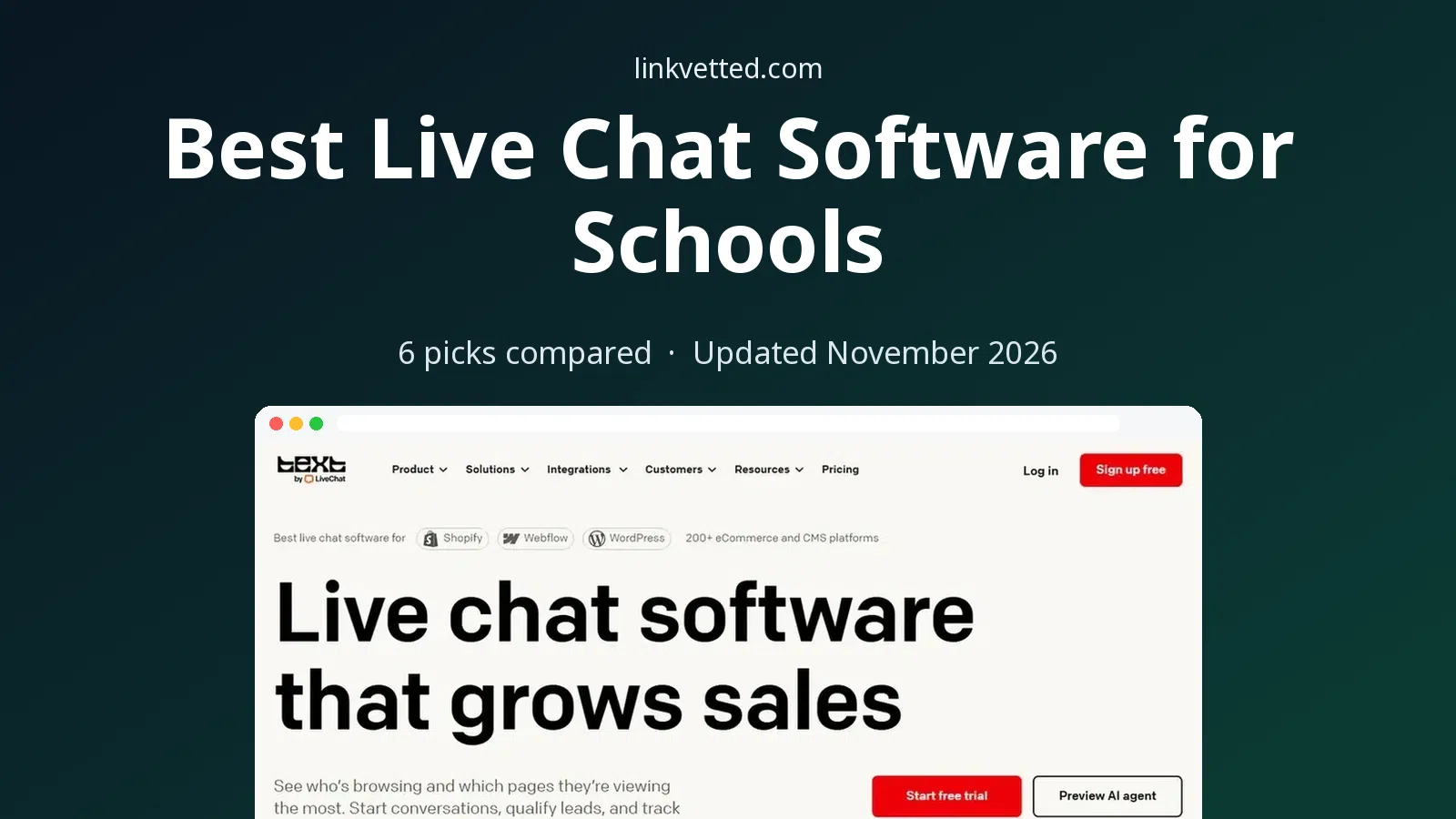
- Editor's choice
 LiveChat
Focused website chat with AI agent
Starts at$19 per user a monthVisit livechat.comFull review - Great alternative
 Help Scout
Customer-first shared inbox support
Starts at$25 per user per monthVisit helpscout.comFull review - Also consider
 Drift
Conversational marketing and chat
Starts atSee websiteVisit drift.comFull review
Direct answer
LiveChat comes first here, mainly for focused website chat with AI agent. Listed starting prices: LiveChat from $19 per user a month, Help Scout from $25 per user per month and Tidio from $24.17 per month. Help Scout is better for customer-first shared inbox support, and Drift is better for conversational marketing and chat. The full list of 6 tools follows, with prices and free plan facts.
TL;DR:
- This list starts with LiveChat, which is built for focused website chat with AI agent.
- Starting prices begin at $19 per user per month with LiveChat.
- For wide AI-assisted service system, Zendesk is worth a look.
- Free plans exist at 2 of 6 tools (Help Scout, Tidio).
Last checked November 2026. Prices and plan details were read from the vendors' own pages in November 2026; vendors change plans often, so confirm the current price on the vendor site before you buy.
Quick comparison
| Tool | Best for | Starts at | Free plan? | |
|---|---|---|---|---|
| LiveChat | Focused website chat with AI agent | $19 per user a month | Free trial | Visit |
| Help Scout | Customer-first shared inbox support | $25 per user per month | Yes | Visit |
| Drift | Conversational marketing and chat | See website | Not stated | Visit |
 Tidio | Attributing chats to outcomes | $24.17 per month | Yes | Visit |
 Olark | Lean marketing-led school teams | $29 per agent a month | Free trial | Visit |
 Zendesk | Wide AI-assisted service system | $19 agent/month premium yearly | Free trial | Visit |
Live Chat Software for Schools compared in detail
Choosing live chat software for schools usually comes down to price, fit and limits. This LinkVetted guide sets 6 tools side by side on those three points, with the facts kept short and checkable.
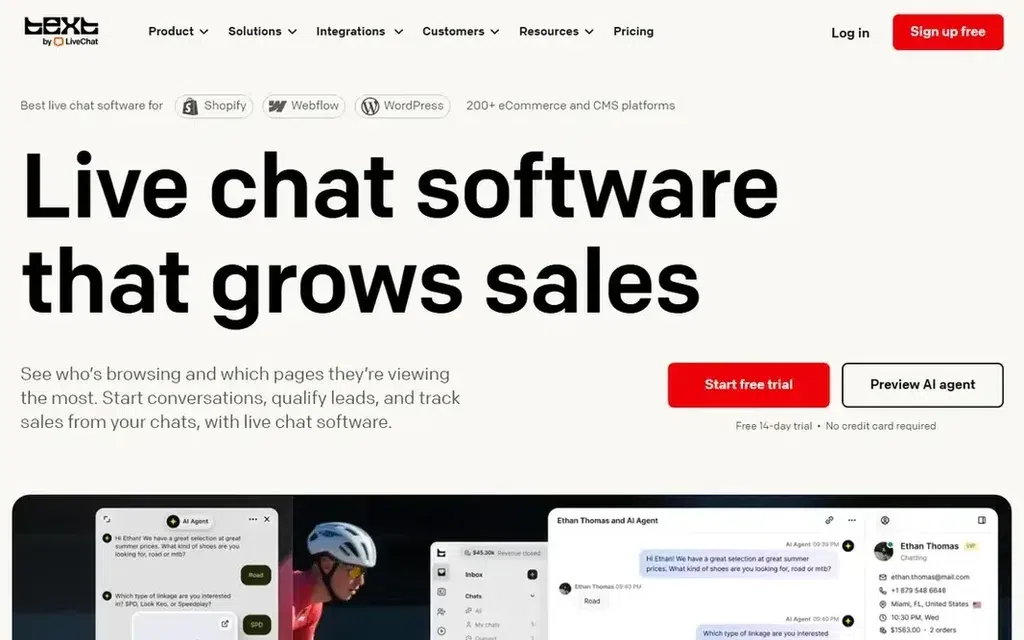
LiveChat works best for focused website chat with AI agent. The vendor also flags qualifying leads and tracking sales from chats.
Watch-outs: Sales-oriented framing may not fit every school.
In daily use, pick LiveChat when the priority is a clean chat experience with an AI agent on the website. The starting price for LiveChat: $19 per user per month. Trial and free access: Free trial.
- Lead qualification and sales tracking from chats
- Clear website chat focus
- Fewer back-office service features than wide systems
Where Help Scout fits: customer-first shared inbox support. Help Scout presents itself as an AI-driven support product for customer-first brands, with easy-to-learn features for delivering support. More specifically, in a school setting, that shared-inbox approach suits admissions, registrar or front-office teams that answer plenty of similar questions and want conversations assigned and answered consistently instead of scattered across personal inboxes.
Honest limits: Not a pure website chat widget.
It is less a plug-in chat widget and more a support product, so schools wanting only a website chat box may prefer a lighter tool. The value presents up when staff actually work from the shared inbox. Help Scout starts at: $25 per user per month. A free plan is available with Help Scout.
- Easy-to-learn features for support teams
- AI-driven support product
- Value depends on adopting shared inbox habits
Choose Drift for conversational marketing and chat. Drift is widely known as a conversational marketing and chat product, frequently used to engage website visitors and route them toward the right next step.
What to check first: Feature fit should be confirmed straight with the vendor.
More specifically, since its heritage is marketing-led, schools with heavy student services or IT support needs may find other tools better aligned. Pricing for Drift is not stated here, so ask the vendor for current figures. Trial and free access: Not stated.
- Well-known conversational marketing tool
- Chat tied to website visitor engagement
- Marketing focus may not match academic support
Choose Tidio for attributing chats to outcomes. Schools that do not track outcomes from chat may not use much of the reporting value.
Watch-outs: Outcome tracking matters less for straightforward inquiries.
In practice, the revenue-oriented framing is a weaker match for internal help desks or purely informational support. Worth adding: Tidio markets AI customer service that turns chats into revenue, with its Lyro assistant resolving questions immediately and turning the rest into sales, leads and bookings you can attribute. Tidio cost at the entry level: $24.17 per month. A free plan is available with Tidio.
- Focus on measurable conversation results
- Leads and bookings
- Revenue framing may not fit all school use cases
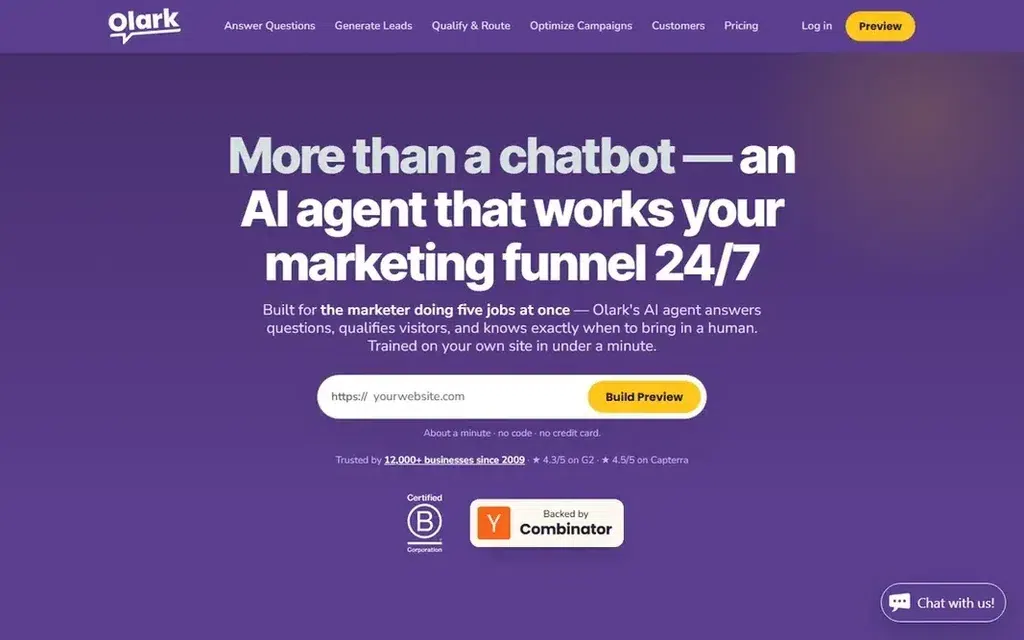
For lean marketing-led school teams, Olark is a natural candidate. Olark describes itself as more than a chatbot, an AI agent that works your marketing funnel around the clock. It answers questions, qualifies visitors and knows when to bring in a human.
Drawbacks to consider: Less depth for complicated service workflows.
The vendor says it trains on your own site rapidly. As for the details, for schools with a small marketing or communications team juggling multiple roles, that setup can include routine inquiries without additional headcount. Choose Olark when a lean team wants an AI agent grounded in its own website content. Price to start with Olark: $29 per agent per month. Trial and free access: Free trial.
- Hands off to a human when needed
- Answers questions and qualifies visitors
- Marketing funnel focus may not suit every office
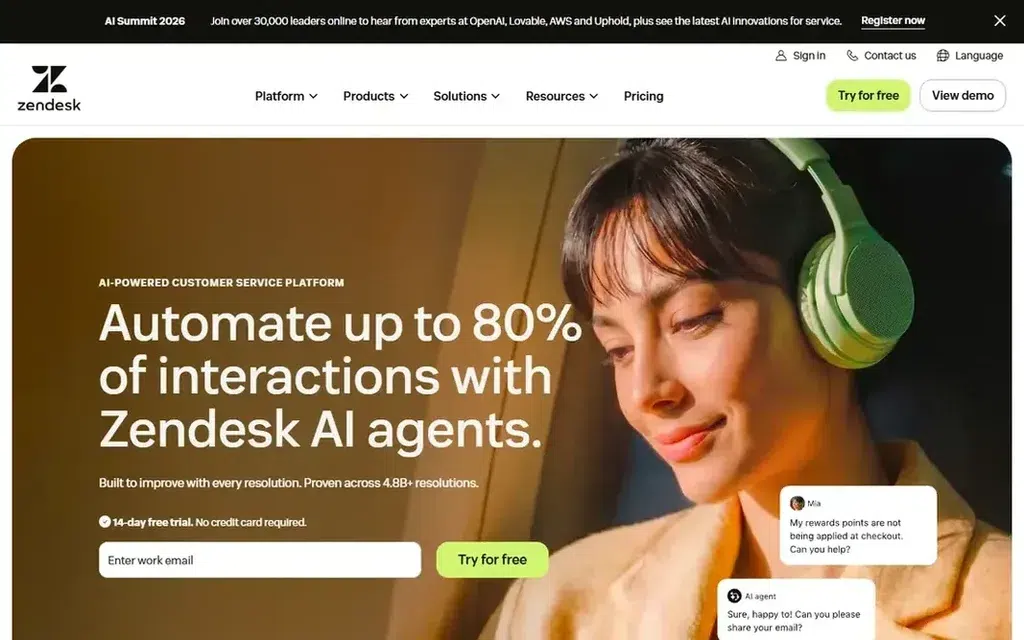
Zendesk is aimed squarely at wide AI-assisted service product. A school that only wants a light chat box on its website may prefer a more straightforward tool.
Downsides: Can be more system than a small school needs.
Beyond that, for schools, that breadth suits a central office or IT help desk handling plenty of request types across departments. Also, consider Zendesk when chat is one part of a wider service operation. Entry price for Zendesk: $19 agent/month premium yearly. Free options: Free trial.
- AI agents that resolve issues end to end
- Broad customer service feature set
- Setup and administration take effort
How these tools were picked
We compared the tools on published pricing, free plan or trial availability, feature coverage for live chat software for schools, and the limits each vendor documents. Where a price is missing, the vendor does not list one publicly or ties it to a quote. Always confirm before budgeting. The sequence is a judgement call: typical use case first, then pricing transparency, then free access. Use the profiles to check fit.
A buyer's checklist
- Get a written quote from Drift; the list shows no starting price for them.
- Look at free plan limits closely: Help Scout and Tidio have one, and the caps decide whether it is usable for real work.
- Run a trial of LiveChat, Olark and Zendesk with real work before paying for a year; your own workflow is the best test.
- Before choosing LiveChat, weigh its main limit: sales-oriented framing may not fit every school.
- Total up the real monthly cost of Olark, including add-ons, extra users and usage-based fees.
- Verify that exporting from Drift is possible on your plan and covers all your records.
FAQ
Can I try these tools before paying?
Often, yes. Help Scout and Tidio have a free plan and LiveChat, Olark and Zendesk offer a free trial. Use your own data and a real task during the test, and check what the free tier or trial limits before you rely on it.
How are the tools for live chat software for schools ordered?
LiveChat sits first and Zendesk last because the order follows typical fit for live chat software for schools, then price clarity and free access. It is a judgement call, so read each profile for fit and limits.
Which options for live chat software for schools have a free plan?
On this list, Help Scout and Tidio include a free plan. Caps on seats, usage or features are common, so test the free plan against your real workload. Several others offer a trial instead.
Can live chat replace email or phone support at a school?
Typically it complements them instead of replacing them. A shared inbox tool like Help Scout can help keep those channels organized alongside chat.
What is the cheapest option for live chat software for schools in this list?
On published monthly entry prices, LiveChat is the lowest here at $19 per user per month. Entry price is only part of the cost, because seats, add-ons and billing terms can change the total. For the full picture, the cards above cover all 6 entries of this live chat software for schools list, including price, free plan and limits.
Sources
- https://www.livechat.com
- https://www.helpscout.com
- https://www.drift.com
- https://www.tidio.com
- https://www.olark.com
- https://www.zendesk.com