Best Live Chat Software for Pharmacies for 2026: Our 5 Vetted Picks
Best live chat software for pharmacies: 5 contenders ranked by fit, with entry costs and free tiers. Strengths and weak spots are spelled out. Quick to scan.
- Editor's choice
 Crisp
Multichannel messaging in one shared inbox
Starts at$45 a month per workspaceVisit crisp.chatFull review - Great alternative
 Tidio
Turning pharmacy chats into measurable revenue
Starts at$24.17 per monthVisit tidio.comFull review - Also consider
 LiveChat
Website chat with round-the-clock AI answers
Starts at$19 per user per monthVisit livechat.comFull review
Direct answer
Start with Crisp if you need multichannel messaging in one shared inbox. Listed starting prices: Crisp from $45 a month per workspace, Tidio from $24.17 per month and LiveChat from $19 per user per month. Tidio is better for turning pharmacy chats into measurable revenue, and LiveChat is better for website chat with round-the-clock AI answers. The other 2 tools in the list cover narrower or pricier cases.
TL;DR:
- This list starts with Crisp, which is built for multichannel messaging in one shared inbox.
- Just one of the 5 tools, Tidio, has a free plan.
- The main caution on Tidio: revenue focus may not suit all.
- The cheapest monthly starting price in the list is $19 per user per month, offered by LiveChat.
Last checked November 2026. Prices and plan details were read from the vendors' own pages in November 2026; vendors change plans often, so confirm the current price on the vendor site before you buy.
Quick comparison
| Tool | Best for | Starts at | Free plan? | |
|---|---|---|---|---|
| Crisp | Multichannel messaging in one shared inbox | $45 a month per workspace | Free trial | Visit |
| Tidio | Turning pharmacy chats into measurable revenue | $24.17 per month | Yes | Visit |
| LiveChat | Website chat with round-the-clock AI answers | $19 per user per month | Free trial | Visit |
 Zendesk | Bigger support operations with AI resolution | $19 agent/month premium yearly | Free trial | Visit |
 Olark | Marketers who want a trained AI agent quick | $29 per agent a month | Free trial | Visit |
Live Chat Software for Pharmacies profiles
If you are comparing live chat software for pharmacies, this page covers 5 tools in one place: what each is best for, what it costs to start, whether it has a free plan, and the main limit to know about.
Crisp targets multichannel messaging in one shared inbox. For a pharmacy, that means website chat alongside other messaging channels in one place, with AI assistance.
A pharmacy that only needs a single website chat widget may find a narrower tool quicker to launch. Price to start with Crisp: $45 per month per workspace. As for free access: Free trial.
Points against: Feature breadth takes learning.
- All-in-one multichannel messaging
- Links multiple channels together
- Channel setup needs review
Tidio works best for turning pharmacy chats into measurable revenue. The revenue framing is less relevant for pharmacies focused purely on advice and triage. In practice, Tidio is AI customer service that turns chats into revenue, with Lyro resolving questions instantly and the rest becoming sales, leads and bookings you can attribute.
Watch-outs: Revenue focus may not suit all.
It presents what customer conversations earn, which appeals to pharmacies selling products online alongside advice. If your priority is a shared inbox for patient questions instead of attribution, a support-first tool may be a better match. What you pay to start with Tidio: $24.17 per month. A free plan is available with Tidio.
- Conversation revenue reporting
- Attributes chats to sales and leads
- Needs clean content to train well
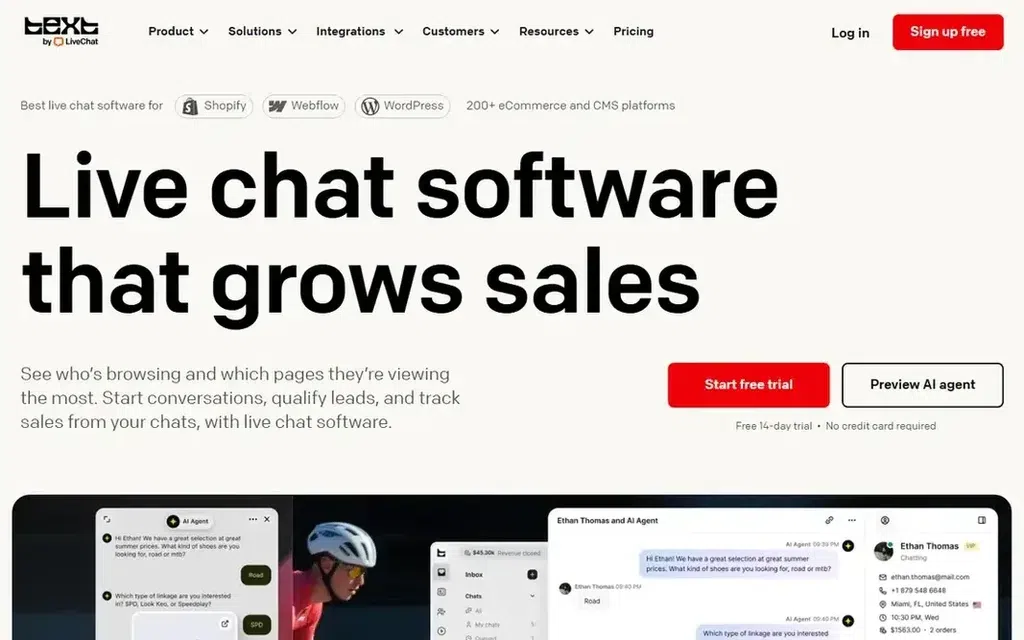
LiveChat is designed for website chat with round-the-clock AI answers. It suits pharmacies that want a straightforward chat widget paired with automation and a clear view of how chats convert.
Honest limits: Extras may be needed.
The starting price for LiveChat: $19 per user per month. On free options: Free trial.
- AI agent answers 24/7
- Tracks sales from chats
- AI setup needs tuning
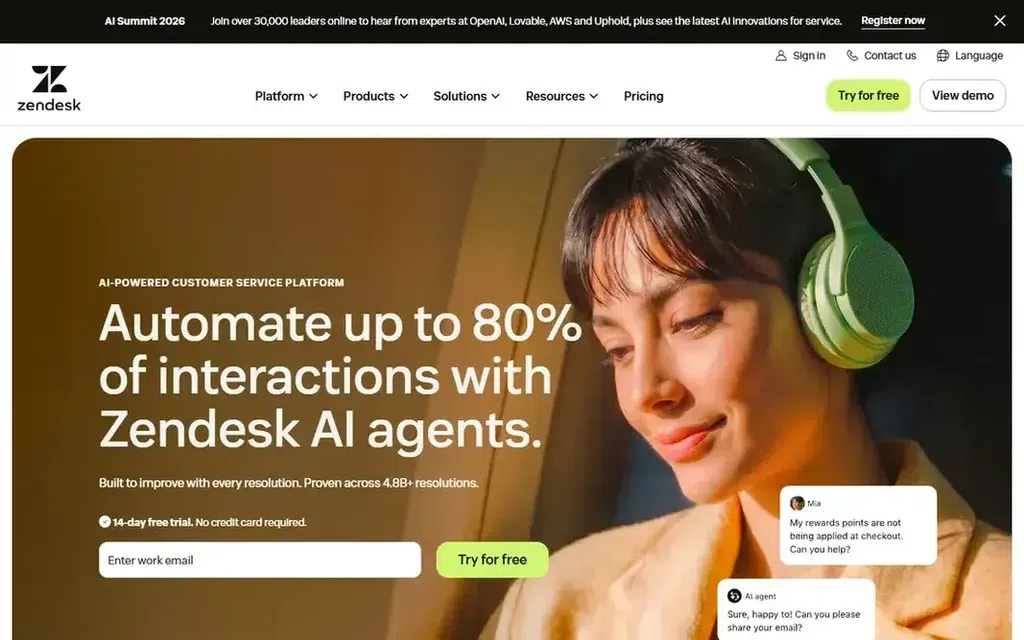
Zendesk targets bigger support operations with AI resolution. Zendesk is an AI-powered customer service product built around AI agents that resolve issues end-to-end instead of only deflecting them. It aims to boost service quality, speed and scale, which fits pharmacies with a dedicated support team and several contact channels.
Honest limits: Can feel heavy for small teams.
It is a reasonable fit when chat is one part of a wider service strategy. Also, for a single-location pharmacy with a small team, the product can be more than needed and takes planning to configure well. A simpler chat-first tool is often simpler to adopt when speed of setup matters most. Zendesk cost at the entry level: $19 agent/month premium yearly. Free access: Free trial.
- AI agents resolve issues end-to-end
- Focus on service quality and scale
- Setup requires planning
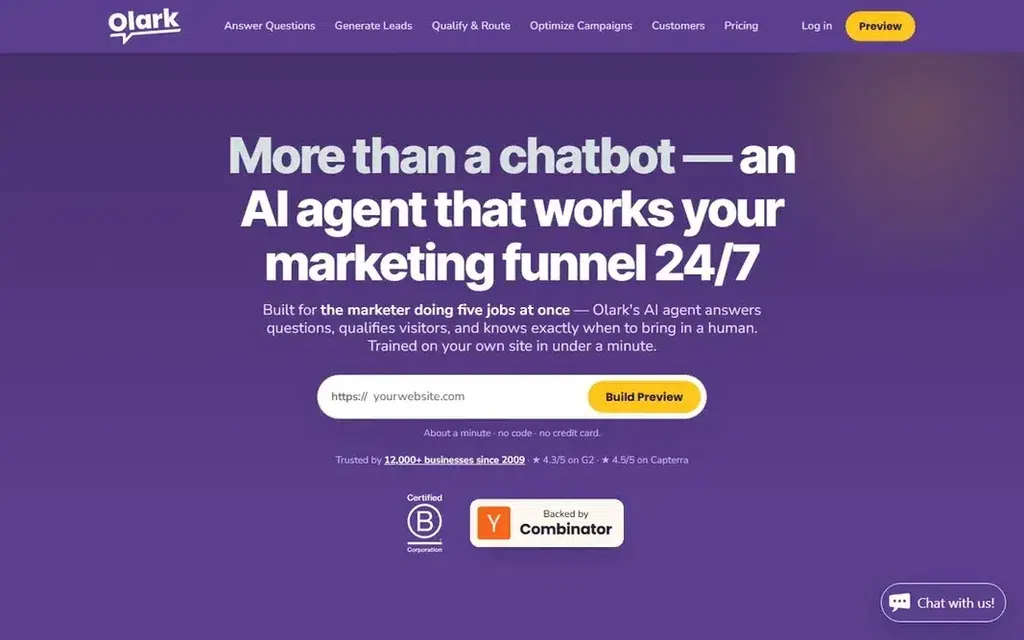
Olark works best for Marketers who want a trained AI agent quick. The product leans toward marketing and funnel work, so teams wanting deep ticketing or a full service suite may find it restricted.
On top of that, Olark presents itself as more than a chatbot, an AI agent that works your marketing funnel around the clock. What you pay to start with Olark: $29 per agent per month. Free access: Free trial.
Trade-offs to know: Marketing-oriented framing.
- Hands off to humans at the right moment
- AI agent trained on your own site
- Fewer deep support features
How we compared the tools
The comparison looks at four things: starting price, free access, how well the feature set matches live chat software for pharmacies, and the main limit of each tool. Prices and plan limits come from vendor pages and can change, so confirm them on the vendor site before you buy. The sequence is a judgement call: typical use case first, then pricing transparency, then free access. Use the profiles to check fit.
Questions to settle before buying
- Prices are a starting point; LiveChat shows $19 per user per month to start, so verify what your seat count would cost.
- Look at the free plan from Tidio closely: its caps decide whether it is usable for real work.
- Take the trial from Crisp, LiveChat, Zendesk and Olark and push a live task through it before you pay.
- Read the limits listed for Crisp first: feature breadth takes learning.
- Get the contract term, renewal terms and any onboarding fees from Tidio in writing.
- Map your must-have features to a specific Zendesk plan before you compare prices.
FAQ
Do these tools publish their prices?
Yes. Every tool from Crisp to Olark shows a starting price, though seats, add-ons and billing terms still change the final cost.
Can live chat deal with sensitive pharmacy questions?
Most tools let you route sensitive conversations to a human, and multiple highlight handoff to staff when needed. Use the AI for routine questions for example hours, services or product availability, and keep advice-driven conversations with your team.
How are the tools for live chat software for pharmacies ordered?
Crisp sits first and Olark last because the order follows typical fit for live chat software for pharmacies, then price clarity and free access. It is a judgement call, so read each profile for fit and limits.
Which options for live chat software for pharmacies have a free plan?
Tidio is the only tool in this list with a free plan. Free plans usually cap users, projects or features, so check the limits on the vendor page. Several others offer a trial instead. For the full picture, the cards above cover all 5 entries of this live chat software for Pharmacies list, including price, free plan and limits.
Is Crisp the right pick for everyone comparing live chat software for pharmacies?
No single tool suits every team. Crisp comes first because it fits multichannel messaging in one shared inbox, while Tidio suits turning pharmacy chats into measurable revenue and LiveChat suits website chat with round-the-clock AI answers. Match the tool to your own size, budget and workflow before deciding.
Sources
- https://crisp.chat
- https://www.tidio.com
- https://www.livechat.com
- https://www.zendesk.com
- https://www.olark.com