Best Live Chat Software for Churches for 2026: Our 5 Vetted Picks
Best live chat software for churches in 2026: 5 contenders with entry costs and free tiers. Strengths and weak spots are spelled out. Straight answers.
- Editor's choice
 LiveChat
Structured agent workspace with AI backup
Starts at$19 per user a monthVisit livechat.comFull review - Great alternative
 Zendesk
Bigger churches with support workflows
Starts at$19 agent/month premium yearlyVisit zendesk.comFull review - Also consider
 tawk.to
Budget-conscious churches wanting one inbox
Starts at$29 a monthVisit tawk.toFull review
Direct answer
LiveChat is the first pick on this list for structured agent workspace with AI backup. Listed starting prices: LiveChat from $19 per user a month, Zendesk from $19 agent/month premium yearly and tawk.to from $29 a month. Zendesk fits bigger churches with support workflows; tawk.to fits budget-conscious churches wanting one inbox. Prices, free plans and limits for all 5 tools follow.
TL;DR:
- Top of the list is LiveChat, which targets structured agent workspace with AI backup.
- The cheapest monthly starting price in the list is $19 per user per month, offered by LiveChat.
- Tidio is the one to check for AI answering plus a shared inbox.
- Free plans exist at 2 of 5 tools (tawk.to, Tidio).
Last checked November 2026. Prices and plan details were read from the vendors' own pages in November 2026; vendors change plans often, so confirm the current price on the vendor site before you buy.
Quick comparison
| Tool | Best for | Starts at | Free plan? | |
|---|---|---|---|---|
| LiveChat | Structured agent workspace with AI backup | $19 per user a month | Free trial | Visit |
| Zendesk | Bigger churches with support workflows | $19 agent/month premium yearly | Free trial | Visit |
| tawk.to | Budget-conscious churches wanting one inbox | $29 a month | Yes | Visit |
 Olark | AI agent trained on your own site | $29 per agent per month | Free trial | Visit |
 Tidio | AI answering plus a shared inbox | $24.17 a month | Yes | Visit |
The full live chat software for churches list
Choosing live chat software for churches usually comes down to price, fit and limits. This LinkVetted guide sets 5 tools side by side on those three points, with the facts kept short and checkable.
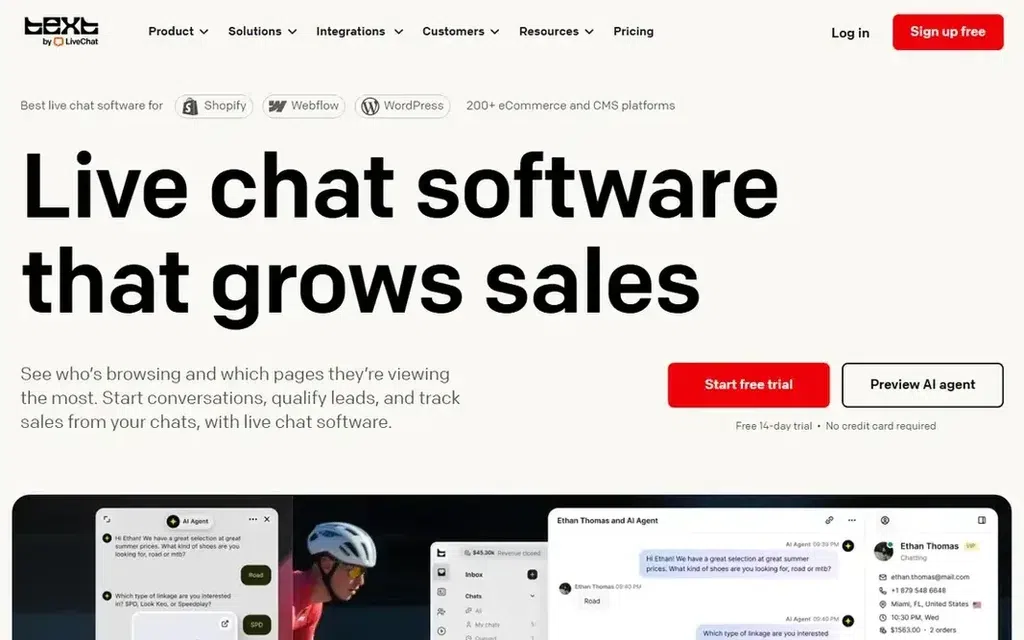
For structured agent workspace with AI backup, LiveChat is a natural candidate. LiveChat is live chat software for your website with an AI agent that answers around the clock, qualifies leads and tracks sales from chats. Consider a lighter option if your team changes frequently and needs minimal training.
The product is built around sales tracking, so some reports and labels will not match church language from day one. On top of that, a congregation with only occasional chat volume may find the workspace heavier than needed. The starting price for LiveChat: $19 per user per month. As for free access: Free trial.
Drawbacks to consider: Full feature set may overwhelm volunteers.
- AI agent answers around the clock
- Lead qualification and chat tracking
- Sales-oriented framing
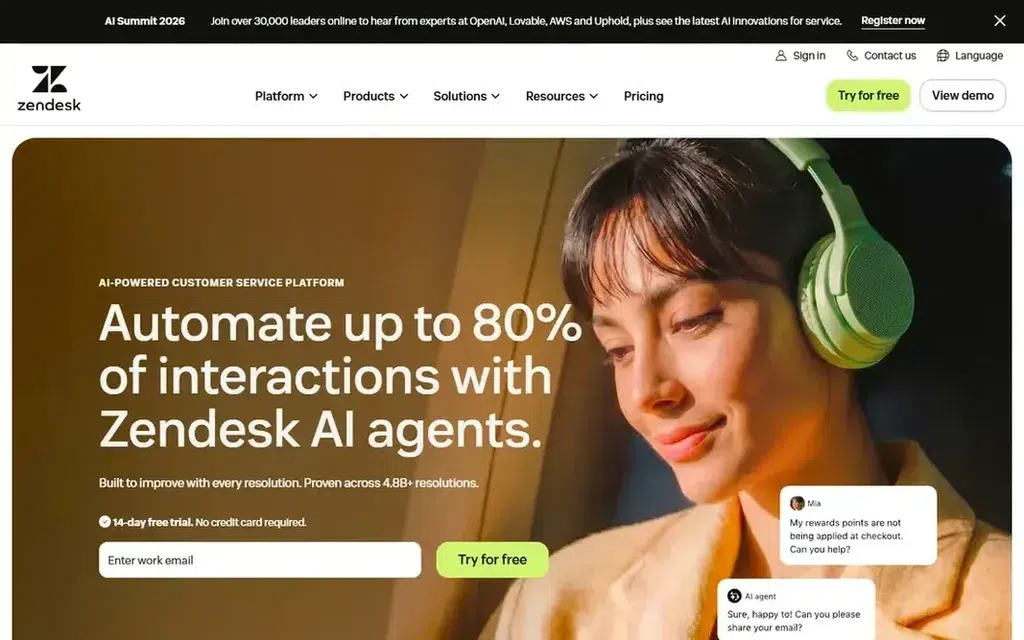
For larger churches with support workflows, Zendesk is a natural candidate. Zendesk describes an AI-powered customer service system where AI agents resolve issues end to end and help boost service quality, speed and scale. If you want something volunteers can pick up in an afternoon, look at a more straightforward tool first.
Where it falls short: Setup needs planning.
More specifically, the product is aimed at support operations. So a small congregation may find the configuration work out of proportion to its chat volume. It rewards teams that can dedicate someone to administration. On cost, Zendesk starts like this: $19 agent/month premium yearly. Free access: Free trial.
- Focus on service quality and scale
- Fits multi-channel support
- Can be complicated for small teams
tawk.to serves budget-conscious churches wanting one inbox. tawk.to describes one inbox for all customer channels, combining live chat, ticketing, a knowledge base, AI assist and CRM in one place.
Where it falls short: Advanced needs may need other tools.
Strengths: Single inbox for several channels.
Beyond that, churches with specialized needs, like deep integration with an existing church management system, should check compatibility before committing. Entry price for tawk.to: $29 per month. tawk.to has a free plan.
- Live chat
- Ticketing and knowledge base together
- Interface can feel dense
Think of Olark for AI agent trained on your own site. Olark describes itself as more than a chatbot: an AI agent that works your marketing funnel around the clock, answering questions, qualifying visitors and knowing when to bring in a human, trained on your own site rapidly.
Honest limits: Marketing-funnel framing.
From a buyer's view, a church can point it at its website so visitors get answers about ministries, schedules and directions before a person is available. It leans toward the front end of a conversation rather than deep ticketing. Starting cost for Olark: $29 per agent per month. Trial and free access: Free trial.
- Hands off to a human at the right moment
- Answers questions and qualifies visitors
- Fewer helpdesk features
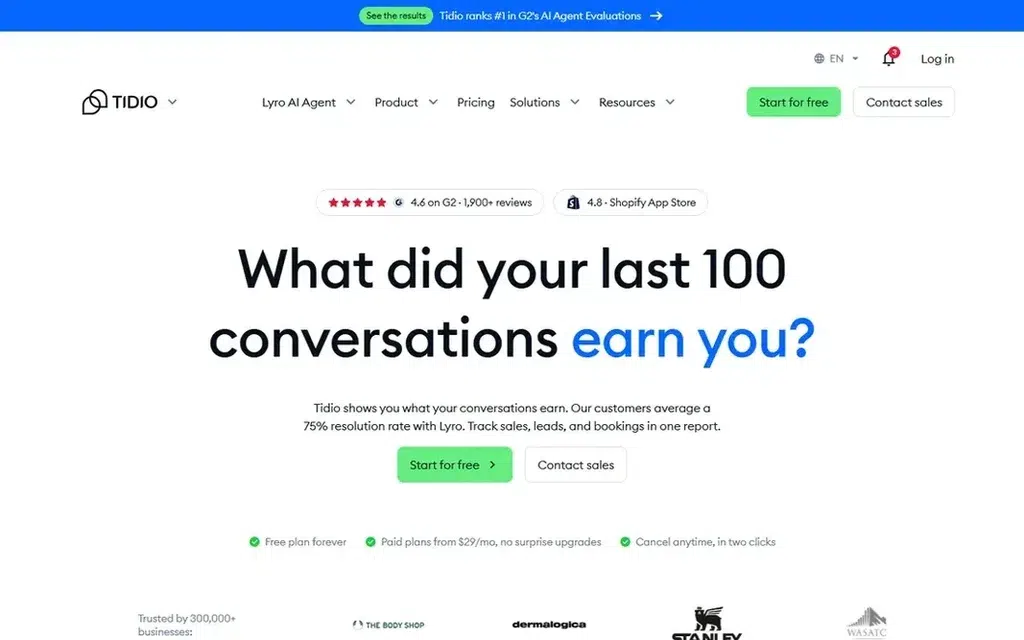
Choose Tidio for AI answering plus a shared inbox. Tidio presents itself as AI customer service that turns chats into revenue, with its Lyro assistant resolving questions immediately and passing the rest along as sales, leads or bookings.
Points against: Advanced automation may need setup time.
In practice, if you chiefly want a plain inbox with no AI layer, a more straightforward tool may be simpler to run with volunteers. Starting cost for Tidio: $24.17 per month. You can start on Tidio without paying.
- Straightforward fit for small teams
- Conversations can turn into leads and bookings
- Less suited to large multi-department support
Selection criteria
Before you commit
- Prices are a starting point; LiveChat shows $19 per user per month to start, so verify what your seat count would cost.
- Look at free plan limits closely: tawk.to and Tidio have one, and the caps decide whether it is usable for real work.
- Use real work to test the free trial from LiveChat, Zendesk and Olark, rather than a demo project.
- Read the limits listed for LiveChat first: sales-oriented framing.
- Verify that exporting from Tidio is possible on your plan and covers all your records.
- Confirm minimum seats and billing terms with tawk.to before you commit to an annual plan.
FAQ
Do small churches need AI in live chat?
Not necessarily. AI helps most when the same questions arrive repeatedly and volunteers are commonly away from the desk. A small congregation with light chat volume may do fine with a straightforward inbox and saved replies, and add AI later if volume grows.
Is LiveChat the right pick for everyone comparing live chat software for churches?
No single tool suits every team. LiveChat comes first because it fits structured agent workspace with AI backup, while Zendesk suits larger churches with support workflows and tawk.to suits budget-conscious churches wanting one inbox. Match the tool to your own size, budget and workflow before deciding.
Can live chat collect prayer requests or visitor details?
Plenty of tools let you capture contact details and notes during a conversation, and some support forms inside the chat window. Check how each vendor keeps and exports that information so it can be followed up appropriately and handled with care.
How should a church staff live chat with volunteers?
Keep the tool straightforward, set clear hours when chat is monitored, and use saved replies for typical questions about service times, parking and events. A shared inbox helps so any volunteer can pick up a conversation without asking for a handoff.
Can I try these tools before paying?
Often, yes. tawk.to and Tidio have a free plan and LiveChat, Zendesk and Olark offer a free trial. Use your own data and a real task during the test, and check what the free tier or trial limits before you rely on it.
How are the tools for live chat software for churches ordered?
LiveChat sits first and Tidio last because the order follows typical fit for live chat software for churches, then price clarity and free access. It is a judgement call, so read each profile for fit and limits.
Sources
- https://www.livechat.com
- https://www.zendesk.com
- https://www.tawk.to
- https://www.olark.com
- https://www.tidio.com