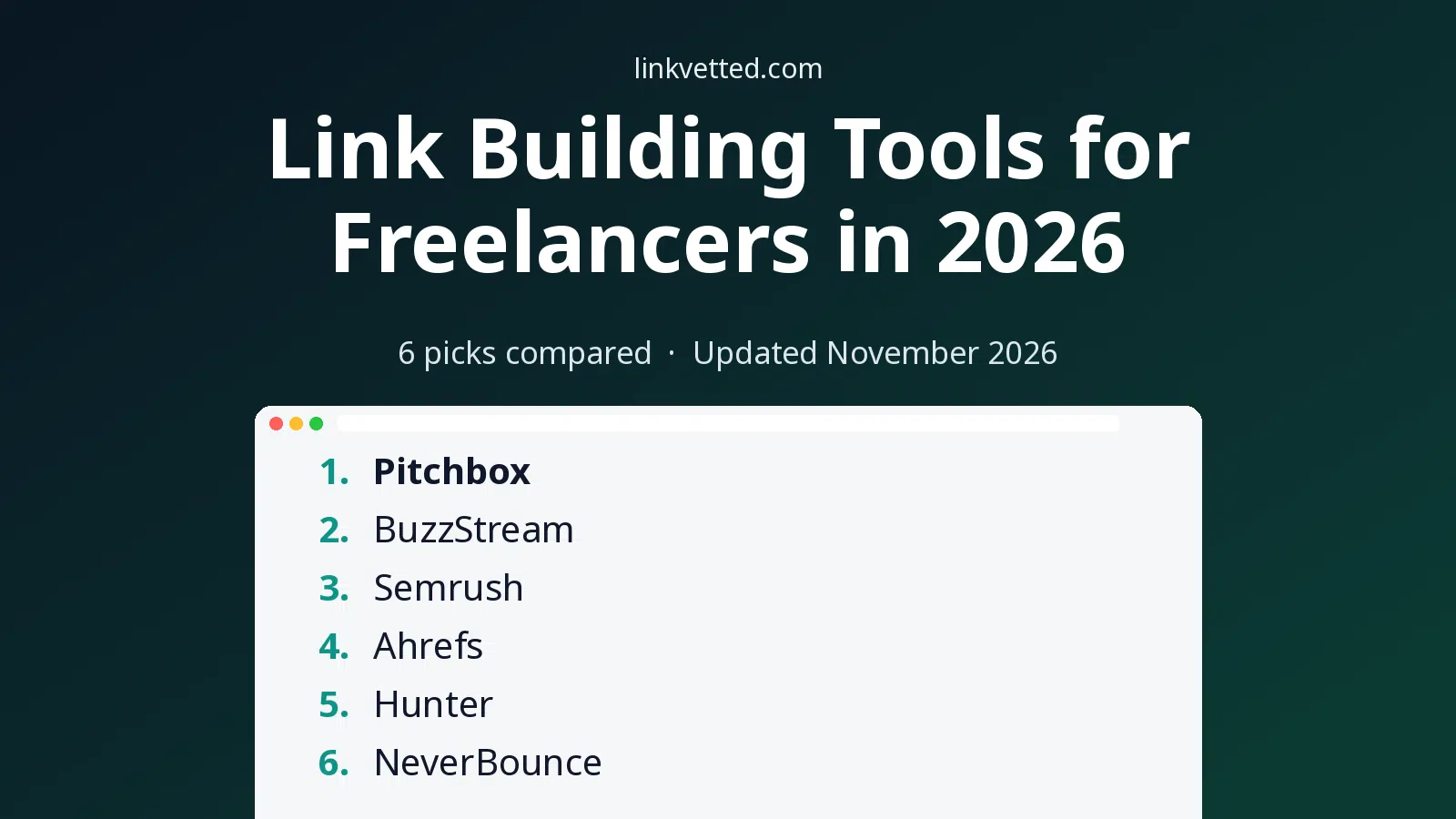
Link Building Tools for Freelancers in 2026: The 6 Best Options Side by Side
A practical guide to the best link building tools for freelancers in 2026, compared from vendor documentation and public sources.
- Editor's choice
 Pitchbox
Running outreach campaigns end to end
Starts atSee websiteVisit pitchbox.comFull review - Great alternative
 BuzzStream
Organizing prospects and follow-ups
Starts atSee websiteVisit buzzstream.comFull review - Also consider
 Semrush
Finding prospects and checking backlinks
Starts atSee websiteVisit semrush.comFull review
Direct answer
My top pick is Pitchbox, because it is built around prospecting and outreach workflows that a solo freelancer can run without a team. For freelancers who mainly need to find and qualify link prospects, I would point to Semrush's link building toolkit, and for keeping outreach contacts and follow-ups organized, Hunter is a sensible choice. Each fits a different part of the job, so the right pick depends on whether you need prospecting, outreach management or contact data.
TL;DR:
- Freelancers usually need one tool that covers prospecting and outreach, not a full enterprise suite with seats they will never use.
- Outreach platforms such as Pitchbox and BuzzStream are built for managing campaigns and follow-ups, which is where most solo link builders lose time.
- Database tools like Semrush and Ahrefs help you find link prospects and check backlinks, but they do not send outreach for you.
- Contact-finding tools such as Hunter and email verification tools like NeverBounce keep bounce rates down and protect your sender reputation.
- Always confirm current features, limits and plan details on the vendor's own site before you commit, since documentation changes.
Last checked November 2026. Plan prices are not quoted in this guide because they change often; see each vendor's own pricing page for current figures before you buy.
Quick comparison
| Tool | Best for | Starts at | Free plan? | |
|---|---|---|---|---|
| Pitchbox | Running outreach campaigns end to end | See website | Not stated | Visit |
| BuzzStream | Organizing prospects and follow-ups | See website | Not stated | Visit |
| Semrush | Finding prospects and checking backlinks | See website | Not stated | Visit |
 Ahrefs | Backlink research and prospect discovery | See website | Not stated | Visit |
 Hunter | Finding and verifying email contacts | See website | Free plan | Visit |
 NeverBounce | Cleaning outreach email lists | See website | Free trial | Visit |
The best link building tools for freelancers compared
I put this comparison together from vendor documentation and public sources rather than hands-on testing. I looked at what each tool is documented to do, how its workflow fits a one-person operation, and where its limits sit. My aim is to help you match a tool to the part of link building you actually do, whether that is prospecting, outreach, contact finding or list hygiene.
Pitchbox is an outreach and prospecting platform. You build prospect lists, run email campaigns and track replies in one place. For a freelancer who handles several link building clients, that structure matters because it keeps each client's outreach separate and makes follow-ups harder to forget. It is the kind of tool you grow into when spreadsheets stop being enough.
In a freelance workflow, Pitchbox fits the middle of the job: after you have decided which sites to approach, it handles the sequencing, templates and reply tracking. You can connect it to the data sources you already use for prospect research, which cuts down on copying links between tools. The documentation covers campaign setup and follow-up logic in reasonable detail.
The main limit is scale. If you send a handful of pitches a week, a simpler setup may be enough, and the platform's team-oriented design may be more than you need. Check the current plan structure on the site before deciding.
- Built around prospecting and outreach workflows
- supports campaign management and follow-ups
- documented integrations with common SEO data sources
- Geared toward agencies and teams
- plan details need checking on the vendor site
BuzzStream is a web-based tool for managing outreach relationships. It stores prospect details, contact history and campaign status, which suits freelancers who build links through repeated contact with editors and site owners rather than one-off blasts. It is closer to a lightweight CRM for link building than a research database.
For freelancers, the value is in memory. You can see who you contacted, what you sent and when to follow up, which is hard to do reliably in a spreadsheet once you have more than a few clients. The tool is documented to support outreach lists, contact records and campaign tracking, and it works alongside separate research tools.
Skip it if your main need is finding prospects in the first place, since that is not its core job. Also check the current interface and plan details, as the product has evolved over time.
- Strong prospect list and contact management
- built-in outreach tracking
- useful for relationship-style link building
- Some users find the interface dated
- not a full backlink research tool on its own
Semrush is a large SEO platform, and its link building tools sit inside that wider set. You can research backlinks, look at competitors' link profiles and find sites that link to similar pages. For a freelancer, that research is often the starting point for a prospect list.
The practical use is qualification. Before you pitch a site, you can check whether it looks like a reasonable target and what kind of content it links to. That saves time you would otherwise spend on sites that were never a good fit. The documentation covers backlink analysis and the related research features.
The trade-off is breadth. You may end up paying for a suite when you only need the link features, so it makes sense to check which plan includes what. Freelancers who only send outreach may prefer a dedicated outreach tool.
- Broad SEO toolkit with link building features
- backlink analysis and competitor research in one place
- useful for justifying outreach targets
- Link building is one part of a large suite
- the full platform may be more than a freelancer needs
Ahrefs is an SEO toolset with a strong reputation for backlink data. For freelancers, it is a research engine: you can study a competitor's links, find pages that attract links and build a target list. It does not send emails, so it pairs with an outreach tool rather than replacing one.
In practice, I would use Ahrefs at the start of a campaign to shape the prospect list, then move those targets into an outreach platform. That split keeps research and sending in the tools built for each. The vendor documentation explains the backlink reports and filtering options.
The limit is that it is a research tool, not a campaign manager. If your bottleneck is follow-ups and reply tracking, an outreach platform will help more. Check the current plan features on the site.
- Well-documented backlink index and research features
- useful competitor link analysis
- helps identify link opportunities at scale
- No built-in outreach sending
- full access requires a paid plan
Hunter is a contact-finding tool. You enter a domain and it returns email addresses associated with it, along with verification signals. For freelancers, that fills a specific gap: you have a prospect site but no reliable contact, and guessing addresses wastes pitches.
The workflow is straightforward. You research prospects, use Hunter to find contacts, then load them into your outreach tool. Verification matters because bad addresses hurt deliverability, and Hunter is documented to include verification features. It is a small, focused tool rather than a full platform.
The limitation is coverage. Small or new sites may not have usable contact data, and the free plan has limits you should check. It also does not manage campaigns, so treat it as one step in the chain.
- Finds email addresses tied to a domain
- includes verification features
- simple to use alongside an outreach tool
- Contact data is not always available for smaller sites
- free plan limits apply
NeverBounce is an email verification service. You upload a list and it checks which addresses are likely valid, which matters for freelancers who send outreach from their own domain. A high bounce rate can damage your sender reputation, and cleaning lists is a cheap way to avoid that.
In a link building workflow, it sits just before sending. After you gather contacts with a tool like Hunter, you run the list through verification, then import the clean addresses into your outreach platform. That sequence is simple and repeatable, which suits a solo operator.
The limit is scope: it does nothing for prospecting, research or outreach. If your lists are already small and carefully built, you may not need it. Check the current trial and plan details on the vendor site.
- Verifies email addresses before you send
- helps reduce bounces
- simple list-cleaning workflow
- Only handles verification
- no prospecting or outreach features
How I chose
I chose these tools by reading vendor documentation and public sources and matching each one to a specific freelance workflow. I did not run hands-on tests, so I am not claiming measured results. Instead, I looked at what each tool is documented to do, how it fits a one-person operation and where its limits are. Tools that only make sense for large teams were left out unless a freelancer could still use a clear part of them.
I also weighed whether a tool solves a real bottleneck for a freelancer: finding prospects, managing outreach, finding contacts or cleaning lists. A tool that does one of those well is more useful than a broad suite that does none of them clearly. Where I was unsure about a feature or plan detail, I have said so and pointed you to the vendor's own site, since documentation and plan structures change over time.
What to check before you buy
- Confirm which part of link building you need help with: prospecting, outreach, contact finding or list cleaning.
- Check the current plan limits on the vendor site, including how many contacts or campaigns each plan covers.
- Look for a free plan or trial so you can test the workflow before paying.
- Check whether the tool exports data cleanly, since you will likely move prospects between tools.
- Read the documentation on email sending and verification, as deliverability affects your outreach.
- Confirm the tool fits your client load, and avoid paying for team features you will not use.
FAQ
Do freelancers need a paid link building tool?
Not always. If you send a small number of pitches, a spreadsheet plus a contact finder may be enough. A paid outreach platform starts to pay off when you run several campaigns and need reliable follow-ups and reply tracking. Check each vendor's free plan or trial before committing.
Can I use one tool for everything?
Some suites cover research and outreach, but most freelancers end up with two or three tools: one for research, one for outreach and one for contact finding or verification. That split usually works better than forcing one platform to do everything, and it keeps costs tied to what you actually use.
How do I keep outreach emails out of spam?
Build lists carefully, verify addresses before sending and avoid sending too many emails at once from a new domain. Tools like NeverBounce help with verification, and outreach platforms help you pace campaigns. Follow the vendor guidance and your email provider's rules on sending limits.
Are these tools suitable for a solo freelancer on a budget?
Yes, with care. Start with the part of the workflow that costs you the most time, then add tools as your client load grows. Check free plans and trials first, and confirm current plan details on each vendor's site, since pricing and limits change.
Do these tools guarantee links or rankings?
No tool can guarantee links or rankings. They help you find prospects, manage outreach and keep lists clean. Whether a site links to you depends on your pitch and content, and search rankings depend on many factors outside any single tool.
Sources
- https://www.pitchbox.com
- https://www.buzzstream.com
- https://www.semrush.com
- https://ahrefs.com
- https://hunter.io
- https://www.neverbounce.com