Digital PR Tools for Freelancers in 2026: The 6 Best Options Side by Side
A freelancer-focused look at digital PR tools for media lists, outreach, monitoring and reporting, compared from vendor documentation and public sources.
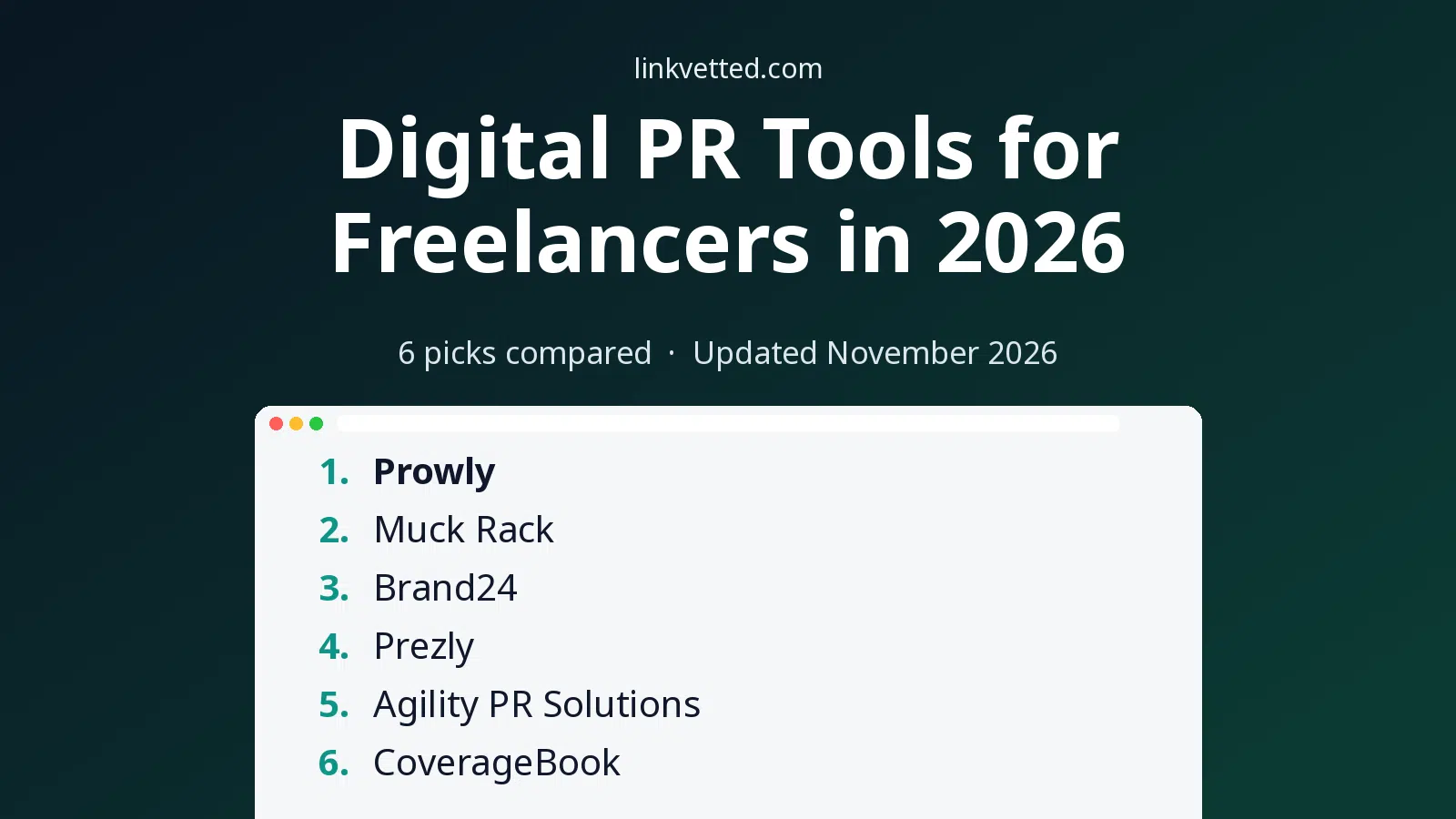
- Editor's choice
 Prowly
All-in-one PR workspace for solo operators
Starts atSee websiteVisit prowly.comFull review - Great alternative
 Muck Rack
Journalist research and media list building
Starts atSee websiteVisit muckrack.comFull review - Also consider
 Brand24
Mention monitoring and coverage tracking
Starts atSee websiteVisit brand24.comFull review
Direct answer
My first pick is Prowly, because it combines media database work, press release publishing and reporting in one place that suits a one-person operation. If your main need is finding journalists and bloggers to pitch, Muck Rack is the stronger contact-focused option. For monitoring mentions and coverage after a campaign, Brand24 is the practical choice. All three are compared here from vendor documentation and public sources, not from hands-on testing.
TL;DR:
- A freelancer usually needs three jobs covered: building a media list, sending pitches, and tracking what gets published.
- Bundled suites save time but can cost more than a freelancer needs, so check whether you can buy only the modules you use.
- Media databases go stale, so a tool that lets you verify and update contacts yourself matters more than list size.
- Monitoring tools help you prove coverage to clients, which is often how freelance PR work gets renewed.
- Always confirm current terms on the vendor site, since plans and features change between documentation updates.
Last checked November 2026. Plan prices are not quoted in this guide because they change often; see each vendor's own pricing page for current figures before you buy.
Quick comparison
| Tool | Best for | Starts at | Free plan? | |
|---|---|---|---|---|
| Prowly | All-in-one PR workspace for solo operators | See website | Free trial | Visit |
| Muck Rack | Journalist research and media list building | See website | Not stated | Visit |
| Brand24 | Mention monitoring and coverage tracking | See website | Free trial | Visit |
 Prezly | Publishing press releases and story pages | See website | Not stated | Visit |
 Agility PR Solutions | Monitoring plus journalist contact data | See website | Not stated | Visit |
 CoverageBook | Client-ready coverage reports | See website | Free trial | Visit |
The best digital pr tools for freelancers compared
I put this list together by reading vendor documentation, help pages and public product descriptions, and by checking what each tool actually covers for a solo operator. I did not run hands-on tests or timed trials, so treat this as a starting map rather than a lab result. The aim is to help you shortlist before you request a demo.
Prowly is a PR platform that bundles a media contact database, a newsroom-style publishing area, pitch sending and coverage reporting. For a freelancer it can replace three separate subscriptions, which keeps admin low. It fits people who handle the whole cycle themselves, from list building to sending a release and then showing the client what landed.
In practice, you would search the database for journalists by beat, save them to a list, send a pitch from the tool and then log the coverage. That single trail makes it easier to report back without stitching together spreadsheets. The reporting side also gives you something concrete to show when a client asks what the retainer covered.
The limit is that you pay for a suite even if you only need one part. If you already have a contact source you trust and only want monitoring, a narrower tool will be cheaper and simpler. Skip it if your work is mostly reactive pitching with no release publishing.
- Media database, press release publishing and reporting in one place
- contact management built for PR workflows
- coverage monitoring included
- Full value depends on using several modules
- not a pure link building tool
Muck Rack is known for its journalist profiles, which show recent articles and contact details. For a freelancer, that is the core value: you can check whether a reporter still writes about your topic before you pitch. It also offers monitoring and reporting, so coverage tracking sits alongside the contact work.
The workflow suits pitching that depends on knowing a journalist's recent output. You search by beat or outlet, read what they published this month, and tailor the pitch. Because profiles link to published work, you can also spot when a contact has moved outlets, which is a common reason pitches go unanswered.
The downside is that it is built with agencies and in-house teams in mind, so a solo user may find the plan structure heavier than needed. If your media list is small and you mostly pitch local or niche outlets, a lighter contact tool may be enough.
- Large journalist profiles with recent work
- monitoring and reporting features
- useful for verifying who still covers a beat
- Pricing geared toward teams
- free access is limited compared with paid plans
Brand24 is a media monitoring tool. It watches for keywords, brand names and campaign phrases across news sites, blogs and social platforms, then collects what it finds in one dashboard. For a freelancer, that means you can show a client every mention of a campaign without manually searching each day.
The useful part for digital PR is the alerting. When a story you pitched goes live, you hear about it and can log it before the client asks. You can also track a campaign hashtag or a phrase from a press release to see who picked it up. That evidence is often what keeps a freelance contract going.
It does not help you find journalists or send pitches, so it is a complement rather than a full replacement. Skip it if your clients only care about links and you already track those in an SEO tool.
- Tracks mentions across social and web sources
- sentiment and reach context
- alerts you can act on quickly
- No media database or pitching features
- monitoring only
Prezly is a PR platform built around publishing. It gives you a newsroom-style site where releases and stories live, plus contact management and outreach features. For a freelancer who handles campaign pages, it offers a presentable home for each release instead of a plain email attachment.
The value shows when a client wants a linkable destination for a story. You publish the release, share the link in pitches, and the page stays live for anyone who wants background. That can make a pitch look more considered, and it gives journalists something to reference beyond the email body.
The newsroom model is more than some freelancers need. If your pitches are short emails with no published asset, the publishing side adds work without much return. Check whether the plan you would use includes the outreach features you want.
- Clean newsroom and story publishing
- contact and outreach features alongside
- good for presenting campaigns
- Heavier than needed if you only send occasional pitches
- newsroom focus may not suit every client
Agility PR Solutions offers media monitoring, journalist contact data and measurement in one service. A freelancer might use it when a client expects formal coverage reports and the work spans several outlets. It is a general PR platform rather than a niche tool, so it covers the common tasks in one subscription.
For digital PR work, the combination matters: you can build a contact list, send outreach and then measure what was published. Having monitoring and contacts under one login removes some of the copy-paste between tools that slows down a one-person operation.
The trade-off is scope. A freelancer with a handful of clients may not use most of the measurement features, and the plan structure is not published in detail on the site. Ask for a walkthrough of only the parts you need before committing.
- Media database and monitoring in one service
- coverage measurement and reporting
- established provider with broad source coverage
- Broad feature set can be more than a solo user needs
- pricing not published openly
CoverageBook takes the links from your campaign coverage and builds a report you can send to a client. It gathers the pages, adds context metrics and lays everything out in a presentable format. For a freelancer, the appeal is time saved at the end of each campaign, when reporting often eats a day.
The workflow is simple: you add the coverage URLs, the tool pulls in the details, and you arrange the report. That is useful when you handle several clients and need consistent reporting without rebuilding a template each month. It also makes it easier to show the spread of coverage, not just a list of links.
It does nothing for finding contacts or sending pitches, so it sits alongside your outreach tool rather than replacing it. If you only send one short report per client, a manual document may be enough and the subscription hard to justify.
- Turns coverage links into a formatted report
- pulls in metrics for context
- saves hours of manual report building
- Reporting only, no outreach or database
- another subscription on top of your pitching tool
How I chose
I started from the tasks a freelance digital PR operator actually does: find the right journalists, send pitches, publish something worth linking to, track coverage and report to the client. Then I checked which tools cover those tasks, using vendor documentation, help centres and public product pages. I did not test any of them myself, so the notes describe what the vendors say each tool does, not my own trial results.
The second filter was fit for a one-person business. Tools built for large teams often bundle seats, approvals and measurement features a freelancer will not use, so I flagged where the scope looks heavy. I also noted where a tool covers only one part of the workflow, because that changes how you would combine it with others. Where pricing is not published, I left it as "See website" rather than guessing. Anyone shortlisting should confirm current features and terms directly with the vendor before paying.
What to check before you buy
- Confirm whether the plan includes media database access, since some suites charge for contacts separately from monitoring.
- Check how contacts are verified and how often records are refreshed, because stale lists waste pitch time.
- Ask whether you can export your media lists and coverage data if you leave, so you are not locked in.
- Test whether the reporting output matches what your clients expect, including the metrics they ask for.
- Check seat limits and whether a solo plan exists, rather than paying for team features you will not use.
- Read the cancellation and billing terms, especially for monthly plans that renew automatically.
FAQ
Do I need a paid media database as a freelancer?
Not always. If you pitch a small set of niche outlets, you can build and maintain a list yourself from public sources. A paid database earns its place when you need to search broadly, check who still covers a beat, and keep contact records current across several clients. Start with your own list and upgrade when searching becomes the bottleneck.
Can one tool cover outreach, monitoring and reporting?
Some suites do, and that is their main selling point for solo operators. The trade-off is that you may pay for modules you rarely use. A common freelancer setup is one tool for contacts and pitching plus a separate monitoring or reporting tool. Decide based on which task takes you the most time each month.
How do I track coverage without an expensive monitoring tool?
You can set up alerts for your client's brand name and campaign phrases, and check the outlets you pitched directly. That works for small campaigns. Monitoring tools become useful when coverage spreads to outlets you did not pitch, or when a client wants a running record. Keep a simple log either way so reporting is quick.
Are free trials enough to judge a digital PR tool?
A trial helps you check the interface and whether the contact data covers your niche, but short trials rarely show long-term data quality. Use the trial to test searches for your actual beats and to see one report end to end. Ask the vendor about data refresh and support before the trial ends, since those affect daily use.
What should a freelancer budget for digital PR tools?
I cannot give figures, and vendors do not all publish prices. Instead, list the tasks you must cover, price the smallest plan that handles them, and compare that against the hours you would spend doing the same work manually. Review the stack every few months and drop tools you are not using.
Sources
- https://prowly.com
- https://muckrack.com
- https://brand24.com
- https://www.prezly.com
- https://www.agilitypr.com
- https://coveragebook.com