Choosing Legal Software for Spring in 2026: 5 Options Compared
Compare 5 picks for the best legal software for spring, with prices, free plans and who each fits. Concise write-ups of every option. Budget notes included.
- Editor's choiceLexis+
Legal research and information sources
Starts atSee websiteVisit lexisnexis.comFull review - Great alternative
 PracticePanther
Automating firm processes and billing
Starts at$49 per user a monthVisit practicepanther.comFull review - Also consider
 MyCase
Running cases, billing, and payments together
Starts at$50 per user a monthVisit mycase.comFull review
Direct answer
Lexis+ is the first pick on this list for legal research and information sources. Listed starting prices: PracticePanther from $49 per user a month and MyCase from $50 per user a month. PracticePanther is better for automating firm processes and billing, and MyCase is better for running cases, billing, and payments together. The full list of 5 tools follows, with prices and free plan facts.
TL;DR:
- The list opens with Lexis+, aimed at legal research and information sources.
- PracticePanther is the lowest-priced starter here at $49 per user per month.
- What to know about MyCase first: wide suite may feel like more than small businesses need.
- Westlaw fits legal research with practical law content.
- Lexis+, Westlaw and the 3 others all need a premium plan or a trial, since no free plan is listed.
Last checked November 2026. Prices and plan details were read from the vendors' own pages in November 2026; vendors change plans often, so confirm the current price on the vendor site before you buy.
Quick comparison
| Tool | Best for | Starts at | Free plan? | |
|---|---|---|---|---|
| Lexis+ | Legal research and information sources | See website | Not stated | Visit |
| PracticePanther | Automating firm processes and billing | $49 per user a month | Free trial | Visit |
| MyCase | Running cases, billing, and payments together | $50 per user a month | Free trial | Visit |
 Filevine | Case-centered legal work with AI support | See website | Free trial | Visit |
| Westlaw | Legal research with practical law content | See website | Free trial | Visit |
The best legal software for spring
LinkVetted put together this guide to legal software for spring for readers who want a clear shortlist without reading every vendor page. It compares 5 tools on starting price, free plans, who each one suits and where each one falls short.
Lexis+
Best for: Legal research and information sources
Lexis+ targets legal research and information sources. Lexis+ comes from LexisNexis, a provider of legal, government, business, and high-tech information sources.
It is a research and information product, not a practice management system, so it will not deal with matters, time, or invoicing. Also, choose it when authoritative legal sources are the priority, and depend on a practice management tool for daily firm operations. No starting price is listed for Lexis+ here; confirm pricing on the vendor site. Free access: Not stated.
What to check first: Not a practice management or billing system.
- Deep legal and business information sources
- Supports research-driven practices
- Research products need training to use well
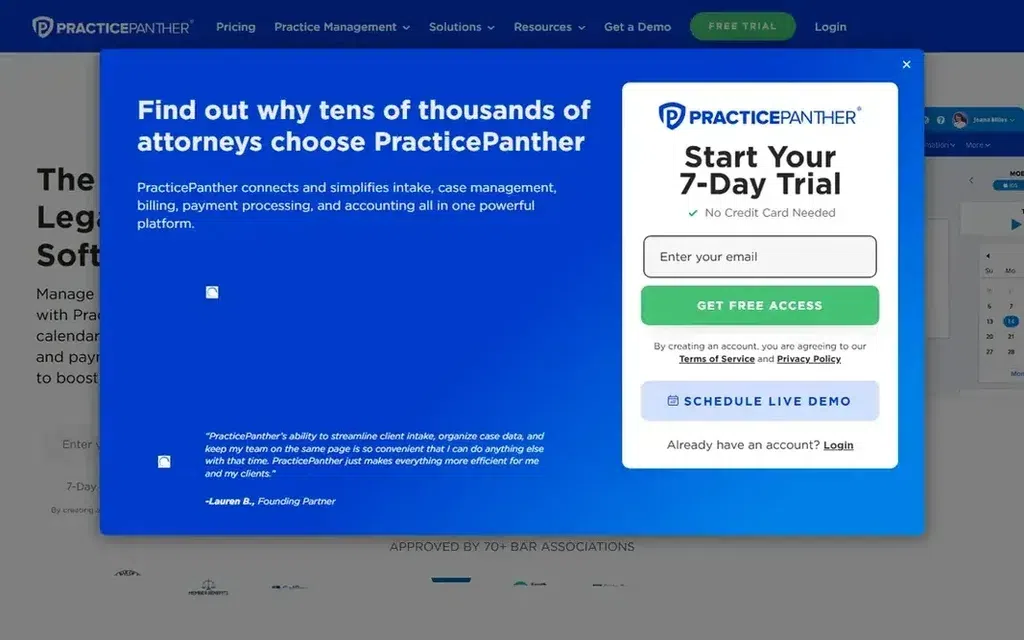
PracticePanther was built for automating firm processes and billing. It fits businesses that want repeatable workflows, such as intake or matter steps, handled consistently, with billing and time tracking connected to the same system instead of tracked separately.
Where it is weaker: Automation setup needs planning.
The system is targeted at practice operations, so research and data review needs fall outside it. Starting cost for PracticePanther: $49 per user per month. Trial and free access: Free trial.
- Process automation for firm workflows
- Billing and time tracking included
- Research and e-discovery not its role
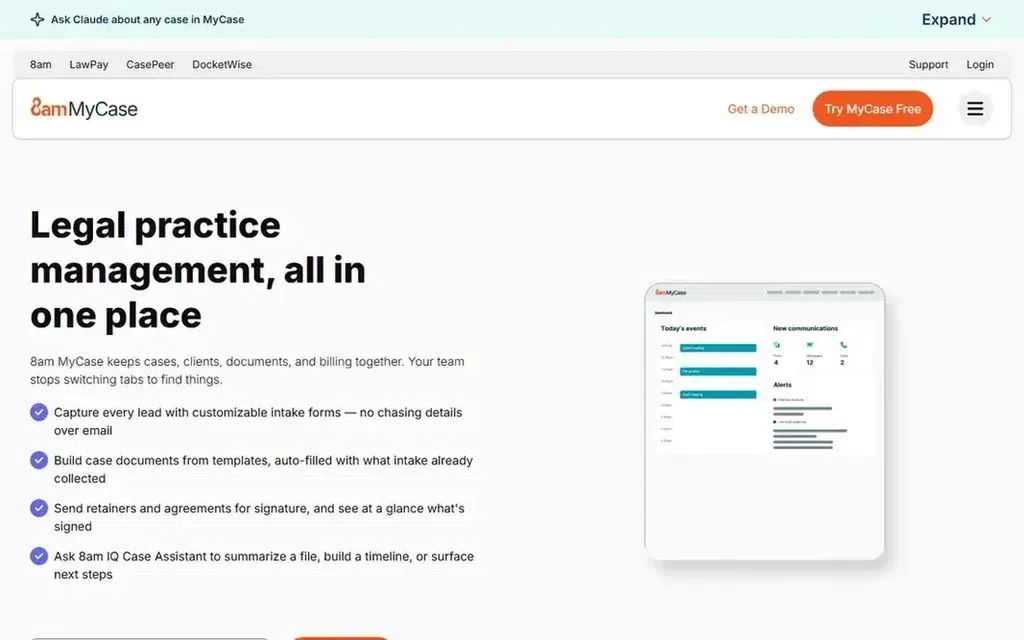
MyCase is aimed squarely at running cases, billing, and payments together. Its homepage flags cases, clients, billing, and payments in one place, which suits small and mid-size businesses that want a single system for daily operations rather than stitching together separate tools for matters and invoicing.
Watch-outs: Wide suite may feel like more than small businesses need.
Since the product centers on practice management, businesses with heavy research or document review demands will still need dedicated tools alongside it. MyCase pricing: $50 per user per month. Trial and free access: Free trial.
- Payments in one place
- Built around running a profitable firm
- Research and e-discovery sit outside its focus
Filevine was built for case-centered legal work with AI support. Consider it when AI-assisted case handling is a priority and pair it with research and billing tools as required.
Honest limits: Less suited to solo businesses wanting simple billing.
No starting price is listed for Filevine here; confirm pricing on the vendor site. On free options: Free trial.
- AI features under the LOIS name
- Legal product pitched at law businesses and legal teams
- Research content is not its focus
Westlaw
Best for: Legal research with practical law content
Westlaw serves legal research with practical law content. Westlaw is part of Thomson Reuters legal options, which the vendor describes as including Westlaw, Practical Law, CLEAR, law books, and more.
What to check first: Breadth of content needs guided use.
Westlaw shows no starting price here, so confirm the cost on the vendor site. Free plan details: Free trial.
- Bundles Practical Law content
- Wide set of legal options
- Research focus instead of firm operations
How we chose
We compared the tools on published pricing, free plan or trial availability, feature coverage for legal software for spring, and the limits each vendor documents. Figures are shown as the vendors publish them. Billing terms, seat minimums and add-ons can change the real cost. The ranking is editorial: typical fit first, then clear pricing, then free access. If your needs are unusual, read the profiles rather than relying on position.
Before you commit
- Confirm the entry price on the vendor page. For Lexis+, Filevine and Westlaw that means a quote rather than a fixed price.
- Run a trial of PracticePanther, MyCase, Filevine and Westlaw with real work before paying for a year; your own workflow is the best test.
- Before choosing Lexis+, weigh its main limit: not a practice management or billing system.
- Look at the renewal terms for MyCase: auto-renewal, notice periods and price changes can matter more than the first-year price.
- Test the integrations you rely on with PracticePanther before committing; some connectors sit on upper tiers.
FAQ
How are the tools for legal software for spring ordered?
Lexis+ sits first and Westlaw last because the order follows typical fit for legal software for spring, then price clarity and free access. It is a judgement call, so read each profile for fit and limits.
What is the cheapest option for legal software for spring in this list?
On published monthly entry prices, PracticePanther is the lowest here at $49 per user per month. Entry price is only part of the cost, because seats, add-ons and billing terms can change the total. For the full picture, the cards above cover all 5 entries of this legal software for Spring list, including price, free plan and limits.
Can I try these tools before paying?
Often, yes. PracticePanther, MyCase, Filevine and Westlaw offer a free trial. Use your own data and a real task during the test, and check what the free tier or trial limits before you rely on it.
Is Lexis+ the right pick for everyone comparing legal software for spring?
No single tool suits every team. Lexis+ comes first because it fits legal research and information sources, while PracticePanther suits automating firm processes and billing and MyCase suits running cases, billing, and payments together. Match the tool to your own size, budget and workflow before deciding.
Sources
- https://www.lexisnexis.com
- https://www.practicepanther.com
- https://www.mycase.com
- https://www.filevine.com
- https://legal.thomsonreuters.com