Choosing Legal Document Automation Rendering Software in 2026: 6 Options Compared
Need the best legal document automation rendering software? We compare 6 tools on cost, free access and who each suits. Concise write-ups of every option.
- Editor's choice
 Juro
End-to-end AI-assisted contracting
Starts atSee websiteVisit juro.comFull review - Great alternativeWindward Studios
Embedded template-based generation
Starts atSee websiteVisit windwardstudios.comFull review - Also consider
 Docassemble
Open-source guided interviews and assembly
Starts atSee websiteVisit docassemble.orgFull review
Direct answer
This list puts Juro first for end-to-end AI-assisted contracting. Listed starting prices: Contractbook from $399 per month, Docmosis from $49 a month and Templafy from $40 per user a month. Alternatives: Windward Studios for embedded template-based generation, and Docassemble for open-source guided interviews and assembly. The remaining 3 options are covered below with prices and limits.
TL;DR:
- Number one here is Juro, a fit for end-to-end AI-assisted contracting.
- Neither Juro nor Templafy, nor any of the other 4 tools, has a permanent free plan; trials and quotes are the norm.
- The main caution on Contractbook: less emphasis on deep rendering engines.
- Templafy has the lowest monthly starting price in this list: $40 per user per month.
Last checked November 2026. Prices and plan details were read from the vendors' own pages in November 2026; vendors change plans often, so confirm the current price on the vendor site before you buy.
Quick comparison
| Tool | Best for | Starts at | Free plan? | |
|---|---|---|---|---|
| Juro | End-to-end AI-assisted contracting | See website | Not stated | Visit |
| Windward Studios | Embedded template-based generation | See website | Not stated | Visit |
| Docassemble | Open-source guided interviews and assembly | See website | Not stated | Visit |
 Contractbook | Central contract storage and management | $399 per month | Free trial | Visit |
| Docmosis | Quick scalable template rendering | $49 a month | Free trial | Visit |
 Templafy | Enterprise document consistency | $40 per user a month | Free trial | Visit |
Legal Document Automation Rendering Software, one by one
If you are comparing legal document automation rendering software, this page covers 6 tools in one place: what each is best for, what it costs to start, whether it has a free plan, and the main limit to know about.
Juro targets end-to-end AI-assisted contracting. Juro presents intelligent contracting that enables teams to agree and run contracts end-to-end with adaptable AI automation that lives where you live. It targets legal and commercial teams that want drafting, agreement and management in one connected flow instead of separate point tools.
Points against: Wide platform may exceed straightforward needs.
Highly customized programmatic generation might be better served by Docmosis or Windward. As a wide contracting product, Juro may be more than a team needs if the requirement is purely template rendering at volume. Juro does not show a starting price in this comparison, so check the vendor site for current pricing. Trial and free access: Not stated.
- Adaptable AI automation
- End-to-end contract management
- Rendering depth relies on use case
Windward Studios
Best for: Embedded template-based generation
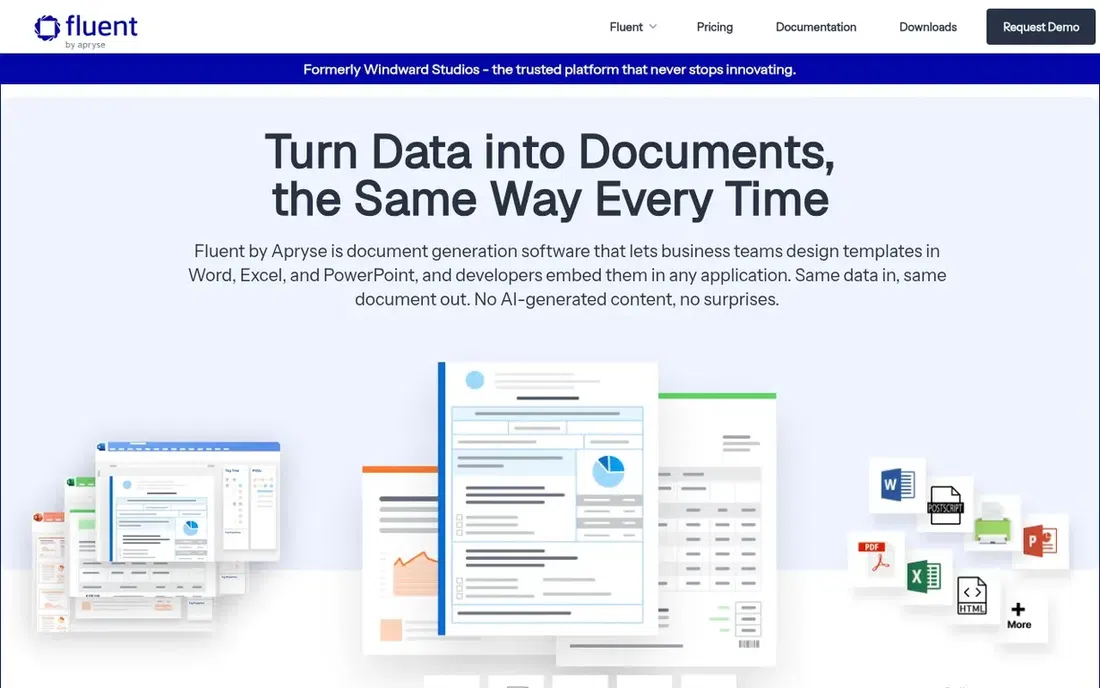
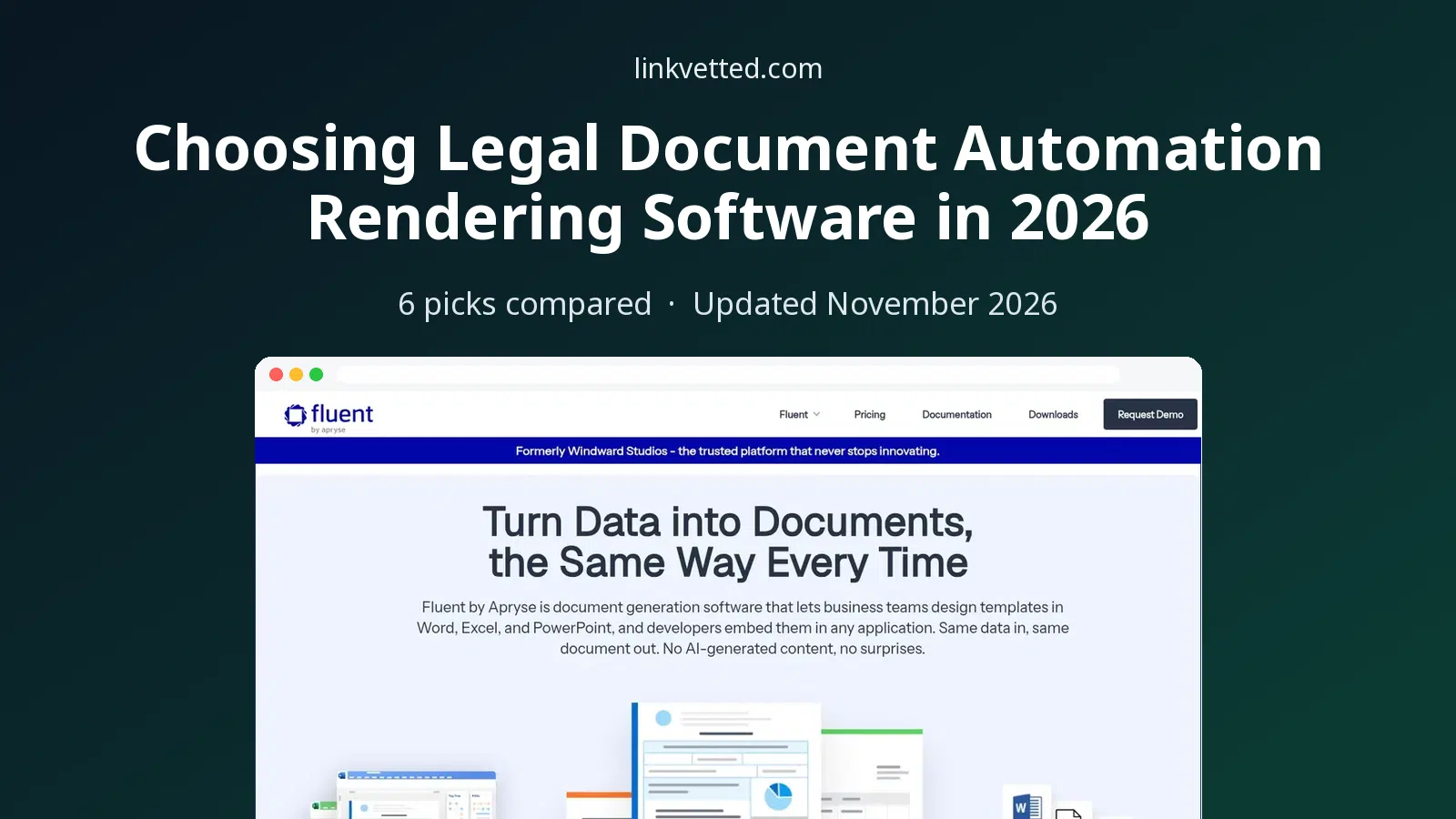
Pick Windward Studios if this describes you: embedded template-based generation. Windward Studios, now presented as Fluent by Apryse, lets you embed document generation in your own application to produce reports, contracts and statements from Microsoft Office templates. Worth adding: choose Windward when precise, template-driven rendering inside your product is the priority.
Downsides: Developer integration required.
For everyday use, the emphasis is deterministic generation at any volume, meaning output follows the template and data exactly. On top of that, organizations wanting an out-of-the-box experience for drafting and negotiating may prefer Contractbook or Juro. No starting price is listed for Windward Studios here; confirm pricing on the vendor site. Trial and free access: Not stated.
- Uses Microsoft Office templates
- Deterministic output
- Not a standalone contract workflow tool
Docassemble targets open-source guided interviews and assembly. The trade-off is technical depth: assembling and maintaining interviews assumes comfort with Python and configuration instead of a drag-and-drop editor.
Points against: Less refined for non-technical users.
In daily use, teams without developer support may find the ramp-up time steep. No starting price is listed for Docassemble here; confirm pricing on the vendor site. On free options: Not stated.
- YAML and Markdown based
- Python
- Needs technical setup
Contractbook makes the most sense for central contract storage and management. It fits legal and business teams that want visibility across their contract estate instead of only document output.
Also, central storage and management make it a natural hub for organizations standardizing how agreements are tracked. What you pay to start with Contractbook: $399 per month. Free options: Free trial.
Honest limits: Workflow depth varies by need.
- Handle and analyze contracts
- Central contract repository
- Less emphasis on deep rendering engines
Docmosis
Best for: Quick scalable template rendering
Pick Docmosis if this describes you: quick scalable template rendering. Docmosis concentrates on generation instead of the surrounding contract workflow, so drafting collaboration, approvals and storage must come from other tools.
In practice, Docmosis supplies quick, dependable and scalable template-based document generation, producing documents from custom software or external systems. Its strength is the rendering step itself: taking structured data and templates and turning them into finished legal documents. The starting price for Docmosis: $49 per month. On free options: Free trial.
Points against: Integration effort required.
- Template-based generation
- Aimed at scale
- Rendering focus, not workflow
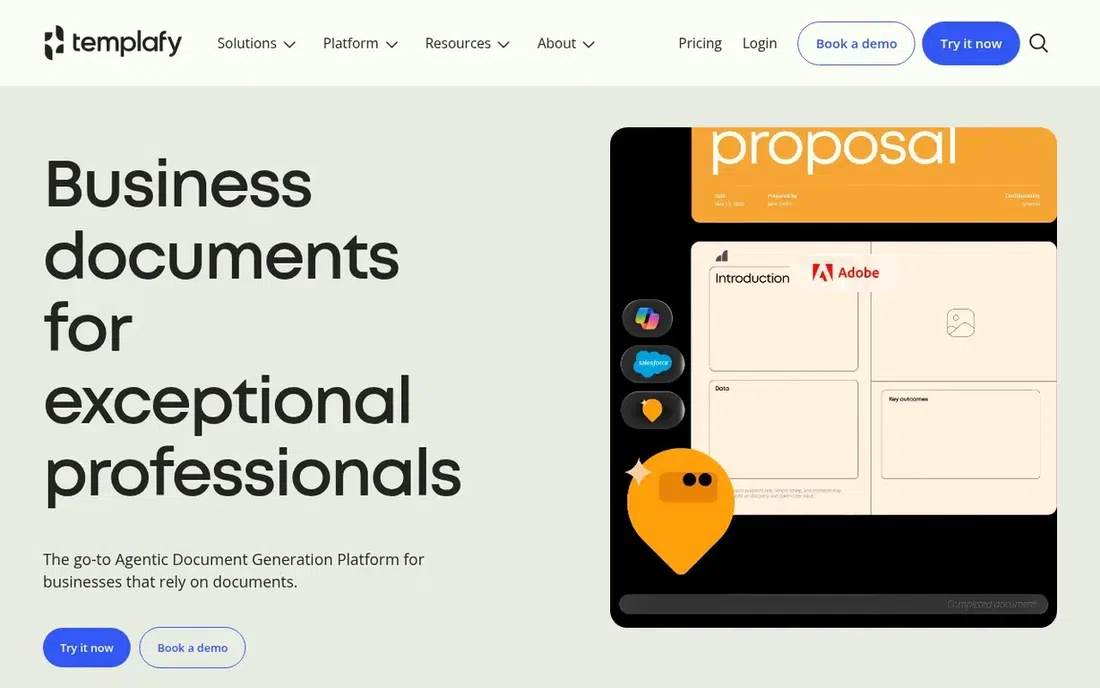
Templafy is built with enterprise document consistency in mind. Templafy describes itself as an agentic document generation system pitched at enterprise consistency, higher quality and quicker document workflows. Also, legal and compliance groups benefit when templates, approved language and governance are centralized.
On top of that, the product is positioned for enterprise environments, so smaller businesses or teams wanting a light drafting tool may find it more than they need. If your priority is end-to-end contract agreement and management instead of document production consistency, consider Juro or Contractbook instead. What you pay to start with Templafy: $40 per user per month. On free options: Free trial.
Drawbacks to consider: Less suited to small ad hoc needs.
- Quicker document workflows
- Focus on consistency and quality
- Enterprise-oriented positioning
How the list was put together
The comparison looks at four things: starting price, free access, how well the feature set matches legal document automation rendering software, and the main limit of each tool. Seat minimums, billing terms and add-ons can move the real cost, so the starting prices here are a guide and not a quote. Order on the page follows fit for the typical buyer first, then price transparency and free access. Your own requirements should decide the final pick.
A buyer's checklist
- Ask Juro, Windward Studios and Docassemble for a written quote, since no starting price is shown.
- Use real work to test the free trial from Contractbook, Docmosis and Templafy, rather than a demo project.
- Before choosing Juro, weigh its main limit: wide system may exceed straightforward needs.
- Get the contract term, renewal terms and any onboarding fees from Contractbook in writing.
- Total up the real monthly cost of Windward Studios, including add-ons, extra users and usage-based fees.
FAQ
Does any tool for legal document automation rendering software here have a free plan?
No tool in this list, Juro and Templafy included, has a permanent free plan. Contractbook, Docmosis, Templafy offer a trial. Trials and quotes are the usual route, so plan a short evaluation period.
What is the difference between document automation and document rendering?
Plenty of tools combine both, but some, like Docmosis and Windward, concentrate on rendering. Knowing which part you need narrows the shortlist rapidly.
What is the cheapest option for legal document automation rendering software in this list?
On published monthly entry prices, Templafy is the lowest here at $40 per user per month. Entry price is only part of the cost, because seats, add-ons and billing terms can change the total. Each of the 6 options in this legal document automation Rendering software guide has its own card above with the price, free plan and limits.
How are the tools for legal document automation rendering software ordered?
The order follows typical fit for legal document automation rendering software, with Juro first and Templafy last, then price clarity and free access. It is editorial judgement, not a score, so another team could rank the tools differently.
Do these tools publish their prices?
Not all of them. Juro, Windward Studios and Docassemble publish no starting price, so expect a quote request for those. The rest, Contractbook included, show a starting price, though seats and billing terms still change the final cost.
When should I choose a contract management system over a rendering engine?
Choose a system for example Contractbook or Juro when the primary problem is scattered agreements, slow approvals or restricted visibility across the contract lifecycle. Also, choose a rendering engine like Docmosis or Windward when you already have workflow and systems in place and need steady, high-volume document output.
Sources
- https://juro.com
- https://www.windwardstudios.com
- https://docassemble.org
- https://contractbook.com
- https://www.docmosis.com
- https://www.templafy.com