Choosing Layout Software for Magazine Publishers in 2026: 6 Options Compared
Need the best layout software for magazine publishers? We compare 6 tools on cost, free access and who each suits. Real limits included. Full profiles inside.
- Editor's choiceScribus
Open source page layout
Starts atPricing on requestVisit scribus.netFull review - Great alternativeAffinity Publisher
Professional page layout with control
Starts atPricing on requestVisit affinity.serif.comFull review - Also considerAdobe InCopy
Writing and copy editing workflows
Starts atPricing on requestVisit adobe.comFull review
Direct answer
Scribus comes first here, mainly for open source page layout. For a different need, Affinity Publisher covers professional page layout with control and Adobe InCopy covers writing and copy editing workflows. The remaining 3 options are covered below with pricing notes and limits. None of these vendors publish plan prices, so pricing is on request for every option.
TL;DR:
- Number one here is Scribus, a fit for open source page layout.
- A permanent free plan is missing from all 6 tools, Scribus and Adobe Photoshop included; plan for a trial or a premium start.
- A fair warning about Adobe InDesign: needs a subscription to Adobe Creative Cloud.
- Every tool from Scribus to Adobe Photoshop works by quote, with no list price shown.
- Adobe Photoshop is the one to check for image editing for magazine pages.
Last checked November 2026. Pricing on request: vendors did not publish plan prices when this guide was last checked (November 2026), so ask each vendor for a written quote.
Quick comparison
| Tool | Best for | Starts at | Free plan? | |
|---|---|---|---|---|
| Scribus | Open source page layout | Pricing on request | Not stated | Visit |
| Affinity Publisher | Professional page layout with control | Pricing on request | Not stated | Visit |
| Adobe InCopy | Writing and copy editing workflows | Pricing on request | Not stated | Visit |
 Adobe InDesign | Full magazine layout and publishing | Pricing on request | Not stated | Visit |
 Adobe Illustrator | Vector graphics and illustration | Pricing on request | Not stated | Visit |
 Adobe Photoshop | Image editing for magazine pages | Pricing on request | Not stated | Visit |
Tool-by-tool breakdown
Choosing layout software for magazine publishers usually comes down to price, fit and limits. This LinkVetted guide sets 6 tools side by side on those three points, with the facts kept short and checkable.
Scribus
Best for: Open source page layout
Scribus works best for open source page layout. Scribus is a well-known open source desktop publishing application used for page layout work.
Its interface and workflow can feel less refined than commercial layout suites, and integration with other creative apps is restricted. From a buyer's view, publishers who require deep collaboration features or interactive digital output may prefer a commercial choice. No starting price is listed for Scribus here; confirm pricing on the vendor site. Free plan details: Not stated.
Points against: Fewer built-in integrations.
- Available for several products
- Open source desktop publishing
- Interface can feel less refined
Affinity Publisher
Best for: Professional page layout with control
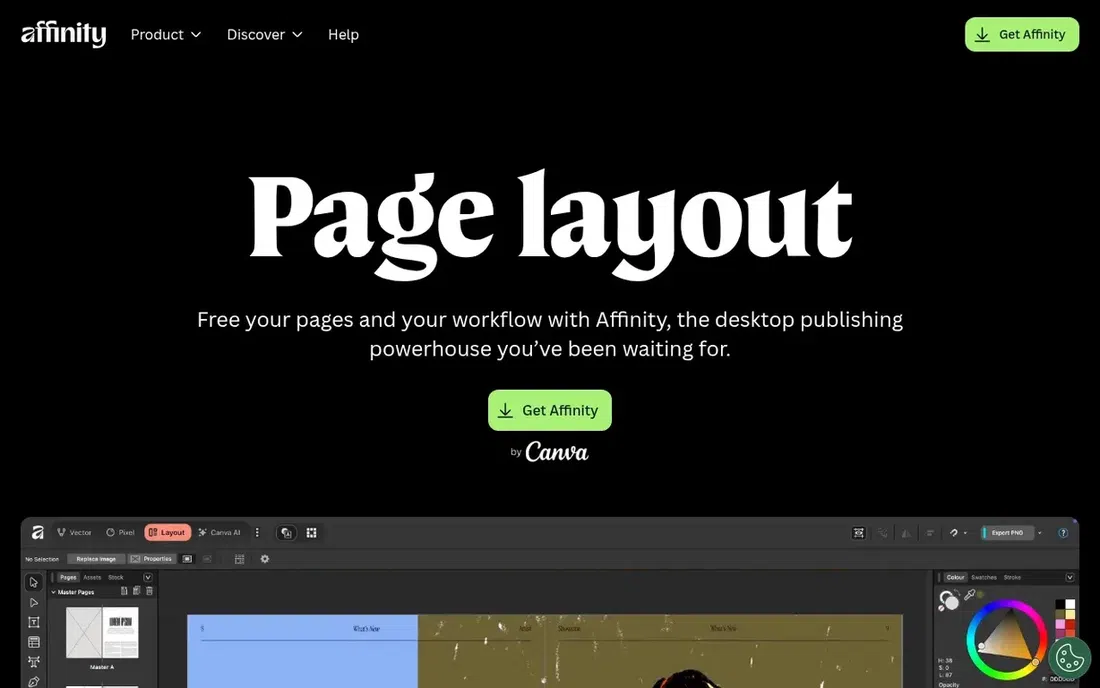
Affinity Publisher makes the most sense for professional page layout with control. Affinity Publisher is page layout and desktop publishing software designed for crafting striking layouts with precision. It appeals to teams looking for a focused tool instead of a wide creative suite.
In practice, publishers who require tight ties to Adobe editing apps should weigh that before switching. Since it sits outside the Adobe ecosystem, teams that rely on Adobe collaboration or file exchange may find integration less smooth. Affinity Publisher does not show a starting price in this comparison, so check the vendor site for current pricing. Free access: Not stated.
Points against: Fewer integrations for some workflows.
- Precise page layout controls
- Positioned as free software by the vendor
- Smaller ecosystem than Adobe apps
Adobe InCopy
Best for: Writing and copy editing workflows
Adobe InCopy is aimed squarely at writing and copy editing workflows. Publishers without a separate editorial workflow or without InDesign may not need it.
Drawbacks to consider: Not a layout tool on its own.
No starting price is listed for Adobe InCopy here; confirm pricing on the vendor site. Free plan details: Not stated.
- Part of Adobe Creative Cloud
- Suits editorial roles alongside designers
- Handy primarily with InDesign workflows
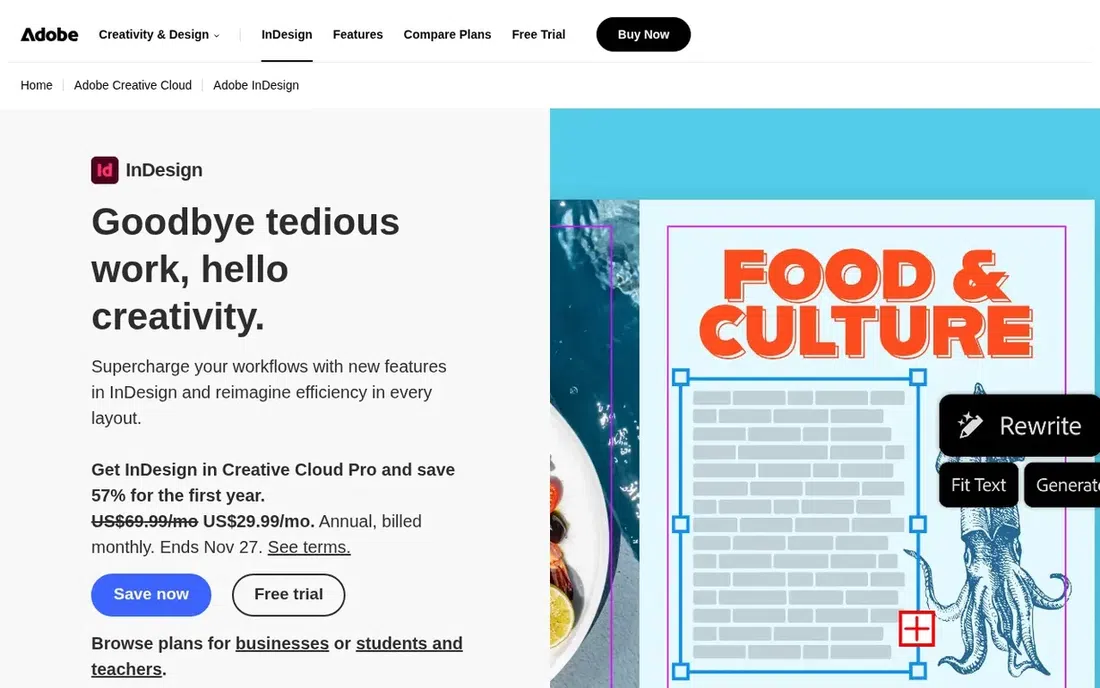
Adobe InDesign targets full magazine layout and publishing. The software is part of the Adobe ecosystem, so it performs best for teams already using Adobe apps.
Its depth means new users need time to learn it. Publishers with more straightforward layout needs or tight budgets may prefer a lighter or lower-cost alternative. Adobe InDesign does not show a starting price in this comparison, so check the vendor site for current pricing. Free options: Not stated.
Drawbacks to consider: Ramp-up time for new users.
- Structured documents
- Made for long
- Needs a subscription to Adobe Creative Cloud
Adobe Illustrator serves vector graphics and illustration. Adobe Illustrator is vector graphics software for creating editable vector artwork, with generative AI features that transform a text prompt into an editable vector graphic.
Points against: Best value within Adobe workflows.
In practice, Illustrator does not deal with magazine page composition, so it complements a layout application instead of serving as one. Pricing for Adobe Illustrator is not stated here, so ask the vendor for current figures. On free options: Not stated.
- Professional vector graphics tools
- Solid for logos and infographics
- Not a page layout tool
Pick Adobe Photoshop if this describes you: image editing for magazine pages. Publishers looking for a single application to compose magazine pages should choose a dedicated layout program instead.
In practice, Photoshop is not a page layout application, so it works alongside a layout tool instead of replacing it. Adobe Photoshop shows no starting price here, so confirm the cost on the vendor site. Free options: Not stated.
Downsides: Needs Adobe ecosystem for best fit.
- Online and mobile choices
- Widely used in publishing workflows
- Not designed for page layout
How we built this list
Selection started from tools commonly considered for layout software for magazine publishers, then narrowed to 6 that have clear pricing information or a clear quote process. Prices and plan limits come from vendor pages and can change, so confirm them on the vendor site before you buy. The sequence is a judgement call: typical use case first, then pricing transparency, then free access. Use the profiles to check fit.
Pre-purchase checklist
- Ask each vendor, from Scribus to Adobe Photoshop, for a written quote; none of them publishes a starting price.
- Before choosing Scribus, weigh its main limit: interface can feel less refined.
- Before you load data into Adobe Photoshop, check what an export looks like and who can run it.
- A short pilot of Affinity Publisher with your real workflow tells you more than a feature table.
- Test the integrations you rely on with Adobe InDesign before committing; some connectors sit on upper tiers.
FAQ
Does any tool for layout software for magazine publishers here have a free plan?
No tool in this list, Scribus and Adobe Photoshop included, has a permanent free plan. Trials and quotes are the usual route, so plan a short evaluation period.
Is Scribus the right pick for everyone comparing layout software for magazine publishers?
No single tool suits every team. Scribus comes first because it fits open source page layout, while Affinity Publisher suits professional page layout with control and Adobe InCopy suits writing and copy editing workflows. Match the tool to your own size, budget and workflow before deciding.
Can I try these tools before paying?
Not by default. None of the tools, from Scribus to Adobe Photoshop, lists a free plan or a free trial here, so ask each vendor for a demo before committing.
Do these tools publish their prices?
No. None of the tools, from Scribus to Adobe Photoshop, shows a fixed starting price here, so budget time for quotes.
What is the best layout software for magazine publishers?
For most readers this guide would start with Scribus, built for open source page layout. Affinity Publisher is the alternative for professional page layout with control, and Adobe InCopy for writing and copy editing workflows. The right answer depends on budget and workflow.
Sources
- https://www.scribus.net
- https://affinity.serif.com/en-us/publisher
- https://www.adobe.com/products/incopy.html
- https://www.adobe.com/products/indesign.html
- https://www.adobe.com/products/illustrator.html
- https://www.adobe.com/products/photoshop.html