Best Laptops for Software Developers (2026): 5 Picks Checked on Vendor Pages
Best laptops for software developers, compared. 5 tools with published prices, free plans and limits. Verdicts stay brief and factual. See the full list.
- Editor's choiceRazer Blade 14
Compact graphics power for developers
Starts atSee websiteVisit razer.comFull review - Great alternativeDell XPS 15
Windows power users with bigger screens
Starts atSee websiteVisit dell.comFull review - Also considerMacBook Pro
MacOS development and display quality
Starts atSee websiteVisit apple.comFull review
Direct answer
If you need compact graphics power for developers, Razer Blade 14 is the first tool to look at here. Listed starting prices: Surface Laptop from $1,199.99. Alternatives: Dell XPS 15 for Windows power users with bigger screens, and MacBook Pro for macOS development and display quality. Details, prices and limits for the rest of the 5 tools are below.
TL;DR:
- The list opens with Razer Blade 14, aimed at compact graphics power for developers.
- Tuxedo InfinityBook Pro suits Linux-first development workflows.
- Expect to ask for a quote from Razer Blade 14, Dell XPS 15, MacBook Pro and Tuxedo InfinityBook Pro; the other tools show a starting price.
- One limit worth knowing about MacBook Pro: restricted native Windows tooling.
- A permanent free plan is missing from all 5 tools, Razer Blade 14 and Tuxedo InfinityBook Pro included; plan for a trial or a premium start.
Last checked November 2026. Prices and plan details were read from the vendors' own pages in November 2026; vendors change plans often, so confirm the current price on the vendor site before you buy.
Quick comparison
| Tool | Best for | Starts at | Free plan? | |
|---|---|---|---|---|
| Razer Blade 14 | Compact graphics power for developers | See website | Not stated | Visit |
| Dell XPS 15 | Windows power users with bigger screens | See website | Not stated | Visit |
| MacBook Pro | MacOS development and display quality | See website | Not stated | Visit |
| Surface Laptop | Touchscreen Windows productivity | $1,199.99 | Not stated | Visit |
| Tuxedo InfinityBook Pro | Linux-first development workflows | See website | Not stated | Visit |
Every option for laptops for software developers explained
LinkVetted compared 5 laptops for software developers. The goal is a practical shortlist: published prices, free plan facts, best-fit use cases and honest limits for every entry.
Razer Blade 14
Best for: Compact graphics power for developers
Razer Blade 14 serves compact graphics power for developers. The Razer Blade 14 is an ultra-thin gaming laptop that Razer also positions for creators, citing exceptional graphics, speed and mobility.
In practice, for developers it makes sense when work involves GPU acceleration, game development, 3D tooling or machine learning experiments alongside coding. Worth adding: developers who only write and run light code may find a more straightforward ultrabook sufficient. Razer Blade 14 shows no starting price here, so confirm the cost on the vendor site. On free options: Not stated.
Points against: Gaming focus may add cost.
- Suited to creators and gamers
- Ultra-portable 14-inch design
- Small screen for heavy multitasking
Dell XPS 15
Best for: Windows power users with bigger screens
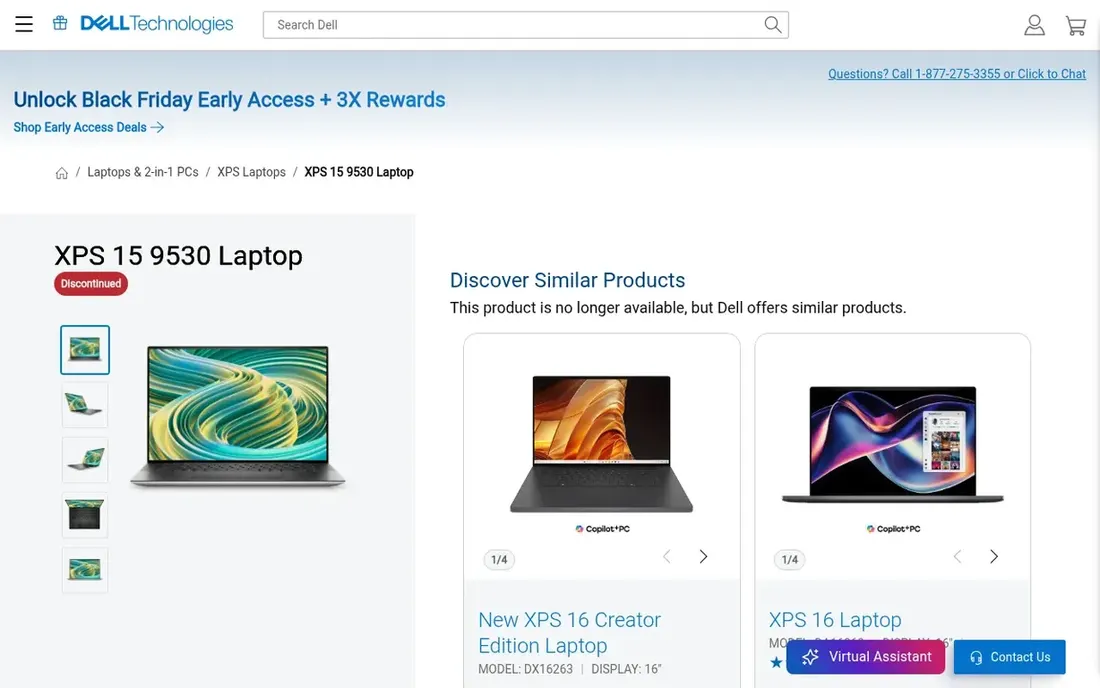
Dell XPS 15 makes the most sense for Windows power users with bigger screens. The Dell XPS 15 is a premium Windows laptop positioned for demanding workloads.
It fits Windows-focused developers,.NET or C# work, and anyone who wants a familiar business-class machine with a big display for local builds and virtual machines. This comparison lists no price for Dell XPS 15; ask the vendor. Free plan details: Not stated.
Watch-outs: Configuration details vary by listing.
- Established XPS design
- 15-inch working area
- Heavier than ultraportables
MacBook Pro
Best for: MacOS development and display quality
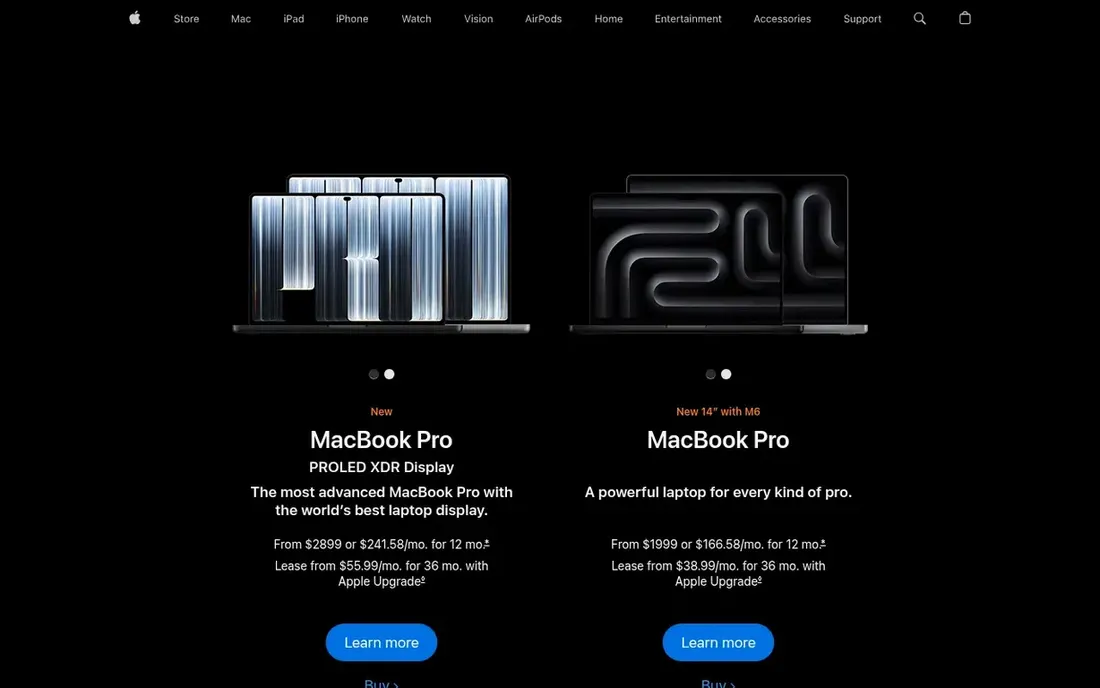
MacBook Pro is built with macOS development and display quality in mind. Apple's MacBook Pro is a flagship notebook pitched at professionals, including developers who prefer macOS and its Unix-based tooling.
This comparison lists no price for MacBook Pro; ask the vendor. Free options: Not stated.
Trade-offs to know: Limited native Windows tooling.
- Refined macOS environment
- High-quality display choices
- Configuration choices add complexity
Surface Laptop
Best for: Touchscreen Windows productivity
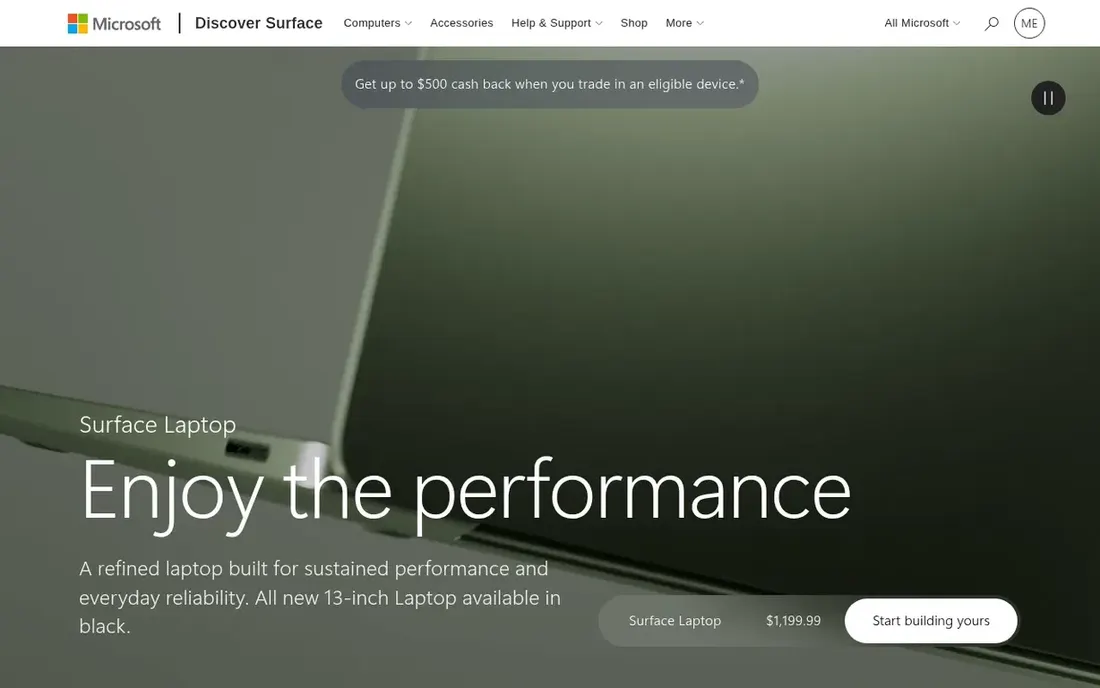
Surface Laptop makes the most sense for Touchscreen Windows productivity. Microsoft states it gives quick, sustained performance and all-day battery life.
Watch-outs: Restricted repairability compared to some rivals.
In practice, the touchscreen and slim design matter less for pure command-line work, and the sealed form factor limits simple upgrades. Entry price for Surface Laptop: $1,199.99. Trial and free access: Not stated.
- PixelSense touchscreen
- Several screen sizes
- Touch input brings little for pure coding
Tuxedo InfinityBook Pro
Best for: Linux-first development workflows
In short, Tuxedo InfinityBook Pro is for Linux-first development workflows. TUXEDO Computers builds Linux notebooks that are individually configured and assembled, with Ubuntu and SUSE preinstalled based on the vendor page. As for the details, the InfinityBook Pro line suits developers who want Linux as the primary operating system without dual-boot setup, and who value choosing components at order time for a tailored development machine.
Where it is weaker: Less typical in mainstream retail.
TUXEDO is a specialist vendor, so availability, service and shipping choices may be narrower than mainstream brands based on location. Developers who require Windows-only applications or wide retail support may prefer a mainstream Windows laptop instead. Check the vendor site for Tuxedo InfinityBook Pro pricing; none is listed in this comparison. Trial and free access: Not stated.
- Individually configured builds
- Linux preinstalled
- Niche availability outside some regions
How the list was put together
The comparison looks at four things: starting price, free access, how well the feature set matches laptops for software developers, and the main limit of each tool. Seat minimums, billing terms and add-ons can move the real cost, so the starting prices here are a guide and not a quote. Tools are placed by general fit for laptops for software developers, with price clarity and free access as tie-breakers. A different team can reasonably rank them differently.
Things to verify first
- Ask Razer Blade 14, Dell XPS 15, MacBook Pro and Tuxedo InfinityBook Pro for a written quote, since no starting price is shown.
- Before choosing Razer Blade 14, weigh its main limit: gaming focus may add cost.
- Add up seats, add-ons and usage charges for MacBook Pro before comparing it with cheaper entries.
- Confirm you can export your data from Surface Laptop, so leaving later does not mean losing records.
- Check whether the features you need in Dell XPS 15 sit on the entry plan or only on higher tiers.
FAQ
Is a 14-inch screen enough for coding?
A bigger model for example the Dell XPS 15 hands more room for several windows when you work away from a desk.
How are the tools for laptops for software developers ordered?
The order follows typical fit for laptops for software developers, with Razer Blade 14 first and Tuxedo InfinityBook Pro last, then price clarity and free access. It is editorial judgement, not a score, so another team could rank the tools differently.
Can I try these tools before paying?
Not by default. None of the tools, from Razer Blade 14 to Tuxedo InfinityBook Pro, lists a free plan or a free trial here, so ask each vendor for a demo before committing.
Does any tool for laptops for software developers here have a free plan?
No tool in this list, Razer Blade 14 and Tuxedo InfinityBook Pro included, has a permanent free plan. Trials and quotes are the usual route, so plan a short evaluation period.
Is Razer Blade 14 the right pick for everyone comparing laptops for software developers?
No single tool suits every team. Razer Blade 14 comes first because it fits compact graphics power for developers, while Dell XPS 15 suits Windows power users with larger screens and MacBook Pro suits macOS development and display quality. Match the tool to your own size, budget and workflow before deciding.
Which laptop is a good match for a developer who uses Linux daily?
For most readers this guide would start with Razer Blade 14, built for compact graphics power for developers. Dell XPS 15 is the alternative for Windows power users with bigger screens, and MacBook Pro for macOS development and display quality. The right answer depends on budget and workflow.
Sources
- https://www.razer.com/gaming-laptops/razer-blade-14
- https://www.dell.com/en-us/shop/dell-laptops/xps-15-laptop/spd/xps-15-9530-laptop
- https://www.apple.com/macbook-pro
- https://www.microsoft.com/en-us/surface/devices/surface-laptop-7th-edition
- https://www.tuxedocomputers.com/en/Linux-Hardware/Linux-Notebooks