Top 5 Label Maker Software for 2026 (Prices and Free Plans)
Need the best label maker software? We compare 5 tools on cost, free access and who each suits. Every pick includes one clear drawback. See the full list.
- Editor's choiceEpson Label Editor
Epson label printer users
Starts atSee websiteVisit epson.comFull review - Great alternativeTEKLYNX Label Cloud
Centralized label management and automation
Starts atSee websiteVisit teklynx.comFull review - Also considerLabel LIVE
Spreadsheet-driven printing on Mac and Windows
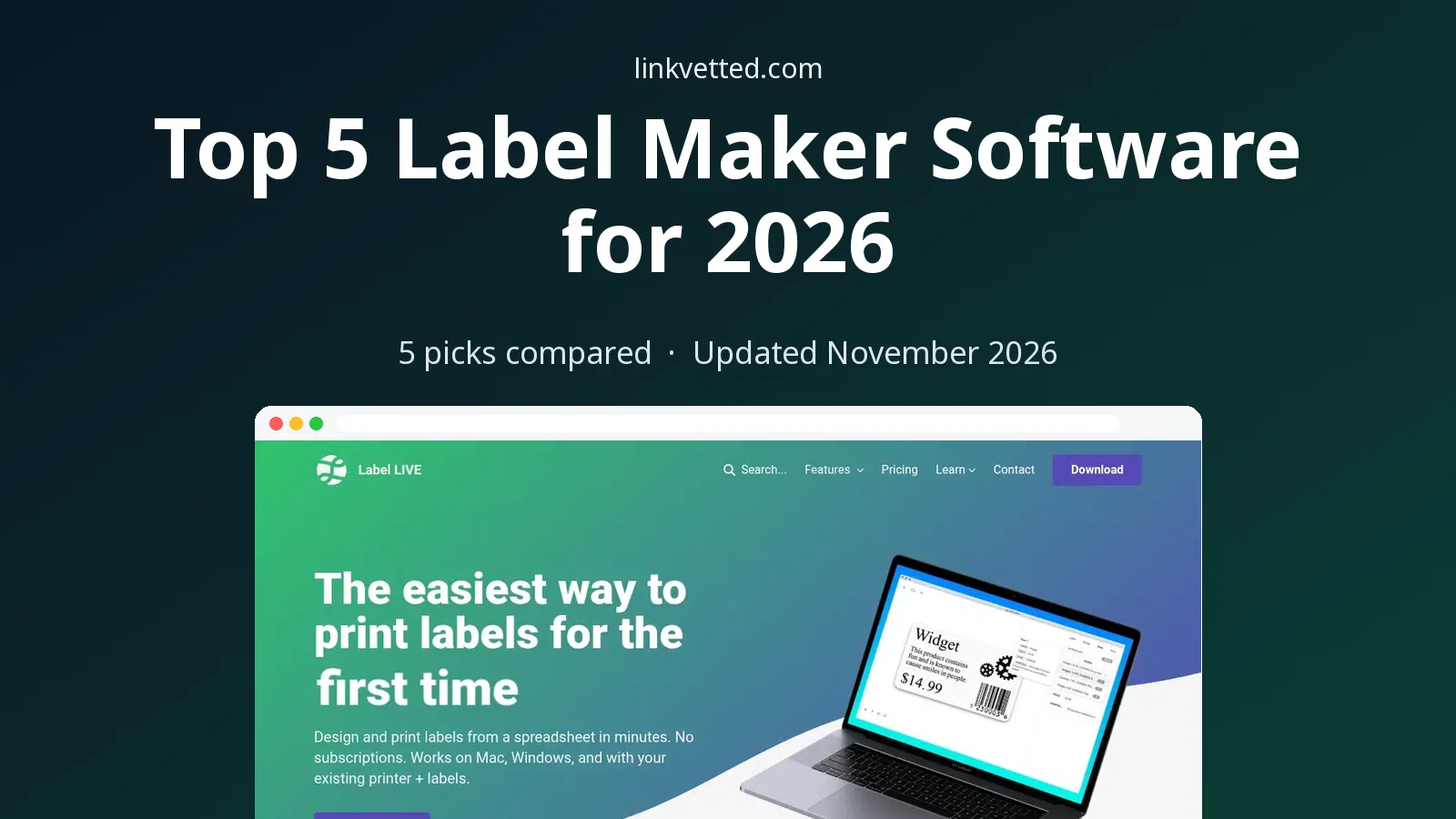
Starts at$19.99 a monthVisit label.liveFull review
Direct answer
Our first pick is Epson Label Editor, best for Epson label printer users. Listed starting prices: Label LIVE from $19.99 a month and BarTender from $199 per year. Alternatives: TEKLYNX Label Cloud for centralized label management and automation, and Label LIVE for spreadsheet-driven printing on Mac and Windows. The remaining 2 options are covered below with prices and limits.
TL;DR:
- Number one here is Epson Label Editor, a fit for Epson label printer users.
- For barcode and RFID label production, BarTender is worth a look.
- The cheapest monthly starting price in the list is $19.99 per month, offered by Label LIVE.
- What to know about Labeljoy first: interface may take time to learn.
- Epson Label Editor, BarTender and the 3 others all need a premium plan or a trial, since no free plan is listed.
Last checked November 2026. Prices and plan details were read from the vendors' own pages in November 2026; vendors change plans often, so confirm the current price on the vendor site before you buy.
Quick comparison
| Tool | Best for | Starts at | Free plan? | |
|---|---|---|---|---|
| Epson Label Editor | Epson label printer users | See website | Not stated | Visit |
| TEKLYNX Label Cloud | Centralized label management and automation | See website | Not stated | Visit |
| Label LIVE | Spreadsheet-driven printing on Mac and Windows | $19.99 a month | No | Visit |
 Labeljoy | Barcode generation from varied sources | See website | Not stated | Visit |
 BarTender | Barcode and RFID label production | $199 per year | No | Visit |
The 5 tools in detail
Choosing label maker software usually comes down to price, fit and limits. This LinkVetted guide sets 5 tools side by side on those three points, with the facts kept short and checkable.
Epson Label Editor
Best for: Epson label printer users
Choose Epson Label Editor for Epson label printer users. Epson Label Editor is label design software offered in connection with Epson label printing products. It is most relevant to people who already use Epson label printers and want software that matches their hardware for office, retail or organizational labeling.
Where it is weaker: Fewer cross-brand printer choices.
The tool takes care of label layouts with text and barcodes, keeping design and printing within the Epson ecosystem. In daily use, availability and features can differ by region, so check local Epson support for your model. Like other hardware-linked tools, it is less adaptable if your printers come from several brands. Epson Label Editor does not show a starting price in this comparison, so check the vendor site for current pricing. Free options: Not stated.
- Manages text and barcode label layouts
- Aimed at Epson label printing hardware
- Restricted appeal outside Epson hardware
TEKLYNX Label Cloud
Best for: Centralized label management and automation
TEKLYNX Label Cloud is designed for centralized label management and automation. TEKLYNX Label Cloud comes from a vendor concentrated on barcode label software, with label design, label printing, print automation, label security and centralized label management. That management focus brings more configuration than a single-user desktop tool.
If you print a handful of labels from a spreadsheet, a lighter choice for example Label LIVE will get you there quicker. Worth adding: TEKLYNX makes more sense when label standards, security and automation across a business are the priority instead of one-off design. TEKLYNX Label Cloud shows no starting price here, so confirm the cost on the vendor site. Free plan details: Not stated.
The main drawbacks: More complicated than desktop design tools.
- Print automation and label security features
- Focus on centralized label management
- Overkill for occasional straightforward labels
Label LIVE
Best for: Spreadsheet-driven printing on Mac and Windows
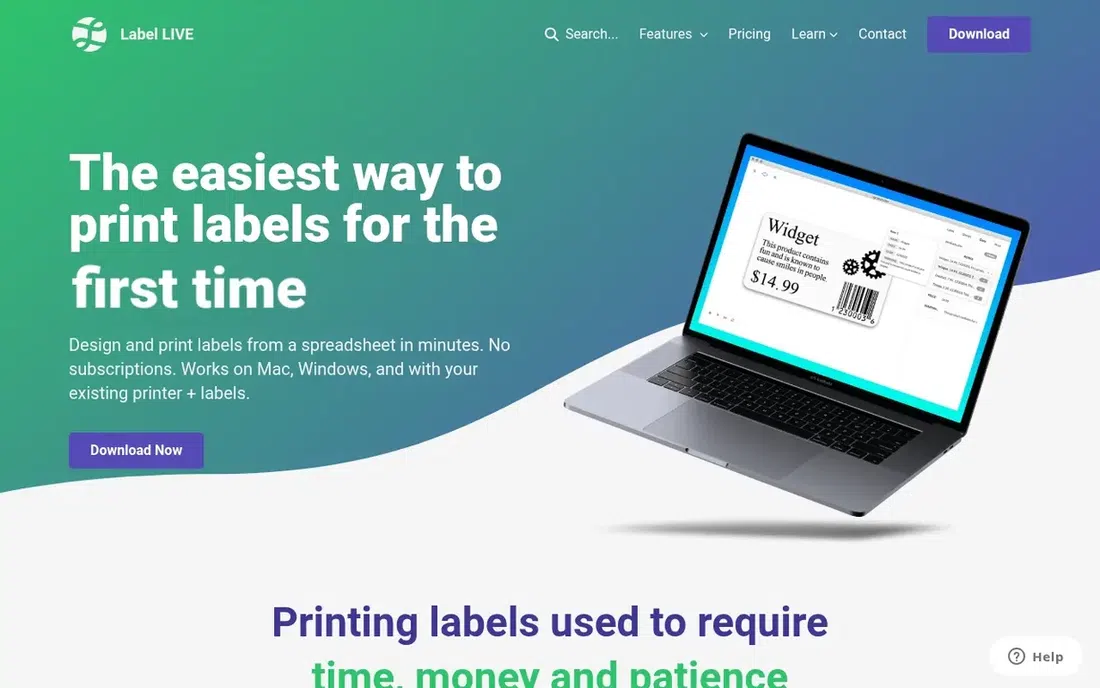
Choose Label LIVE for spreadsheet-driven printing on Mac and Windows. You design labels, create barcodes and QR codes, pull data from Excel or CSV files, and print to Zebra, DYMO, Brother and other thermal, inkjet and laser printers.
Honest limits: Advanced design features are restricted.
Very complicated design work may feel constrained. Since it concentrates on practical desktop printing, it does not aim at centralized label management across numerous sites or deep automation. Price to start with Label LIVE: $19.99 per month. Label LIVE has no permanent free option.
- Prints from Excel or CSV data
- Supports typical thermal printer brands
- Less suited to enterprise label management
Labeljoy was built for barcode generation from varied sources. Its barcode-centered approach means the interface can feel dense for someone who only wants address labels or name tags.
What to check first: Interface may take time to learn.
Consider Labeljoy when barcode generation and adaptable printer support are the core requirements, and check that your specific barcode standards and printer models are supported before committing. Labeljoy does not show a starting price in this comparison, so check the vendor site for current pricing. Trial and free access: Not stated.
- Also supports roll printers
- Produces barcodes from numerous data sources
- Barcode focus may exceed straightforward needs
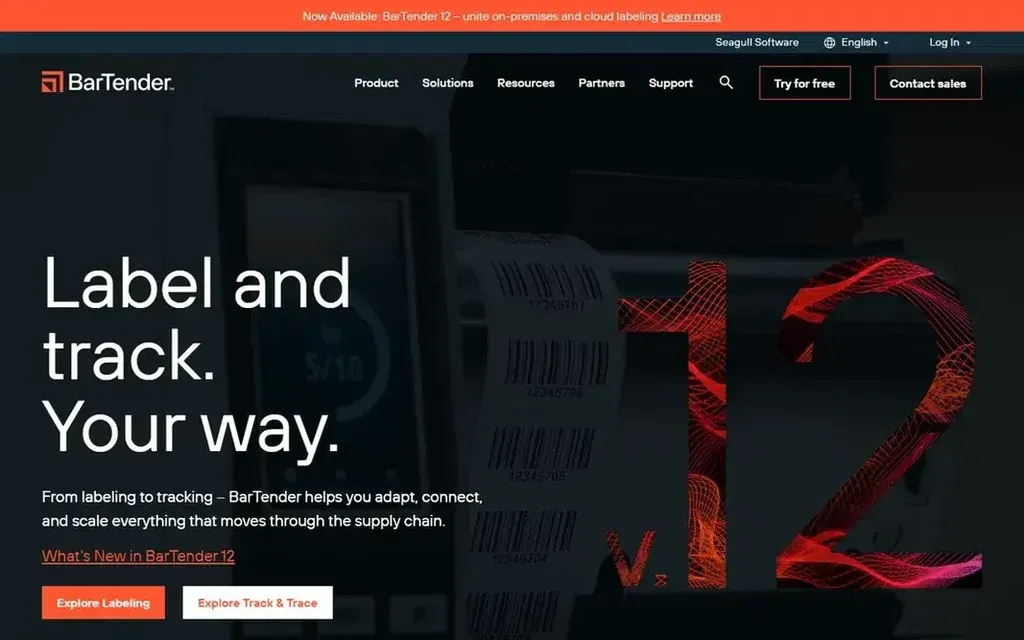
BarTender serves barcode and RFID label production. The tool centers on professional label design instead of casual crafting. Its depth can feel like overhead for someone printing a handful of address labels or straightforward stickers.
As for the details, setup and learning take more effort than light design tools. In practice, BarTender is barcode label design and printing software pitched at organizations that run barcodes, labels and RFID tags. BarTender starts at: $199 per year. BarTender has no free tier.
What to check first: Feature depth may overwhelm casual users.
- Deals with complicated labeling workflows
- Made for label printing operations
- Heavier setup than straightforward design tools
Our selection method
LinkVetted looked at what each vendor publishes: pricing, plan limits, feature coverage for label maker software and stated drawbacks. No hands-on testing is claimed. Treat prices as a snapshot: vendors change plans often, so check the vendor site for the figure that applies today. Order on the page follows fit for the typical buyer first, then price transparency and free access. Your own requirements should decide the final pick.
Before you commit
- Ask Epson Label Editor, TEKLYNX Label Cloud and Labeljoy for a written quote, since no starting price is shown.
- Read the limits listed for Epson Label Editor first: restricted appeal outside Epson hardware.
- Check the support hours and onboarding help Label LIVE offers; smaller vendors vary a lot here.
- Look at which plan of Epson Label Editor unlocks the features you need; entry tiers are often cut down.
- The entry price of BarTender is only the starting point; model the full cost with seats and extras.
FAQ
What is the best label maker software for barcodes?
Start with Epson Label Editor if you need Epson label printer users. TEKLYNX Label Cloud is the better match for centralized label management and automation, and Label LIVE for spreadsheet-driven printing on Mac and Windows. The best choice depends on budget, team size and workflow.
Can I try these options before paying?
Not by default. None of the tools, from Epson Label Editor to BarTender, lists a free plan or a free trial here, so ask each vendor for a demo before committing.
What is the cheapest option for label maker software in this list?
On published monthly entry prices, Label LIVE is the lowest here at $19.99 per month. Entry price is only part of the cost, because seats, add-ons and billing terms can change the total.
Do these tools publish their prices?
Not all of them. Epson Label Editor, TEKLYNX Label Cloud and Labeljoy publish no starting price, so expect a quote request for those. The rest, Label LIVE included, show a starting price, though seats and billing terms still change the final cost.
Is Epson Label Editor the right pick for everyone comparing label maker software?
No single tool suits every team. Epson Label Editor comes first because it fits Epson label printer users, while TEKLYNX Label Cloud suits centralized label management and automation and Label LIVE suits spreadsheet-driven printing on Mac and Windows. Match the tool to your own size, budget and workflow before deciding.
Sources
- https://epson.com
- https://www.teklynx.com
- https://label.live
- https://www.labeljoy.com
- https://www.seagullscientific.com