Knowledge Management Software Benefits in 2026: The 5 Best Options Side by Side
Best knowledge management software benefits in 2026: 5 tools with starting prices, free plans and limits. Every profile names its biggest catch. No filler.
- Editor's choice
 Notion
Adaptable all-in-one AI workspace
Starts at$10 per member a monthVisit notion.comFull review - Great alternative
 Slab
Simple knowledge base and wiki
Starts atSee websiteVisit slab.comFull review - Also consider
 Guru
Governed knowledge for enterprise AI
Starts atSee websiteVisit getguru.comFull review
Direct answer
For flexible all-in-one AI workspace, Notion is where this list starts. Listed starting prices: Notion from $10 per member a month. If your case is different, Slab suits simple knowledge base and wiki and Guru suits governed knowledge for enterprise AI. The other 2 tools in the list cover narrower or pricier cases.
TL;DR:
- Top of the list is Notion, which targets flexible all-in-one AI workspace.
- The lowest published monthly entry price here is $10 per member per month, from Notion.
- What to know about Document360 first: documentation focus may not handle all internal knowledge.
- Only Notion offers a free plan among these 5 tools.
- Confluence fits team knowledge and collaboration workspace.
Last checked November 2026. Prices and plan details were read from the vendors' own pages in November 2026; vendors change plans often, so confirm the current price on the vendor site before you buy.
Quick comparison
| Tool | Best for | Starts at | Free plan? | |
|---|---|---|---|---|
| Notion | Adaptable all-in-one AI workspace | $10 per member a month | Yes | Visit |
| Slab | Simple knowledge base and wiki | See website | Not stated | Visit |
| Guru | Governed knowledge for enterprise AI | See website | Not stated | Visit |
 Document360 | AI-assisted documentation and knowledge bases | See website | Not stated | Visit |
 Confluence | Team knowledge and collaboration workspace | See website | Not stated | Visit |
Every option for knowledge management software benefits explained
LinkVetted compared 5 knowledge management software benefits. The goal is a practical shortlist: published prices, free plan facts, best-fit use cases and honest limits for every entry.
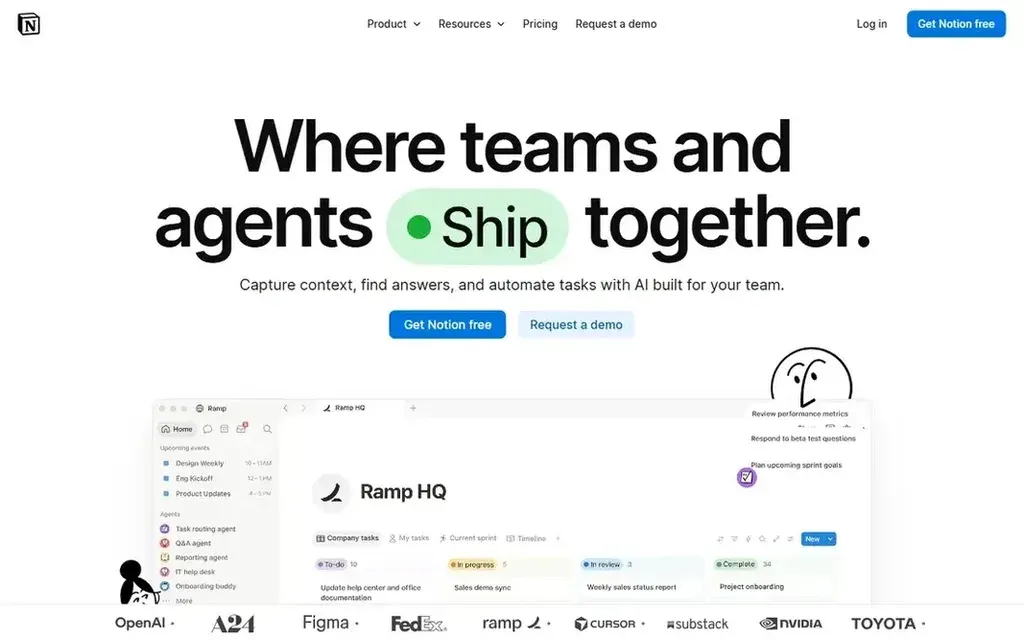
Notion is designed for adaptable all-in-one AI workspace. It fits small and mid-size teams that want to shape their own knowledge structure instead of adopt a rigid template.
If your priority is strict documentation publishing or governed enterprise AI context, a specialized product may serve you better. Starting cost for Notion: $10 per member per month. Notion has a free plan.
The main drawbacks: Adaptability needs upfront structure decisions.
Main advantages: databases and automation in one place.
- Custom agents for recurring work
- Search across connected apps
- Can feel open-ended for strict documentation needs
Slab is a good fit for simple knowledge base and wiki. Slab is knowledge base and wiki software built around simple creation, organization and integrations. The vendor notes appeal across both non-technical and tech-savvy teams.
As for the details, if your priority is enterprise AI trust layers or developer-facing documentation portals, compare the specialized choices before deciding. As for the details, the benefit is low friction: teams can start writing and organizing internal knowledge rapidly without a long setup. It is also only as handy as the content people maintain. No starting price is listed for Slab here; confirm pricing on the vendor site. As for free access: Not stated.
Downsides: Fewer AI governance features than enterprise tools.
- Approachable for technical and non-technical teams
- Numerous integrations
- Advanced documentation needs may outgrow it
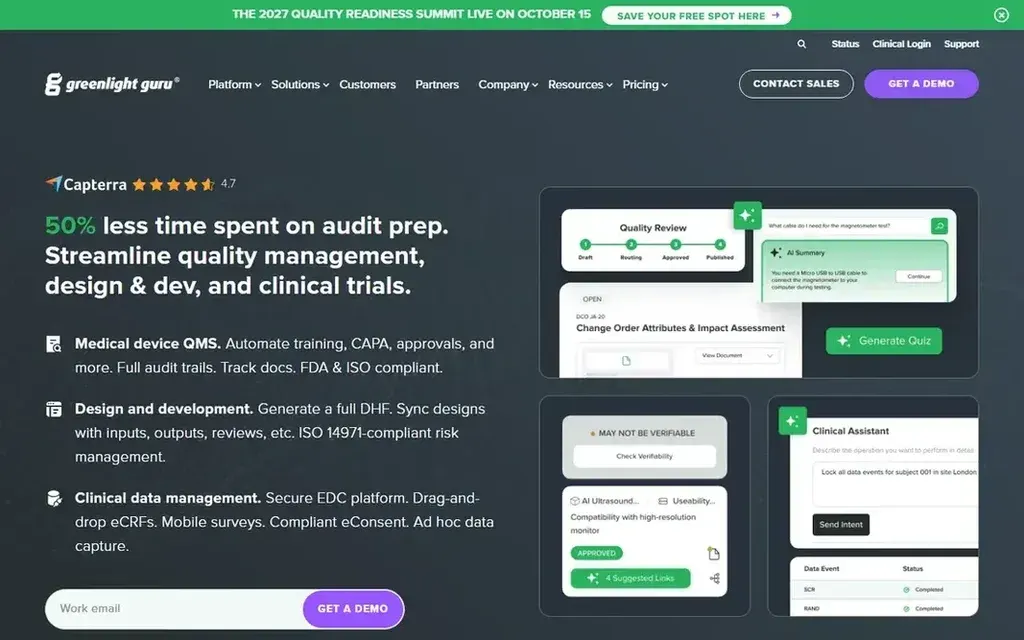
Choose Guru for governed knowledge for enterprise AI. Guru positions itself as a governed knowledge layer for enterprise AI, structuring, governing and continuously improving knowledge so AI answers can be trusted.
If you want a straightforward wiki or a public help center instead of governed AI context, a lighter tool is likely the better choice. No starting price is listed for Guru here; confirm pricing on the vendor site. Trial and free access: Not stated.
Trade-offs to know: Value relies on content curation effort.
- Continuous knowledge improvement
- Aims at trustworthy AI answers
- Enterprise focus may be heavy for small teams
For AI-assisted documentation and knowledge bases, Document360 is a natural candidate. The documentation orientation means it may not be the natural home for every kind of internal knowledge, like meeting notes or project chatter. For everyday use, keeping articles accurate still takes discipline.
As for the details, Document360 is AI knowledge base software for documentation, offering AI search, an AI chatbot and writing tools inside the product. Its benefit is a documentation-first experience: teams can publish structured articles and help readers find answers through search and conversational support. Document360 does not show a starting price in this comparison, so check the vendor site for current pricing. Free options: Not stated.
Where it falls short: Needs continuing content upkeep. Best features of Document360: AI writing tools for documentation.
- Made for knowledge base publishing
- AI search and AI chatbot
- Documentation focus may not handle all internal knowledge

Confluence is a good fit for team knowledge and collaboration workspace. Confluence is a team workspace for creating and sharing knowledge, with AI used to draft content, summarize pages and find answers so projects move quicker.
Limits to weigh: Best value inside the Atlassian ecosystem.
The primary limits are sprawl and maintenance: without naming conventions and review habits, spaces can become hard to navigate. On top of that, if you primarily need a light wiki or public documentation, a more straightforward dedicated tool may be a better fit. Check the vendor site for Confluence pricing; none is listed in this comparison. Free options: Not stated.
- Central place to build and share knowledge
- AI drafting
- Can grow complicated without content governance
How the list was put together
Each tool was reviewed on what its vendor publishes: price, plan limits, core features and stated drawbacks. We did not run hands-on tests. Where a price is missing, the vendor does not list one publicly or ties it to a quote. Always confirm before budgeting. The order reflects how well each tool fits the most common buying scenario for knowledge management software benefits, then price clarity, then free plan access. It is a starting point, not a verdict.
Questions to settle before buying
- Get a written quote from Slab, Guru, Document360 and Confluence; the list shows no starting price for them.
- Look at the free plan from Notion closely: its caps decide whether it is usable for real work.
- Before choosing Notion, weigh its main limit: adaptability needs upfront structure decisions.
- Ask Guru whether prices are locked for the first term and what happens at renewal.
- Make sure Notion lets you export your data in a format another tool can read.
FAQ
How are the tools for knowledge management software benefits ordered?
The order follows typical fit for knowledge management software benefits, with Notion first and Confluence last, then price clarity and free access. It is editorial judgement, not a score, so another team could rank the tools differently.
Can I try these tools before paying?
Often, yes. Notion has a free plan. Use your own data and a real task during the test, and check what the free tier or trial limits before you rely on it. Each of the 5 options in this knowledge management software benefits guide has its own card above with the price, free plan and limits.
Which options for knowledge management software benefits have a free plan?
Notion is the only tool in this list with a free plan. Free plans usually cap users, projects or features, so check the limits on the vendor page. All 5 picks in this knowledge management software benefits comparison list a starting price, free plan details and the main limits on their cards above.
What is the cheapest option for knowledge management software benefits in this list?
On published monthly entry prices, Notion is the lowest here at $10 per member per month. Entry price is only part of the cost, because seats, add-ons and billing terms can change the total. For the full picture, the cards above cover all 5 entries of this knowledge management software benefits list, including price, free plan and limits.
Sources
- https://www.notion.com
- https://slab.com
- https://www.getguru.com
- https://document360.com
- https://www.atlassian.com/software/confluence