Best Knowledge Management for HR Departments (2026): 5 Picks Checked on Vendor Pages
Best knowledge management for HR departments in 2026: 5 contenders with entry costs and free tiers. Each profile ends with a plain caveat. Checked this month.
- Editor's choice
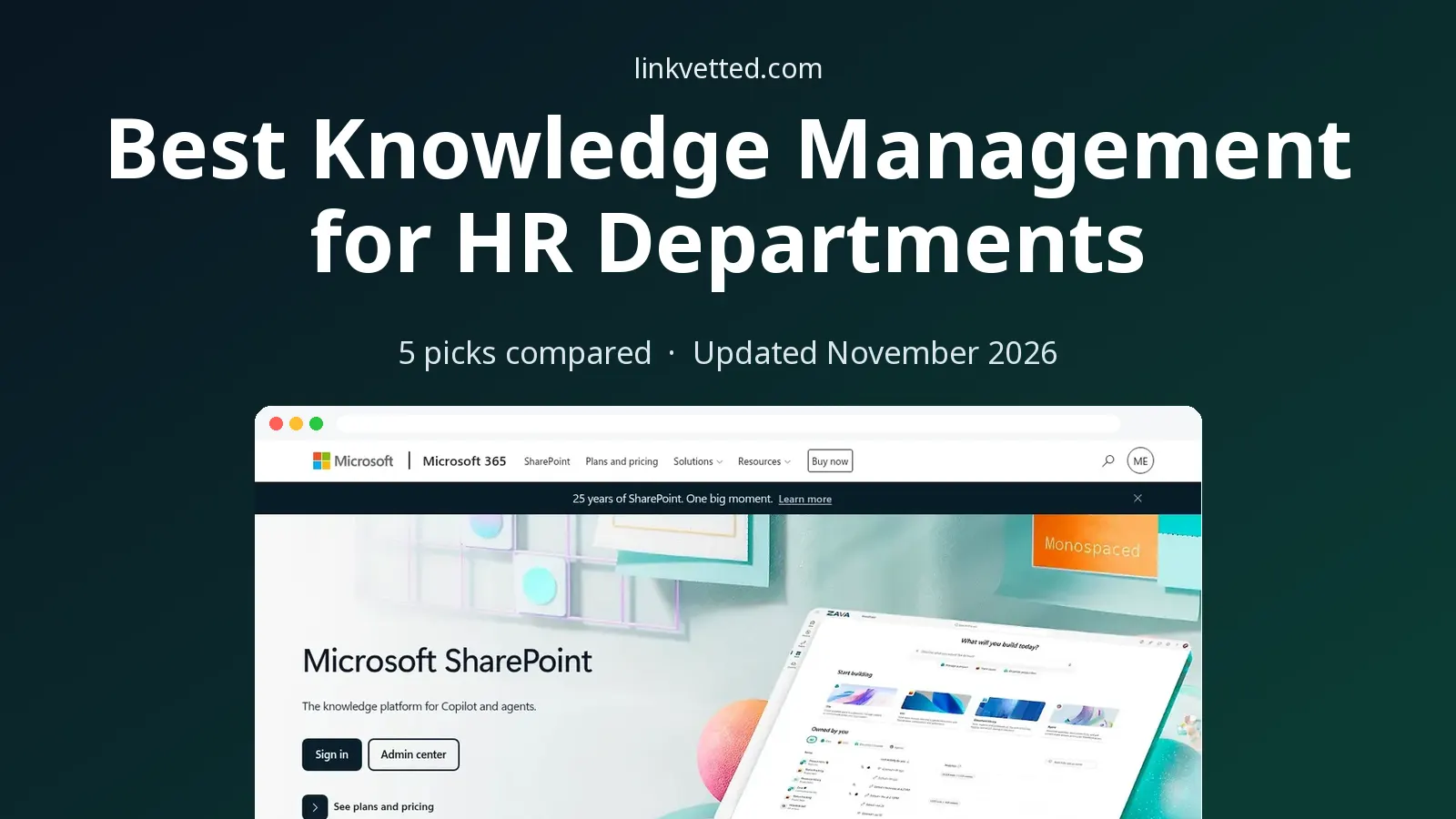
 Microsoft SharePoint
Governed HR content inside Microsoft 365
Starts atSee websiteVisit microsoft.comFull review - Great alternative
 Guru
Governed knowledge that keeps AI answers accurate
Starts atSee websiteVisit getguru.comFull review - Also consider
 Notion
Adaptable HR workspaces and light wikis
Starts at$10 per member a monthVisit notion.comFull review
Direct answer
This list puts Microsoft SharePoint first for governed HR content inside Microsoft 365. Listed starting prices: Notion from $10 per member a month. For a different need, Guru covers governed knowledge that keeps AI answers accurate and Notion covers adaptable HR workspaces and lightweight wikis. The full list of 5 tools follows, with prices and free plan facts.
TL;DR:
- Microsoft SharePoint takes the first slot, best suited to governed HR content inside Microsoft 365.
- The lowest published monthly entry price here is $10 per member per month, from Notion.
- Confluence is the one to check for collaborative HR policy and procedure hubs.
- Only Notion offers a free plan among these 5 tools.
- Before buying Notion, weigh this: adaptability can result in inconsistent structure.
Last checked November 2026. Prices and plan details were read from the vendors' own pages in November 2026; vendors change plans often, so confirm the current price on the vendor site before you buy.
Quick comparison
| Tool | Best for | Starts at | Free plan? | |
|---|---|---|---|---|
| Microsoft SharePoint | Governed HR content inside Microsoft 365 | See website | Not stated | Visit |
| Guru | Governed knowledge that keeps AI answers accurate | See website | Not stated | Visit |
| Notion | Adaptable HR workspaces and light wikis | $10 per member a month | Yes | Visit |
 Workday | HR knowledge within an enterprise HR product | See website | Not stated | Visit |
 Confluence | Collaborative HR policy and procedure hubs | See website | Not stated | Visit |
5 knowledge management for HR departments in detail
LinkVetted compared 5 knowledge management for HR departments. The goal is a practical shortlist: published prices, free plan facts, best-fit use cases and honest limits for every entry.
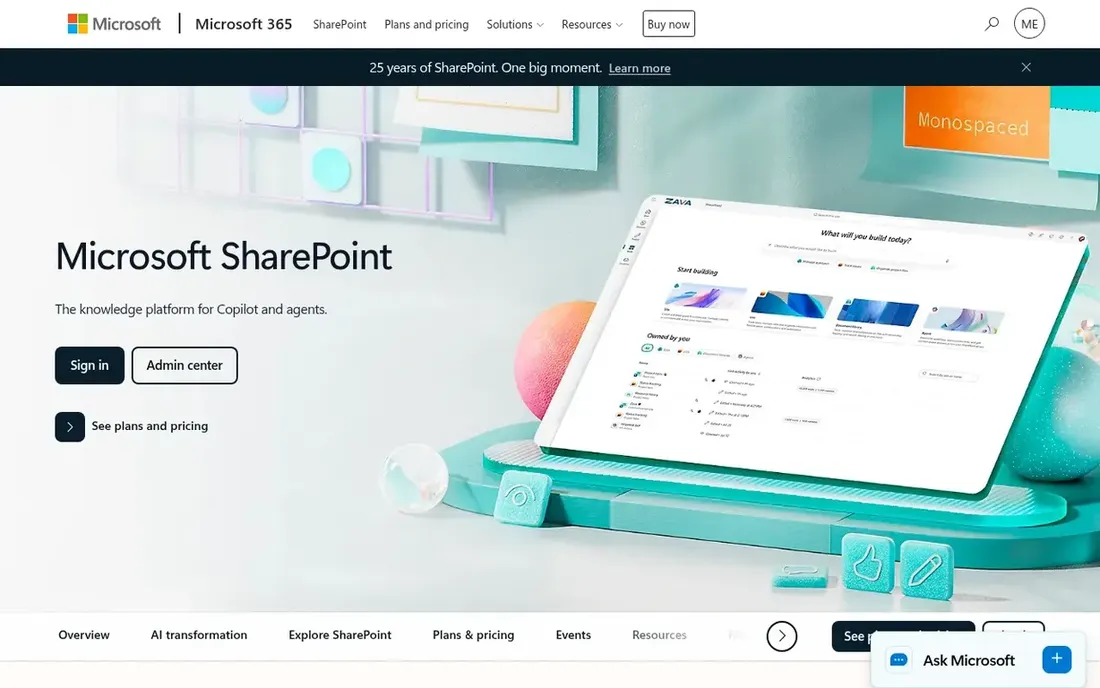
Microsoft SharePoint is designed for governed HR content inside Microsoft 365. Microsoft SharePoint is a platform for creating, sharing and governing trusted knowledge, with collaboration, communication, automation and AI experiences across Microsoft 365.
Watch-outs: Setup and administration can be complicated.
Content findability relies on how sites and metadata are organized. Microsoft SharePoint does not show a starting price in this comparison, so check the vendor site for current pricing. As for free access: Not stated.
- Capable content governance controls
- Works across Microsoft 365
- Navigation can feel heavy for straightforward wikis
In short, Guru is for governed knowledge that keeps AI answers accurate. It suits organizations that prioritize verified knowledge over wide workspace features.
Points against: Narrower than full HR service suites.
Its value relies on maintaining governance processes. This comparison lists no price for Guru; ask the vendor. Free access: Not stated.
- Focus on answer trustworthiness
- Governed knowledge
- Best value when governance is a priority
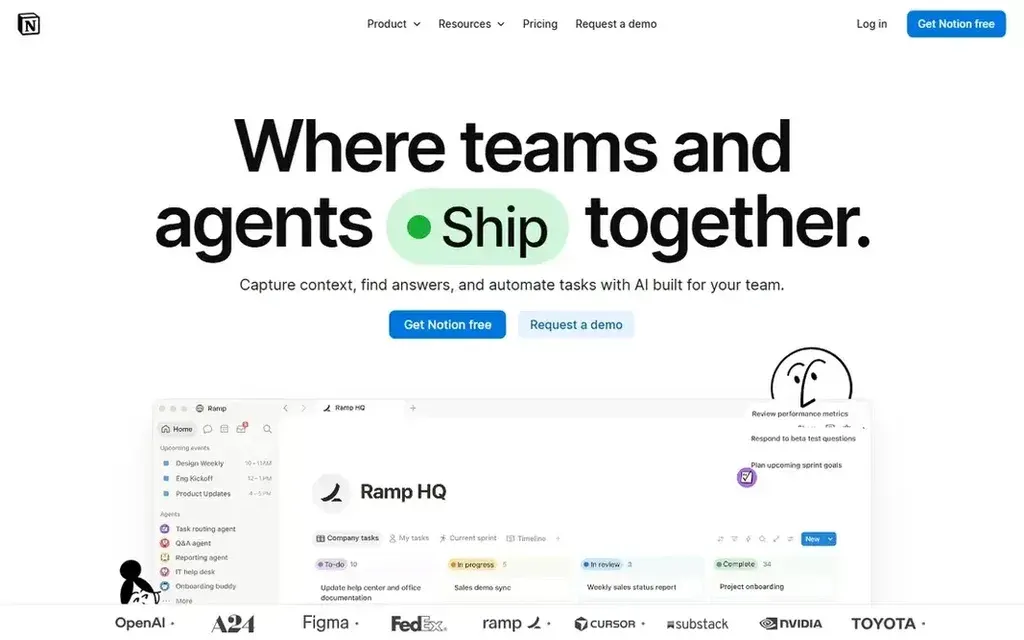
Pick Notion if this describes you: adaptable HR workspaces and light wikis. Notion is an AI workspace where teams build custom agents, search across apps and automate busywork.
It is less suited to regulated content that needs strict approval flows. Price to start with Notion: $10 per member per month. Notion offers a free plan.
Trade-offs to know: Adaptability can result in inconsistent structure.
- AI search across connected apps
- Custom pages and databases
- Governance features are lighter
Where Workday fits: HR knowledge within an enterprise HR system. Choose a dedicated knowledge tool if quick, straightforward publishing is the primary requirement.
Where it is weaker: Needs system adoption.
Workday is a wide enterprise product, so teams seeking a light, standalone knowledge base may find it more than they need. From a buyer's view, knowledge capabilities are best evaluated as part of the wider suite. Workday shows no starting price here, so confirm the cost on the vendor site. Free plan details: Not stated.
- AI and agentic experiences
- Unified HR and finance platform
- Knowledge features are part of a bigger suite
Confluence was built for collaborative HR policy and procedure hubs. Confluence is a team workspace for creating and sharing knowledge, with AI that helps draft, summarize and find answers.
Points against: Can sprawl without page hygiene.
Pick something else if HR needs tightly governed answers or integrated HR service workflows instead of a collaborative wiki. In practice, page structure can become inconsistent as more contributors join, so governance habits matter. Check the vendor site for Confluence pricing; none is listed in this comparison. On free options: Not stated.
- Adaptable page structure for teams
- Search that surfaces answers
- Less built-in HR workflow logic
How the list was put together
Pre-purchase checklist
- Get a written quote from Microsoft SharePoint, Guru, Workday and Confluence; the list shows no starting price for them.
- Test the free plan from Notion against your real workload before relying on it.
- Read the limits listed for Microsoft SharePoint first: setup and administration can be complicated.
- Make sure Workday lets you export your data in a format another tool can read.
- Look at the renewal terms for Notion: auto-renewal, notice periods and price changes can matter more than the first-year price.
FAQ
Is Microsoft SharePoint the right pick for everyone comparing knowledge management for HR departments?
No single tool suits every team. Microsoft SharePoint comes first because it fits governed HR content inside Microsoft 365, while Guru suits governed knowledge that keeps AI answers accurate and Notion suits flexible HR workspaces and lightweight wikis. Match the tool to your own size, budget and workflow before deciding.
Do these tools publish their prices?
Not all of them. Microsoft SharePoint, Guru, Workday and Confluence publish no starting price, so expect a quote request for those. The rest, Notion included, show a starting price, though seats and billing terms still change the final cost.
Which tool is a good match for HR policy knowledge that must stay accurate?
Microsoft SharePoint is the pick this page puts first, mainly for governed HR content inside Microsoft 365. If your situation differs, Guru suits governed knowledge that keeps AI answers accurate, and Notion suits adaptable HR workspaces and light wikis. Compare price and limits before you decide.
How are the knowledge management for HR departments ordered?
Microsoft SharePoint sits first and Confluence last because the order follows typical fit for knowledge management for HR departments, then price clarity and free access. It is a judgement call, so read each profile for fit and limits.
What is the cheapest option for knowledge management for HR departments in this list?
On published monthly entry prices, Notion is the lowest here at $10 per member per month. Entry price is only part of the cost, because seats, add-ons and billing terms can change the total. All 5 picks in this knowledge management for HR Departments comparison list a starting price, free plan details and the main limits on their cards above.
Sources
- https://www.microsoft.com/en-us/microsoft-365/sharepoint/collaboration
- https://www.getguru.com
- https://www.notion.com
- https://www.workday.com
- https://www.atlassian.com/software/confluence