Best Knowledge Base Software for HR Departments in 2026: Prices, Free Plans and 5 Picks
Best knowledge base software for HR departments in 2026: 5 tools with starting prices, free plans and limits. Each profile ends with a plain caveat. Facts only.
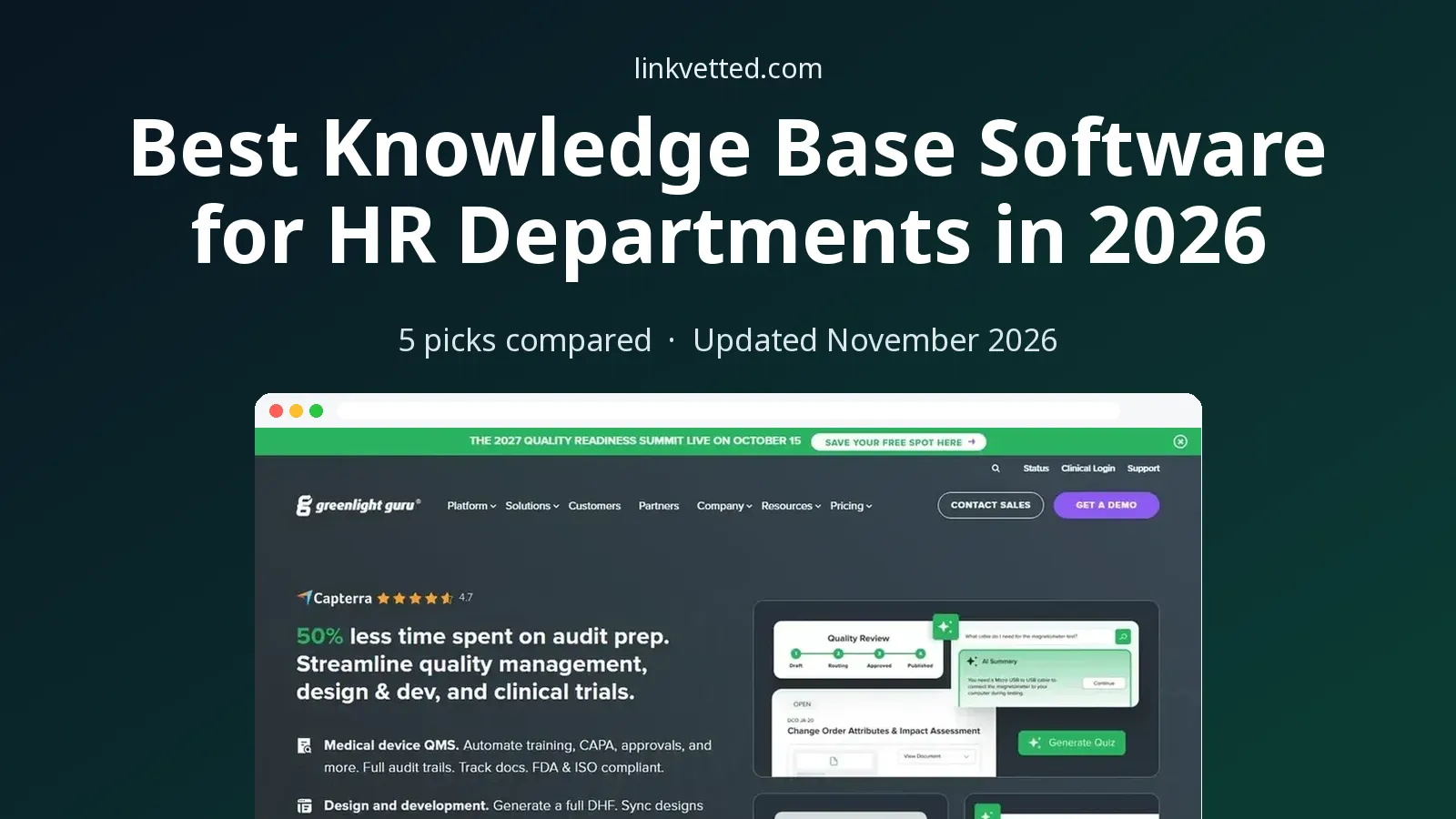
- Editor's choice
 Freshdesk
HR service desk with knowledge support
Starts atSee websiteVisit freshworks.comFull review - Great alternative
 Zendesk Guide
HR help centers tied to service workflows
Starts atSee websiteVisit zendesk.comFull review - Also consider
 Guru
Governed knowledge for trusted AI answers
Starts atSee websiteVisit getguru.comFull review
Direct answer
For HR service desk with knowledge support, Freshdesk is where this list starts. Listed starting prices: Notion from $10 per member a month. For a different need, Zendesk Guide covers HR help centers tied to service workflows and Guru covers governed knowledge for trusted AI answers. The remaining 2 options are covered below with prices and limits.
TL;DR:
- The list opens with Freshdesk, aimed at HR service desk with knowledge support.
- Notion suits adaptable HR workspace with documents and databases.
- Just one of the 5 tools, Notion, has a free plan.
- What to know about Zendesk Guide first: centered on customer service use cases.
- Starting prices begin at $10 per member per month with Notion.
Last checked November 2026. Prices and plan details were read from the vendors' own pages in November 2026; vendors change plans often, so confirm the current price on the vendor site before you buy.
Quick comparison
| Tool | Best for | Starts at | Free plan? | |
|---|---|---|---|---|
| Freshdesk | HR service desk with knowledge support | See website | Not stated | Visit |
| Zendesk Guide | HR help centers tied to service workflows | See website | Not stated | Visit |
| Guru | Governed knowledge for trusted AI answers | See website | Not stated | Visit |
 Confluence | Collaborative HR policy and knowledge pages | See website | Not stated | Visit |
 Notion | Adaptable HR workspace with documents and databases | $10 per member a month | Yes | Visit |
Knowledge Base Software for HR Departments profiles
If you are comparing knowledge base software for HR departments, this page covers 5 tools in one place: what each is best for, what it costs to start, whether it has a free plan, and the main limit to know about.
Freshdesk is designed for HR service desk with knowledge support. Teams whose central need is a standalone HR knowledge base may find the service suite broader than necessary.
Honest limits: HR-specific content structure is not the focus.
From a buyer's view, Freshdesk is designed for customer service instead of HR content management, so policy organization and governance need adaptation. No starting price is listed for Freshdesk here; confirm pricing on the vendor site. Free options: Not stated.
- Knowledge support alongside service requests
- Omnichannel ticketing and automatic workflows
- Knowledge base is part of a service suite
Think of Zendesk Guide for HR help centers tied to service workflows. HR departments with a shared services or employee support model can adapt it to publish policy articles and route questions.
Watch-outs: Centered on customer service use cases.
It is less of a general internal wiki. Choose it when HR support runs through a service desk and self-service answers are the priority. No starting price is listed for Zendesk Guide here; confirm pricing on the vendor site. Free access: Not stated.
- Powers AI agents and answer delivery
- Links trusted content to self-service
- HR use needs adapting service workflows
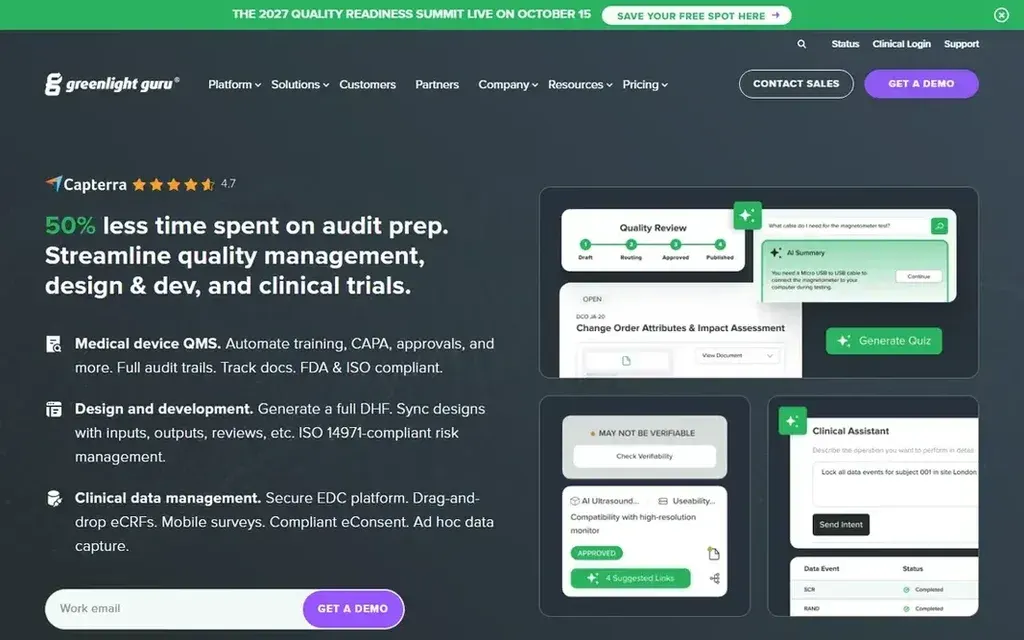
Guru is built with governed knowledge for trusted AI answers in mind. Guru positions itself as a governed knowledge layer for enterprise AI, structuring, governing and continuously improving knowledge so AI answers can be trusted.
It is a solid fit for organizations that treat knowledge quality as an ongoing process instead of a one-time documentation project. It can also overlap with existing intranet or workspace tools. Guru shows no starting price here, so confirm the cost on the vendor site. Free plan details: Not stated.
Points against: Focused on governance over wide document editing.
- Structures and governs knowledge
- Aims at trustworthy AI answers
- May overlap with tools HR already uses
Confluence is built with collaborative HR policy and knowledge pages in mind. Choose Confluence when collaborative authoring matters most. As for the details, the adaptability that makes Confluence handy can also result in sprawling page structures and outdated content if ownership and review cycles are not defined.
Where it falls short: HR-specific templates are not the core focus.
It is built around collaboration instead of governed answer delivery, so HR teams needing tightly controlled, AI-served answers may prefer a dedicated knowledge layer. Teams that already work inside the Atlassian ecosystem will find it a natural home for internal knowledge. Confluence is a team workspace for creating and sharing knowledge, with AI used to draft, summarize and find answers so projects move quicker. This comparison lists no price for Confluence; ask the vendor. Free plan details: Not stated.
- Summarizing and answer finding
- AI drafting
- Can grow cluttered without page governance
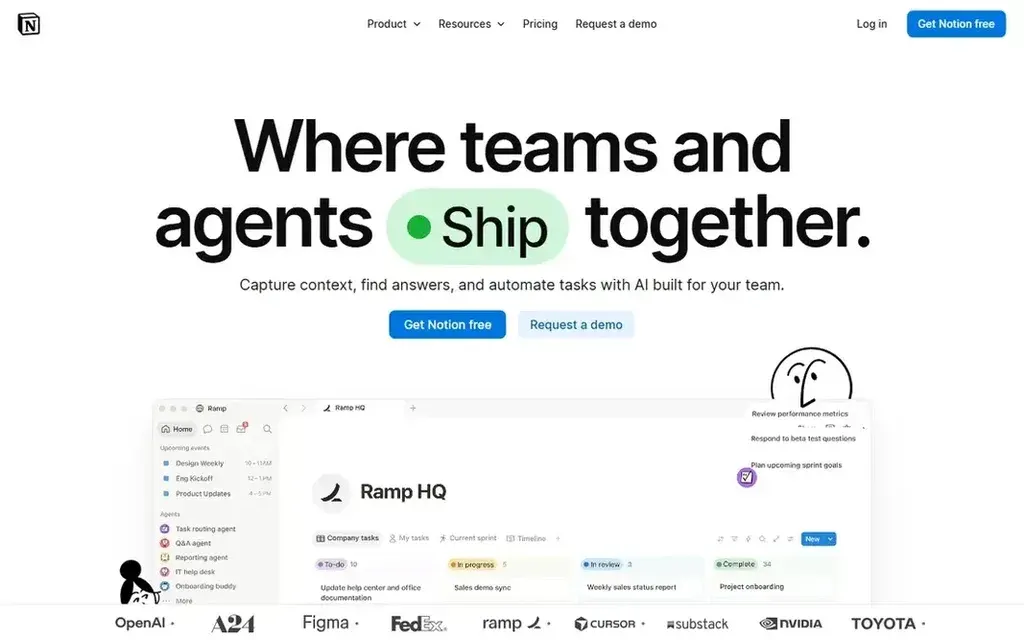
Notion is aimed squarely at adaptable HR workspace with documents and databases. Notion describes itself as an AI workspace where teams get more done, quicker, with custom agents, search across connected apps and automation of routine work.
Honest limits: Governance must be set up manually.
HR departments can use it to hold handbooks, policy pages, request trackers and onboarding checklists in one place, blending written content with structured databases. In daily use, teams that require purpose-built knowledge governance or customer-facing help centers should look at a specialized choice instead. On cost, Notion starts like this: $10 per member per month. A free plan is available with Notion.
- Merges docs
- Custom agents and cross-app search
- Structure depends heavily on how you build it
Selection criteria
We compared the tools on published pricing, free plan or trial availability, feature coverage for knowledge base software for HR departments, and the limits each vendor documents. Figures are shown as the vendors publish them. Billing terms, seat minimums and add-ons can change the real cost. The order reflects how well each tool fits the most common buying scenario for knowledge base software for HR departments, then price clarity, then free plan access. It is a starting point, not a verdict.
What to confirm before you sign up
- Get a written quote from Freshdesk, Zendesk Guide, Guru and Confluence; the list shows no starting price for them.
- Test the free plan from Notion against your real workload before relying on it.
- Before choosing Freshdesk, weigh its main limit: Knowledge base is part of a service suite.
- Map your must-have features to a specific Confluence plan before you compare prices.
- Check the integration list for Freshdesk against the tools you run today, and note which ones need a higher plan.
FAQ
Is Freshdesk the right pick for everyone comparing knowledge base software for HR departments?
No single tool suits every team. Freshdesk comes first because it fits HR service desk with knowledge support, while Zendesk Guide suits HR help centers tied to service workflows and Guru suits governed knowledge for trusted AI answers. Match the tool to your own size, budget and workflow before deciding.
Which options for knowledge base software for HR departments have a free plan?
Notion is the only tool in this list with a free plan. Free plans usually cap users, projects or features, so check the limits on the vendor page.
Do these tools publish their prices?
Not all of them. Freshdesk, Zendesk Guide, Guru and Confluence publish no starting price, so expect a quote request for those. The rest, Notion included, show a starting price, though seats and billing terms still change the final cost.
How do we keep HR knowledge from going stale?
Assign an owner for each policy area, set review intervals, and archive outdated pages instead of leaving them visible. Tools with governance features, for example Guru, are built around continuous improvement of content quality.
What is the cheapest option for knowledge base software for HR departments in this list?
On published monthly entry prices, Notion is the lowest here at $10 per member per month. Entry price is only part of the cost, because seats, add-ons and billing terms can change the total. For the full picture, the cards above cover all 5 entries of this knowledge base software for HR Departments list, including price, free plan and limits.
Sources
- https://www.freshworks.com/freshdesk
- https://www.zendesk.com/service/help-center
- https://www.getguru.com
- https://www.atlassian.com/software/confluence
- https://www.notion.com