The 6 Best IT Management Software for Veterinary Clinics in 2026, Ranked
Compare 6 best IT management software for veterinary clinics, with prices, free plans and who each fits. We note where every tool falls short. Choose faster.
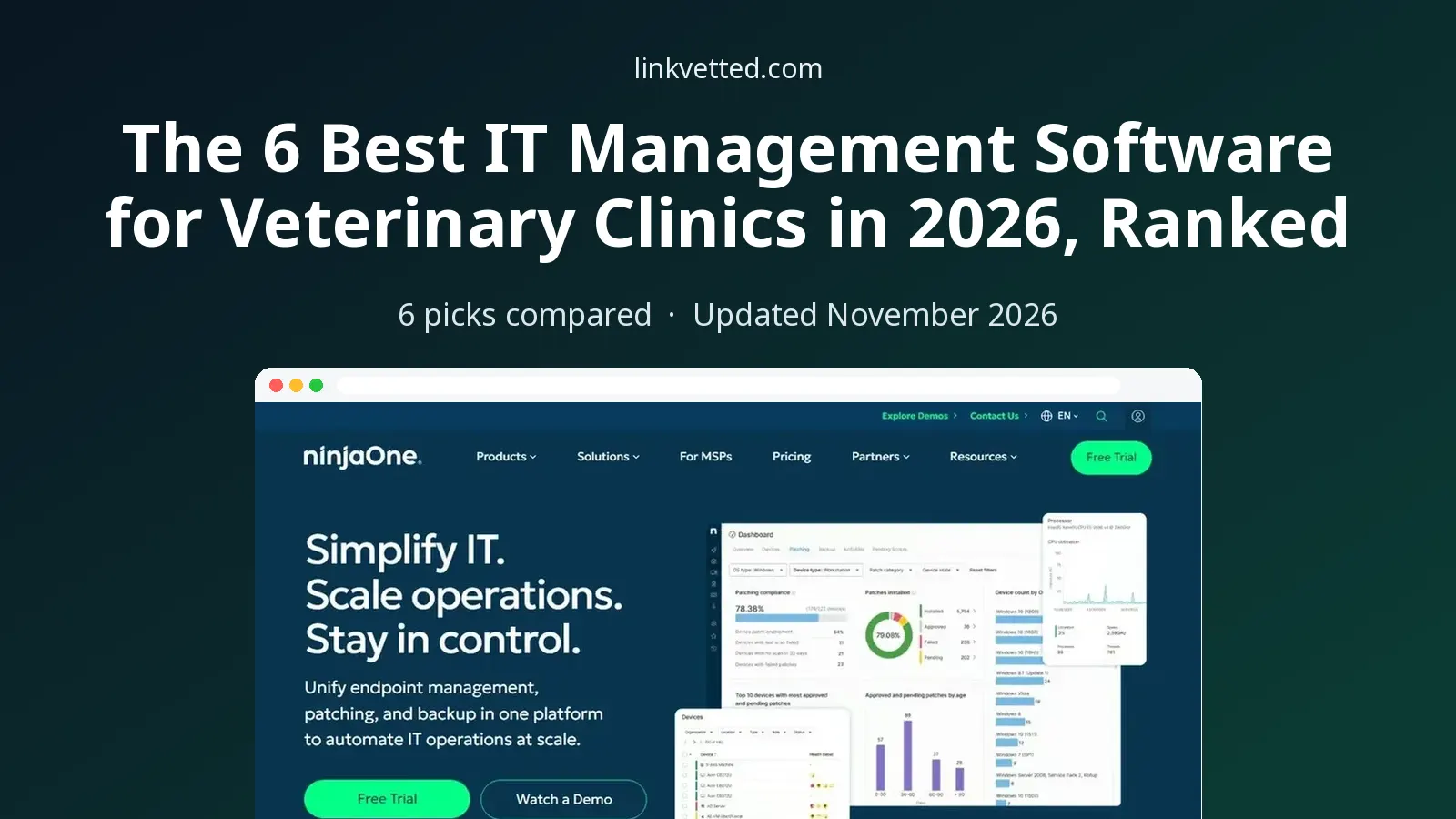
- Editor's choice
 NinjaOne
Unified IT operations in one console
Starts at$1.50 per device a monthVisit ninjaone.comFull review - Great alternative
 ManageEngine Endpoint Central
Central management of mixed devices
Starts atSee websiteVisit manageengine.comFull review - Also consider
 Action1
Patch management and vulnerability remediation
Starts atSee websiteVisit action1.comFull review
Direct answer
NinjaOne leads the list, best for unified IT operations in one console. Listed starting prices: NinjaOne from $1.50 per device a month. If your case is different, ManageEngine Endpoint Central suits Central management of mixed devices and Action1 suits patch management and vulnerability remediation. Prices, free plans and limits for all 6 tools follow.
TL;DR:
- Number one here is NinjaOne, a fit for unified IT operations in one console.
- Action1 is the only tool of the 6 with a free plan.
- Kaseya VSA fits remote monitoring with automatic patching.
- One limit worth knowing about Action1: narrower than full RMM suites.
- For the cheapest start, look at NinjaOne: $1.50 per device per month.
Last checked November 2026. Prices and plan details were read from the vendors' own pages in November 2026; vendors change plans often, so confirm the current price on the vendor site before you buy.
Quick comparison
| Tool | Best for | Starts at | Free plan? | |
|---|---|---|---|---|
| NinjaOne | Unified IT operations in one console | $1.50 per device a month | Free trial | Visit |
| ManageEngine Endpoint Central | Central management of mixed devices | See website | Not stated | Visit |
| Action1 | Patch management and vulnerability remediation | See website | Yes | Visit |
| Datto RMM | Cloud-based endpoint monitoring | See website | Not stated | Visit |
| N-able N-central | Managing complicated multi-site environments | See website | Not stated | Visit |
| Kaseya VSA | Remote monitoring with automatic patching | See website | Not stated | Visit |
Our 6 IT management software for veterinary clinics
Choosing IT management software for veterinary clinics usually comes down to price, fit and limits. This LinkVetted guide sets 6 tools side by side on those three points, with the facts kept short and checkable.
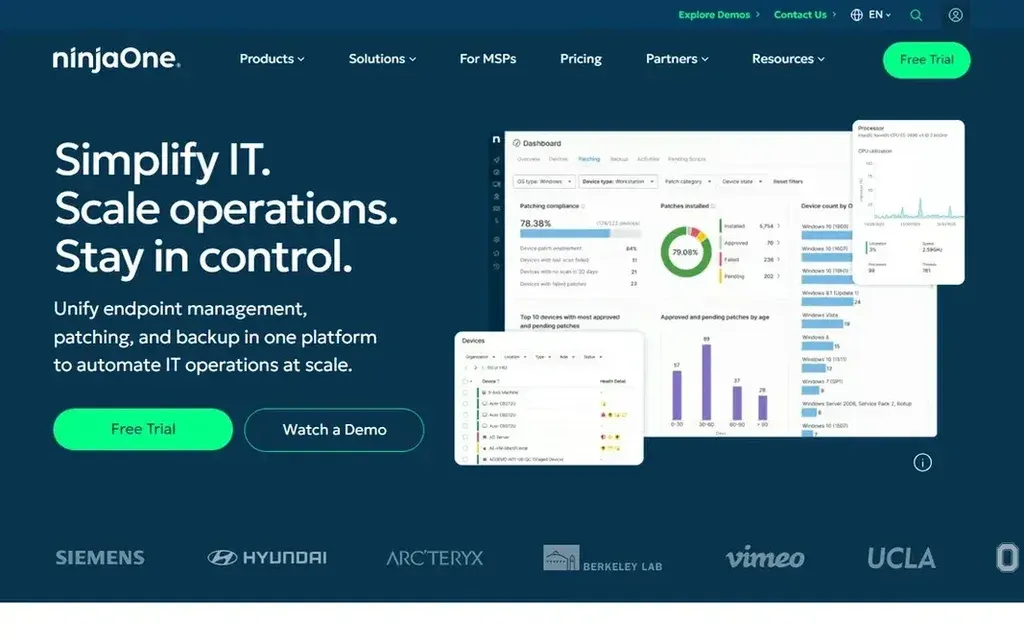
NinjaOne is aimed squarely at unified IT operations in one console. NinjaOne is a unified IT operations product for endpoint management, autonomous patching, backup and remote access. On top of that, for a veterinary clinic, that means imaging stations, reception computers and servers can be managed from one console.
Where it falls short: Needs planning to roll out.
It is geared toward IT teams and managed service providers, so it fits practices that either have dedicated IT staff or work with an outside provider. Since it bundles multiple functions, the system asks for thoughtful setup before it runs smoothly. In practice, consider it when you want monitoring, patching and backup under one roof. The starting price for NinjaOne: $1.50 per device per month. Trial and free access: Free trial.
- Backup and remote access included
- Made for IT teams and MSPs
- Full product may exceed entry-level needs
ManageEngine Endpoint Central serves Central management of mixed devices. The breadth of device coverage means setup and policy configuration take effort, and a very small practice may not use every capability.
It fits practices that want centralized control over a varied device fleet without splitting administration across products. This comparison lists no price for ManageEngine Endpoint Central; ask the vendor. Trial and free access: Not stated.
Where it falls short: Wide scope may overwhelm small teams.
What users get: Comes with mobile device management.
- Desktops and laptops
- Unified security and management
- Configuration takes time
Pick Action1 if this describes you: patch management and vulnerability remediation. If your priority is a single suite for all endpoint operations, a broader system may fit better.
Worth adding: the focus is patching and remediation, so clinics wanting full remote monitoring and support tooling may have to pair it with something else. Beyond that, Action1 supplies autonomous patch management and vulnerability remediation for Windows, macOS and Linux endpoints, deploying pre-tested operating system and external patches from one cloud-native product. No starting price is listed for Action1 here; confirm pricing on the vendor site. Action1 has a free plan.
Where it falls short: Less suited to wide device monitoring.
- MacOS and Linux
- Handles Windows
- Narrower than full RMM suites
Datto RMM
Best for: Cloud-based endpoint monitoring
In short, Datto RMM is for cloud-based endpoint monitoring. Datto RMM is remote monitoring and management software that lets IT staff handle, monitor and secure endpoints from the cloud.
What to check first: Needs internet-dependent workflows.
More specifically, pick it when remote oversight and endpoint security are priorities. No starting price is listed for Datto RMM here; confirm pricing on the vendor site. Free access: Not stated.
- Endpoint security focus
- Remote monitoring and management
- Feature depth may suit bigger setups
N-able N-central
Best for: Managing complicated multi-site environments
N-able N-central makes the most sense for managing complicated multi-site environments. Veterinary groups running multiple clinics, each with its own servers and workstations, are the kind of setting it targets.
The main drawbacks: Complicated environments only benefit completely.
More specifically, running it well calls for IT expertise or a managed service provider. N-able N-central does not show a starting price in this comparison, so check the vendor site for current pricing. As for free access: Not stated.
- Unified endpoint management
- Designed for scale
- Setup demands IT expertise
Kaseya VSA
Best for: Remote monitoring with automatic patching
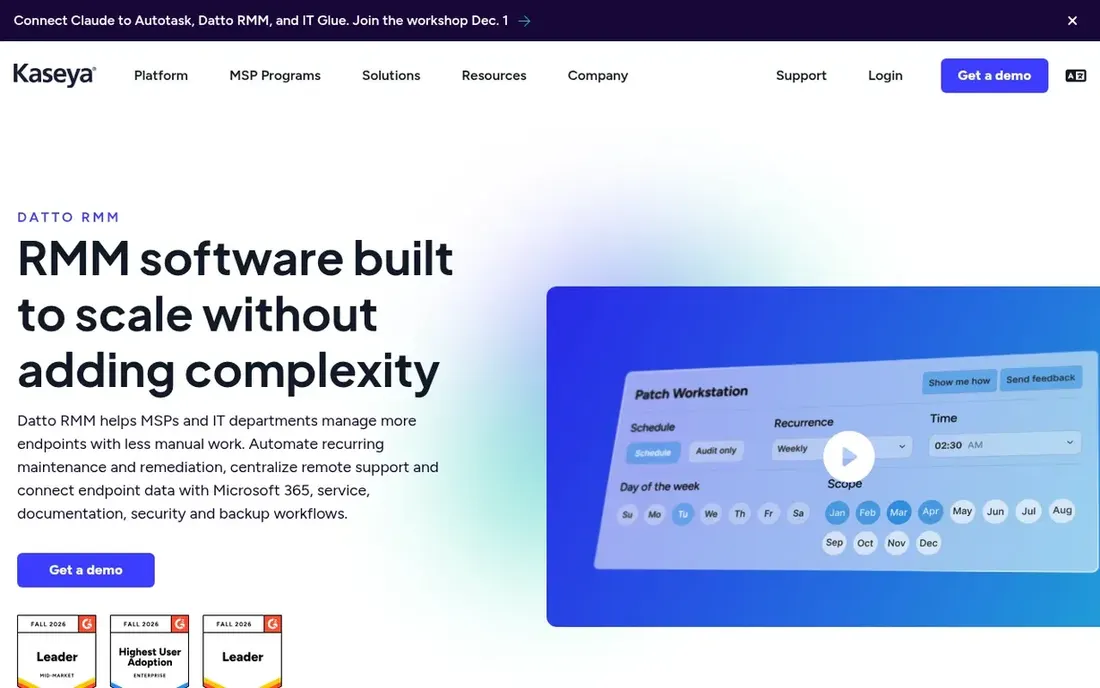
Choose Kaseya VSA for remote monitoring with automatic patching. The system handles a broad set of IT operations, so initial configuration and staff learning take effort.
Limits to weigh: Wide feature set takes setup time.
It suits practices with an internal IT lead or a managed service provider handling daily operations. Pricing for Kaseya VSA is not stated here, so ask the vendor for current figures. Trial and free access: Not stated.
- Remote support built in
- Manages remediation workflows
- May be more than small clinics need
How these tools were picked
Selection started from tools commonly considered for IT management software for veterinary clinics, then narrowed to 6 that have clear pricing information or a clear quote process. Treat prices as a snapshot: vendors change plans often, so check the vendor site for the figure that applies today. The sequence is a judgement call: typical use case first, then pricing transparency, then free access. Use the profiles to check fit.
Pre-purchase checklist
- Confirm the entry price on the vendor page. For ManageEngine Endpoint Central, Action1, Datto RMM and others that means a quote rather than a fixed price.
- Test the free plan from Action1 against your real workload before relying on it.
- Run a trial of NinjaOne with real work before paying for a year; your own workflow is the best test.
- Before choosing NinjaOne, weigh its main limit: full system may exceed entry-level needs.
- Before rolling out NinjaOne, verify the integrations your workflow depends on.
- Find out what support N-able N-central includes on your plan, and whether onboarding help costs extra.
FAQ
How should a clinic choose between a RMM suite and a patching tool?
Choose a RMM suite when you want monitoring, remote support and patching together. Choose a patching-focused tool when closing software vulnerabilities is the central goal and you already have support processes in place.
How are the tools for IT management software for veterinary clinics ordered?
NinjaOne sits first and Kaseya VSA last because the order follows typical fit for IT management software for veterinary clinics, then price clarity and free access. It is a judgement call, so read each profile for fit and limits.
Do veterinary clinics need full remote monitoring and management software?
It relies on size and setup. Clinics with servers, imaging workstations and several locations typically benefit from monitoring and patching in one place. A very small practice may do fine with a focused patching tool.
What is the cheapest option for IT management software for veterinary clinics in this list?
On published monthly entry prices, NinjaOne is the lowest here at $1.50 per device per month. Entry price is only part of the cost, because seats, add-ons and billing terms can change the total. For the full picture, the cards above cover all 6 entries of this IT management software for Veterinary clinics list, including price, free plan and limits.
Do these tools publish their prices?
Not all of them. ManageEngine Endpoint Central, Action1, Datto RMM and others publish no starting price, so expect a quote request for those. The rest, NinjaOne included, show a starting price, though seats and billing terms still change the final cost.
Can I try these tools before paying?
Often, yes. Action1 has a free plan and NinjaOne offers a free trial. Use your own data and a real task during the test, and check what the free tier or trial limits before you rely on it. Prices, free plan details and limits for all 6 tools in this IT management software for Veterinary clinics roundup sit on the individual cards above.
Sources
- https://www.ninjaone.com
- https://www.manageengine.com/products/desktop-central
- https://www.action1.com
- https://www.datto.com/products/rmm
- https://www.n-able.com/products/n-central
- https://www.kaseya.com/products/vsa