The 5 Best IT Management Software for Healthcare Practices in 2026, Ranked
5 best IT management software for healthcare practices, compared on pricing, free plans and best-fit use. Short verdicts, no fluff. Jump to the table.
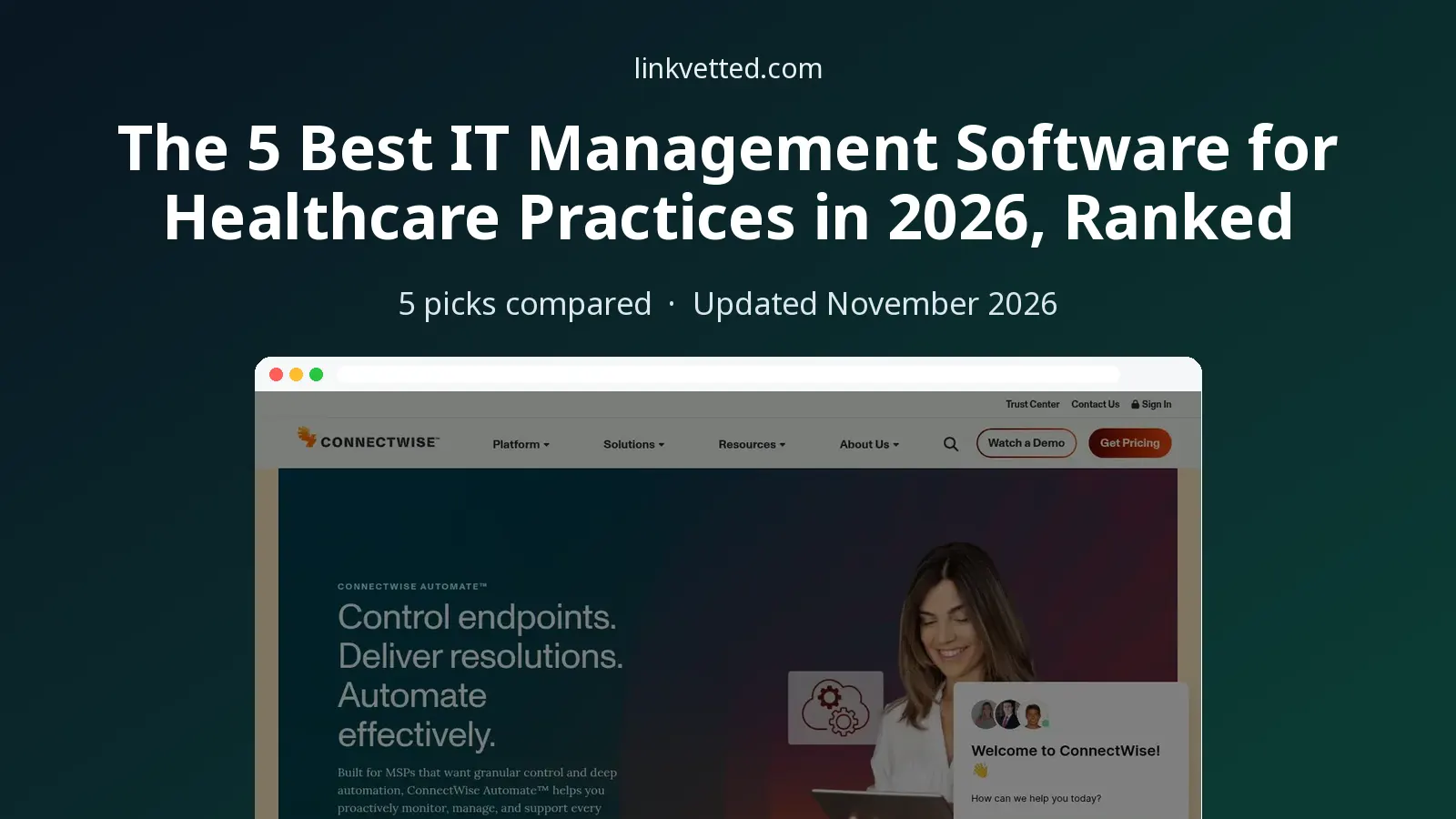
- Editor's choiceDatto RMM
Cloud based remote endpoint management
Starts atSee websiteVisit datto.comFull review - Great alternative
 ManageEngine Endpoint Central
Wide endpoint management and security
Starts atSee websiteVisit manageengine.comFull review - Also considerConnectWise Automate
Automating repetitive IT team work
Starts atSee websiteVisit connectwise.comFull review
Direct answer
Start with Datto RMM if you need cloud based remote endpoint management. Listed starting prices: NinjaOne from $1.50 per device per month. If your case is different, ManageEngine Endpoint Central suits wide endpoint management and security and ConnectWise Automate suits automating repetitive IT team work. All 5 tools are compared below on price, free plan and limits.
TL;DR:
- This list starts with Datto RMM, which is built for cloud based remote endpoint management.
- A fair warning about ConnectWise Automate: automation setup needs planning.
- Datto RMM, Kaseya VSA and the 3 others all need a premium plan or a trial, since no free plan is listed.
- Kaseya VSA suits automatic endpoint monitoring and patching.
- For the cheapest start, look at NinjaOne: $1.50 per device per month.
Last checked November 2026. Prices and plan details were read from the vendors' own pages in November 2026; vendors change plans often, so confirm the current price on the vendor site before you buy.
Quick comparison
| Tool | Best for | Starts at | Free plan? | |
|---|---|---|---|---|
| Datto RMM | Cloud based remote endpoint management | See website | Not stated | Visit |
| ManageEngine Endpoint Central | Wide endpoint management and security | See website | Not stated | Visit |
| ConnectWise Automate | Automating repetitive IT team work | See website | Not stated | Visit |
 NinjaOne | Unified endpoint operations in one product | $1.50 per device per month | Free trial | Visit |
| Kaseya VSA | Automatic endpoint monitoring and patching | See website | Not stated | Visit |
Our 5 IT management software for healthcare practices
This LinkVetted guide covers 5 IT management software for healthcare practices. Each profile lists a starting price, free plan details, strengths and drawbacks, so you can drop poor fits quickly.
Datto RMM
Best for: Cloud based remote endpoint management
Pick Datto RMM if this describes you: cloud based remote endpoint management. Datto RMM is remote monitoring and management software that lets IT staff run, monitor and secure endpoints from the cloud. It is targeted at IT professionals who require oversight of endpoints without maintaining heavy on site infrastructure.
Best features of Datto RMM: Cloud based remote monitoring and management.
From a buyer's view, choose Datto RMM when remote endpoint oversight is the priority. Practices that require deep on premises network monitoring should pair it with a dedicated network tool. Datto RMM does not show a starting price in this comparison, so check the vendor site for current pricing. Trial and free access: Not stated. Trade-offs to know: Advanced automation may need setup work.
- Monitor and secure endpoints remotely
- Suited to distributed device fleets
- Needs dependable internet connectivity
ManageEngine Endpoint Central
Best for: Wide endpoint management and security
Choose ManageEngine Endpoint Central for wide endpoint management and security. ManageEngine Endpoint Central is a unified endpoint management and security option for servers, desktops, laptops and mobile devices, managed centrally.
Points against: Some features may go unused in small practices.
What ManageEngine Endpoint Central does well: laptops and mobile devices.
For healthcare practices, that breadth helps when staff use a mix of workstations and mobile devices that all need oversight. ManageEngine Endpoint Central does not show a starting price in this comparison, so check the vendor site for current pricing. As for free access: Not stated.
- Centralized control from one console
- Merges management with security
- Broad scope can mean a longer setup
ConnectWise Automate
Best for: Automating repetitive IT team work
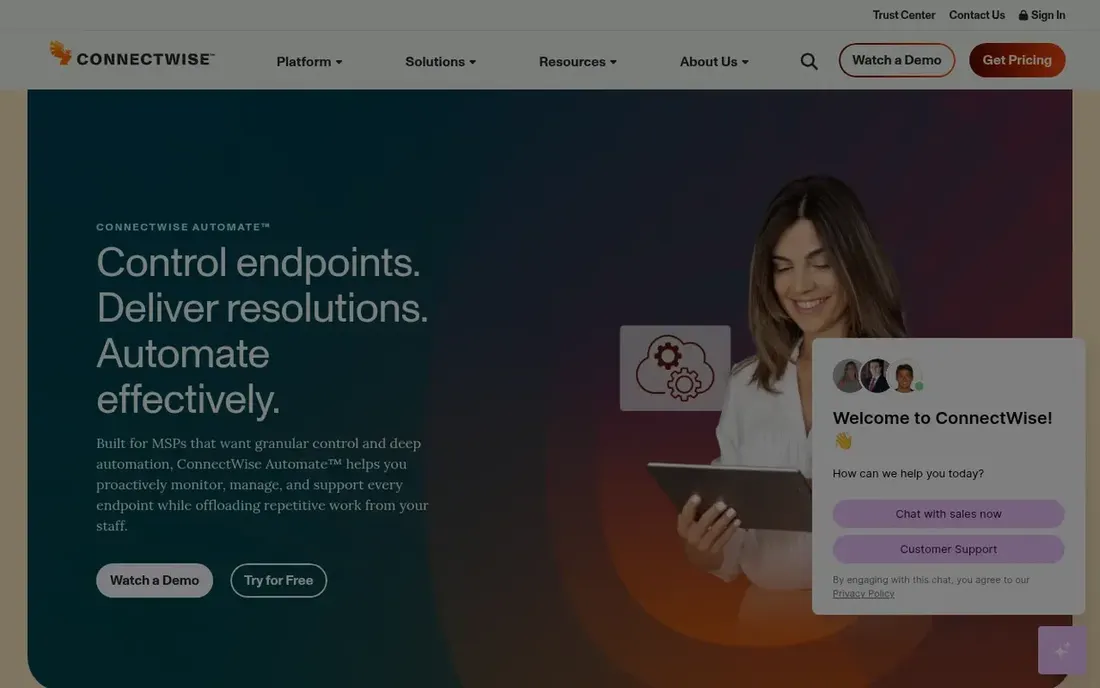
ConnectWise Automate is a good fit for automating repetitive IT team work. Teams that already run structured IT processes will get the most from it.
Points against: May be more than a small practice needs.
On top of that, automation systems reward careful configuration, and a practice without dedicated IT staff may find the initial setup demanding. Check the vendor site for ConnectWise Automate pricing; none is listed in this comparison. As for free access: Not stated.
- Remote monitoring and management focus
- Aims to boost operational efficiency
- Automation setup needs planning
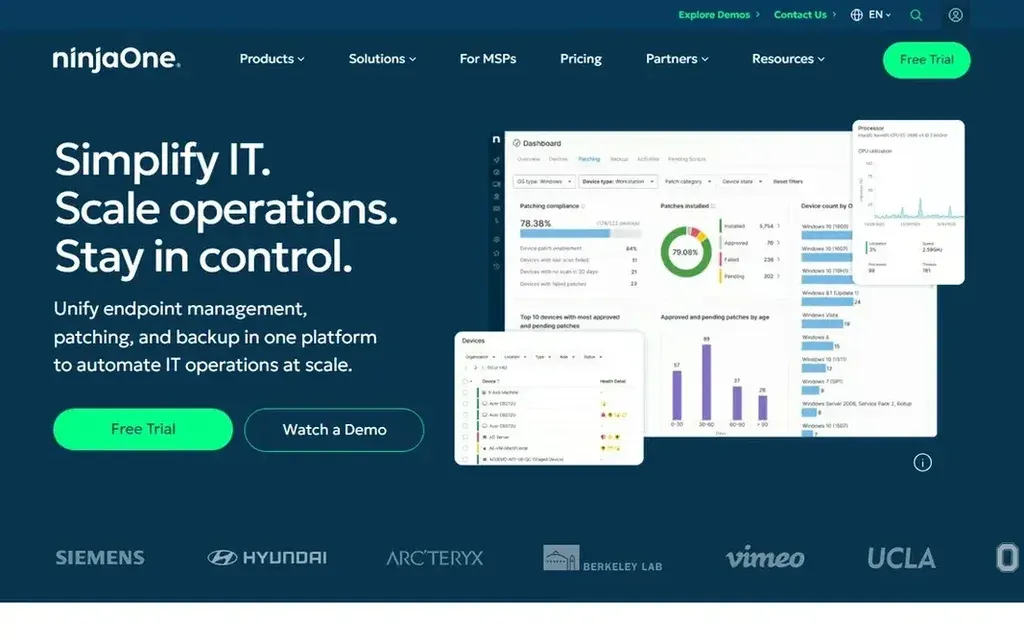
NinjaOne works best for unified endpoint operations in one product. Pick NinjaOne when endpoint management, patching and backup should live together.
On top of that, for a healthcare practice, that combination means fewer separate tools to administer and a single place to watch workstation health. A unified product brings plenty of settings, so expect some onboarding effort before everything runs smoothly. Starting cost for NinjaOne: $1.50 per device per month. Free access: Free trial.
Best features of NinjaOne: patching and backup together.
Drawbacks to consider: Feature depth may exceed small practice needs.
- Remote access included in the system
- Aimed at IT teams and service providers
- Unified system can need onboarding time
Kaseya VSA
Best for: Automatic endpoint monitoring and patching
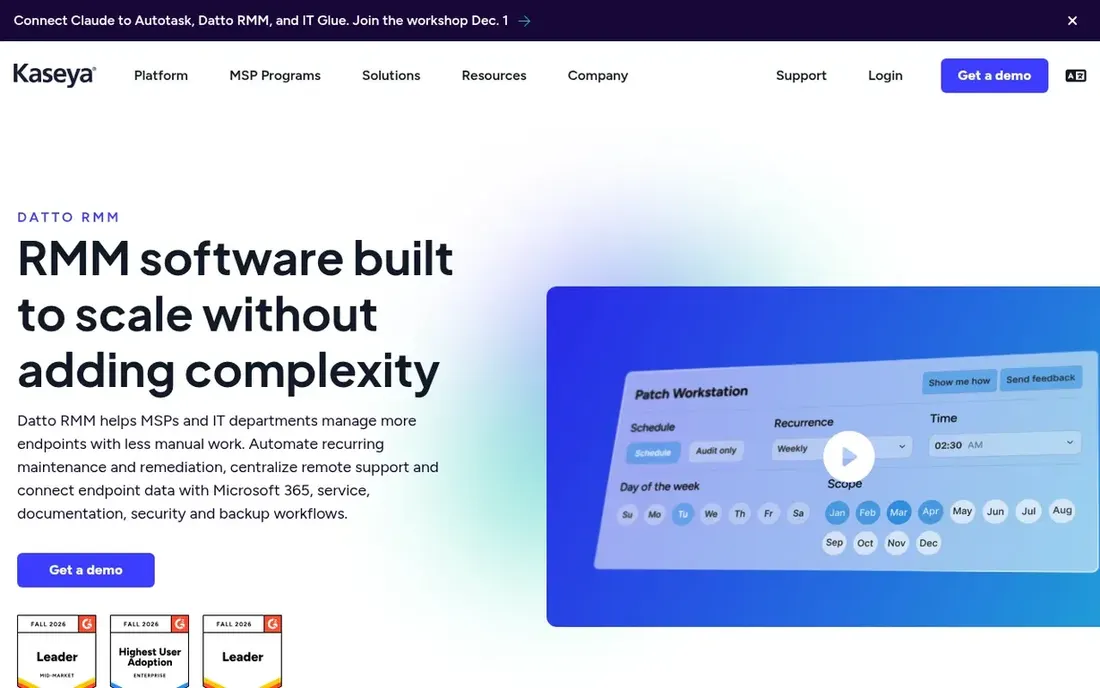
Kaseya VSA is designed for automatic endpoint monitoring and patching. Consider VSA when automatic patching and remote remediation are central to your workflow.
Drawbacks to consider: Best value for practices with bigger endpoint counts.
The system includes many different functions, so setup and day to day administration can feel heavy for a very small practice. It automates monitoring, patching, remediation and remote support whereas connecting IT workflows, which fits practices whose staff cannot spend hours on routine maintenance. No starting price is listed for Kaseya VSA here; confirm pricing on the vendor site. On free options: Not stated.
- Patching and remediation
- Built to run many endpoints with less manual effort
- Wide feature set can take time to learn
Our selection method
A buyer's checklist
- Ask Datto RMM, ManageEngine Endpoint Central, ConnectWise Automate and Kaseya VSA for a written quote, since no starting price is shown.
- Take the trial from NinjaOne and push a live task through it before you pay.
- Before choosing Datto RMM, weigh its main limit: needs dependable internet connectivity.
- Compare total cost, not headline price: for Datto RMM, add extra seats, add-ons and any usage-based charges.
- Check how data leaves ManageEngine Endpoint Central: formats, limits and whether exports are available on every plan.
FAQ
How long does setup normally take?
Setup effort varies with scope. Narrow endpoint tools can be running relatively rapidly, whereas unified products and automation heavy products need more planning and configuration.
Do these tools replace a managed service provider?
Not necessarily. Multiple of these products are aimed at IT teams and service providers, so they can support either an internal team or an outside provider. Decide who will run day to day administration before choosing a system.
Do these tools publish their prices?
Not all of them. Datto RMM, ManageEngine Endpoint Central, ConnectWise Automate and Kaseya VSA publish no starting price, so expect a quote request for those. The rest, NinjaOne included, show a starting price, though seats and billing terms still change the final cost.
What is the cheapest option for IT management software for healthcare practices in this list?
On published monthly entry prices, NinjaOne is the lowest here at $1.50 per device per month. Entry price is only part of the cost, because seats, add-ons and billing terms can change the total. All 5 picks in this IT management software for healthcare practices comparison list a starting price, free plan details and the main limits on their cards above.
Is Datto RMM the right pick for everyone comparing IT management software for healthcare practices?
No single tool suits every team. Datto RMM comes first because it fits cloud based remote endpoint management, while ManageEngine Endpoint Central suits broad endpoint management and security and ConnectWise Automate suits automating repetitive IT team work. Match the tool to your own size, budget and workflow before deciding.
What should a healthcare practice look for in IT management software?
Confirm the system covers the mix of workstations, servers and mobile devices your staff use, and check how it suits your existing systems.
Sources
- https://www.datto.com/products/rmm
- https://www.manageengine.com/products/desktop-central
- https://www.connectwise.com/platform/automate
- https://www.ninjaone.com
- https://www.kaseya.com/products/vsa