The 6 Best Knowledge Base Software for Dental Practices in 2026, Ranked
Best knowledge base software for dental practices, compared. 6 tools with published prices, free plans and limits. Every profile names its biggest catch.
- Editor's choice
 Freshdesk
Omnichannel patient inquiry handling with articles
Starts atSee websiteVisit freshworks.comFull review - Great alternative
 KnowledgeOwl
Straightforward, dependable sharing with patients and staff
Starts at$100 a monthVisit knowledgeowl.comFull review - Also consider
 Guru
Governed internal knowledge for staff answers
Starts atSee websiteVisit getguru.comFull review
Direct answer
Freshdesk comes first here, mainly for omnichannel patient inquiry handling with articles. Listed starting prices: KnowledgeOwl from $100 a month, Zendesk from $19 agent/month premium yearly and Help Scout from $25 per user per month. KnowledgeOwl is better for straightforward, dependable sharing with patients and staff, and Guru is better for governed internal knowledge for staff answers. The full list of 6 tools follows, with prices and free plan facts.
TL;DR:
- Top of the list is Freshdesk, which targets omnichannel patient inquiry handling with articles.
- The main caution on Zendesk: wide system that may feel heavy for small offices.
- Only Help Scout offers a free plan among these 6 tools.
- Document360 is the one to check for refined public and internal documentation.
- The cheapest monthly starting price in the list is $19 agent/month premium yearly, offered by Zendesk.
Last checked November 2026. Prices and plan details were read from the vendors' own pages in November 2026; vendors change plans often, so confirm the current price on the vendor site before you buy.
Quick comparison
| Tool | Best for | Starts at | Free plan? | |
|---|---|---|---|---|
| Freshdesk | Omnichannel patient inquiry handling with articles | See website | Not stated | Visit |
| KnowledgeOwl | Straightforward, dependable sharing with patients and staff | $100 a month | Free trial | Visit |
| Guru | Governed internal knowledge for staff answers | See website | Not stated | Visit |
 Zendesk | Practices pairing help articles with support tickets | $19 agent/month premium yearly | Free trial | Visit |
 Help Scout | Customer-first practices wanting straightforward shared inboxes | $25 per user per month | Yes | Visit |
 Document360 | Refined public and internal documentation | See website | Not stated | Visit |
The best knowledge base software for dental practices
LinkVetted compared 6 knowledge base software for dental practices. The goal is a practical shortlist: published prices, free plan facts, best-fit use cases and honest limits for every entry.
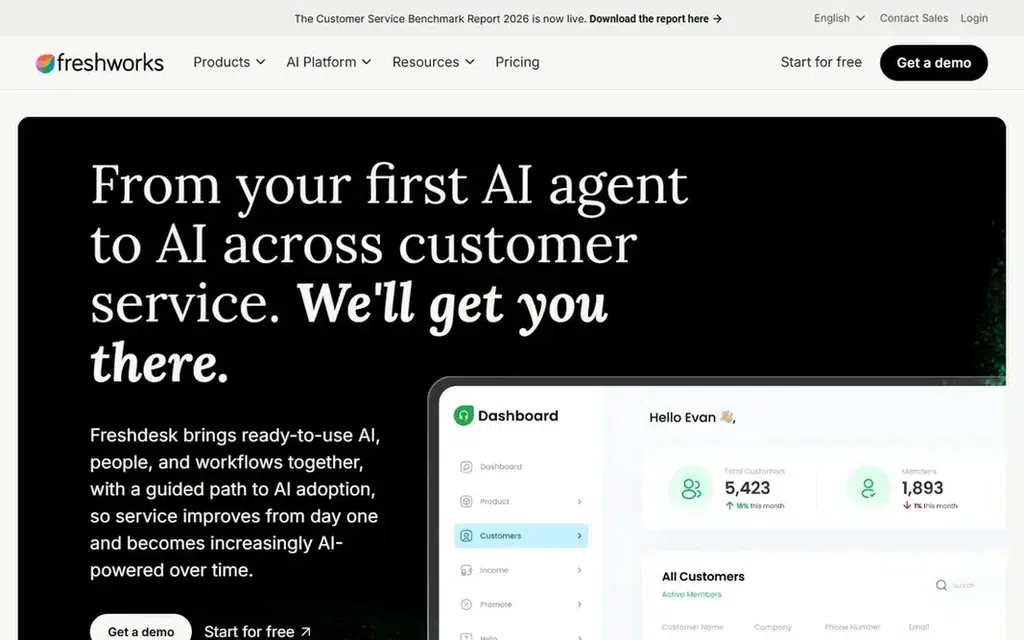
Freshdesk is a good fit for omnichannel patient inquiry handling with articles. A dental practice can route patient messages from different channels into one queue and back them with knowledge base articles that staff reuse when answering common questions.
Where it falls short: Configuration takes time.
More specifically, Freshdesk is an AI-powered customer service option with omnichannel ticketing and automatic workflows. Plan time for configuration, and consider a dedicated documentation tool if publishing refined help content is the central goal. Freshdesk shows no starting price here, so confirm the cost on the vendor site. Trial and free access: Not stated.
- Automatic workflows cut manual steps
- Omnichannel ticketing in one place
- Knowledge base is one part of a bigger suite
KnowledgeOwl
Best for: Straightforward, dependable sharing with patients and staff
KnowledgeOwl is a good fit for straightforward, steady sharing with patients and staff. That maps neatly to a dental practice that wants a clean FAQ site for patients alongside internal notes for the front desk, without a steep ramp-up time.
It is a solid fit when fast, dependable publishing matters more than elaborate automation. KnowledgeOwl starts at: $100 per month. Free plan details: Free trial.
Drawbacks to consider: Fewer advanced AI features.
- Easy-to-use publishing
- Straightforward knowledge sharing
- Limited fit for complicated support operations
Guru serves governed internal knowledge for staff answers. Guru presents itself as a governed knowledge layer for enterprise AI, structuring, governing and continuously improving knowledge so AI answers can be trusted.
In practice, the enterprise focus can feel like more machinery than a single practice needs, and it is oriented toward internal knowledge rather than public patient help pages. A dental group could use it to keep front office and clinical policies consistent across locations, with verified answers surfaced where staff work. No starting price is listed for Guru here; confirm pricing on the vendor site. On free options: Not stated.
Drawbacks to consider: Less suited to public patient portals.
- Aims for trustworthy AI answers
- Well suited to internal team reference
- Enterprise orientation may overwhelm small teams

Zendesk is designed for practices pairing help articles with support tickets. For a dental practice, that means patient questions about appointments, billing or preparation can arrive as tickets whereas evergreen answers live in published articles.
The system is broad, so a small practice may find it more than needed for straightforward FAQ pages, and getting content organized takes planning. The starting price for Zendesk: $19 agent/month premium yearly. Free plan details: Free trial.
Drawbacks to consider: Wide system that may feel heavy for small offices.
- Help center content links to support workflows
- AI agents aim to resolve issues end to end
- Setup needs planning
Help Scout
Best for: Customer-first practices wanting straightforward shared inboxes
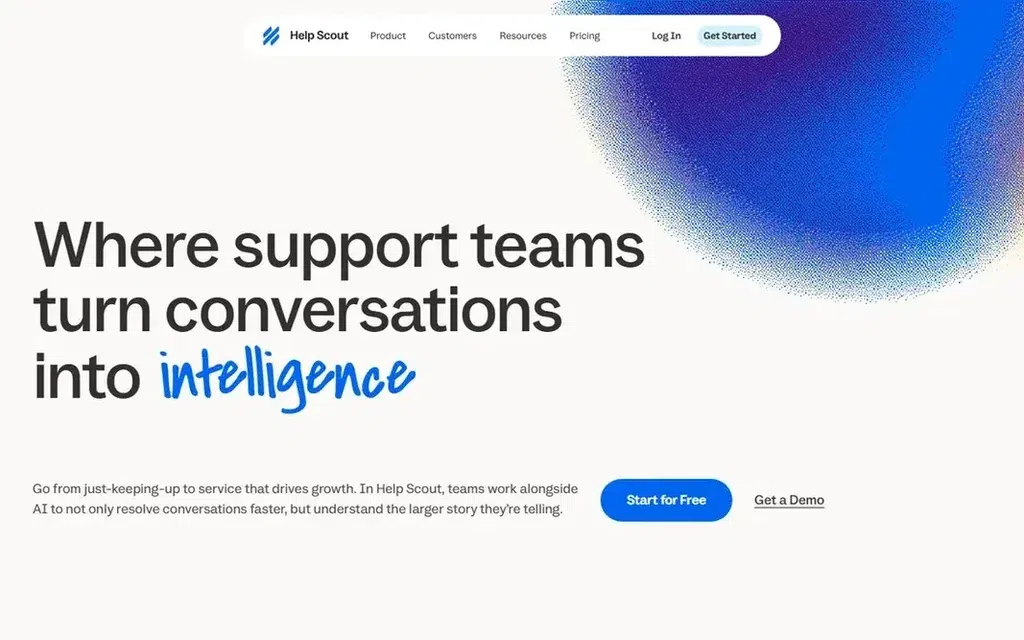
Help Scout serves customer-first practices wanting straightforward shared inboxes. Help Scout describes itself as an AI-driven support product for customer-first brands, offering the features needed for exceptional support without the bulk of bigger products.
Where it falls short: Fewer advanced knowledge workflows.
Also, choose something else if structured, versioned articles are the priority instead of conversation handling. Help Scout pricing: $25 per user per month. Help Scout includes a free tier.
- Easy-to-learn interface for small teams
- Decent fit for patient-first communication
- Less depth for large documentation projects
Document360 targets refined public and internal documentation. Document360 is AI knowledge base software for documentation, with AI search, an AI chatbot and writing tools built in.
In practice, a dental practice can publish patient-facing guides on preparation, aftercare and policies, or keep internal procedure manuals organized in a structured space. It centers on documentation instead of support ticketing, so practices that require inquiries and articles together may prefer a service product. Check the vendor site for Document360 pricing; none is listed in this comparison. Free plan details: Not stated.
Honest limits: Concentrated on docs instead of ticketing.
- Made for knowledge bases
- Chatbot and writing tools
- Needs content upkeep
Selection criteria
Selection started from tools commonly considered for knowledge base software for dental practices, then narrowed to 6 that have clear pricing information or a clear quote process. Plan names, prices and limits change often. Treat the figures here as a starting point and verify them with the vendor. We ordered the tools by general fit, then by how clearly pricing is shown, then by free access. A buyer with unusual needs may reorder them.
A buyer's checklist
- Confirm the entry price on the vendor page. For Freshdesk, Guru and Document360 that means a quote rather than a fixed price.
- Look at the free plan from Help Scout closely: its caps decide whether it is usable for real work.
- Run a trial of KnowledgeOwl and Zendesk with real work before paying for a year; your own workflow is the best test.
- Before choosing Freshdesk, weigh its main limit: knowledge base is one part of a bigger suite.
- Before rolling out KnowledgeOwl, verify the integrations your workflow depends on.
- Ask Help Scout whether prices are locked for the first term and what happens at renewal.
FAQ
What is the cheapest option for knowledge base software for dental practices in this list?
On published monthly entry prices, Zendesk is the lowest here at $19 agent/month premium yearly. Entry price is only part of the cost, because seats, add-ons and billing terms can change the total. Prices, free plan details and limits for all 6 tools in this knowledge base software for Dental practices roundup sit on the individual cards above.
Which options for knowledge base software for dental practices have a free plan?
Help Scout is the only tool in this list with a free plan. Free plans usually cap users, projects or features, so check the limits on the vendor page. Several others offer a trial instead. Each of the 6 options in this knowledge base software for Dental practices guide has its own card above with the price, free plan and limits.
Do these tools publish their prices?
Not all of them. Freshdesk, Guru and Document360 publish no starting price, so expect a quote request for those. The rest, KnowledgeOwl included, show a starting price, though seats and billing terms still change the final cost.
Should a dental practice use a support system or a dedicated knowledge base tool?
It relies on whether patient questions arrive as messages or as searches. Support systems like Zendesk and Freshdesk link articles to tickets, whereas Document360 and KnowledgeOwl focus on publishing clean documentation.
Can I try these tools before paying?
Often, yes. Help Scout has a free plan and KnowledgeOwl and Zendesk offer a free trial. Use your own data and a real task during the test, and check what the free tier or trial limits before you rely on it. All 6 picks in this knowledge base software for Dental practices comparison list a starting price, free plan details and the main limits on their cards above.
Sources
- https://www.freshworks.com/freshdesk
- https://www.knowledgeowl.com
- https://www.getguru.com
- https://www.zendesk.com
- https://www.helpscout.com
- https://document360.com
Related guides
- AI Receptionist Software for Dental Practices in 2026: The 5 Best Options Side by Side
- 5 Booking Software for Dental Practices Worth Shortlisting in 2026
- 5 Best Client Portal Software for Dental Practices for 2026, Vetted and Compared
- Best CRM for Dental Practices (2026): 6 Picks Checked on Vendor Pages