6 Best Knowledge Base Software for Healthcare Practices for 2026, Vetted and Compared
Best knowledge base software for healthcare practices in 2026: 6 contenders with entry costs and free tiers. Weaknesses are named for every tool. Choose faster.
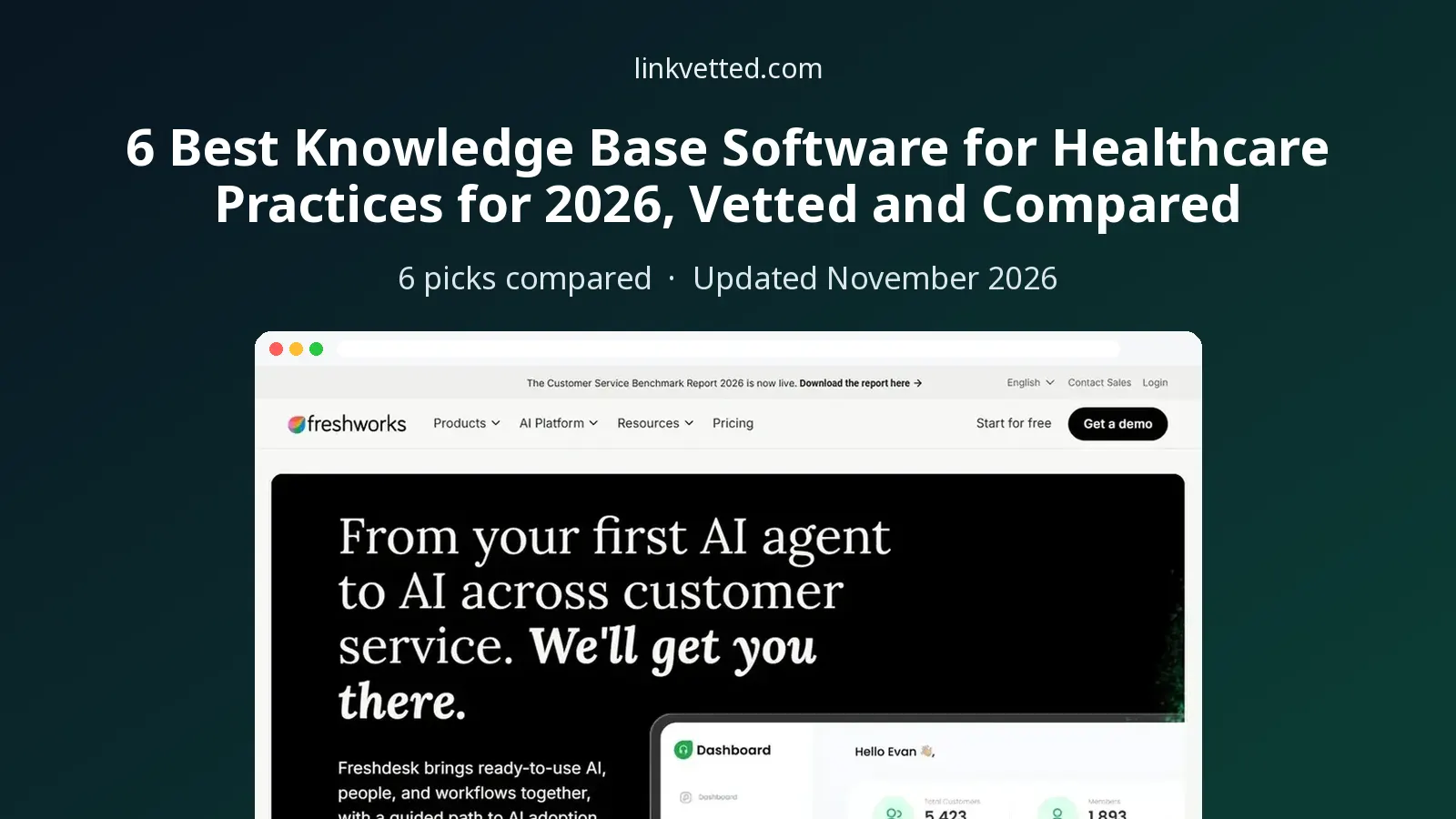
- Editor's choice
 Helpjuice
Simple knowledge sharing for support teams
Starts atSee websiteVisit helpjuice.comFull review - Great alternative
 Freshdesk
Knowledge tied to support tickets
Starts atSee websiteVisit freshworks.comFull review - Also consider
 Zendesk Guide
Patient self-service and support content
Starts atSee websiteVisit zendesk.comFull review
Direct answer
Start with Helpjuice if you need easy knowledge sharing for support teams. Listed starting prices: KnowledgeOwl from $100 per month. For a different need, Freshdesk covers knowledge tied to support tickets and Zendesk Guide covers patient self-service and support content. The full list of 6 tools follows, with prices and free plan facts.
TL;DR:
- Top of the list is Helpjuice, which targets easy knowledge sharing for support teams.
- What to know about KnowledgeOwl first: fewer advanced features than bigger suites.
- KnowledgeOwl has the lowest monthly starting price in this list: $100 per month.
- HubSpot Service Hub suits expanding teams blending service and content.
- Neither Helpjuice nor HubSpot Service Hub, nor any of the other 4 tools, has a permanent free plan; trials and quotes are the norm.
Last checked November 2026. Prices and plan details were read from the vendors' own pages in November 2026; vendors change plans often, so confirm the current price on the vendor site before you buy.
Quick comparison
| Tool | Best for | Starts at | Free plan? | |
|---|---|---|---|---|
| Helpjuice | Simple knowledge sharing for support teams | See website | Free trial | Visit |
| Freshdesk | Knowledge tied to support tickets | See website | Not stated | Visit |
| Zendesk Guide | Patient self-service and support content | See website | Not stated | Visit |
 KnowledgeOwl | Straightforward sharing with patients and staff | $100 per month | Free trial | Visit |
| Atlassian Confluence | Internal team knowledge and collaboration | See website | Not stated | Visit |
 HubSpot Service Hub | Expanding teams blending service and content | See website | Not stated | Visit |
Tool-by-tool breakdown
If you are comparing knowledge base software for healthcare practices, this page covers 6 tools in one place: what each is best for, what it costs to start, whether it has a free plan, and the main limit to know about.
Think of Helpjuice for simple knowledge sharing for support teams. For healthcare practices, it provides a place to publish typical answers and internal guidance so staff spend less time repeating information.
In practice, pick Helpjuice when straightforward, effective knowledge sharing is the goal. Practices with complicated compliance workflows should confirm capabilities straight. Pricing for Helpjuice is not stated here, so ask the vendor for current figures. Free options: Free trial.
Points against: Needs continuing content maintenance.
- Aims to simplify support workflows
- Knowledge base software for support
- Not a clinical or records system
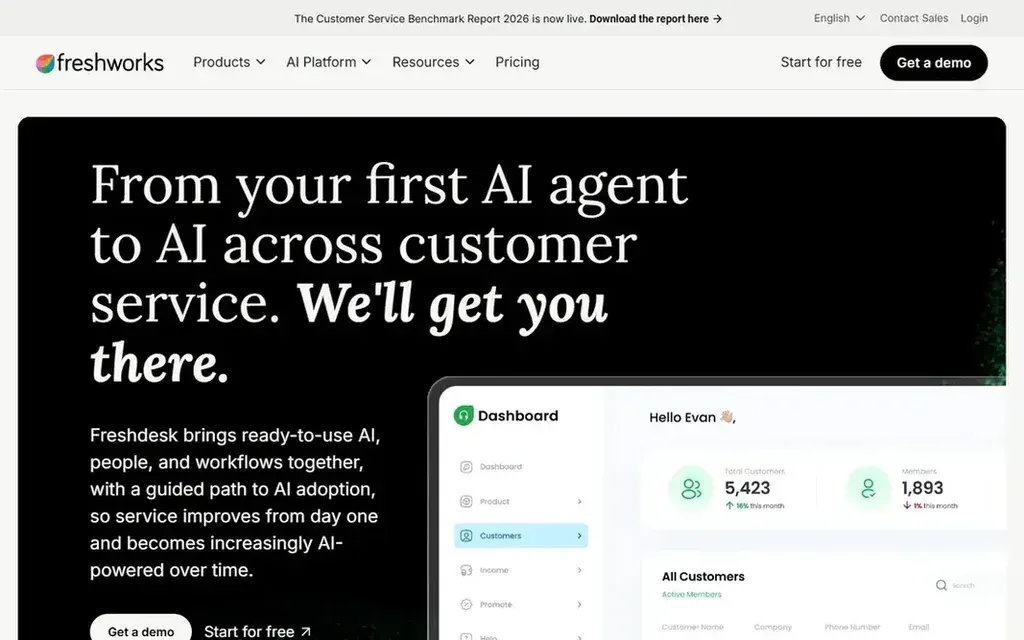
Freshdesk is a good fit for knowledge tied to support tickets. Freshdesk is an AI-powered customer service option with omnichannel ticketing and automatic workflows. Its knowledge capabilities work alongside ticketing, so staff can reference and share answers whereas handling patient inquiries.
Choose Freshdesk when support tickets and knowledge should live together. Also, since Freshdesk centers on service operations, it is not the most solid choice for practices that only need a static internal reference library. This comparison lists no price for Freshdesk; ask the vendor. Free options: Not stated.
Drawbacks to consider: Knowledge features sit within a support suite.
- AI features for agent productivity
- Knowledge can support service teams
- Less suited to pure internal wikis
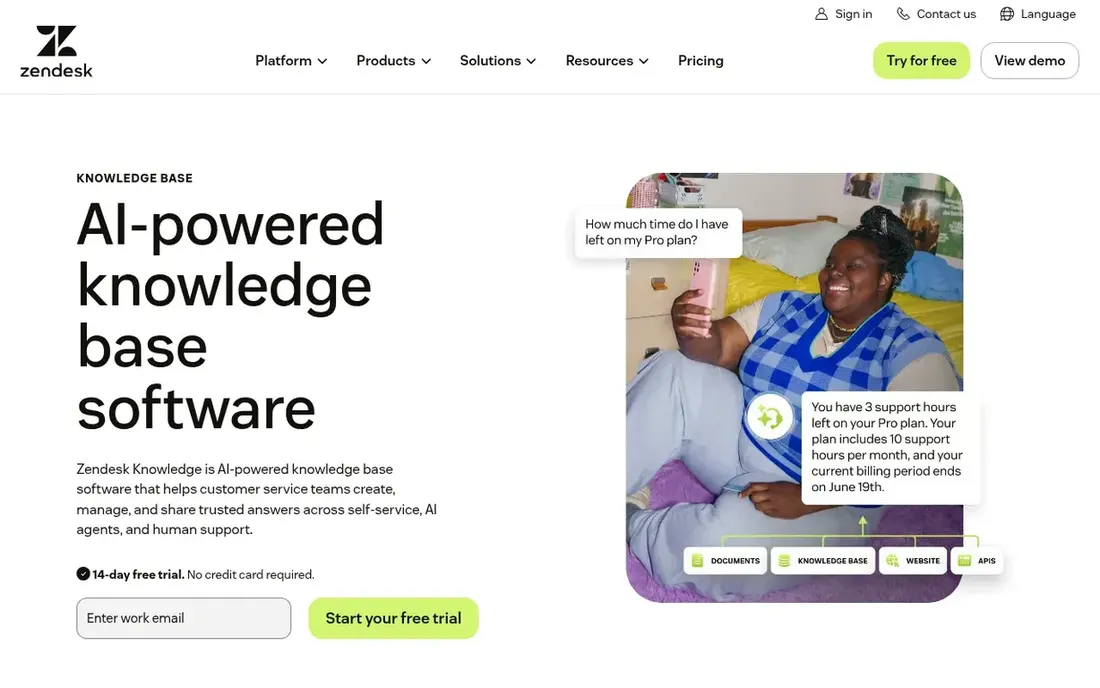
Zendesk Guide is built with patient self-service and support content in mind. It helps teams build accurate help content, link trusted sources, and power self-service and AI agents.
Honest limits: Concentrated on support instead of clinical records.
The system is designed around service workflows, so it is not a clinical documentation or records system. Check the vendor site for Zendesk Guide pricing; none is listed in this comparison. Free plan details: Not stated.
- Links trusted content to AI answers
- Supports self-service experiences
- Needs content upkeep to stay accurate
KnowledgeOwl makes the most sense for straightforward sharing with patients and staff. A healthcare practice can use it to publish patient-facing answers and internal reference material in a clear, approachable format. It appeals to teams that value simplicity over a large feature set.
More specifically, choose KnowledgeOwl when quick, straightforward information sharing matters most. Confirm specific requirements on the vendor site. Entry price for KnowledgeOwl: $100 per month. On free options: Free trial.
What to check first: Fewer advanced features than bigger suites.
- Shares information rapidly
- Works for customers and staff
- Content organization is largely manual
Atlassian Confluence
Best for: Internal team knowledge and collaboration
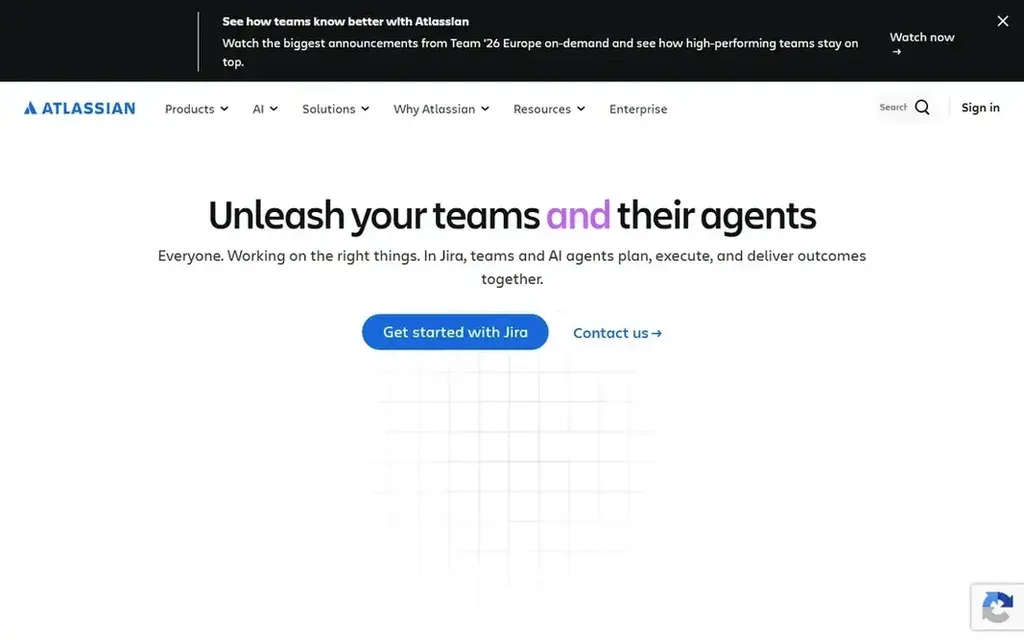
Where Atlassian Confluence fits: internal team knowledge and collaboration. Since it is oriented toward internal collaboration, Confluence is less centred on public patient help centers and self-service portals.
Choose Confluence when staff knowledge sharing is the priority. Check the vendor site for Atlassian Confluence pricing; none is listed in this comparison. Free access: Not stated.
Honest limits: Setup and structure need planning.
- Shared workspace for creating knowledge
- Solid fit for internal documentation
- Not built primarily for patient self-service
In short, HubSpot Service Hub is for expanding teams blending service and content. HubSpot Service Hub is an AI-powered customer service system aimed at expanding teams. It brings customer service tools together, including knowledge resources that help teams answer questions consistently.
Trade-offs to know: Knowledge base is one part of the suite.
Consider HubSpot when you want knowledge to sit inside a wider service system. The system is wide, so practices seeking only a straightforward knowledge base may find it more than necessary. It is also oriented toward customer service instead of clinical operations. For everyday use, a healthcare practice expanding its patient communication may value having service and content in one place. Pricing for HubSpot Service Hub is not stated here, so ask the vendor for current figures. Trial and free access: Not stated.
- Made for expanding teams
- Merges customer context with answers
- Wide product may exceed straightforward needs
How we built this list
LinkVetted looked at what each vendor publishes: pricing, plan limits, feature coverage for knowledge base software for healthcare practices and stated drawbacks. No hands-on testing is claimed. Seat minimums, billing terms and add-ons can move the real cost, so the starting prices here are a guide and not a quote. Order on the page follows fit for the typical buyer first, then price transparency and free access. Your own requirements should decide the final pick.
Pre-purchase checklist
- Confirm the entry price on the vendor page. For Helpjuice, Freshdesk, Zendesk Guide and others that means a quote rather than a fixed price.
- Take the trial from Helpjuice and KnowledgeOwl and push a live task through it before you pay.
- Read the limits listed for Helpjuice first: not a clinical or records system.
- Find out whether the entry plan of Helpjuice covers your must-haves or only a trimmed-down version.
- Check how data leaves Freshdesk: formats, limits and whether exports are available on every plan.
FAQ
What should I check before choosing knowledge base software?
Also review data security practices and how easily content can be organized. Verifying these details on vendor sites helps ensure a solid fit.
Can a knowledge base cut front desk questions?
A patient-facing knowledge base can answer typical questions about appointments, hours, and administrative processes. Tools for example Zendesk Guide and KnowledgeOwl are built for sharing information with customers and staff.
Does any tool for knowledge base software for healthcare practices here have a free plan?
No tool in this list, Helpjuice and HubSpot Service Hub included, has a permanent free plan. Helpjuice, KnowledgeOwl offer a trial. Trials and quotes are the usual route, so plan a short evaluation period.
Do these tools publish their prices?
Not all of them. Helpjuice, Freshdesk, Zendesk Guide and others publish no starting price, so expect a quote request for those. The rest, KnowledgeOwl included, show a starting price, though seats and billing terms still change the final cost.
Can I try these tools before paying?
Often, yes. Helpjuice and KnowledgeOwl offer a free trial. Use your own data and a real task during the test, and check what the free tier or trial limits before you rely on it. Each of the 6 options in this knowledge base software for healthcare practices guide has its own card above with the price, free plan and limits.
Which knowledge base tool is a good match for internal healthcare policies?
Helpjuice comes first here and is built for simple knowledge sharing for support teams. Buyers with other needs may prefer Freshdesk (for knowledge tied to support tickets) or Zendesk Guide (for patient self-service and support content). Compare costs and limits first.
Sources
- https://helpjuice.com
- https://www.freshworks.com/freshdesk
- https://www.zendesk.com/service/help-center
- https://www.knowledgeowl.com
- https://www.atlassian.com/software/confluence
- https://www.hubspot.com/products/service