5 Best IT Management Software for Churches for 2026, Vetted and Compared
5 best IT management software for churches, compared on pricing, free plans and best-fit use. Price notes and drawbacks come with each one. Easy to scan.
- Editor's choiceN-able N-central
Managing complicated, bigger environments
Starts atSee websiteVisit n-able.comFull review - Great alternative
 Action1
Autonomous patch management and remediation
Starts atSee websiteVisit action1.comFull review - Also consider
 NinjaOne
Unified endpoint operations in one system
Starts at$1.50 per device a monthVisit ninjaone.comFull review
Direct answer
Our first pick is N-able N-central, best for managing complex, bigger environments. Listed starting prices: NinjaOne from $1.50 per device a month. If your case is different, Action1 suits autonomous patch management and remediation and NinjaOne suits unified endpoint operations in one system. The remaining 2 options are covered below with prices and limits.
TL;DR:
- Top of the list is N-able N-central, which targets managing complicated, bigger environments.
- Only Action1 offers a free plan among these 5 tools.
- Starting prices begin at $1.50 per device per month with NinjaOne.
- For monitoring and remediating numerous endpoints, Kaseya VSA is worth a look.
- Before buying N-able N-central, weigh this: pitched at bigger or complicated setups.
Last checked November 2026. Prices and plan details were read from the vendors' own pages in November 2026; vendors change plans often, so confirm the current price on the vendor site before you buy.
Quick comparison
| Tool | Best for | Starts at | Free plan? | |
|---|---|---|---|---|
| N-able N-central | Managing complicated, bigger environments | See website | Not stated | Visit |
| Action1 | Autonomous patch management and remediation | See website | Yes | Visit |
| NinjaOne | Unified endpoint operations in one system | $1.50 per device a month | Free trial | Visit |
| Datto RMM | Cloud-based remote endpoint management | See website | Not stated | Visit |
| Kaseya VSA | Monitoring and remediating numerous endpoints | See website | Not stated | Visit |
Our 5 IT management software for churches
This LinkVetted guide covers 5 IT management software for churches. Each profile lists a starting price, free plan details, strengths and drawbacks, so you can drop poor fits quickly.
N-able N-central
Best for: Managing complicated, bigger environments
Choose N-able N-central for managing complicated, bigger environments. It suits churches with bigger device fleets, several locations, or an IT provider managing multiple organizations.
Points against: Smaller churches may not use its depth.
Also, the emphasis is on control and automation as environments grow. N-able N-central shows no starting price here, so confirm the cost on the vendor site. As for free access: Not stated.
- Made for scale and complicated environments
- Unified endpoint management with RMM
- Pitched at bigger or complicated setups
Where Action1 fits: autonomous patch management and remediation. Churches that chiefly worry about unpatched machines, including volunteer laptops, can use it to keep software current without a large management suite. More specifically, since the emphasis is patching and remediation, it does not attempt to be a complete IT operations system.
Points against: Less suited to wide IT operations.
In practice, pick Action1 when patch compliance is the clearest gap in your church's IT routine. As for the details, churches needing backup, asset tracking, or broader remote management should look at wider tools. Action1 concentrates on autonomous patch management and vulnerability remediation for Windows, macOS, and Linux endpoints, deploying pre-tested operating system and external patches from one cloud-native product. Action1 does not show a starting price in this comparison, so check the vendor site for current pricing. Action1 has a free plan.
- Cloud-native patch deployment
- Spans Windows, macOS
- Narrower scope than full RMM suites
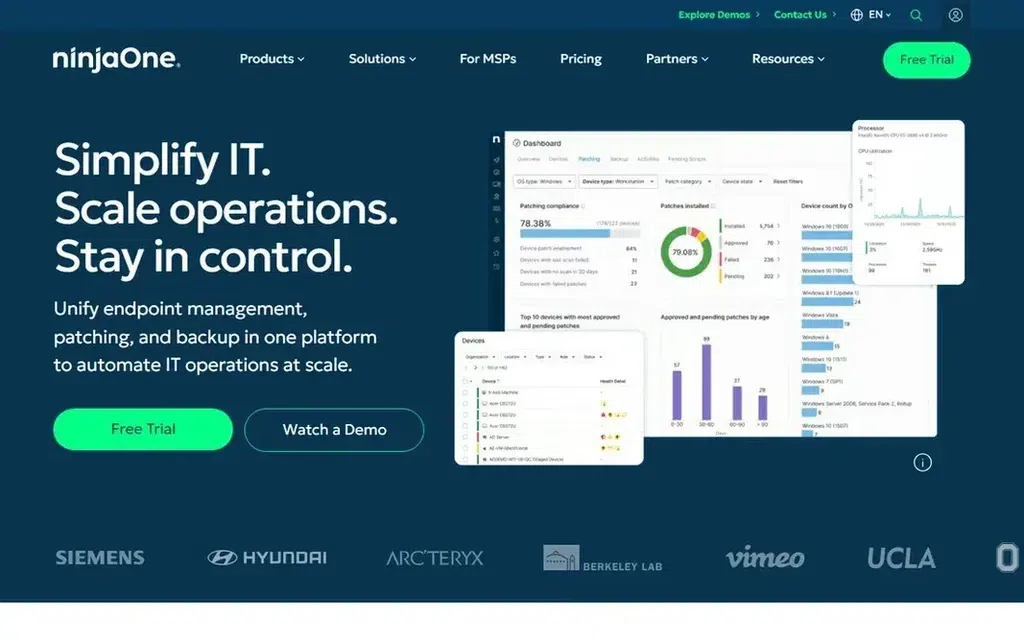
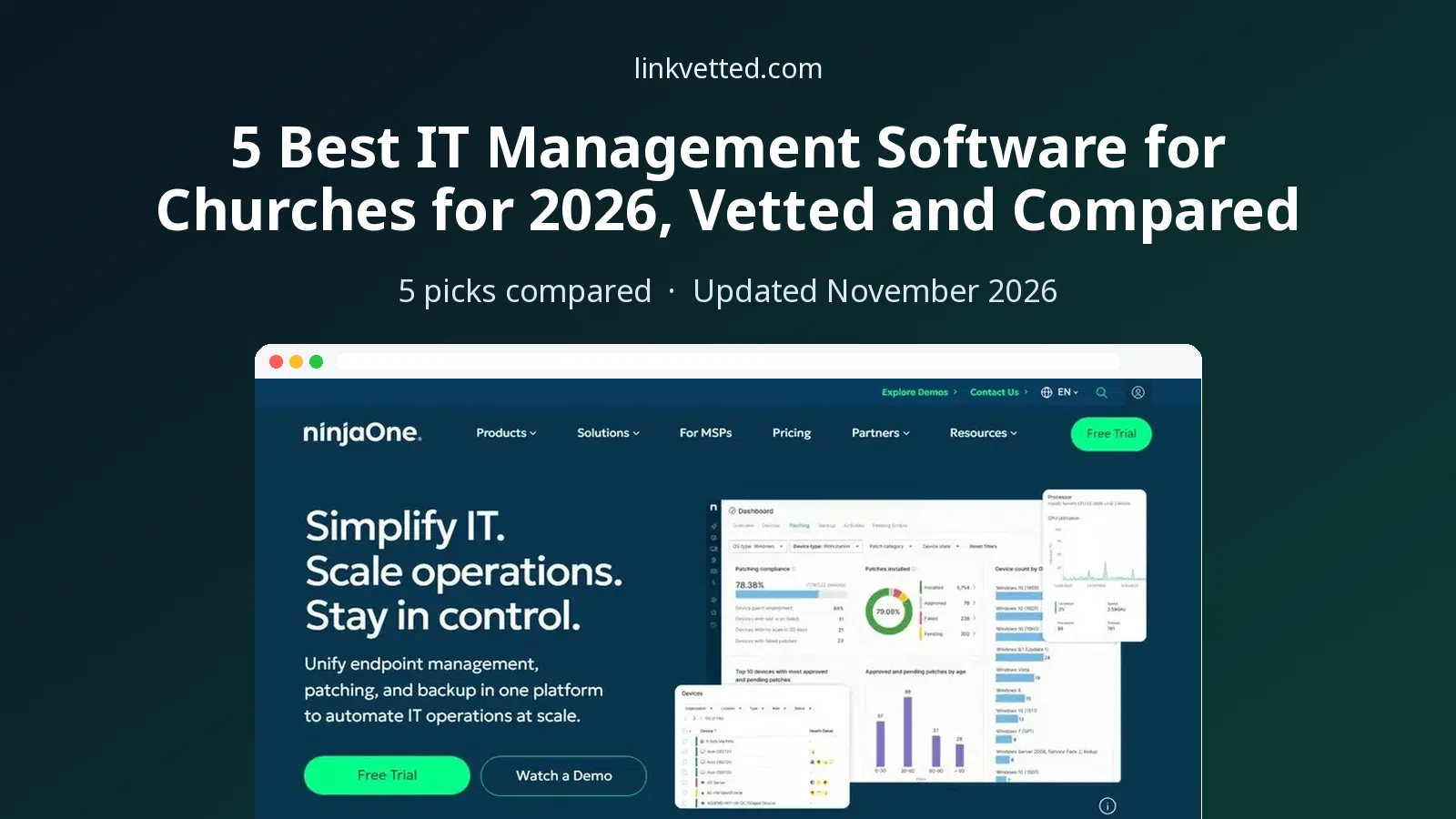
For unified endpoint operations in one product, NinjaOne is a natural candidate. NinjaOne presents itself as a unified IT operations system handling endpoint management, autonomous patching, backup, and remote access.
If your needs are restricted to patching alone, a narrower tool can be more straightforward. Worth adding: since it is built for IT teams and managed service providers, the system carries more capability than a very small church may need. What you pay to start with NinjaOne: $1.50 per device per month. As for free access: Free trial.
Watch-outs: Setup needs some technical familiarity.
- Aimed at IT teams and managed service providers
- Remote access
- Wide feature set may exceed small church needs
Datto RMM
Best for: Cloud-based remote endpoint management
Datto RMM serves cloud-based remote endpoint management. Choose Datto RMM when cloud-based monitoring and remote management of endpoints are central to your plan.
Points against: Needs onboarding effort.
Datto RMM is remote monitoring and management software that lets IT staff handle, monitor, and secure endpoints from the cloud. Datto RMM shows no starting price here, so confirm the cost on the vendor site. On free options: Not stated.
- Cloud-based monitoring and management
- Remotely secures endpoints
- RMM focus may be broader than needed
Kaseya VSA
Best for: Monitoring and remediating numerous endpoints
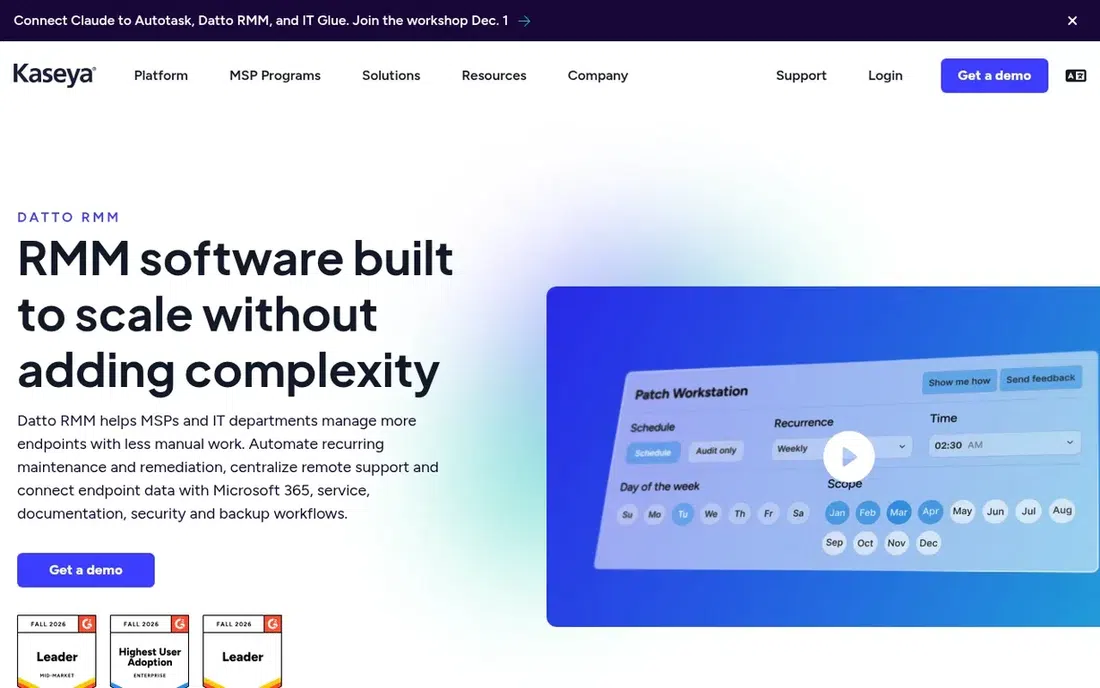
Kaseya VSA is built with monitoring and remediating plenty of endpoints in mind. As with most full RMM systems, the depth of features means time spent learning and configuring. In practice, Kaseya VSA is remote monitoring and management software.
Its product page describes managing more endpoints with less manual work through automatic monitoring, patching, remediation, and remote support. A single-site church with a handful of computers may not need that scope. Worth adding: choose Kaseya VSA when endpoint volume and remote support needs justify a full management product. Kaseya VSA shows no starting price here, so confirm the cost on the vendor site. Trial and free access: Not stated.
Points against: Needs planning to deploy well.
- Supports remote support workflows
- Automates monitoring and patching
- Feature depth can overwhelm small teams
How we compared the tools
Things to verify first
- Ask N-able N-central, Action1, Datto RMM and Kaseya VSA for a written quote, since no starting price is shown.
- Look at the free plan from Action1 closely: its caps decide whether it is usable for real work.
- Run a trial of NinjaOne with real work before paying for a year; your own workflow is the best test.
- Read the limits listed for N-able N-central first: geared toward bigger or complicated setups.
- Confirm the exact N-able N-central plan that includes your must-have features.
- Make sure Action1 lets you export your data in a format another tool can read.
FAQ
How are the tools for IT management software for churches ordered?
The order follows typical fit for IT management software for churches, with N-able N-central first and Kaseya VSA last, then price clarity and free access. It is editorial judgement, not a score, so another team could rank the tools differently.
Do these tools publish their prices?
Not all of them. N-able N-central, Action1, Datto RMM and Kaseya VSA publish no starting price, so expect a quote request for those. The rest, NinjaOne included, show a starting price, though seats and billing terms still change the final cost.
Is N-able N-central the right pick for everyone comparing IT management software for churches?
No single tool suits every team. N-able N-central comes first because it fits managing complex, larger environments, while Action1 suits autonomous patch management and remediation and NinjaOne suits unified endpoint operations in one platform. Match the tool to your own size, budget and workflow before deciding.
Can I try these tools before paying?
Often, yes. Action1 has a free plan and NinjaOne offers a free trial. Use your own data and a real task during the test, and check what the free tier or trial limits before you rely on it. For the full picture, the cards above cover all 5 entries of this IT management software for Churches list, including price, free plan and limits.
Sources
- https://www.n-able.com/products/n-central
- https://www.action1.com
- https://www.ninjaone.com
- https://www.datto.com/products/rmm
- https://www.kaseya.com/products/vsa