Choosing IT Inventory Software with Reporting Tools in 2026: 6 Options Compared
Weighing the best IT inventory software with reporting tools? We lined up 6 products by cost, free access and fit. Real limits included. Skim the table first.
- Editor's choice
 SolarWinds Network Performance Monitor
Network health alongside inventory insight
Starts atPricing on requestVisit solarwinds.comFull review - Great alternative
 Device42
Agentless discovery and dependency mapping
Starts atPricing on requestVisit device42.comFull review - Also consider
 Flexera One
Hybrid IT spend and license reporting
Starts atPricing on requestVisit flexera.comFull review
Direct answer
SolarWinds Network Performance Monitor comes first here, mainly for Network health alongside inventory insight. Look at Device42 for Agentless discovery and dependency mapping, and at Flexera One for hybrid IT spend and license reporting. All 6 tools are compared below on fit, free plan and limits. None of these vendors publish plan prices, so pricing is on request for every option.
TL;DR:
- SolarWinds Network Performance Monitor is the opening pick, best for Network health alongside inventory insight.
- Just one of the 6 tools, Lansweeper, has a free plan.
- ManageEngine AssetExplorer fits structured IT asset management workflows.
- Every tool from SolarWinds Network Performance Monitor to ManageEngine AssetExplorer works by quote, with no list price shown.
- A fair warning about Lansweeper: reporting depth depends on configuration.
Last checked November 2026. Pricing on request: vendors did not publish plan prices when this guide was last checked (November 2026), so ask each vendor for a written quote.
Quick comparison
| Tool | Best for | Starts at | Free plan? | |
|---|---|---|---|---|
| SolarWinds Network Performance Monitor | Network health alongside inventory insight | Pricing on request | Not stated | Visit |
| Device42 | Agentless discovery and dependency mapping | Pricing on request | Not stated | Visit |
| Flexera One | Hybrid IT spend and license reporting | Pricing on request | Not stated | Visit |
 Lansweeper | Wide discovery across IT, OT and cloud | Pricing on request | Yes | Visit |
| ServiceNow IT Asset Management | End-to-end lifecycle automation | Pricing on request | Not stated | Visit |
 ManageEngine AssetExplorer | Structured IT asset management workflows | Pricing on request | Not stated | Visit |
The 6 tools in detail
If you are comparing IT inventory software with reporting tools, this page covers 6 tools in one place: what each is best for, what it costs to start, whether it has a free plan, and the main limit to know about.
SolarWinds Network Performance Monitor
Best for: Network health alongside inventory insight
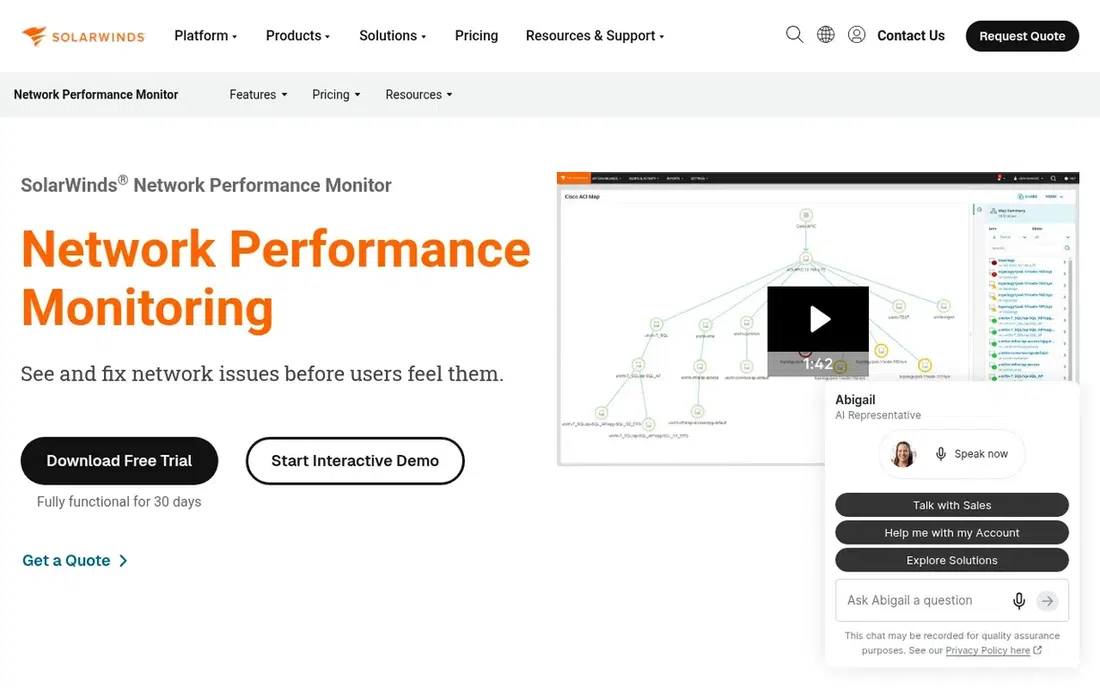
Where SolarWinds Network Performance Monitor fits: Network health alongside inventory insight. SolarWinds Network Performance Monitor centres on troubleshooting network health and performance whereas unlocking visibility and control of a hybrid IT environment.
Pick a dedicated ITAM product when asset lifecycle and license reporting are the priority. SolarWinds Network Performance Monitor does not show a starting price in this comparison, so check the vendor site for current pricing. As for free access: Not stated.
Honest limits: Reporting leans toward network metrics.
- Deep network-oriented insights
- Troubleshoots network health and performance
- Inventory is not the primary focus
Pick Device42 if this describes you: Agentless discovery and dependency mapping. Device42, a Freshworks company, sets out to be a thorough agentless discovery and dependency mapping option spanning from legacy mainframes to cloud containers.
On top of that, choose it when relationships between assets drive your reporting needs. Dependency mapping is feature-rich but demands ongoing attention as environments change, and straightforward inventory reporting may be more straightforward elsewhere. Device42 shows no starting price here, so confirm the cost on the vendor site. Free access: Not stated.
Upsides: Agentless discovery approach.
- Spans legacy systems to cloud containers
- Dependency mapping across environments
- Needs upkeep as environments change
Pick Flexera One if this describes you: hybrid IT spend and license reporting. Flexera One is presented as a system for AI, ITAM, FinOps and SaaS cost work, optimizing hybrid IT spend through unified asset management, cloud cost control and license compliance.
For pure device discovery with lighter reporting, a more straightforward inventory tool may be easier to adopt. As for the details, the breadth of cost and compliance features means onboarding takes planning, and small teams may find it more than they need. No starting price is listed for Flexera One here; confirm pricing on the vendor site. As for free access: Not stated.
Downsides: Wide scope can feel complicated.
- Unified asset management view
- License compliance focus
- Setup effort for accurate cost data
Pick Lansweeper if this describes you: wide discovery across IT, OT and cloud. Since coverage spans plenty of environments, getting clean, purposeful reports may need planning your data model first.
Lansweeper does not show a starting price in this comparison, so check the vendor site for current pricing. A free plan is available with Lansweeper.
Limits to weigh: Reporting depth relies on configuration.
Best features of Lansweeper: OT and cloud environments.
- Spans IT
- Emphasizes steady asset intelligence
- Deep customization can take effort
ServiceNow IT Asset Management
Best for: End-to-end lifecycle automation
Think of ServiceNow IT Asset Management for end-to-end lifecycle automation. It fits organizations that want inventory and reporting embedded in a broader service management workflow.
Drawbacks to consider: Configuration demands are significant.
Beyond that, more straightforward environments may get quicker reporting from a lighter discovery tool. ServiceNow IT Asset Management shows no starting price here, so confirm the cost on the vendor site. As for free access: Not stated. Where it shines: Suits process-driven IT organizations.
- Aims to optimize costs and cut risk
- Hardware and cloud lifecycles
- Best value within its wider product
ManageEngine AssetExplorer
Best for: Structured IT asset management workflows

In short, ManageEngine AssetExplorer is for structured IT asset management workflows. It fits organizations that want inventory tied to a defined asset management process instead of discovery alone.
Drawbacks to consider: Reporting scope tied to asset data quality.
ManageEngine AssetExplorer does not show a starting price in this comparison, so check the vendor site for current pricing. Free options: Not stated.
- Aimed at full asset management
- Aims at full visibility and control
- May need setup to match your processes
How we built this list
LinkVetted looked at what each vendor publishes: pricing, plan limits, feature coverage for IT inventory software with reporting tools and stated drawbacks. No hands-on testing is claimed. Treat prices as a snapshot: vendors change plans often, so check the vendor site for the figure that applies today. The order reflects how well each tool fits the most common buying scenario for IT inventory software with reporting tools, then price clarity, then free plan access. It is a starting point, not a verdict.
Pre-purchase checklist
- Request quotes from SolarWinds Network Performance Monitor, ManageEngine AssetExplorer and the others; the list shows no fixed prices.
- Look at the free plan from Lansweeper closely: its caps decide whether it is usable for real work.
- Before choosing SolarWinds Network Performance Monitor, weigh its main limit: inventory is not the primary focus.
- Involve the people who will use SolarWinds Network Performance Monitor daily; a short pilot beats a long feature checklist.
- Add up seats, add-ons and usage charges for Flexera One before comparing it with cheaper entries.
FAQ
Which options for IT inventory software with reporting tools have a free plan?
Lansweeper is the only tool in this list with a free plan. Free plans usually cap users, projects or features, so check the limits on the vendor page. All 6 picks in this IT inventory software with reporting tools comparison list a starting price, free plan details and the main limits on their cards above.
Can I try these options before paying?
Often, yes. Lansweeper has a free plan. Use your own data and a real task during the test, and check what the free tier or trial limits before you rely on it. For the full picture, the cards above cover all 6 entries of this IT inventory software with reporting tools list, including price, free plan and limits.
Do these tools publish their prices?
No. None of the tools, from SolarWinds Network Performance Monitor to ManageEngine AssetExplorer, shows a fixed starting price here, so budget time for quotes.
Is discovery enough, or do I need full asset management?
Discovery tells you what is on the network, whereas asset management layers on lifecycle, ownership and cost context. If your reports must support compliance or budgeting, a fuller ITAM product typically suits better than discovery alone.
Is SolarWinds Network Performance Monitor the right pick for everyone comparing IT inventory software with reporting tools?
No single tool suits every team. SolarWinds Network Performance Monitor comes first because it fits Network health alongside inventory insight, while Device42 suits Agentless discovery and dependency mapping and Flexera One suits hybrid IT spend and license reporting. Match the tool to your own size, budget and workflow before deciding.
How do cloud and OT assets change the picture?
Cloud and OT assets frequently sit outside traditional inventory scans, so coverage claims matter. Check that the tool documents discovery for those environments and that reporting can separate them from standard endpoints.
Sources
- https://www.solarwinds.com/network-performance-monitor
- https://www.device42.com
- https://www.flexera.com/products/flexera-one
- https://www.lansweeper.com
- https://www.servicenow.com/products/it-asset-management.html
- https://www.manageengine.com/products/asset-explorer