Best Issue Tracking Software for QA Teams for 2026: Our 6 Vetted Picks
Best issue tracking software for QA teams in 2026: 6 contenders with entry costs and free tiers. Clear notes on pricing gaps and limits. Pick with confidence.

- Editor's choice
 Linear
Product teams wanting simplified issue tracking
Starts at$10 per user per monthVisit linear.appFull review - Great alternative
 YouTrack
All-in-one project management for QA
Starts atSee websiteVisit jetbrains.comFull review - Also consider
 Azure DevOps
Teams in the Microsoft ecosystem
Starts atSee websiteVisit azure.microsoft.comFull review
Direct answer
This list puts Linear first for product teams wanting simplified issue tracking. Listed starting prices: Linear from $10 per user per month. Look at YouTrack for all-in-one project management for QA, and at Azure DevOps for teams in the Microsoft ecosystem. All 6 tools are compared below on price, free plan and limits.
TL;DR:
- Linear sits first on this list: product teams wanting simplified issue tracking.
- The lowest published monthly entry price here is $10 per user per month, from Linear.
- Bugzilla fits open-source bug tracking.
- The main caution on YouTrack: less known than some competitors.
- Only Linear offers a free plan among these 6 tools.
Last checked November 2026. Prices and plan details were read from the vendors' own pages in November 2026; vendors change plans often, so confirm the current price on the vendor site before you buy.
Quick comparison
| Tool | Best for | Starts at | Free plan? | |
|---|---|---|---|---|
| Linear | Product teams wanting simplified issue tracking | $10 per user per month | Yes | Visit |
| YouTrack | All-in-one project management for QA | See website | Not stated | Visit |
| Azure DevOps | Teams in the Microsoft ecosystem | See website | Not stated | Visit |
 Redmine | Adaptable open-source project tracking | See website | Not stated | Visit |
 Jira | Agile QA teams needing AI and integration | See website | Not stated | Visit |
 Bugzilla | Open-source bug tracking | See website | Not stated | Visit |
6 issue tracking software for QA teams in detail
This LinkVetted guide covers 6 issue tracking software for QA teams. Each profile lists a starting price, free plan details, strengths and drawbacks, so you can drop poor fits quickly.

Linear was built for product teams wanting simplified issue tracking. Linear is a purpose-built system for planning and building products with AI agents. It offers a clean, quick experience for tracking issues and managing product development cycles.
Drawbacks to consider: May lack advanced QA-specific features.
Beyond that, QA teams that prioritize simplicity and speed, and that work closely with product and engineering, may find Linear a solid fit. On top of that, consider Jira or YouTrack if you need deep customization. Linear pricing: $10 per user per month. You can start on Linear without paying.
- Modern
- Quick interface
- Restricted customization compared with Jira
YouTrack is designed for all-in-one project management for QA. YouTrack is a project management tool that puts everything in one place: track tasks, run projects, maintain a knowledge base, support customers, and collaborate. It is designed with every team member in mind, making it right for QA teams that want an integrated option without switching between several tools.
Honest limits: Less known than some competitors.
For everyday use, YouTrack may have a smaller ecosystem of integrations compared with more established tools like Jira. If you need a widely adopted product with broad marketplace support, consider Jira or Azure DevOps. Pricing for YouTrack is not stated here, so ask the vendor for current figures. Trial and free access: Not stated.
- Free for small teams
- Knowledge base, support
- May need adaptation for large enterprises
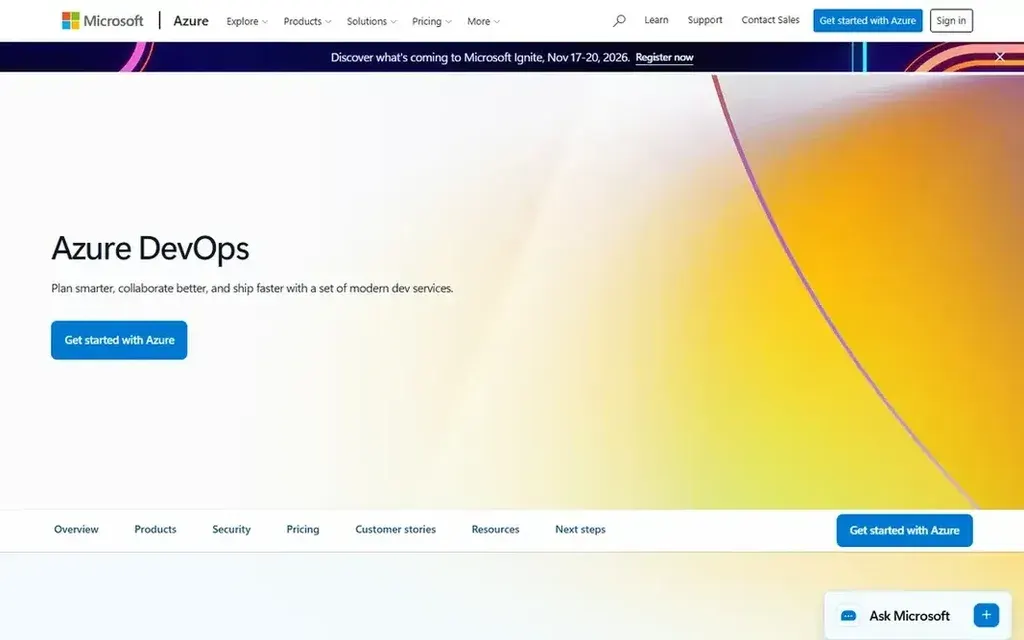
Azure DevOps works best for teams in the Microsoft ecosystem. Azure DevOps is a suite of development tools that bundles agile planning, CI/CD, and agentic AI to help teams plan smarter and ship quicker.
Drawbacks to consider: Interface can feel complicated for new users.
Also, the platform supports collaboration across development, testing, and operations. Check the vendor site for Azure DevOps pricing; none is listed in this comparison. Free options: Not stated.
- Agentic AI capabilities
- Tight integration with Microsoft services
- Less right for non-Microsoft stacks
Where Redmine fits: adaptable open-source project tracking. Redmine is an adaptable open-source project management and issue tracking tool. It comes with support for several projects, wikis, and forums, making it a versatile choice for QA teams that require a configurable, self-hosted option.
In daily use, Redmine is written in Ruby on Rails and can be extended with plugins. It may lack out-of-the-box integrations with widely used development tools. As for the details, for a more refined experience, consider Linear or YouTrack. Redmine does not show a starting price in this comparison, so check the vendor site for current pricing. Trial and free access: Not stated.
Downsides: Needs self-hosting.
- Supports several projects
- Bundles issue tracking and wikis
- Interface feels dated
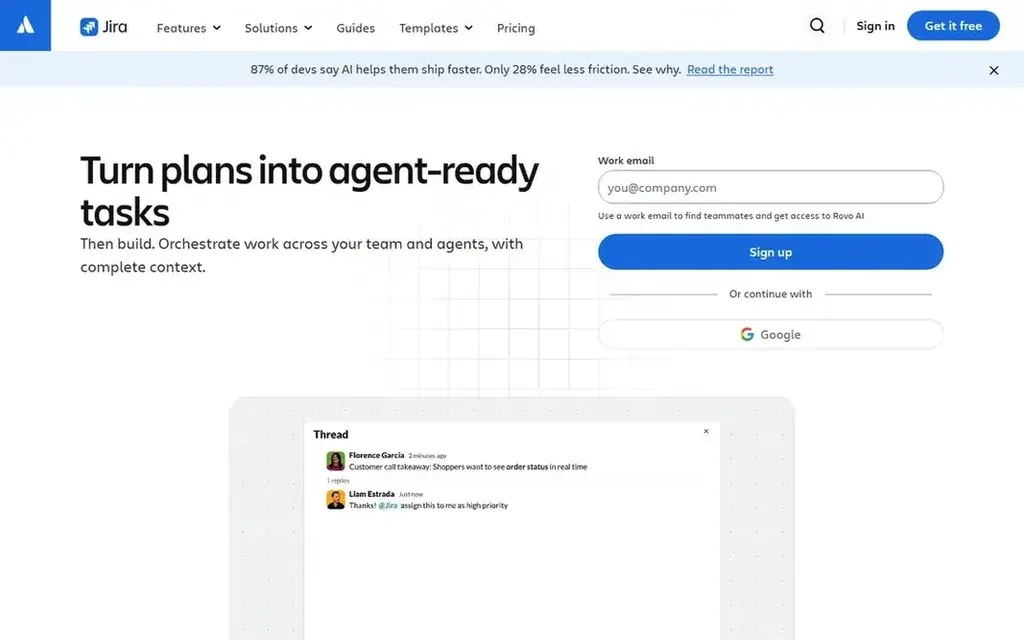
Think of Jira for Agile QA teams needing AI and integration. Jira suits teams that require an adaptable, highly customizable system to align testing with development and that value integration with other Atlassian products.
Drawbacks to consider: Can be complicated to configure.
Pricing for Jira is not stated here, so ask the vendor for current figures. Trial and free access: Not stated.
- AI agents for planning and tracking
- Deep agile project management
- May need extras for advanced test management
Pick Bugzilla if this describes you: open-source bug tracking. Bugzilla is a free, open-source bug tracking system built to drive software development. It lets teams plan, organize, and release software.
Bugzilla's interface is less modern than commercial alternatives, and it lacks built-in agile planning features. It also requires self-hosting and continuing maintenance. As for the details, QA teams that require a dependable, no-cost option for bug tracking and that have the technical resources to set up and maintain it may find Bugzilla a practical choice. Worth adding: for a more modern, hosted option, consider Linear or YouTrack. Bugzilla does not show a starting price in this comparison, so check the vendor site for current pricing. As for free access: Not stated.
Drawbacks to consider: Needs technical setup and maintenance.
- Solid bug tracking capabilities
- Free and open-source
- Dated interface
Our selection method
For each of the 6 tools we noted price, free plan or trial, fit for issue tracking software for QA teams and the main limit, using vendor pages and documentation. Where a vendor does not publish a price, the entry says quote. Where a price depends on seats or billing term, the entry says so. Tools are placed by general fit for issue tracking software for QA teams, with price clarity and free access as tie-breakers. A different team can reasonably rank them differently.
What to confirm before you sign up
- Confirm the entry price on the vendor page. For YouTrack, Azure DevOps, Redmine and others that means a quote rather than a fixed price.
- Look at the free plan from Linear closely: its caps decide whether it is usable for real work.
- Before choosing Linear, weigh its main limit: restricted customization compared with Jira.
- Run a one or two week pilot of Bugzilla with the people who will use it every day.
- Work out what YouTrack costs with your real seat count, add-ons and usage, not just the entry price.
FAQ
What is the cheapest option for issue tracking software for QA teams in this list?
On published monthly entry prices, Linear is the lowest here at $10 per user per month. Entry price is only part of the cost, because seats, add-ons and billing terms can change the total. All 6 picks in this issue tracking software for QA teams comparison list a starting price, free plan details and the main limits on their cards above.
How does Azure DevOps compare to Jira for QA?
Azure DevOps supplies integrated agile tools, CI/CD, and AI capabilities, making it a solid choice for teams in the Microsoft ecosystem. In daily use, the better fit relies on your existing technology stack and workflow preferences.
Do these tools publish their prices?
Not all of them. YouTrack, Azure DevOps, Redmine and others publish no starting price, so expect a quote request for those. The rest, Linear included, show a starting price, though seats and billing terms still change the final cost.
How are the tools for issue tracking software for QA teams ordered?
The order follows typical fit for issue tracking software for QA teams, with Linear first and Bugzilla last, then price clarity and free access. It is editorial judgement, not a score, so another team could rank the tools differently.
Can I try these tools before paying?
Often, yes. Linear has a free plan. Use your own data and a real task during the test, and check what the free tier or trial limits before you rely on it. For the full picture, the cards above cover all 6 entries of this issue tracking software for QA teams list, including price, free plan and limits.
Sources
- https://linear.app
- https://www.jetbrains.com/youtrack
- https://azure.microsoft.com/en-us/products/devops
- https://www.redmine.org
- https://www.atlassian.com/software/jira
- https://www.bugzilla.org