6 Best Inventory Software for Bookstore Retailers for 2026, Vetted and Compared
Searching for the best inventory software for bookstore retailers? Here are 6 options with prices and free plans. Costs and caveats sit beside each pick.
- Editor's choice
 Ordoro
Ecommerce shipping and inventory automation
Starts at$59 per monthVisit ordoro.comFull review - Great alternative
 Cin7 Core
Inventory and order management across channels
Starts at$349 a monthVisit cin7.comFull review - Also consider
 Zoho Inventory
Online inventory, orders, and warehouse management
Starts atSee websiteVisit zoho.comFull review
Direct answer
For ecommerce shipping and inventory automation, Ordoro is where this list starts. Listed starting prices: Ordoro from $59 per month and Cin7 Core from $349 a month. Cin7 Core is the stronger choice for Inventory and order management across channels, while Zoho Inventory suits online inventory, orders, and warehouse management. The other 3 tools in the list cover narrower or pricier cases.
TL;DR:
- Ordoro is the opening pick, best for ecommerce shipping and inventory automation.
- One limit worth knowing about Ordoro: focused on ecommerce, not in-store POS.
- Ordoro has the lowest monthly starting price in this list: $59 per month.
- Lightspeed Retail fits unified POS and inventory for bookstores.
- None of the 6 tools, from Ordoro to Lightspeed Retail, has a free plan, so budget for a subscription or use a trial.
Last checked November 2026. Prices and plan details were read from the vendors' own pages in November 2026; vendors change plans often, so confirm the current price on the vendor site before you buy.
Quick comparison
| Tool | Best for | Starts at | Free plan? | |
|---|---|---|---|---|
| Ordoro | Ecommerce shipping and inventory automation | $59 per month | Free trial | Visit |
| Cin7 Core | Inventory and order management across channels | $349 a month | No | Visit |
| Zoho Inventory | Online inventory, orders, and warehouse management | See website | Not stated | Visit |
 Square for Retail | Straightforward inventory and payments for small bookstores | See website | Not stated | Visit |
 Shopify POS | Multichannel bookstores selling in-store and online | See website | Not stated | Visit |
 Lightspeed Retail | Unified POS and inventory for bookstores | See website | Not stated | Visit |
Inventory Software for Bookstore Retailers, one by one
LinkVetted compared 6 inventory software for bookstore retailers. The goal is a practical shortlist: published prices, free plan facts, best-fit use cases and honest limits for every entry.
In short, Ordoro is for ecommerce shipping and inventory automation. Ordoro is not designed for in-store checkout, so physical bookstores will still need a POS.
Trade-offs to know: Centred on ecommerce, not in-store POS.
On top of that, bookstore retailers with a solid online order volume may use it to cut repetitive work. Beyond that, keeps with minimal online sales may not need its automation. Ordoro starts at: $59 per month. Free access: Free trial.
- Supports dropshipping workflows
- Automates shipping and inventory tasks
- May be unnecessary for keeps without online orders
Cin7 Core works best for Inventory and order management across channels. Cin7 Core is inventory management software with small business ERP capabilities, geared toward simplifying inventory.
Keeps that chiefly need in-person checkout may find a dedicated retail POS easier. From a buyer's view, bookstore retailers with several sales channels or bigger stock operations may use it to organize orders and inventory. Entry price for Cin7 Core: $349 per month. Cin7 Core does not include a free plan.
The main drawbacks: May be complicated for a single-location bookstore.
- Manages orders and stock
- Bundles small business ERP features
- Needs setup to match bookstore workflows
Zoho Inventory is designed for online inventory, orders, and warehouse management. Bookstore retailers who sell online and have to track stock across locations may find it handy. It is not a bookstore-specific POS, so in-store checkout may need a separate tool or integration.
It performs best when online inventory and order handling are the central focus. On top of that, Zoho Inventory is online inventory management software that makes it possible for companies to deal with inventory, orders, shipping, and warehouses. This comparison lists no price for Zoho Inventory; ask the vendor. As for free access: Not stated.
Watch-outs: Not a dedicated bookstore POS.
- Easy-to-use inventory management
- Takes care of inventory, orders, shipping
- May need integration for in-store checkout
Square for Retail
Best for: Straightforward inventory and payments for small bookstores
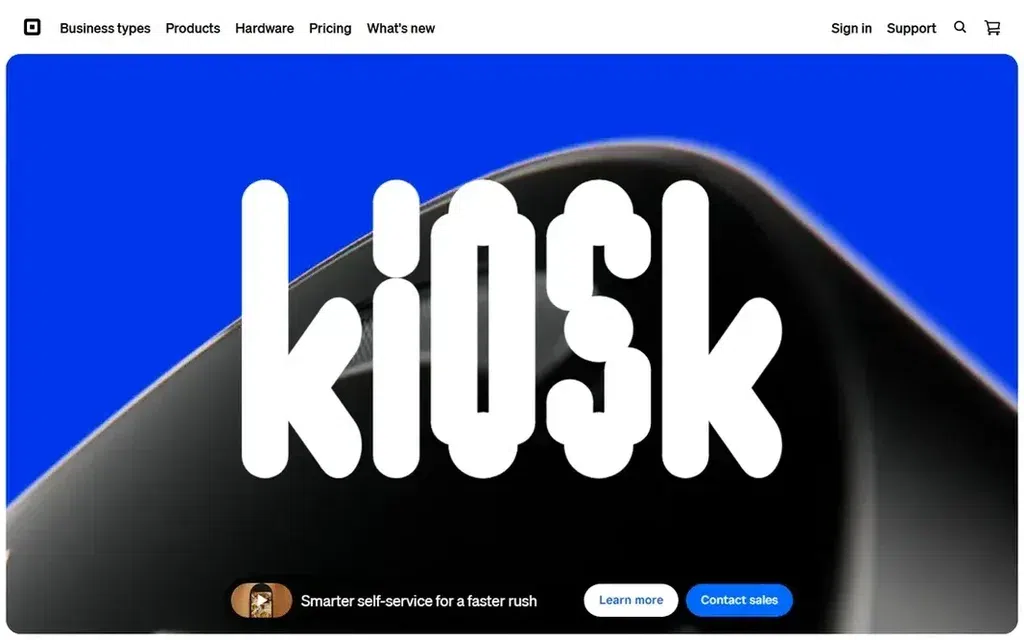
Square for Retail makes the most sense for straightforward inventory and payments for small bookstores. Bookstore retailers who want a straightforward way to track stock and accept payments may find it approachable.
Bookstores that depend on specialized used-book workflows should check whether Square for Retail handles their requirements. This comparison lists no price for Square for Retail; ask the vendor. On free options: Not stated.
Watch-outs: Advanced inventory needs may exceed its scope.
- Built for retail firms
- Handles inventory and takes payments
- Best value when using the wider Square ecosystem
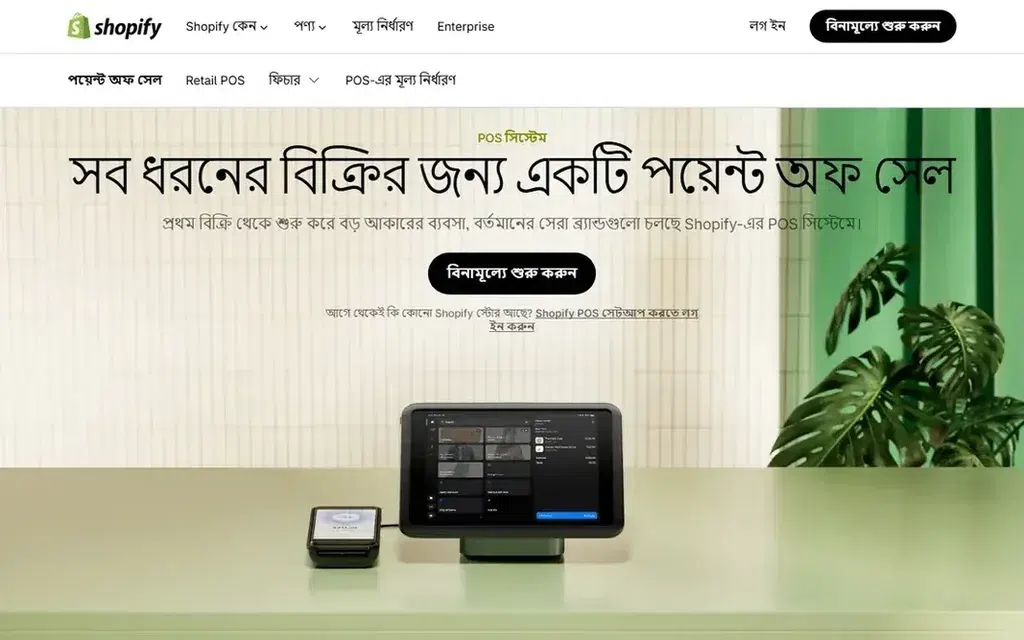
Shopify POS targets multichannel bookstores selling in-store and online. Shopify POS integrates retail operations, from inventory management to checkout, and is meant to run a retail business.
Honest limits: A good match for keeps using Shopify for online sales.
On top of that, for bookstore retailers who also sell online, it can keep in-store and online stock connected. Keeps that only need in-person inventory may find a dedicated POS more straightforward. No starting price is listed for Shopify POS here; confirm pricing on the vendor site. Free access: Not stated.
- Built for retail firms
- Integrates in-store and online inventory
- May need setup time for inventory syncing
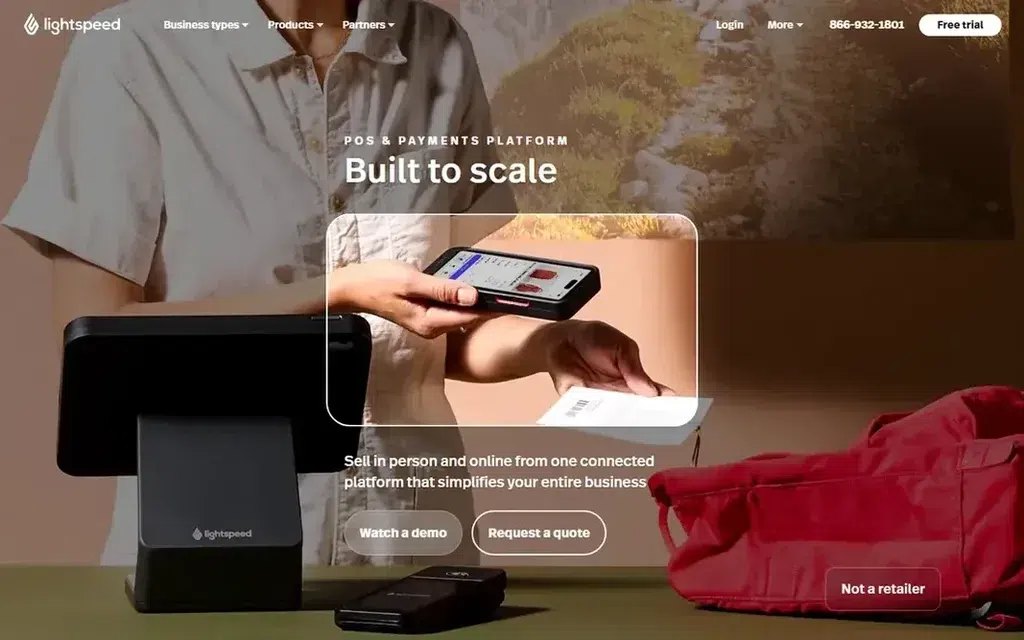
Where Lightspeed Retail fits: unified POS and inventory for bookstores. Keeps that primarily sell online might prefer a tool centered on ecommerce inventory. Lightspeed Retail is a point-of-sale system made for in-person retail, with inventory management and wholesale buying included.
Limits to weigh: Feature depth can need a ramp-up time.
Best features of Lightspeed Retail: Made for in-person retail operations.
The product is wide, so a very small bookstore may find some features unnecessary. For bookstore retailers, it can bring sales, stock, and purchasing into one place, which helps when managing new and backlist titles. In daily use, consider Lightspeed Retail when in-store POS and inventory are the core of your operation. This comparison lists no price for Lightspeed Retail; ask the vendor. Trial and free access: Not stated.
- Supports selling and stock management in one system
- Merges POS, inventory
- May be more than a tiny shop needs
How these tools were picked
Before you commit
- Ask Zoho Inventory, Square for Retail, Shopify POS and Lightspeed Retail for a written quote, since no starting price is shown.
- Run a trial of Ordoro with real work before paying for a year; your own workflow is the best test.
- Before choosing Ordoro, weigh its main limit: focused on ecommerce, not in-store POS.
- Compare total cost, not headline price: for Ordoro, add extra seats, add-ons and any usage-based charges.
- Verify that exporting from Square for Retail is possible on your plan and covers all your records.
FAQ
Can I try these tools before paying?
Often, yes. Ordoro offers a free trial. Use your own data and a real task during the test, and check what the free tier or trial limits before you rely on it. For the full picture, the cards above cover all 6 entries of this inventory software for Bookstore retailers list, including price, free plan and limits.
Do I need a separate POS if I use inventory software like Cin7 Core or Zoho Inventory?
Cin7 Core and Zoho Inventory are inventory and order management tools, not dedicated bookstore POS systems. Bookstores with physical sales should plan for a checkout option alongside inventory software.
Does any tool for inventory software for bookstore retailers here have a free plan?
No tool in this list, Ordoro and Lightspeed Retail included, has a permanent free plan. Ordoro offer a trial. Trials and quotes are the usual route, so plan a short evaluation period.
Do these tools publish their prices?
Not all of them. Zoho Inventory, Square for Retail, Shopify POS and Lightspeed Retail publish no starting price, so expect a quote request for those. The rest, Ordoro included, show a starting price, though seats and billing terms still change the final cost.
Is Ordoro the right pick for everyone comparing inventory software for bookstore retailers?
No single tool suits every team. Ordoro comes first because it fits ecommerce shipping and inventory automation, while Cin7 Core suits Inventory and order management across channels and Zoho Inventory suits online inventory, orders, and warehouse management. Match the tool to your own size, budget and workflow before deciding.
What inventory software is a good match for a small bookstore?
This list starts with Ordoro, which fits ecommerce shipping and inventory automation. For other needs, Cin7 Core is aimed at Inventory and order management across channels, and Zoho Inventory at online inventory, orders, and warehouse management. Check each tool's price and main limit first.
Sources
- https://www.ordoro.com
- https://www.cin7.com
- https://www.zoho.com/inventory
- https://squareup.com/us/en/retail
- https://www.shopify.com/pos
- https://www.lightspeedhq.com/retail