Choosing Hosting for Photography Portfolios in 2026: 6 Options Compared
Best hosting for photography portfolios, compared. 6 tools with published prices, free plans and limits. Every pick gets a straight assessment. Start here.
- Editor's choice
 Pixieset
All-in-one galleries, websites and CRM
Starts at$8 a monthVisit pixieset.comFull review - Great alternativeZenfolio
Photographers needing galleries and e-commerce
Starts at$9 a monthVisit zenfolio.comFull review - Also consider
 Format
Creative professionals building portfolio sites
Starts at$10 a monthVisit format.comFull review
Direct answer
For all-in-one galleries, websites and CRM, Pixieset is where this list starts. Listed starting prices: Pixieset from $8 a month, Zenfolio from $9 a month and Format from $10 a month. Look at Zenfolio for photographers needing galleries and e-commerce, and at Format for creative professionals building portfolio sites. Details, prices and limits for the rest of the 6 tools are below.
TL;DR:
- Top of the list is Pixieset, which targets all-in-one galleries, websites and CRM.
- For the cheapest start, look at Pixieset: $8 per month.
- A fair warning about Adobe Portfolio: needs a Creative Cloud subscription.
- Wix fits adaptable general-purpose site building.
- Just one of the 6 tools, Pixieset, has a free plan.
Last checked November 2026. Prices and plan details were read from the vendors' own pages in November 2026; vendors change plans often, so confirm the current price on the vendor site before you buy.
Quick comparison
| Tool | Best for | Starts at | Free plan? | |
|---|---|---|---|---|
| Pixieset | All-in-one galleries, websites and CRM | $8 a month | Yes | Visit |
| Zenfolio | Photographers needing galleries and e-commerce | $9 a month | Free trial | Visit |
| Format | Creative professionals building portfolio sites | $10 a month | Free trial | Visit |
 Adobe Portfolio | Creative Cloud subscribers building a portfolio | See website | Not stated | Visit |
 Squarespace | Design-focused all-in-one portfolio hosting | $12 a month | Free trial | Visit |
 Wix | Adaptable general-purpose site building | See website | Not stated | Visit |
The 6 tools in detail
This LinkVetted guide covers 6 hosting for photography portfolios. Each profile lists a starting price, free plan details, strengths and drawbacks, so you can drop poor fits quickly.
Pixieset serves all-in-one galleries, websites and CRM. If you want deep design freedom or a site that goes beyond photography, Pixieset may feel specialized. Its portfolio tools are most solid when paired with its gallery and CRM features.
Choose Pixieset when client delivery and business management are central to your needs. Worth adding: the product is built around photography workflows instead of general website building. On cost, Pixieset starts like this: $8 per month. You can start on Pixieset without paying.
Main advantages: Website builder for photographers.
Downsides: Centred on photography business workflows.
- Client photo galleries
- CRM and payment features
- Portfolio design may be less adaptable
Zenfolio
Best for: Photographers needing galleries and e-commerce

For photographers needing galleries and e-commerce, Zenfolio is a natural candidate. Zenfolio provides website and gallery options for photographers, combining a professional portfolio website with shareable client galleries, e-commerce and workflow automation. Photographers focused purely on design may prefer a lighter builder.
Best features of Zenfolio: Shareable client galleries.
As for the details, choose Zenfolio when client galleries and selling are part of your workflow. In daily use, the all-in-one approach reduces the have to stitch together separate gallery and website tools. The breadth of business features can make Zenfolio less approachable for someone who only needs a straightforward portfolio. Zenfolio pricing: $9 per month. Free options: Free trial. The main drawbacks: Feature set may overwhelm beginners.
- Professional portfolio websites
- E-commerce and workflow automation
- Interface can feel business-oriented
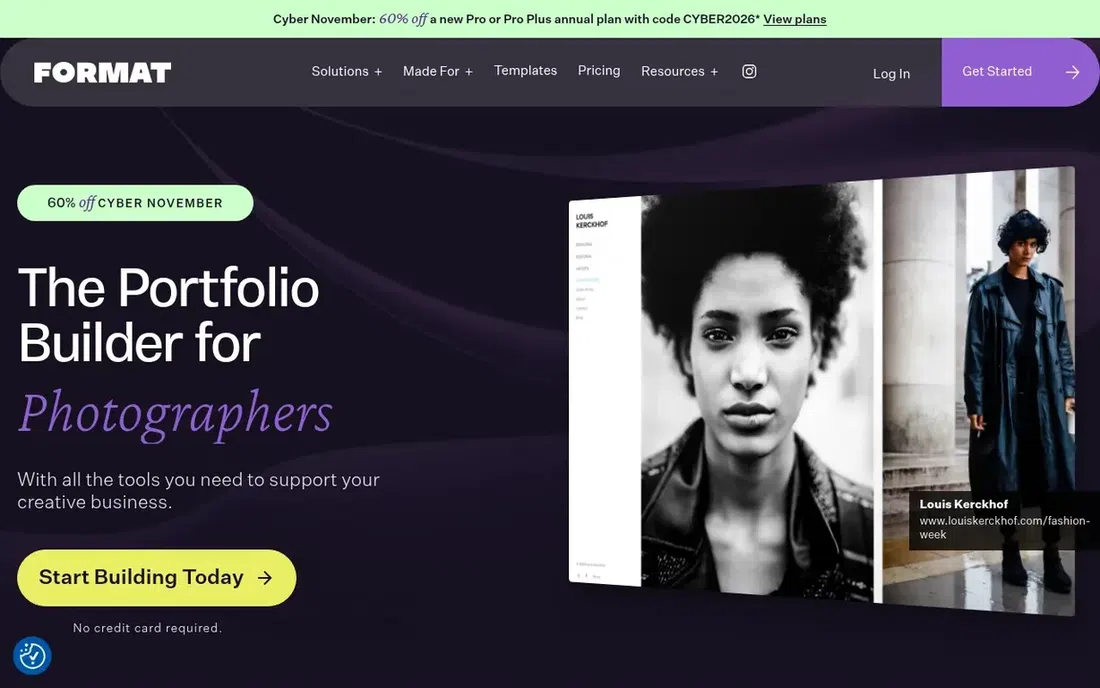
Format serves creative professionals building portfolio sites. Format is a website builder for creative professionals, meant to present your work, collaborate and grow an online business.
Also, Format is less suited to photographers who require integrated client galleries, CRM or print sales in one place. More specifically, the system emphasizes presentation and creative collaboration over wide business operations. Price to start with Format: $10 per month. As for free access: Free trial.
Honest limits: Less emphasis on client galleries.
- Portfolio-focused website builder
- Collaboration features
- Narrower business toolset
For creative Cloud subscribers building a portfolio, Adobe Portfolio is a natural candidate. Adobe Portfolio lets you rapidly build a personalized website to showcase creative work, and it is included with any Creative Cloud subscription.
The focus is on presenting creative work instead of running a full photography business. In practice, pick it when you already subscribe and need a clean portfolio rapidly. Adobe Portfolio shows no starting price here, so confirm the cost on the vendor site. Trial and free access: Not stated.
Downsides: Needs a Creative Cloud subscription.
- Included with Creative Cloud
- Personalized portfolio websites
- Fewer standalone business tools
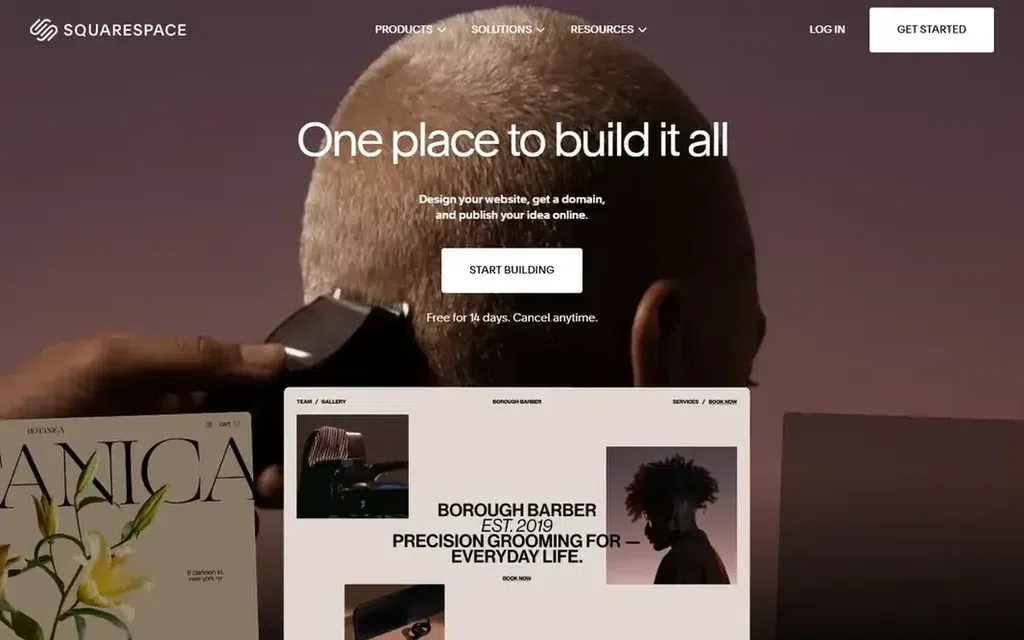
Pick Squarespace if this describes you: design-focused all-in-one portfolio hosting. Squarespace is a website builder that lets you build a site and grow your business, with configurable templates, AI website builder tools and domain name choices. If your workflow relies on proofing galleries, print sales or client CRM, Squarespace may need extras or a different system.
What to check first: Less photography-specific workflow.
Its template system can also feel restrictive for highly custom layouts. The system is general-purpose, so image presentation is handled through templates instead of a dedicated photography dashboard. On cost, Squarespace starts like this: $12 per month. Free plan details: Free trial.
- AI website builder tools
- Configurable website templates
- Template customization can be limiting
Wix serves adaptable general-purpose site building. Wix is not designed around photography workflows like client proofing or print sales, so those may need separate tools. Also, the broad feature set can also add complexity.
Where it is weaker: Not photography-specific.
Beyond that, the system is wide, so portfolio presentation relies on the templates and apps you choose. Wix is a general website system with hosting, business tools, domains and marketing built in. Check the vendor site for Wix pricing; none is listed in this comparison. Free plan details: Not stated.
- Highly adaptable builder
- Hosting and domains built in
- Can need more setup for galleries
How the list was put together
Things to verify first
- Get a written quote from Adobe Portfolio and Wix; the list shows no starting price for them.
- Test the free plan from Pixieset against your real workload before relying on it.
- Run a trial of Zenfolio, Format and Squarespace with real work before paying for a year; your own workflow is the best test.
- Read the limits listed for Pixieset first: Portfolio design may be less adaptable.
- The entry price of Adobe Portfolio is only the starting point; model the full cost with seats and extras.
- Make sure Squarespace lets you export your data in a format another tool can read.
FAQ
Which options for hosting for photography portfolios have a free plan?
Pixieset is the only tool in this list with a free plan. Free plans usually cap users, projects or features, so check the limits on the vendor page. Several others offer a trial instead. All 6 picks in this hosting for Photography portfolios comparison list a starting price, free plan details and the main limits on their cards above.
Can I try these tools before paying?
Often, yes. Pixieset has a free plan and Zenfolio, Format and Squarespace offer a free trial. Use your own data and a real task during the test, and check what the free tier or trial limits before you rely on it.
Can I use Adobe Portfolio if I already have Creative Cloud?
Yes, Adobe Portfolio is included with any Creative Cloud subscription and lets you build a personalized portfolio site. It is a practical choice for photographers already using Adobe tools.
Do these tools publish their prices?
Not all of them. Adobe Portfolio and Wix publish no starting price, so expect a quote request for those. The rest, Pixieset included, show a starting price, though seats and billing terms still change the final cost.
What is the cheapest option for hosting for photography portfolios in this list?
On published monthly entry prices, Pixieset is the lowest here at $8 per month. Entry price is only part of the cost, because seats, add-ons and billing terms can change the total. For the full picture, the cards above cover all 6 entries of this hosting for Photography portfolios list, including price, free plan and limits.
Do I need a photography-specific platform for client galleries?
General builders like Squarespace or Wix can host a portfolio but may need extras for gallery workflows. Assess how much client delivery you deal with.
Sources
- https://pixieset.com
- https://www.zenfolio.com
- https://www.format.com
- https://portfolio.adobe.com
- https://www.squarespace.com
- https://www.wix.com