Top 5 Hosting for Cloud-Based Apps for 2026 (Prices and Free Plans)
Shortlisting the best hosting for Cloud-Based apps? 5 products compared on cost, free access and ideal buyer. Each entry gets a plain verdict. Easy to scan.
- Editor's choice
 Google Cloud Run
Containerized apps in any language
Starts atSee websiteVisit cloud.google.comFull review - Great alternative
 Heroku
Completely managed developer-friendly app hosting
Starts at$5 a monthVisit heroku.comFull review - Also consider
 Netlify
Starting from prompts, agents, or code
Starts at$9 a monthVisit netlify.comFull review
Direct answer
Google Cloud Run leads the list, best for Containerized apps in any language. Listed starting prices: Heroku from $5 a month, Netlify from $9 a month and Vercel from $20 per month. For a different need, Heroku covers fully managed developer-friendly app hosting and Netlify covers starting from prompts, agents, or code. The other 2 tools in the list cover narrower or pricier cases.
TL;DR:
- The list opens with Google Cloud Run, aimed at Containerized apps in any language.
- A fair warning about Vercel: less suited to traditional server-heavy apps.
- Heroku is the lowest-priced starter here at $5 per month.
- For deploying web apps with AWS capacity management, AWS Elastic Beanstalk is worth a look.
- 2 of 5 tools offer a free plan: Netlify, Vercel.
Last checked November 2026. Prices and plan details were read from the vendors' own pages in November 2026; vendors change plans often, so confirm the current price on the vendor site before you buy.
Quick comparison
| Tool | Best for | Starts at | Free plan? | |
|---|---|---|---|---|
| Google Cloud Run | Containerized apps in any language | See website | Not stated | Visit |
| Heroku | Completely managed developer-friendly app hosting | $5 a month | No | Visit |
| Netlify | Starting from prompts, agents, or code | $9 a month | Yes | Visit |
 Vercel | Frontend and agent-driven app deployment | $20 per month | Yes | Visit |
 AWS Elastic Beanstalk | Deploying web apps with AWS capacity management | See website | Not stated | Visit |
Our 5 hosting for Cloud-Based apps
If you are comparing hosting for Cloud-Based apps, this page covers 5 tools in one place: what each is best for, what it costs to start, whether it has a free plan, and the main limit to know about.
Google Cloud Run is a good fit for Containerized apps in any language. It suits teams that already package applications as containers and want managed scaling without server administration.
As for the details, Cloud Run assumes a container-based workflow, so teams without container experience may prefer a more turnkey system. No starting price is listed for Google Cloud Run here; confirm pricing on the vendor site. As for free access: Not stated.
Watch-outs: Needs comfort with containers.
- Supports Go, Python, Java, Node.js,.NET, Ruby
- Runs containerized apps in any language
- Less turnkey for non-container workflows
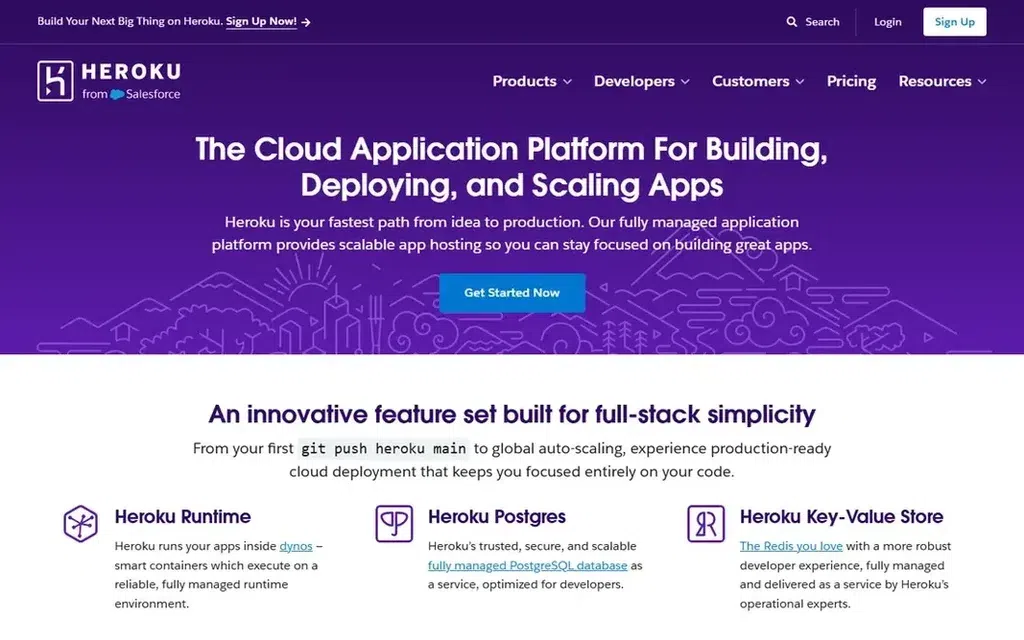
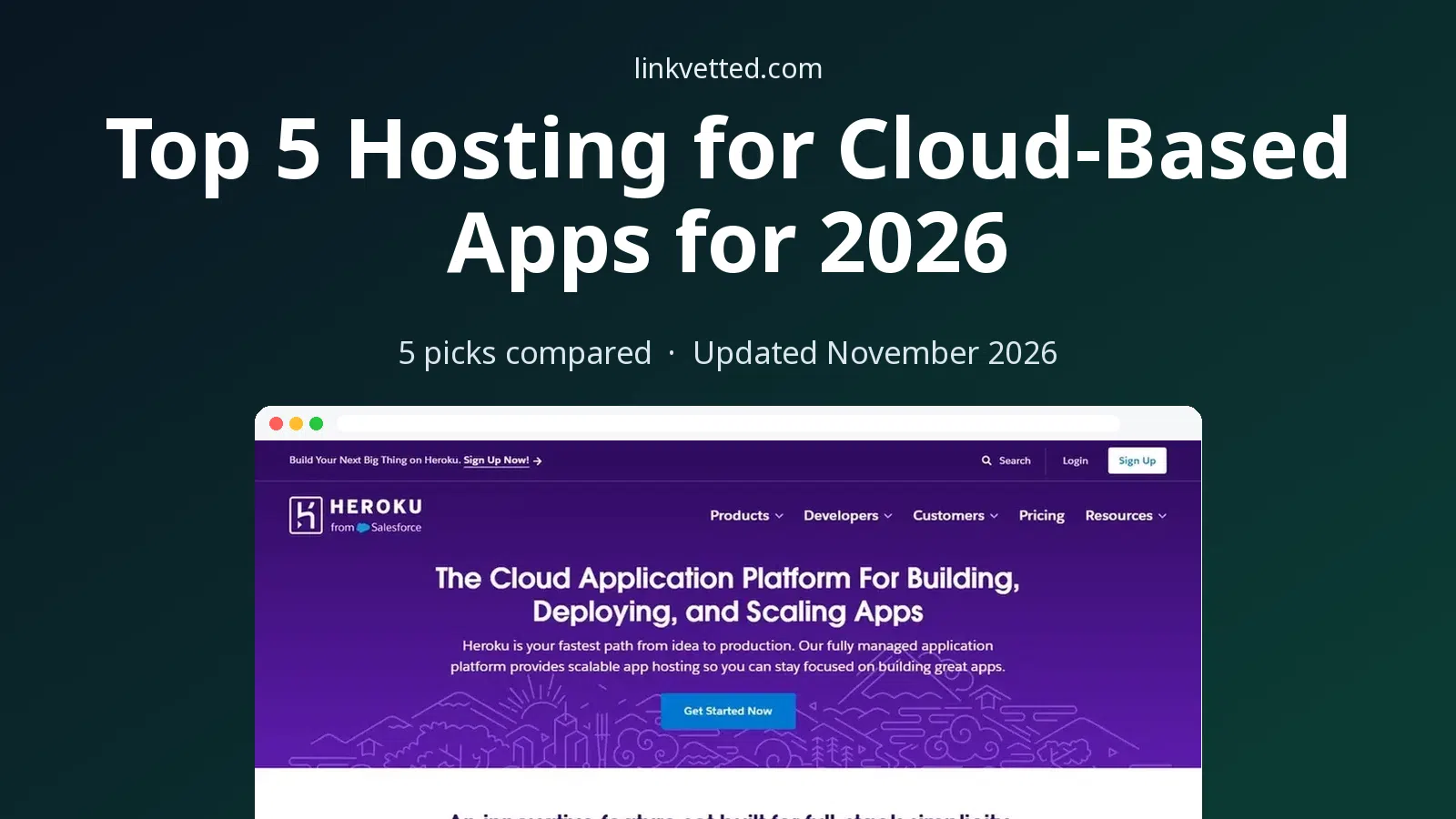
Where Heroku fits: completely managed developer-friendly app hosting. Heroku bills itself as the cloud application system for developers, offering completely managed app hosting that just works so you can build, deploy, and scale on a system that defines the industry.
Drawbacks to consider: Less control over underlying infrastructure.
Beyond that, teams with strict customization or specialized networking needs may prefer a more customizable system. Entry price for Heroku: $5 per month. No free plan comes with Heroku.
- Build, deploy
- Completely managed hosting that just works
- Opinionated workflow may not suit every stack
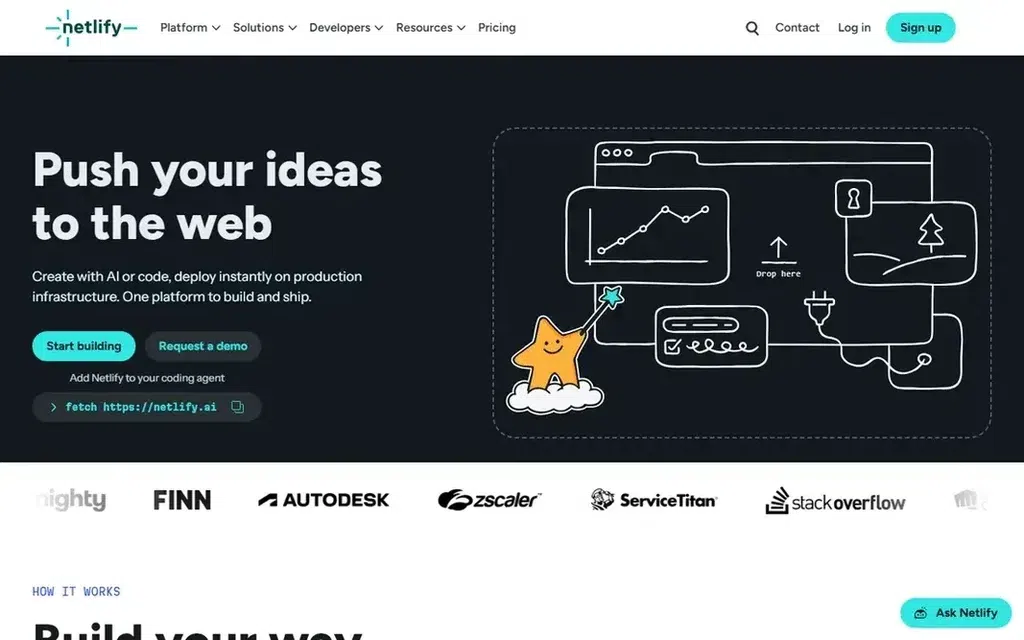
Netlify targets starting from prompts, agents, or code. Check the vendor documentation for the specific runtimes and integrations your app needs.
What users get: Build, share.
Where it falls short: Deep infrastructure control is limited. Teams experimenting with agent-assisted workflows may find the entry points convenient. If you need fine-grained control over networking or custom runtime stacks, another choice may fit better. On cost, Netlify starts like this: $9 per month. A free plan is available with Netlify.
- Adaptable starting points: prompt, agent
- Scales with your app
- Positioning leans toward web app workflows
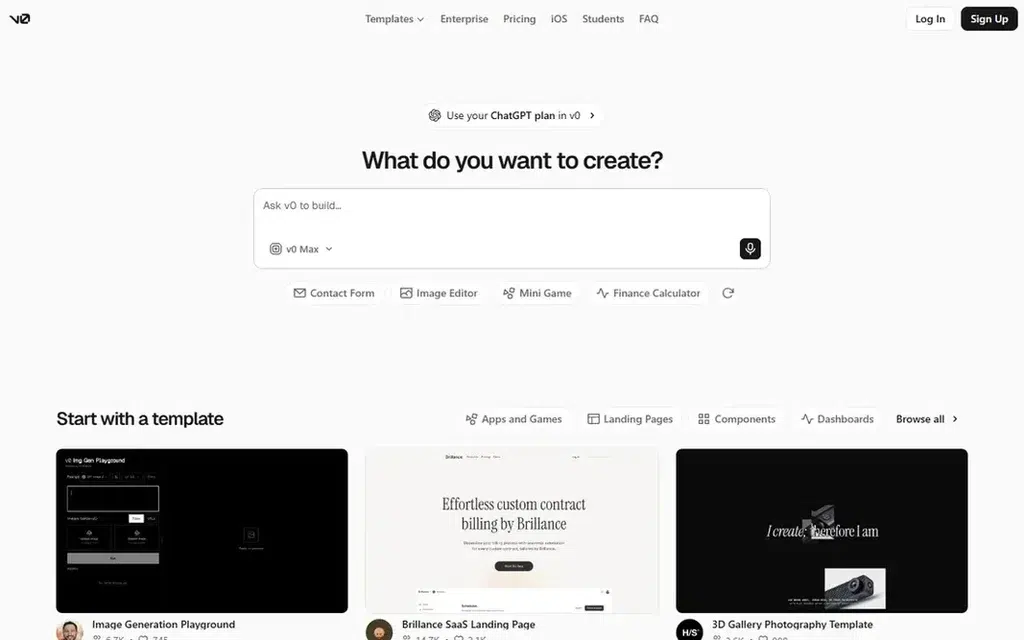
For Frontend and agent-driven app deployment, Vercel is a natural candidate. Vercel describes itself as an autonomous stack for every app and agent, positioning the product around modern application and agent deployment.
Worth adding: since Vercel frames itself around apps and agents, teams with conventional monolithic backends or unusual runtime requirements may find other systems a better match. Also, consider alternatives if you need wide infrastructure control or a container-first model. Vercel cost at the entry level: $20 per month. Vercel includes a free tier.
Watch-outs: Less suited to traditional server-heavy apps.
- Solid fit for modern web frontends
- Simplified deployment workflow
- Feature depth varies by workload type
AWS Elastic Beanstalk
Best for: Deploying web apps with AWS capacity management
In short, AWS Elastic Beanstalk is for deploying web apps with AWS capacity management. Elastic Beanstalk is closely tied to AWS concepts and services, so teams outside that ecosystem may face a steeper ramp-up time.
In practice, for very straightforward apps, a lighter system could reduce overhead. Check the vendor site for AWS Elastic Beanstalk pricing; none is listed in this comparison. Free access: Not stated.
The main drawbacks: Tied closely to AWS services and concepts.
- App health monitoring included
- Capacity provisioning handled for you
- Can feel complicated for straightforward apps
Selection criteria
Each tool was reviewed on what its vendor publishes: price, plan limits, core features and stated drawbacks. We did not run hands-on tests. Where a price is missing, the vendor does not list one publicly or ties it to a quote. Always confirm before budgeting. Tools are placed by general fit for hosting for Cloud-Based apps, with price clarity and free access as tie-breakers. A different team can reasonably rank them differently.
A buyer's checklist
- Confirm the entry price on the vendor page. For Google Cloud Run and AWS Elastic Beanstalk that means a quote rather than a fixed price.
- Read the fine print on the free plans from Netlify and Vercel; seat, project and feature caps differ.
- Before choosing Google Cloud Run, weigh its main limit: requires comfort with containers.
- A short pilot of Vercel with your real workflow tells you more than a feature table.
- Before you load data into Netlify, check what an export looks like and who can run it.
FAQ
Which options for hosting for Cloud-Based apps have a free plan?
On this list, Netlify and Vercel include a free plan. Caps on seats, usage or features are common, so test the free plan against your real workload. All 5 picks in this hosting for Cloud-Based apps comparison list a starting price, free plan details and the main limits on their cards above.
Do these tools publish their prices?
Not all of them. Google Cloud Run and AWS Elastic Beanstalk publish no starting price, so expect a quote request for those. The rest, Heroku included, show a starting price, though seats and billing terms still change the final cost.
Can I try these options before paying?
Often, yes. Netlify and Vercel have a free plan. Use your own data and a real task during the test, and check what the free tier or trial limits before you rely on it. For the full picture, the cards above cover all 5 entries of this hosting for Cloud-Based apps list, including price, free plan and limits.
What should I check before choosing a cloud app host?
Confirm language and container support, deployment workflow, scaling behavior, and monitoring features. Also verify regional availability and how the product links up with services you already use.
What is the cheapest option for hosting for Cloud-Based apps in this list?
On published monthly entry prices, Heroku is the lowest here at $5 per month. Entry price is only part of the cost, because seats, add-ons and billing terms can change the total. Prices, free plan details and limits for all 5 tools in this hosting for Cloud-Based apps roundup sit on the individual cards above.
Sources
- https://cloud.google.com/run
- https://www.heroku.com
- https://www.netlify.com
- https://vercel.com
- https://aws.amazon.com/elasticbeanstalk