5 Home Network Security Software Worth Shortlisting in 2026
Best home network security software, compared. 5 tools with published prices, free plans and limits. Cost notes and weak points included. Pick with confidence.

- Editor's choice
 McAfee Total Protection
Family privacy and identity safeguards
Starts atPricing on requestVisit mcafee.comFull review - Great alternative
 ESET Home Security
Customizable cross-platform protection
Starts atPricing on requestVisit eset.comFull review - Also consider
 Norton 360
Scam and identity protection focus
Starts atPricing on requestVisit norton.comFull review
Direct answer
Start with McAfee Total Protection if you need family privacy and identity safeguards. Alternatives: ESET Home Security for customizable cross-platform protection, and Norton 360 for scam and identity protection focus. The other 2 tools in the list cover narrower or pricier cases. None of these vendors publish plan prices, so pricing is on request for every option.
TL;DR:
- The list opens with McAfee Total Protection, aimed at family privacy and identity safeguards.
- The main caution on Norton 360: many features bundled together.
- Pricing across the list, from McAfee Total Protection to Bitdefender Total Security, is by quote only.
- Neither McAfee Total Protection nor Bitdefender Total Security, nor any of the other 3 tools, has a permanent free plan; trials and quotes are the norm.
Last checked November 2026. Pricing on request: vendors did not publish plan prices when this guide was last checked (November 2026), so ask each vendor for a written quote.
Quick comparison
| Tool | Best for | Starts at | Free plan? | |
|---|---|---|---|---|
| McAfee Total Protection | Family privacy and identity safeguards | Pricing on request | Not stated | Visit |
| ESET Home Security | Customizable cross-platform protection | Pricing on request | Free trial | Visit |
| Norton 360 | Scam and identity protection focus | Pricing on request | Not stated | Visit |
 Kaspersky Plus | Premium protection for mixed home devices | Pricing on request | Not stated | Visit |
 Bitdefender Total Security | Balanced all-around home protection | Pricing on request | Not stated | Visit |
Our 5 picks for home network security software
Short on time? The summary and table above give the quick view of 5 tools for home network security software, and the profiles that follow give the detail behind each entry.

McAfee Total Protection is designed for family privacy and identity safeguards. If you primarily need baseline malware defense, a more simplified suite may be simpler, whereas privacy-focused households may appreciate the additional tools. For everyday use, the focus on privacy and identity makes it a reasonable fit for users who deal with sensitive accounts at home.
Downsides: Several modules to configure.
The breadth of modules means more settings to learn, which can slow down users who want fast, straightforward protection. It is geared toward households that want to keep personal information private and guard against scams across family devices. No starting price is listed for McAfee Total Protection here; confirm pricing on the vendor site. Free access: Not stated.
- Scam protection emphasis
- Built for family use
- Feature-rich setup may overwhelm beginners
ESET Home Security was built for customizable cross-platform protection. ESET Home Security comes from a vendor offering IT security for home and business devices, with antivirus and internet security products spanning Windows, Android, Mac and Linux.
Drawbacks to consider: Fewer hand-holding wizards.
ESET Home Security does not show a starting price in this comparison, so check the vendor site for current pricing. Free plan details: Free trial.
- In-depth security settings
- Supports Windows, Mac
- Configuration depth may intimidate beginners
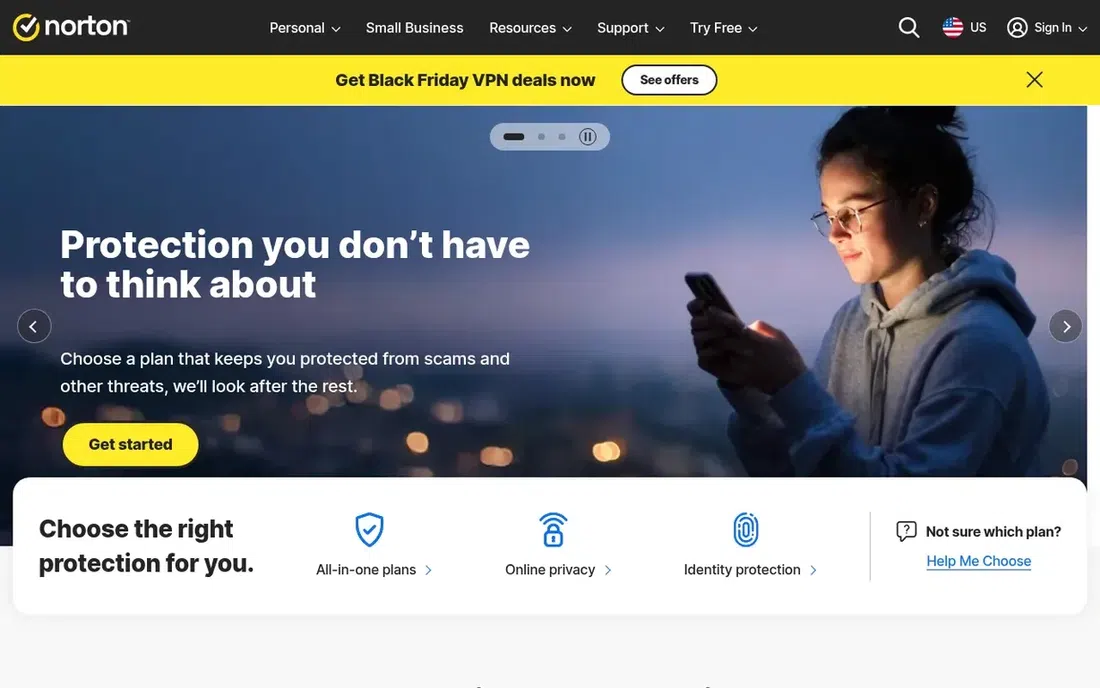
Norton 360 makes the most sense for scam and identity protection focus. Norton 360 is positioned by its vendor as advanced protection that contains scam detection technology alongside antivirus, privacy and identity safeguards. For everyday use, users focused purely on malware scanning may find a leaner suite simpler to run, whereas those wanting the scam and identity extras will see more value here.
The suite aims to include everyday browsing, identity and device security in one package. Since so much is bundled, the experience can feel crowded for people who want a minimal tool. Check the vendor site for Norton 360 pricing; none is listed in this comparison. Trial and free access: Not stated.
Downsides: Plenty of features bundled together.
- Scam detection features highlighted by the vendor
- Wide device coverage
- Interface can feel dense for new users
Kaspersky Plus is built with Premium protection for mixed home devices in mind. Users who prefer a very entry-level interface might consider a more straightforward choice, whereas those wanting layered protection across multiple devices will find more to use here.
Honest limits: Settings can need some learning.
Kaspersky Plus comes from a vendor describing itself as a global leader in next-generation cybersecurity for home and business. Pricing for Kaspersky Plus is not stated here, so ask the vendor for current figures. Free access: Not stated.
- Wide threat protection claims
- Next-generation security positioning
- Feature depth may exceed entry-level needs

For balanced all-around home protection, Bitdefender Total Security is a natural candidate. Bitdefender Total Security is a multi-layer security suite from a vendor that positions itself as a global cybersecurity leader.
Strengths: Clean.
Honest limits: Feature set can feel busy for minimal users. The homepage emphasizes threat prevention, detection and response across devices, which suits households that want one dashboard for malware defense and everyday privacy features. Households wanting a more straightforward, single-purpose tool might look at a lighter choice, whereas those needing deep identity monitoring may prefer a suite built around that focus. Bitdefender Total Security does not show a starting price in this comparison, so check the vendor site for current pricing. Trial and free access: Not stated.
- Layered threat prevention and detection
- Approachable interface
- Some tools overlap with built-in OS features
Selection criteria
For each of the 5 tools we noted price, free plan or trial, fit for home network security software and the main limit, using vendor pages and documentation. Where a vendor does not publish a price, the entry says quote. Where a price depends on seats or billing term, the entry says so. Order on the page follows fit for the typical buyer first, then price transparency and free access. Your own requirements should decide the final pick.
Things to verify first
- Request quotes from McAfee Total Protection, Bitdefender Total Security and the others; the list shows no fixed prices.
- Use real work to test the free trial from ESET Home Security, rather than a demo project.
- Read the limits listed for McAfee Total Protection first: feature-rich setup may overwhelm beginners.
- Check whether the features you need in Norton 360 sit on the entry plan or only on higher tiers.
- Confirm minimum seats and billing terms with Kaspersky Plus before you commit to an annual plan.
FAQ
How are the tools for home network security software ordered?
McAfee Total Protection sits first and Bitdefender Total Security last because the order follows typical fit for home network security software, then price clarity and free access. It is a judgement call, so read each profile for fit and limits.
Is McAfee Total Protection the right pick for everyone comparing home network security software?
No single tool suits every team. McAfee Total Protection comes first because it fits family privacy and identity safeguards, while ESET Home Security suits configurable cross-platform protection and Norton 360 suits scam and identity protection focus. Match the tool to your own size, budget and workflow before deciding.
Can one subscription handle every device in my home?
Coverage varies by product, and vendors normally state supported products like Windows, Mac, Android or Linux. Check the product list for each suite against the devices you actually use.
Do these tools publish their prices?
No. None of the tools, from McAfee Total Protection to Bitdefender Total Security, shows a fixed starting price here, so budget time for quotes.
What should home network security software actually protect?
Most suites focus on malware and virus defense for individual devices, plus privacy tools for example scam blocking or a VPN. They complement, instead of replace, your router settings and operating system protections.
Does any tool for home network security software here have a free plan?
No tool in this list, McAfee Total Protection and Bitdefender Total Security included, has a permanent free plan. ESET Home Security offer a trial. Trials and quotes are the usual route, so plan a short evaluation period.
Sources
- https://www.mcafee.com
- https://www.eset.com
- https://www.norton.com
- https://www.kaspersky.com
- https://www.bitdefender.com