Best Home Computer Network Security Software for 2026: Our 5 Vetted Picks
5 products for the best home computer network security software, ranked by fit, with starting costs and free tiers. Includes honest limits for each tool.
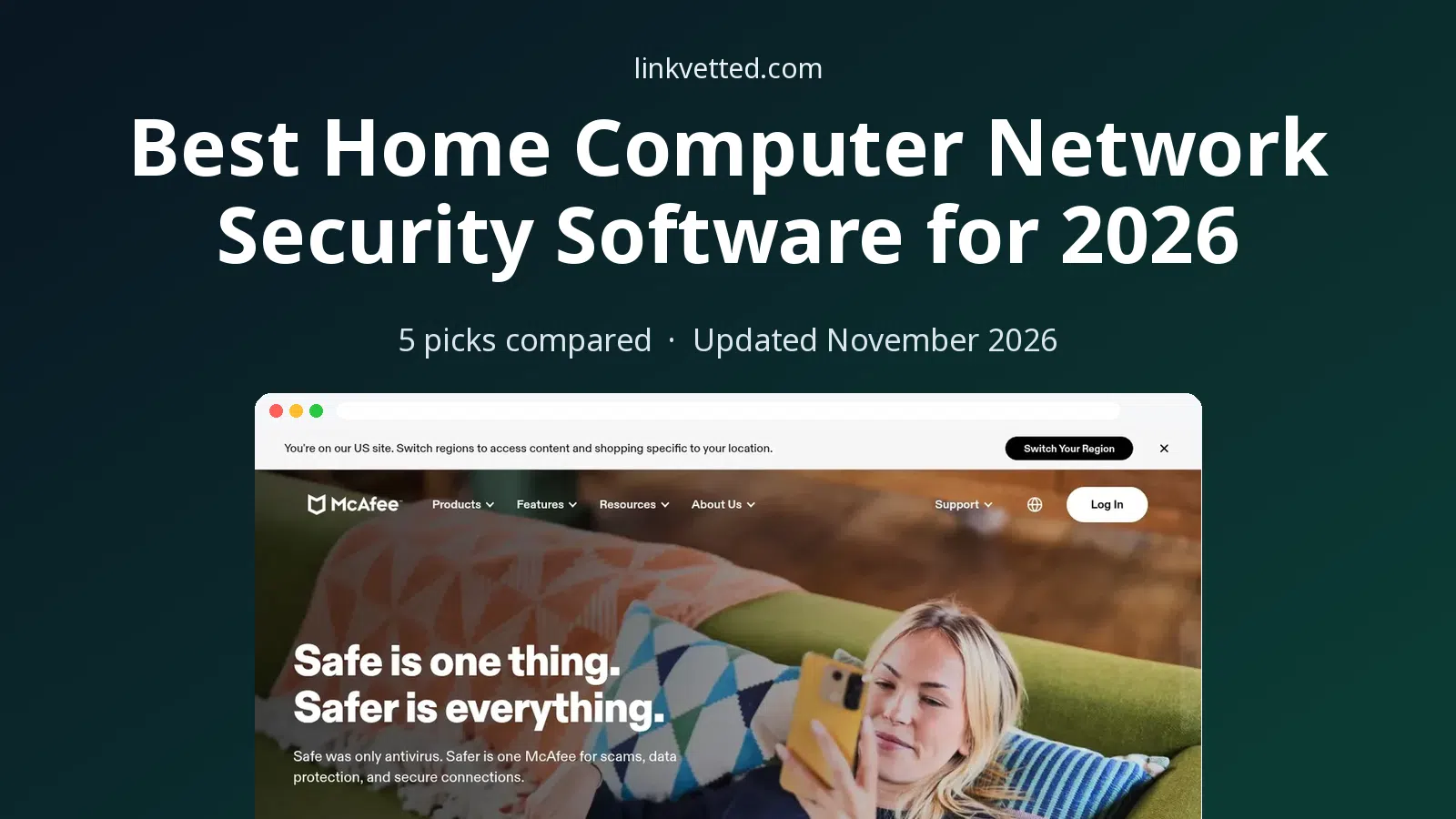
- Editor's choice
 McAfee Total Protection
AI-powered antivirus and scam protection
Starts atPricing on requestVisit mcafee.comFull review - Great alternative
 Avast Premium Security
All-in-one protection for several devices
Starts atPricing on requestVisit avast.comFull review - Also consider
 Kaspersky Plus
Cross-platform live protection
Starts atPricing on requestVisit kaspersky.comFull review
Direct answer
McAfee Total Protection is the first pick on this list for AI-powered antivirus and scam protection. For a different need, Avast Premium Security covers all-in-one protection for several devices and Kaspersky Plus covers cross-platform live protection. The other 2 tools in the list cover narrower or pricier cases. None of these vendors publish plan prices, so pricing is on request for every option.
TL;DR:
- McAfee Total Protection takes the first slot, best suited to AI-powered antivirus and scam protection.
- None of the 5 tools, from McAfee Total Protection to AVG Internet Security, has a free plan, so budget for a subscription or use a trial.
- Before buying Norton 360, weigh this: identity features may be more than some need.
- Every tool from McAfee Total Protection to AVG Internet Security works by quote, with no list price shown.
- AVG Internet Security suits advanced threat protection across devices.
Last checked November 2026. Pricing on request: vendors did not publish plan prices when this guide was last checked (November 2026), so ask each vendor for a written quote.
Quick comparison
| Tool | Best for | Starts at | Free plan? | |
|---|---|---|---|---|
| McAfee Total Protection | AI-powered antivirus and scam protection | Pricing on request | Not stated | Visit |
| Avast Premium Security | All-in-one protection for several devices | Pricing on request | Not stated | Visit |
| Kaspersky Plus | Cross-platform live protection | Pricing on request | Not stated | Visit |
 Norton 360 | Identity theft protection with device security | Pricing on request | Not stated | Visit |
 AVG Internet Security | Advanced threat protection across devices | Pricing on request | Not stated | Visit |
Home Computer Network Security Software profiles
Choosing home computer network security software usually comes down to price, fit and limits. This LinkVetted guide sets 5 tools side by side on those three points, with the facts kept short and checkable.

McAfee Total Protection was built for AI-powered antivirus and scam protection. McAfee Total Protection is positioned as an all-in-one identity theft and privacy option.
What to check first: Focus on privacy add-ons may not suit minimalists.
In practice, choose McAfee Total Protection when scam and privacy protection are central to your needs. No starting price is listed for McAfee Total Protection here; confirm pricing on the vendor site. On free options: Not stated.
- All-in-one approach for families
- AI-powered antivirus engine
- Feature set may overwhelm new users
Avast Premium Security is designed for all-in-one protection for several devices. If you have only one or two devices, the multi-device scope may be more than you need.
This comparison lists no price for Avast Premium Security; ask the vendor. On free options: Not stated.
Downsides: Multi-device coverage may exceed small households.
- One option for online security needs
- Advanced antivirus for several devices
- Feature set can be more than basics
Where Kaspersky Plus fits: cross-platform live protection. Kaspersky Plus is an antivirus and internet security product that provides live protection from viruses, malware, ransomware, phishing, and online threats. It is compatible with Windows, Mac, Android, and iOS, making it right for mixed-device households that want one suite across phones and computers.
Feature availability can differ between products, so check that the tools you need are supported on your devices. In daily use, the focus is on active threat blocking instead of identity monitoring. No starting price is listed for Kaspersky Plus here; confirm pricing on the vendor site. Free options: Not stated.
Watch-outs: May need account setup for all devices.
- Phishing and online threat defense
- Compatible with Windows, Mac, Android, iOS
- Some features vary by system
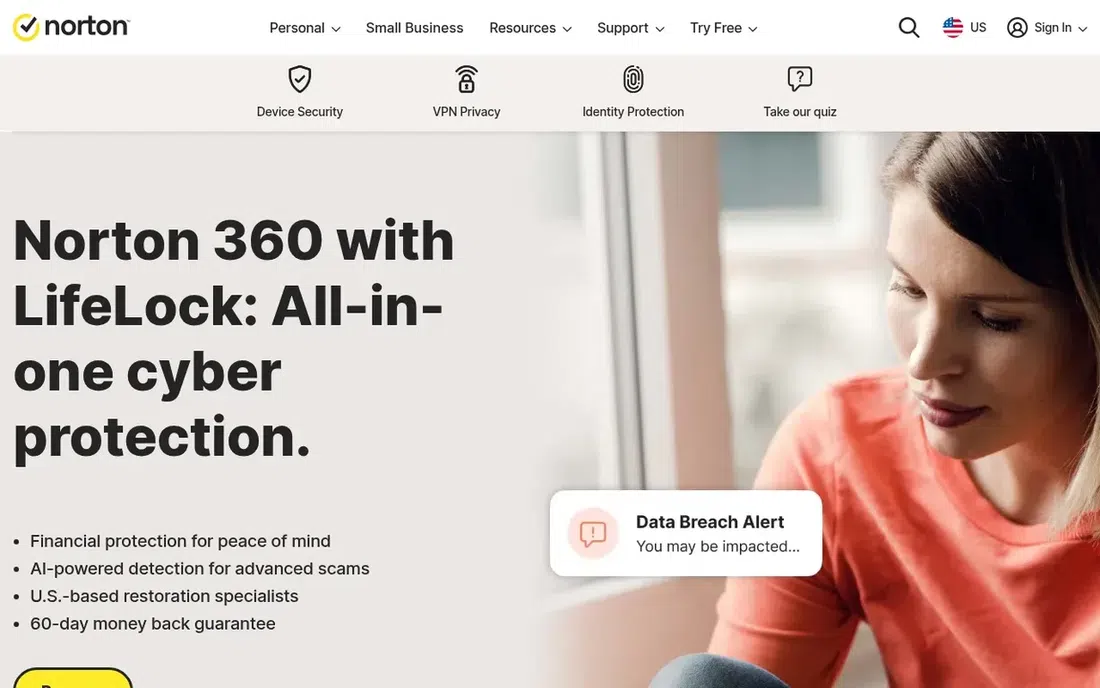
Norton 360 is a good fit for identity theft protection with device security. The identity theft components are the primary differentiator, so if you only need entry-level malware protection, a more straightforward suite may be simpler to manage.
For everyday use, the breadth of features can also mean more settings to review. Also, consider Norton 360 when identity protection is a priority alongside device security. Norton 360 does not show a starting price in this comparison, so check the vendor site for current pricing. As for free access: Not stated.
Trade-offs to know: Identity features may be more than some need.
- Spans several devices under one suite
- Backed by a large civilian cyber intelligence network
- Full feature set can feel complicated
For advanced threat protection across devices, AVG Internet Security is a natural candidate. Pick AVG Internet Security for straightforward multi-device threat protection.
More specifically, the feature set is centred on malware and online threats, so check that it handles the specific devices you own. Check the vendor site for AVG Internet Security pricing; none is listed in this comparison. On free options: Not stated.
Watch-outs: Fewer identity features than some suites.
- Protection against viruses and ransomware
- Handles all your devices
- May overlap with other AVG products
How the list was put together
The comparison looks at four things: starting price, free access, how well the feature set matches home computer network security software, and the main limit of each tool. Where a vendor does not publish a price, the entry says quote. Where a price depends on seats or billing term, the entry says so. The ranking is editorial: typical fit first, then clear pricing, then free access. If your needs are unusual, read the profiles rather than relying on position.
A buyer's checklist
- Ask each vendor, from McAfee Total Protection to AVG Internet Security, for a written quote; none of them publishes a starting price.
- Read the limits listed for McAfee Total Protection first: feature set may overwhelm new users.
- Find out what support McAfee Total Protection includes on your plan, and whether onboarding help costs extra.
- Verify that exporting from Avast Premium Security is possible on your plan and covers all your records.
- Run a one or two week pilot of AVG Internet Security with the people who will use it every day.
FAQ
Can one security suite handle all devices in my home?
Check the vendor page for the exact device count and supported systems. Beyond that, mixed households should confirm Windows, Mac, Android, and iOS support.
Does any tool for home computer network security software here have a free plan?
No tool in this list, McAfee Total Protection and AVG Internet Security included, has a permanent free plan. Trials and quotes are the usual route, so plan a short evaluation period.
Is McAfee Total Protection the right pick for everyone comparing home computer network security software?
No single tool suits every team. McAfee Total Protection comes first because it fits AI-powered antivirus and scam protection, while Avast Premium Security suits all-in-one protection for multiple devices and Kaspersky Plus suits cross-platform real-time protection. Match the tool to your own size, budget and workflow before deciding.
Do these tools publish their prices?
No. None of the tools, from McAfee Total Protection to AVG Internet Security, shows a fixed starting price here, so budget time for quotes.
Can I try these options before paying?
Not by default. None of the tools, from McAfee Total Protection to AVG Internet Security, lists a free plan or a free trial here, so ask each vendor for a demo before committing.
Sources
- https://www.mcafee.com/consumer/en-us/store/m0/catalog/mtp_/mcafee-total-protection.html
- https://www.avast.com/premium-security
- https://www.kaspersky.com/plus
- https://us.norton.com/products/norton-360
- https://www.avg.com/en-us/internet-security