Best Network Security Tools in 2026: 9 Tools Compared
We compared the best network security tools for small businesses and larger teams, covering firewalls, scanners, detection, and monitoring in one guide.
- Editor's choice
 Wireshark
Packet-level troubleshooting
Starts atFreeVisit wireshark.orgFull review - Great alternative
 Nmap
Network discovery and port scanning
Starts atFreeVisit nmap.orgFull review - Also consider
 Snort
Open source intrusion detection
Starts atSee websiteVisit snort.orgFull review
TL;DR:
- Free scanners such as Wireshark and Nmap still give small teams a strong start, but they need skilled staff to turn raw results into action.
- Firewalls from Palo Alto Networks, Fortinet, and Cisco suit different budgets and team sizes, so hardware size and subscription cost matter as much as the brand name.
- Detection tools such as Snort, Tenable Nessus, and Darktrace cover different layers, and most teams get better results by pairing a firewall with at least one detection or scanning tool.
- Quote-based enterprise pricing is common here, so treat any list price as a starting point and ask vendors for total cost including subscriptions and support.
Quick comparison
| Tool | Best for | Starts at | Free plan? | |
|---|---|---|---|---|
| Wireshark | Packet-level troubleshooting | Free | Yes | Visit |
| Nmap | Network discovery and port scanning | Free | Yes | Visit |
| Snort | Open source intrusion detection | See website | No | Visit |
 Palo Alto Networks Next-Generation Firewall | Application-aware enterprise firewalls | See website | No | Visit |
 Fortinet FortiGate | High throughput branch and campus firewalls | See website | No | Visit |
 Cisco Secure Firewall | Large Cisco-based networks | See website | No | Visit |
 Tenable Nessus | Vulnerability scanning | See website | Free trial | Visit |
 SolarWinds Network Performance Monitor | Network monitoring and fault finding | See website | Free trial | Visit |
 Darktrace | AI-assisted threat detection | See website | No | Visit |
The best network security tools
Network security is not one product. It is a set of jobs: stopping bad traffic at the edge, finding weak devices inside the network, watching for odd behaviour, and fixing problems fast. The tools below cover those jobs in different ways, and our pick for most small teams is to start with a firewall, add scanning, and only then add heavier detection.
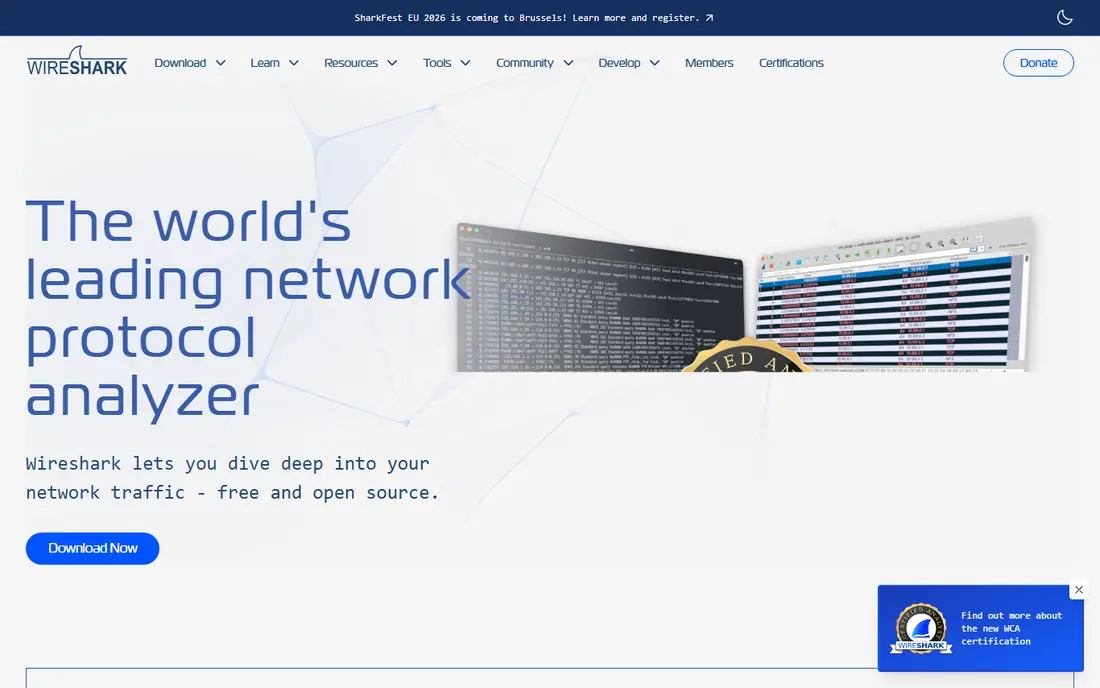
Wireshark is the first tool many network staff reach for when something is slow, broken, or suspicious. It captures packets as they move across a network interface and lets you filter by protocol, address, or conversation, so you can see exactly what a device sent and what came back. That detail makes it useful for proving a fault, checking a misbehaving app, or learning how a protocol really works.
The catch is that detail can overwhelm a new user. A busy network produces thousands of packets in seconds, and Wireshark will not tell you which ones matter unless you know how to filter and read them. It is also a diagnostic tool, not a blocker, so it pairs best with a firewall or intrusion system that can act on what you find. For teams with basic networking skills, it remains hard to beat at any price, because the price is zero.
- Free and open source
- Deep packet inspection
- Runs on Windows, macOS, and Linux
- Steep learning curve for beginners
- Shows raw traffic rather than simple verdicts
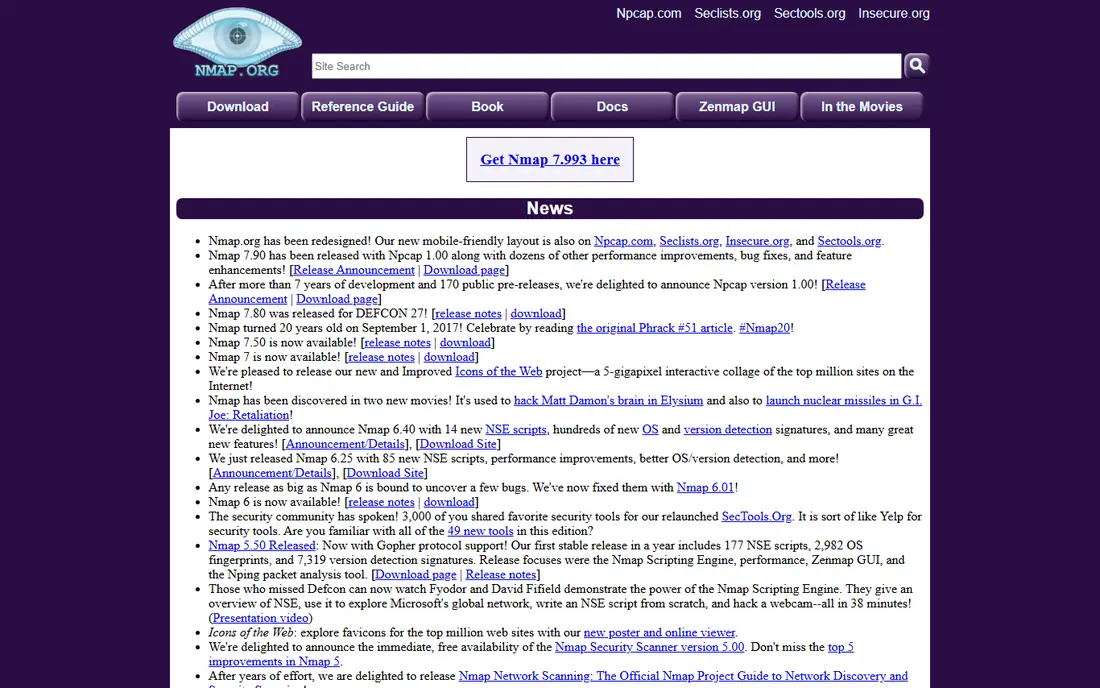
Nmap answers a simple question that every security team needs to answer often: what is on this network, and what is listening? It finds hosts, lists open ports, identifies services, and can fingerprint operating systems, which gives you a map of exposure before an attacker builds one for you. The scripting engine extends it into vulnerability checks and routine audits.
We like Nmap for scheduled, careful scans of your own networks, with written permission and agreed times. Scanning someone else's network without permission is not acceptable, and even on your own network a heavy scan can set off intrusion alerts or stress fragile devices. Used with care, it is a fast, honest inventory tool. It does not patch, block, or monitor around the clock, so treat it as a checkup tool rather than a guard.
- Free and open source
- Fast host and service discovery
- Scriptable for repeat checks
- Command-line focus can put off beginners
- Aggressive scans can trigger alerts

Snort watches network traffic in real time and raises alerts when it matches known attack patterns or rules you write yourself. That flexibility is its main appeal. A team that understands its own traffic can write rules for its own apps, blocklists, and threat patterns, rather than relying only on a vendor preset. Cisco owns Snort, and community rule sets give smaller teams a useful starting point.
The honest catch is maintenance. Rules need updates, tuning, and review, or alert volume grows and real warnings get lost in noise. Snort also needs a sensible place in the network to see traffic, plus staff who can read alerts and act on them. For a team with those skills, it is a low-cost way to add detection. For a team without them, a managed detection service may be a better fit.
- Custom rules for tuned detection
- Real-time traffic analysis
- Large community rule sets
- Needs tuning to reduce false alarms
- No simple graphical console out of the box
Palo Alto Networks Next-Generation Firewall
Best for: Application-aware enterprise firewalls
Palo Alto Networks built its name on inspecting traffic by application rather than by port alone, and that approach still matters when apps hide on common ports or shift ports on their own. Its firewalls classify traffic by application, user, and content, and threat prevention services add malware and web protection on top of basic filtering. The range runs from branch units to large data centre chassis, plus virtual editions for cloud use.
Cost and complexity are the trade-offs. Hardware, subscriptions, and support add up, and the platform pays off most when a team uses central management and keeps policies tidy. Smaller teams may find the learning curve steep and the quote larger than expected. For a security-mature organisation that wants deep inspection and can staff it, this is our pick for the strongest firewall engine in this list.
- Strong application and content inspection
- Wide appliance and virtual range
- Central management with Panorama
- Higher cost than many rivals
- Best results need commitment to the wider platform
FortiGate covers a very wide range, from small desktop units for a branch office to large chassis for a data centre, all running the FortiOS system. Custom hardware helps keep threat inspection throughput high when features are turned on, which matters when a firewall slows down under load. SD-WAN, VPN, and threat services sit in the same system, so many sites can standardise on one platform.
Pricing runs through partners and bundles hardware with subscriptions, so you should ask for a clear total for three years, not just a first-year figure. Patching also matters a great deal, because internet-facing firewalls are a popular target and old firmware has been exploited in public incidents. With correct sizing and a patch routine, FortiGate is a strong, practical choice for branch, campus, and mid-size networks.
- Wide appliance range from desktop to data centre
- Integrated SD-WAN and remote access
- Hardware acceleration for inspection
- Quote-based pricing through partners
- Needs regular firmware patching
Cisco Secure Firewall suits organisations that already run Cisco networks and want firewall policy, threat defence, and central management to sit close to that estate. It offers hardware appliances, virtual editions, and cloud options, with threat services for intrusion prevention, malware, and web filtering. For large teams, the management tools and integration with Cisco identity and network tools can save time.
The weakness is that it can feel heavy outside a Cisco environment. Licensing has several layers, setup rewards experience, and small teams may pay for depth they rarely use. If your switches, wireless, and identity tools are already Cisco, this is a natural shortlist pick. If you run a mixed estate, compare total cost and management effort with Palo Alto Networks and Fortinet before you commit.
- Fits well with Cisco switching and routing
- Strong threat defence services
- Broad hardware and virtual options
- Complex licensing and setup
- Best value inside a Cisco estate
Nessus scans devices, servers, and network services for known vulnerabilities, misconfigurations, and missing patches, then reports what it found in a form a team can act on. That makes it a good partner to Nmap: Nmap shows what is listening, and Nessus checks whether what is listening is known to be weak. It is widely used for routine audits, pre-change checks, and compliance evidence.
A scan report is not a fix, and that is where teams slip. Nessus will surface many findings, some urgent and some minor, and someone must rank them, assign patches, and re-scan to confirm the fix. False positives also appear, so results need a human review before they become tickets. With that workflow in place, Nessus is a reliable way to keep a network inventory honest and to catch drift between audits.
- Broad vulnerability coverage
- Clear scan reports
- Useful for compliance checks
- Findings need triage and patching
- Enterprise pricing is quote-based
SolarWinds Network Performance Monitor
Best for: Network monitoring and fault finding
SolarWinds Network Performance Monitor focuses on a different job from the firewalls above: keeping the network itself healthy and finding faults before users report them. It monitors device availability, bandwidth, latency, and interface status, builds maps of the network, and alerts when a link, device, or service crosses a threshold. History charts help a team tell whether a fault is new, growing, or tied to a change.
Because monitoring tools hold credentials and a wide view of the network, access control and patching deserve special care, and SolarWinds has faced public scrutiny on that point in past years. Teams should limit admin access, keep the system updated, and place it on a protected segment. For mid-size and larger networks that need day-to-day visibility, it remains a practical monitoring pick, especially when paired with a separate security scanner.
- Clear maps and alerts for device health
- Performance history for fault diagnosis
- Broad device support
- Needs care with access controls and patching
- Pricing is quote-based
Darktrace takes a behaviour-based approach. Instead of only matching known attack signatures, it learns what normal looks like for each device and user, then flags departures from that pattern, such as odd data transfers, unusual logins, or strange internal movement. That can catch novel or slow attacks that signature tools miss, and it covers network, cloud, email, and identity signals in its wider platform.
The catch is that behaviour systems need time to learn, and early alerts can need careful review. Pricing is enterprise and quote-based, so it fits larger budgets better than small teams. Darktrace also works best when analysts review its findings and feed decisions back, rather than treating every alert as a verdict. For teams that already have firewall and scanning basics in place and want a second, behaviour-based layer, it is worth a demo.
- Learns normal behaviour per device and user
- Flags novel activity without only relying on signatures
- Cloud, email, and network coverage
- Quote-based enterprise pricing
- Needs tuning and analyst review to avoid noise
How we picked these
We compared official feature pages, pricing pages, and public documentation for firewall, scanning, detection, and monitoring tools that are sold and supported in 2026. We favoured tools with a clear job, a current product line, and evidence of active maintenance, and we included free tools where they genuinely compete with paid options. We did not claim hands-on lab testing. Prices shown as See website mean the vendor does not publish a simple list price, so a quote is needed.
What to buy first, and what to add later
Start with the edge. A firewall that fits your site size and your team's skill level matters more than a long feature list, because a firewall you cannot manage well becomes a risk of its own. Check throughput with threat features turned on, not just with them off, and ask how updates, backups, and policy changes work in practice.
Next, add visibility. A scanner such as Nessus, plus Nmap for quick checks, tells you what the firewall is protecting and where patches are missing. Add packet capture with Wireshark for fault finding, and monitoring for day-to-day health if your network is large enough to need it. Detection tools such as Snort or Darktrace come third, once you have staff or a partner who can review alerts each day.
Questions to ask before you sign
Ask for total three-year cost, including hardware, subscriptions, support, and any per-user or per-device fees. Ask what happens when a subscription lapses, because some features stop working rather than just losing updates. Ask for a trial on your own traffic, with your own policies, and check how long support takes to answer a real ticket. Those answers tell you more than a demo on a clean test network.
FAQ
What are the best network security tools for a small business?
Start with a firewall sized for your office, a vulnerability scanner for routine checks, and free tools such as Wireshark and Nmap for diagnosis. A small business rarely needs an enterprise behaviour platform on day one. Spend the saved money on patching, backups, and staff time to review alerts.
Do I need both a firewall and an intrusion detection tool?
In most cases, yes, because they do different jobs. A firewall controls what traffic is allowed in and out, while intrusion detection watches allowed traffic for attack patterns or odd behaviour. Many modern firewalls include intrusion prevention, so a small team may get both in one box, but a separate detection layer still helps on larger networks.
Is Wireshark enough on its own for network security?
No. Wireshark is a strong diagnostic tool, but it does not block traffic, patch devices, or alert you around the clock. Use it to investigate and learn, and pair it with a firewall, a scanner, and a patch routine for real protection.
How much do network security tools cost?
Free tools cost nothing for the software, but they cost staff time. Mid-size firewall and monitoring setups often run into thousands of dollars per year once subscriptions are included, and enterprise platforms are quote-based. Always compare three-year totals, not first-year discounts.
What is the difference between a firewall and a vulnerability scanner?
A firewall controls traffic in real time. A vulnerability scanner checks devices and services for known weaknesses at a point in time. The firewall guards the door, while the scanner checks the locks and windows, and both are needed for a complete view.
How often should we scan our network?
Most teams scan at least monthly, plus after major changes, new device rollouts, and patch cycles. High-risk or internet-facing systems deserve more frequent checks. The key is to re-scan after fixes, so you can prove a weakness is closed rather than assuming it is.