Best Home Inspection Reporting Software in 2026: 6 Tools Compared
Compare 6 picks for the best home inspection reporting software, with prices, free plans and who each fits. Concise write-ups of every option. Choose faster.
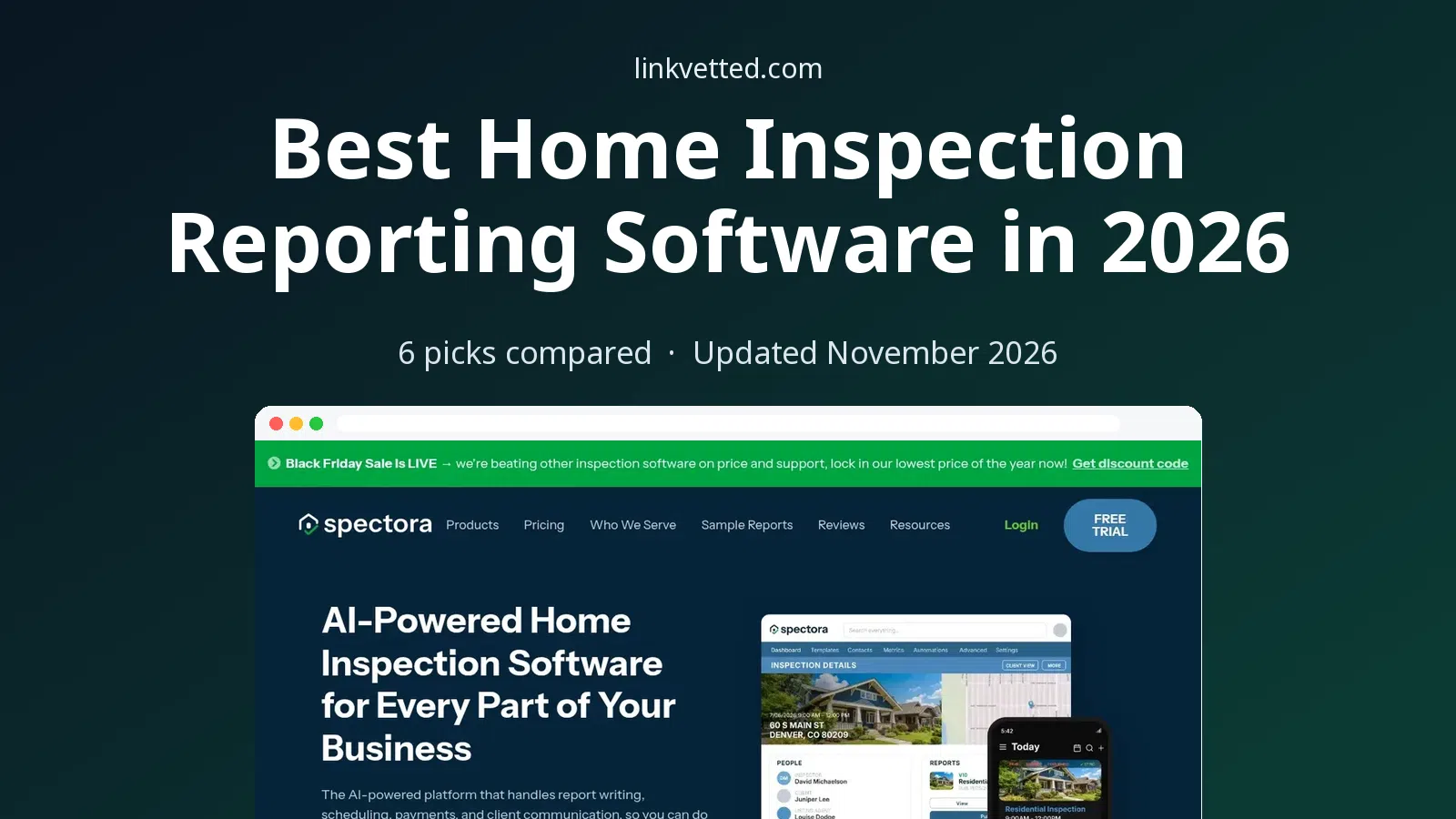
- Editor's choiceISN (Inspection Support Network)
Quick report writing with growth tools
Starts atSee websiteVisit inspectionsupport.comFull review - Great alternativePalm-Tech
Easy-to-use reporting for new inspectors
Starts at$50 per user a monthVisit palm-tech.comFull review - Also considerSpectora
Automation and workflow growth
Starts at$4 per inspectionVisit spectora.comFull review
Direct answer
Start with ISN (Inspection Support Network) if you need quick report writing with growth tools. Listed starting prices: Palm-Tech from $50 per user a month, Spectora from $4 per inspection and 3D Inspection System from $1,199.00. For a different need, Palm-Tech covers easy-to-use reporting for new inspectors and Spectora covers automation and workflow growth. The remaining 3 options are covered below with prices and limits.
TL;DR:
- This list starts with ISN (Inspection Support Network), which is built for quick report writing with growth tools.
- For the cheapest start, look at Palm-Tech: $50 per user per month.
- 3D Inspection System suits economical reporting across inspection types.
- Check the limits for Palm-Tech before you commit: less growth-oriented than some rivals.
Last checked November 2026. Prices and plan details were read from the vendors' own pages in November 2026; vendors change plans often, so confirm the current price on the vendor site before you buy.
Quick comparison
| Tool | Best for | Starts at | Free plan? | |
|---|---|---|---|---|
| ISN (Inspection Support Network) | Quick report writing with growth tools | See website | Free trial | Visit |
| Palm-Tech | Easy-to-use reporting for new inspectors | $50 per user a month | Free trial | Visit |
| Spectora | Automation and workflow growth | $4 per inspection | Free trial | Visit |
| HomeGauge | Reporting plus business management | See website | Not stated | Visit |
| HIP (Home Inspection Pro) | Cross-platform configurable reporting | See website | Not stated | Visit |
| 3D Inspection System | Economical reporting across inspection types | $1,199.00 | Free trial | Visit |
The full home inspection reporting software list
LinkVetted compared 6 tools for home inspection reporting software. The goal is a practical shortlist: published prices, free plan facts, best-fit use cases and honest limits for every entry.
ISN (Inspection Support Network)
Best for: Quick report writing with growth tools
ISN (Inspection Support Network) targets fast report writing with growth tools. Vendor descriptions emphasize reporting and growth instead of device compatibility details, so inspectors with specific product requirements should verify those points.
Trade-offs to know: Less detail on cross-platform device support.
More specifically, if you need a narrowly focused report writer with minimal extras, compare more straightforward choices, and confirm current features straight with the vendor. Check the vendor site for ISN (Inspection Support Network) pricing; none is listed in this comparison. On free options: Free trial.
- Built-in tools geared toward business growth
- Report writing emphasis
- Growth tools may overlap with other systems
Palm-Tech
Best for: Easy-to-use reporting for new inspectors
Palm-Tech is a good fit for easy-to-use reporting for new inspectors. Inspectors who want deep workflow automation should compare other options.
Where it is weaker: Less growth-oriented than some rivals.
It is wise to confirm current capabilities straight with the vendor before deciding. Palm-Tech cost at the entry level: $50 per user per month. Trial and free access: Free trial.
- Friendly to new and seasoned inspectors
- Report writer emphasis
- May lack advanced automation depth
Spectora
Best for: Automation and workflow growth
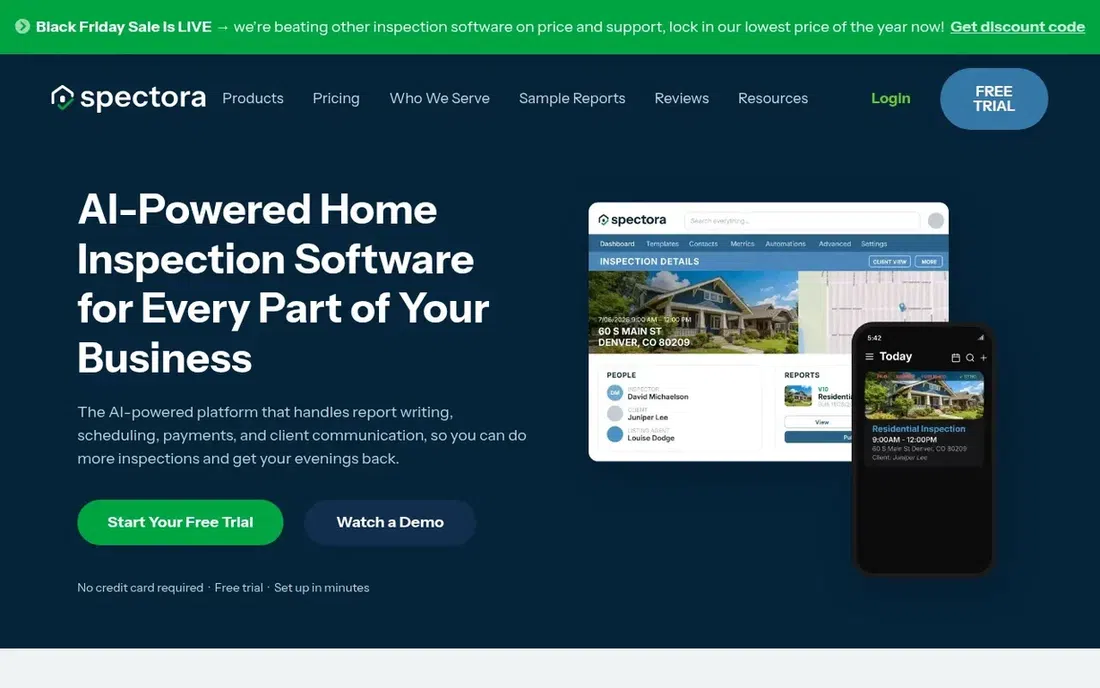
Spectora works best for automation and workflow growth. The growth-oriented approach may be more than a small operation needs, and inspectors who prefer a stripped-down report writer could find the automation layer distracting.
More specifically, Spectora describes itself as home inspection automation and business growth software, with workflow automation and tools geared toward helping inspectors close more extras and run their business. Also, consider a more straightforward choice if you chiefly want to write reports rapidly, and verify the current feature set with the vendor. The starting price for Spectora: $4 per inspection. Free plan details: Free trial.
Drawbacks to consider: Automation focus may overwhelm minimal users.
- Workflow tools for running the business
- Emphasis on add-on sales
- Best value likely for expanding companies
HomeGauge
Best for: Reporting plus business management
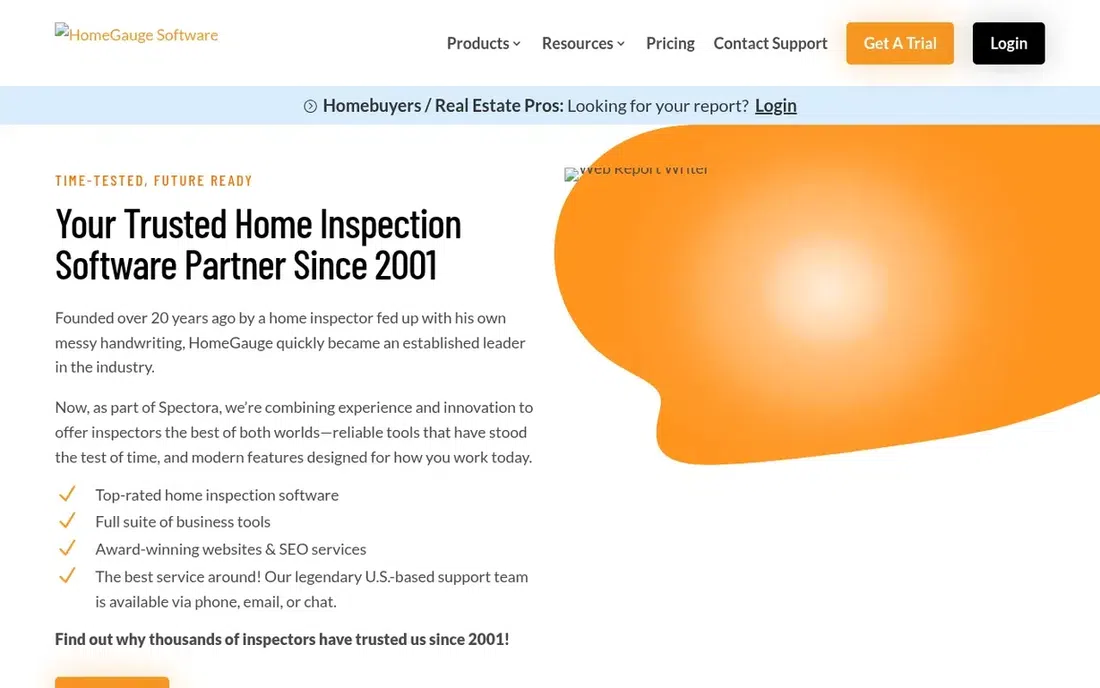
HomeGauge is aimed squarely at reporting plus business management. Compare lighter reporting-focused choices if simplicity is your central goal, and confirm current feature details on the vendor site before committing.
Limits to weigh: Feature set may feel wide for solo inspectors.
Beyond that, if your priority is a report writer that also supports how you present and manage your business online, this is worth a close look. For everyday use, HomeGauge presents itself as home inspection software alongside websites and business management tools, centered on writing and managing property reports for buyers, sellers and agents. HomeGauge does not show a starting price in this comparison, so check the vendor site for current pricing. Free options: Not stated.
- Targeted at buyers
- Report writing and websites in one product
- Less centred on pure automation
HIP (Home Inspection Pro)
Best for: Cross-platform configurable reporting
HIP (Home Inspection Pro) was built for cross-platform configurable reporting. It appeals to those who prioritize adaptability in the report writer over bundled business services.
Honest limits: Customization can need setup time.
In daily use, customization commonly means time spent configuring templates to match your preferences, which can slow a quick start. HIP (Home Inspection Pro) does not show a starting price in this comparison, so check the vendor site for current pricing. Free plan details: Not stated.
- Professional software orientation
- IOS and Android
- Not positioned around business growth tools
3D Inspection System
Best for: Economical reporting across inspection types
3D Inspection System was built for economical reporting across inspection types. 3D Inspection System markets economical home inspection software designed for efficient reporting across multiple industries, including residential and marine inspections.
Honest limits: May suit specialized inspection niches better.
For everyday use, since the positioning centers on economical reporting, inspectors who want broad automation or client-facing business tools may have to look elsewhere. It is a reasonable choice when budget discipline and straightforward reporting matter most, but confirm the exact capabilities on the vendor site. Price to start with 3D Inspection System: $1,199.00. Free access: Free trial.
- Positioned as economical software
- Made for efficient report writing
- Less emphasis on business growth features
How these tools were picked
The comparison looks at four things: starting price, free access, how well the feature set matches home inspection reporting software, and the main limit of each tool. Where a vendor does not publish a price, the entry says quote. Where a price depends on seats or billing term, the entry says so. The sequence is a judgement call: typical use case first, then pricing transparency, then free access. Use the profiles to check fit.
What to confirm before you sign up
- Confirm the entry price on the vendor page. For ISN (Inspection Support Network), HomeGauge and HIP (Home Inspection Pro) that means a quote rather than a fixed price.
- Take the trial from ISN (Inspection Support Network), Palm-Tech, Spectora and 3D Inspection System and push a live task through it before you pay.
- Read the limits listed for ISN (Inspection Support Network) first: less detail on cross-platform device support.
- Run a one or two week pilot of HomeGauge with the people who will use it every day.
- Check whether the features you need in Spectora sit on the entry plan or only on higher tiers.
FAQ
Can I try these options before paying?
Often, yes. ISN (Inspection Support Network), Palm-Tech, Spectora and 3D Inspection System offer a free trial. Use your own data and a real task during the test, and check what the free tier or trial limits before you rely on it.
Is reporting software enough, or do I need business tools too?
It relies on your operation. Some inspectors only need a quick, configurable report writer, whereas others want websites, automation and client management in one place.
Is ISN (Inspection Support Network) the right pick for everyone comparing home inspection reporting software?
No single tool suits every team. ISN (Inspection Support Network) comes first because it fits fast report writing with growth tools, while Palm-Tech suits easy-to-use reporting for new inspectors and Spectora suits automation and workflow growth. Match the tool to your own size, budget and workflow before deciding.
Do these tools publish their prices?
Not all of them. ISN (Inspection Support Network), HomeGauge and HIP (Home Inspection Pro) publish no starting price, so expect a quote request for those. The rest, Palm-Tech included, show a starting price, though seats and billing terms still change the final cost.
How are the tools for home inspection reporting software ordered?
The order follows typical fit for home inspection reporting software, with ISN (Inspection Support Network) first and 3D Inspection System last, then price clarity and free access. It is editorial judgement, not a score, so another team could rank the tools differently.
Sources
- https://www.inspectionsupport.com
- https://www.palm-tech.com
- https://www.spectora.com
- https://www.homegauge.com
- https://www.homeinspectorpro.com
- https://www.3dinspection.com