Best HDD Partition Recovery Software in 2026: Prices, Free Plans and 5 Picks
5 tools for the best HDD partition recovery software, compared on pricing, free plans and best-fit use. Each profile ends with a plain caveat. Decide faster.
- Editor's choice
 Recuva
Straightforward file undelete on Windows
Starts atPricing on requestVisit ccleaner.comFull review - Great alternativeMiniTool Power Data Recovery
Windows and Mac users with varied loss cases
Starts atPricing on requestVisit minitool.comFull review - Also consider
 Disk Drill
Mac-centric recovery with free scanning
Starts atPricing on requestVisit cleverfiles.comFull review
Direct answer
Recuva comes first here, mainly for simple file undelete on Windows. MiniTool Power Data Recovery fits Windows and Mac users with varied loss cases; Disk Drill fits Mac-centric recovery with free scanning. Details and limits for the rest of the 5 tools are below. None of these vendors publish plan prices, so pricing is on request for every option.
TL;DR:
- Top of the list is Recuva, which targets straightforward file undelete on Windows.
- For RAID and network recovery scenarios, R-Studio is worth a look.
- None of the 5 tools, from Recuva to R-Studio, has a free plan, so budget for a subscription or use a trial.
- Every tool from Recuva to R-Studio works by quote, with no list price shown.
- Check the limits for MiniTool Power Data Recovery before you commit: focus is on desktop operating systems.
Last checked November 2026. Pricing on request: vendors did not publish plan prices when this guide was last checked (November 2026), so ask each vendor for a written quote.
Quick comparison
| Tool | Best for | Starts at | Free plan? | |
|---|---|---|---|---|
| Recuva | Straightforward file undelete on Windows | Pricing on request | Not stated | Visit |
| MiniTool Power Data Recovery | Windows and Mac users with varied loss cases | Pricing on request | Not stated | Visit |
| Disk Drill | Mac-centric recovery with free scanning | Pricing on request | Not stated | Visit |
| EaseUS Data Recovery Wizard | Wide device and system coverage | Pricing on request | Not stated | Visit |
 R-Studio | RAID and network recovery scenarios | Pricing on request | Not stated | Visit |
Our 5 picks for HDD partition recovery software
If you are comparing HDD partition recovery software, this page covers 5 tools in one place: what each is best for, what it costs to start, whether it has a free plan, and the main limit to know about.
Recuva is aimed squarely at straightforward file undelete on Windows. The description concentrates on deleted file recovery instead of rebuilding damaged partitions, so severe partition table damage may call for a more specialized tool.
Where it is weaker: Restricted cross-platform coverage.
For everyday use, Recuva is a file recovery tool from the makers of CCleaner, pitched at recovering and un-deleting files. No starting price is listed for Recuva here; confirm pricing on the vendor site. Free options: Not stated.
- Centred on recovering deleted files
- Straightforward undelete approach
- Less emphasis on complicated partition damage
MiniTool Power Data Recovery
Best for: Windows and Mac users with varied loss cases
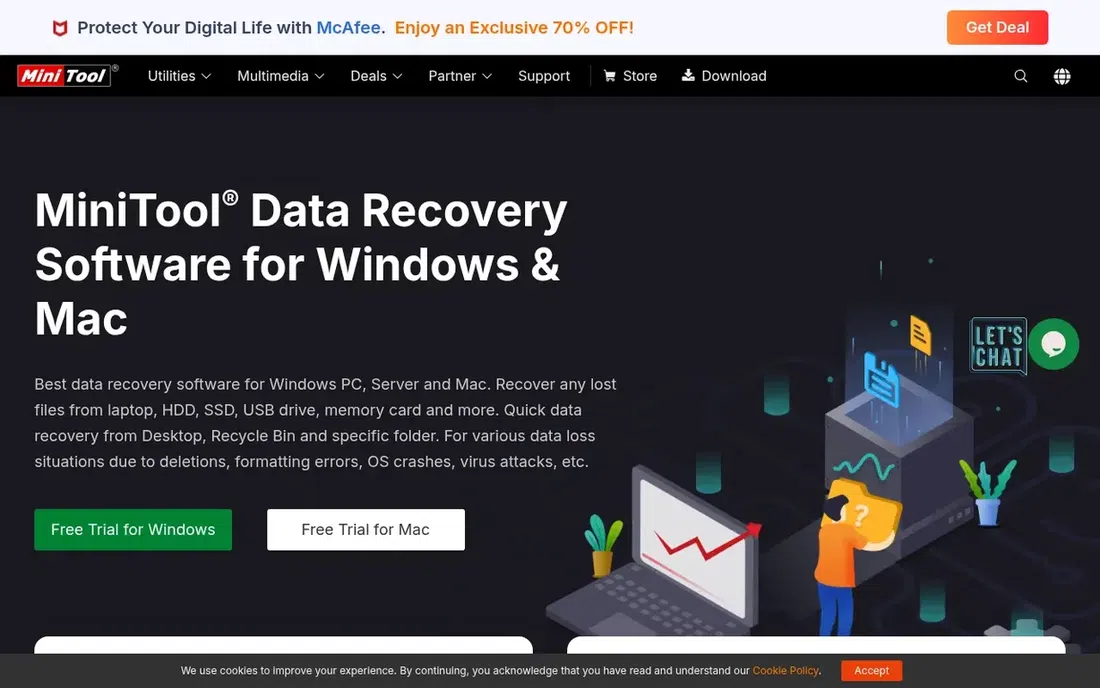
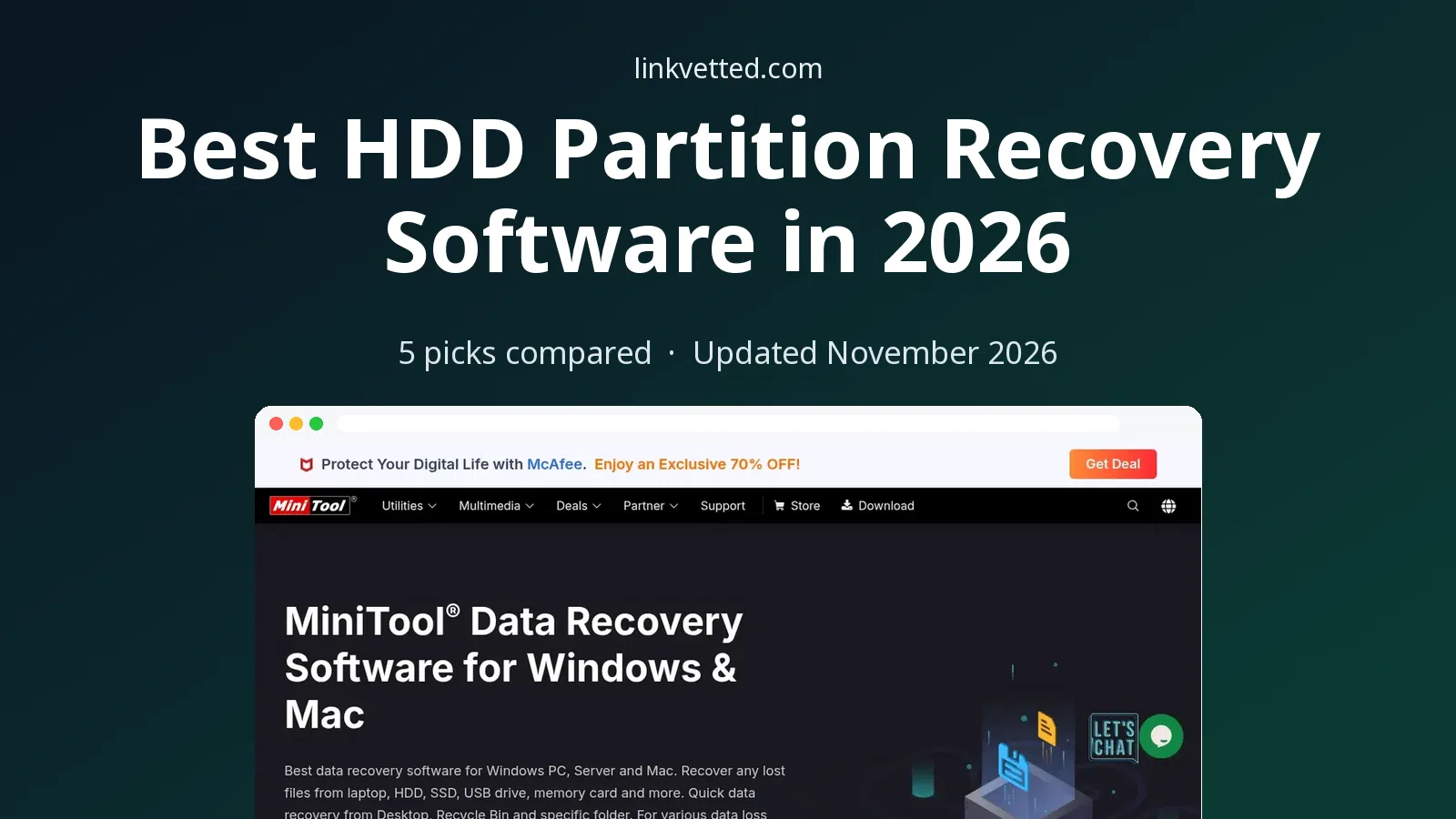
MiniTool Power Data Recovery is a good fit for Windows and Mac users with varied loss cases. MiniTool Power Data Recovery is positioned as data recovery software for Windows and Mac, helping users recover lost files under different data loss situations.
It fits home and office users who require partition recovery on a Windows PC or Mac and want a focused tool instead of a wide system. This comparison lists no price for MiniTool Power Data Recovery; ask the vendor. Free options: Not stated.
Downsides: Less emphasis on server or RAID scenarios. Upsides: Straightforward recovery workflow.
- Supports Windows 11, 10, 8
- Targets different data loss situations
- Focus is on desktop operating systems
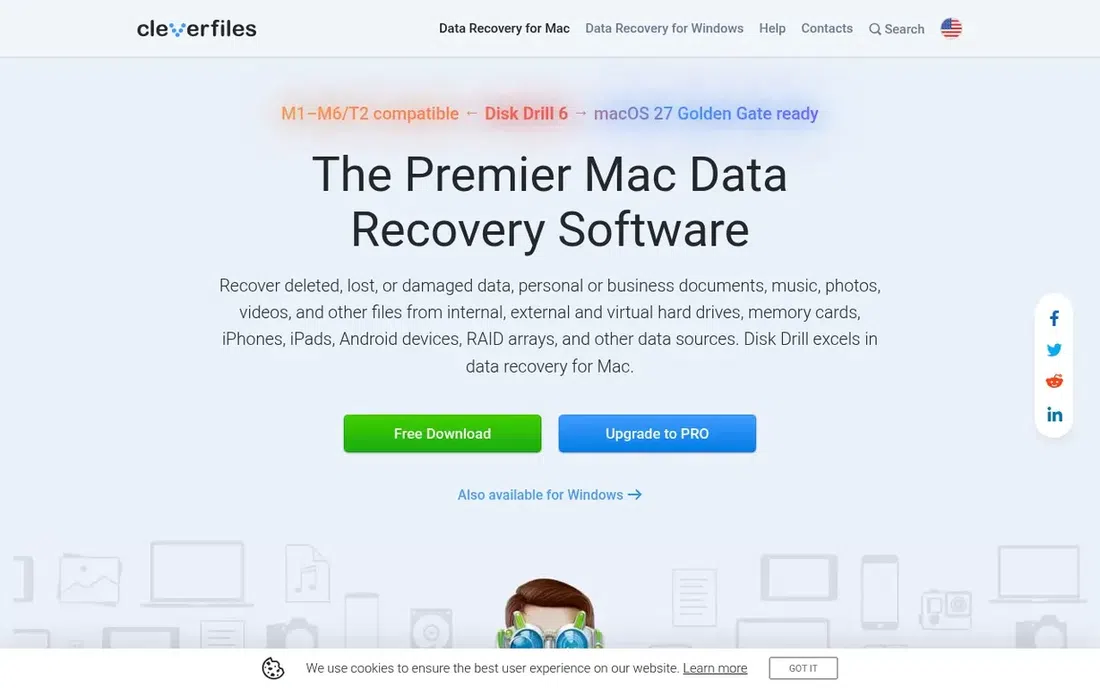
Disk Drill targets Mac-centric recovery with free scanning. Disk Drill is presented as data recovery software for macOS, able to recover deleted or lost data from any storage device, iOS and Android.
It suits Mac users who require to scan an HDD partition and preview recoverable files before deciding on recovery. Disk Drill does not show a starting price in this comparison, so check the vendor site for current pricing. Free access: Not stated.
Where it is weaker: Windows users may prefer a Windows-first tool.
- Bundles free scanning
- Aimed at macOS data recovery
- Primary focus is macOS
EaseUS Data Recovery Wizard
Best for: Wide device and system coverage
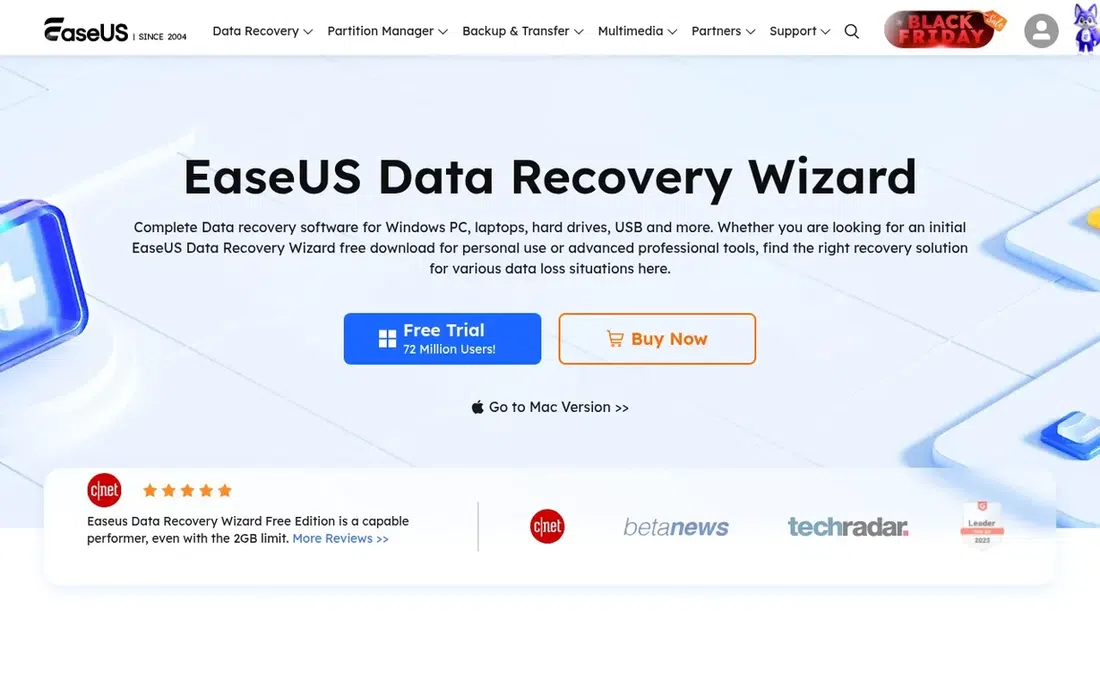
EaseUS Data Recovery Wizard targets wide device and system coverage. If you only need entry-level file undelete on one computer, a more straightforward tool may be simpler to learn.
What works well: Manages SQL and Exchange server recovery.
Points against: Feature set may overwhelm casual users.
Choose EaseUS when cross-device or server recovery is part of your requirements. EaseUS Data Recovery Wizard does not show a starting price in this comparison, so check the vendor site for current pricing. Free options: Not stated.
- Mobile devices
- Supports Windows, Mac, HDDs, SSDs, NAS
- Advanced recovery may need more steps
Where R-Studio fits: RAID and network recovery scenarios. R-Studio is disk recovery software and a hard drive recovery tool for Windows, Mac, and Linux, with network and RAID support from R-TT.
Watch-outs: May need familiarity with disk concepts.
This comparison lists no price for R-Studio; ask the vendor. On free options: Not stated.
- Comes with network and RAID support
- Disk recovery focus
- More technical than entry-level undelete tools
Our selection method
Pricing pages, product documentation and feature lists were the main sources, and every entry carries at least one honest drawback. Plan names, prices and limits change often. Treat the figures here as a starting point and verify them with the vendor. The order reflects how well each tool fits the most common buying scenario for HDD partition recovery software, then price clarity, then free plan access. It is a starting point, not a verdict.
Questions to settle before buying
- Ask each vendor, from Recuva to R-Studio, for a written quote; none of them publishes a starting price.
- Before choosing Recuva, weigh its main limit: less emphasis on complicated partition damage.
- Read the plan comparison for EaseUS Data Recovery Wizard carefully; key features often start on a higher tier.
- Ask whether Recuva integrates with your current software, and whether that comes standard or as an add-on.
- Look at the renewal terms for R-Studio: auto-renewal, notice periods and price changes can matter more than the first-year price.
FAQ
Does any tool for HDD partition recovery software here have a free plan?
No tool in this list, Recuva and R-Studio included, has a permanent free plan. Trials and quotes are the usual route, so plan a short evaluation period.
Can I try these options before paying?
Not by default. None of the tools, from Recuva to R-Studio, lists a free plan or a free trial here, so ask each vendor for a demo before committing.
How are the tools for HDD partition recovery software ordered?
The order follows typical fit for HDD partition recovery software, with Recuva first and R-Studio last, then price clarity and free access. It is editorial judgement, not a score, so another team could rank the tools differently.
Do these tools publish their prices?
No. None of the tools, from Recuva to R-Studio, shows a fixed starting price here, so budget time for quotes.
What is HDD partition recovery software?
It is software built to recover files or partitions from a hard disk drive after deletion, formatting, or partition damage. Tools vary from straightforward file undelete utilities to advanced suites with RAID and network support.
Sources
- https://www.ccleaner.com/recuva
- https://www.minitool.com/data-recovery-software
- https://www.cleverfiles.com
- https://www.easeus.com/data-recovery-software
- https://www.r-studio.com