Best Freelancer Management Systems for 2026: Our 6 Vetted Picks
6 best freelancer management systems, with entry costs, free tiers and the buyer each one serves. Clear notes on pricing gaps and limits. Reviewed this month.
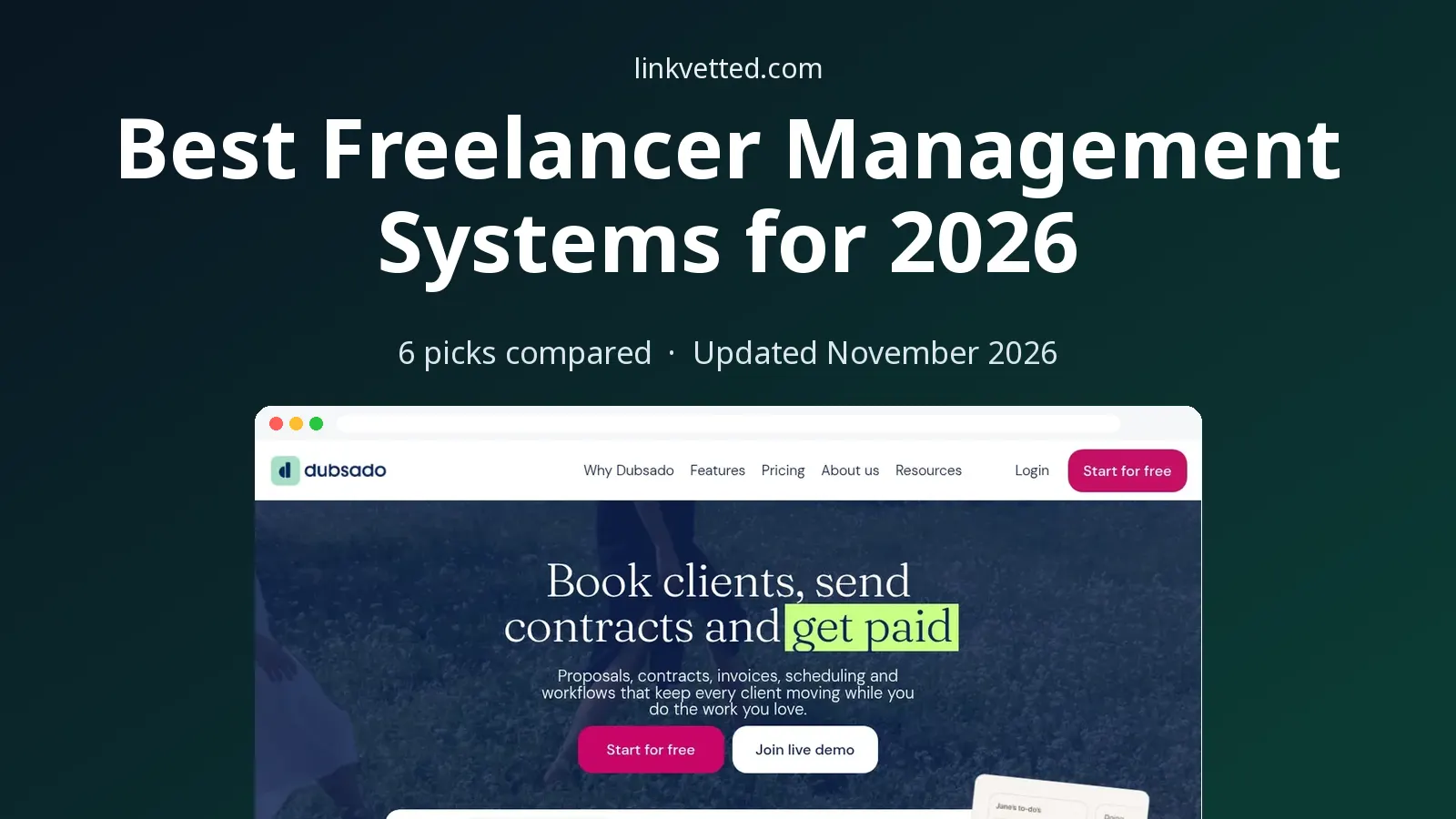
- Editor's choice
 Dubsado
Creative service business operations
Starts atSee websiteVisit dubsado.comFull review - Great alternative
 Xero
Bank-connected accounting with advisors
Starts at$7 a monthVisit xero.comFull review - Also consider
 FreshBooks
Invoicing with small business accounting
Starts at$23.00 a monthVisit freshbooks.comFull review
Direct answer
For creative service business operations, Dubsado is where this list starts. Listed starting prices: Xero from $7 a month, FreshBooks from $23.00 a month and QuickBooks Online from $11.40 per month. For a different need, Xero covers bank-connected accounting with advisors and FreshBooks covers invoicing with small business accounting. The other 3 tools in the list cover narrower or pricier cases.
TL;DR:
- The list opens with Dubsado, aimed at creative service business operations.
- Wave is the one to check for simple invoicing and money management.
- Wave is the only tool of the 6 with a free plan.
- One limit worth knowing about Bonsai: wide scope may exceed straightforward invoicing needs.
Last checked November 2026. Prices and plan details were read from the vendors' own pages in November 2026; vendors change plans often, so confirm the current price on the vendor site before you buy.
Quick comparison
| Tool | Best for | Starts at | Free plan? | |
|---|---|---|---|---|
| Dubsado | Creative service business operations | See website | Not stated | Visit |
| Xero | Bank-connected accounting with advisors | $7 a month | Free trial | Visit |
| FreshBooks | Invoicing with small business accounting | $23.00 a month | Free trial | Visit |
 Bonsai | All-in-one freelance business management | See website | Not stated | Visit |
 QuickBooks Online | Established accounting and reporting needs | $11.40 per month | Free trial | Visit |
 Wave | Straightforward invoicing and money management | $19 per month | Yes | Visit |
6 freelancer management systems in detail
LinkVetted put together this guide to freelancer management systems for readers who want a clear shortlist without reading every vendor page. It compares 6 tools on starting price, free plans, who each one suits and where each one falls short.
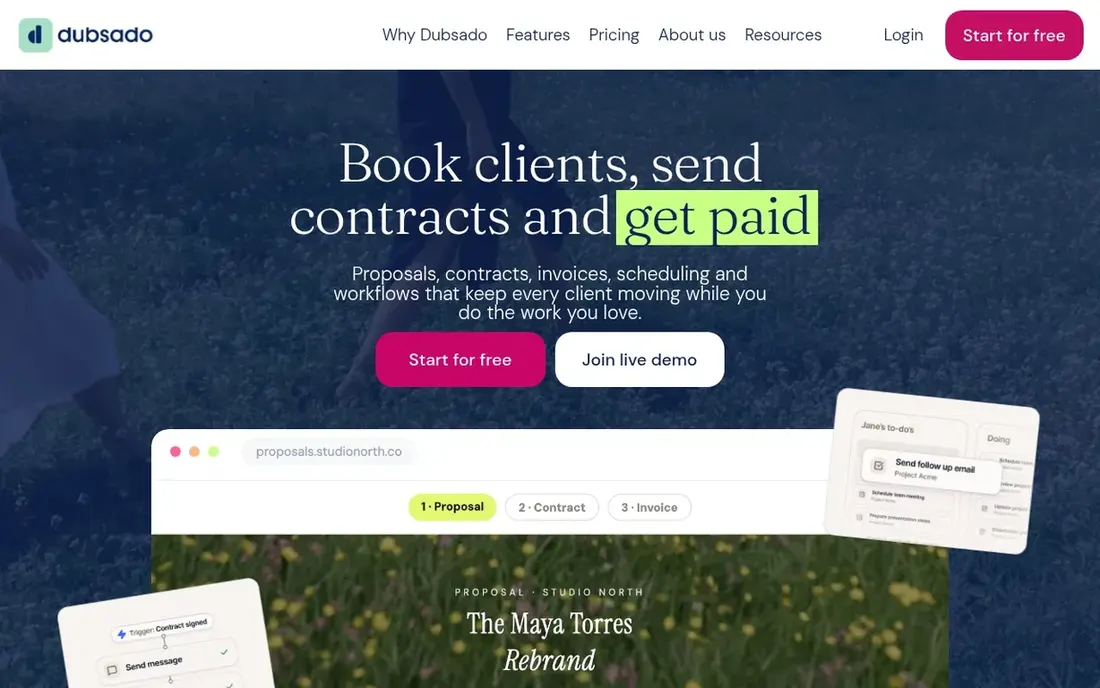
For creative service business operations, Dubsado is a natural candidate. It fits creatives who want client-facing processes organized without adopting a full accounting suite.
As for the details, choose Dubsado when client operations for a creative practice are the priority. Dubsado shows no starting price here, so confirm the cost on the vendor site. Free plan details: Not stated.
Trade-offs to know: May require setup effort to match your workflow.
- Aims to manage operational tasks in one place
- Made for creative service companies
- Positioned narrowly toward creative fields
Xero targets bank-connected accounting with advisors. Xero describes accounting software for small firms that links you to your bank, accountant, bookkeeper, and other business apps. That connectivity is the appeal for freelancers who want transactions flowing in automatically and who work with an advisor.
Strengths: Small business accounting focus.
Points against: Client management is not the core strength.
In daily use, Xero is accounting-first, so freelancer-specific client workflows like proposals and contract signing sit outside its core. More specifically, very small operations may find a more straightforward invoicing tool sufficient. Also, pick Xero when bank feeds, advisor collaboration, and app connections matter more than client relationship features. Xero starts at: $7 per month. Free access: Free trial.
- Connects you to your bank and accountant
- Links with bookkeepers and other apps
- Setup benefits from advisor involvement
FreshBooks makes the most sense for invoicing with small business accounting. FreshBooks is cloud-based small business accounting software for sending invoices, tracking time, managing receipts and expenses, and accepting credit card payments.
FreshBooks is accounting-led, so client relationship features such as proposals and contract workflows are lighter than in dedicated CRM tools. From a buyer's view, firms with complicated multi-entity accounting or advanced reporting needs may outgrow it. FreshBooks starts at: $23.00 per month. Free plan details: Free trial.
Honest limits: Client management is lighter than CRM tools.
- Time tracking and expense management
- Cloud accounting with invoicing
- Accounting depth below enterprise suites
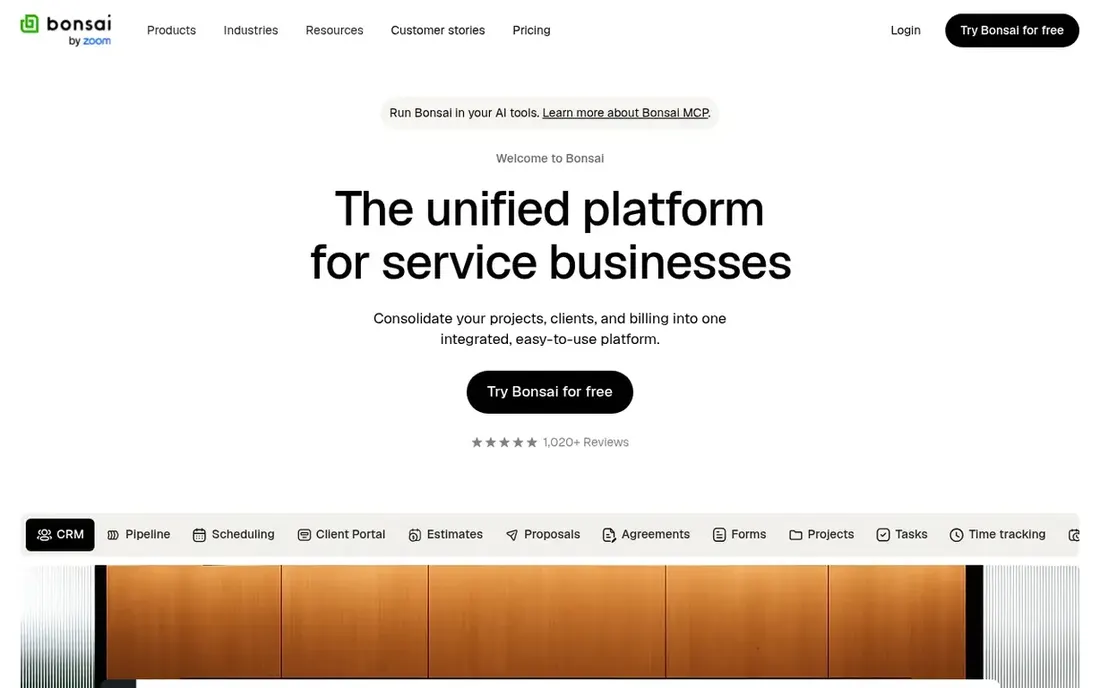
Think of Bonsai for all-in-one freelance business management. If your priority is deep tax and ledger features instead of client and project management, an accounting-first tool is the better fit.
Also, Bonsai presents itself as business management software that brings business, project, and billing management into one place. Choose Bonsai when unified freelance operations matter most. Bonsai does not show a starting price in this comparison, so check the vendor site for current pricing. Free plan details: Not stated.
Honest limits: Accounting depth is narrower than dedicated ledgers.
- Billing management
- Merges business, project
- Wide scope may exceed straightforward invoicing needs
For established accounting and reporting needs, QuickBooks Online is a natural candidate. For a freelancer sending a handful of invoices, QuickBooks Online can feel like more accounting machinery than the work needs. Choose it when accounting depth and reporting are the deciding factors.
Client-facing workflows for example proposals and contracts are not its focus, so a CRM or freelance management tool may still be needed. QuickBooks Online is positioned as a way to organize and run your business, with quick and simple setup and a wide accounting toolkit. Price to start with QuickBooks Online: $11.40 per month. As for free access: Free trial.
What users get: Broad accounting feature set. Where it is weaker: Can feel heavy for very straightforward freelance work.
- Quick
- Organizes and runs business finances
- Client project workflows are secondary
Wave targets straightforward invoicing and money management. Wave provides small business software for creating invoices, accepting online payments, and making accounting simple in one place. Freelancers who want a clean, focused set of money management tools without a sprawling feature set will find the scope manageable.
In daily use, Wave's emphasis on money management means client relationship features and deep project workflows are not the focus. More specifically, expanding firms with complicated accounting or advisory requirements may need a broader system. Wave pricing: $19 per month. Wave offers a free plan.
Trade-offs to know: Not built around client relationship pipelines.
- Suited to straightforward small business finances
- Accounting made approachable
- Lighter feature depth than full suites
How these tools were picked
Pre-purchase checklist
- Get a written quote from Dubsado and Bonsai; the list shows no starting price for them.
- Test the free plan from Wave against your real workload before relying on it.
- Take the trial from Xero, FreshBooks and QuickBooks Online and push a live task through it before you pay.
- Before choosing Dubsado, weigh its main limit: positioned narrowly toward creative fields.
- Check the integration list for Wave against the tools you run today, and note which ones need a higher plan.
- Compare total cost, not headline price: for QuickBooks Online, add extra seats, add-ons and any usage-based charges.
FAQ
Do these tools publish their prices?
Not all of them. Dubsado and Bonsai publish no starting price, so expect a quote request for those. The rest, Xero included, show a starting price, though seats and billing terms still change the final cost.
How are the tools for freelancer management systems ordered?
The order follows typical fit for freelancer management systems, with Dubsado first and Wave last, then price clarity and free access. It is editorial judgement, not a score, so another team could rank the tools differently.
What should a freelancer management system include?
Most freelancers look for client records, proposals or contracts, project tracking, invoicing, and payment collection in one place. Accounting features like expense tracking and bank connections are a bonus. Decide which of these you need before comparing tools.
Which options for freelancer management systems have a free plan?
Wave is the only tool in this list with a free plan. Free plans usually cap users, projects or features, so check the limits on the vendor page. Several others offer a trial instead. For the full picture, the cards above cover all 6 entries of this freelancer management systems list, including price, free plan and limits.
What is the cheapest option for freelancer management systems in this list?
On published monthly entry prices, Xero is the lowest here at $7 per month. Entry price is only part of the cost, because seats, add-ons and billing terms can change the total. Prices, free plan details and limits for all 6 tools in this freelancer management systems roundup sit on the individual cards above.
Sources
- https://www.dubsado.com
- https://www.xero.com
- https://www.freshbooks.com
- https://www.hellobonsai.com
- https://quickbooks.intuit.com
- https://www.waveapps.com