Best Frontend Collaboration Software in the Cloud in 2026: 9 Tools Compared
Compare the best frontend collaboration software in the cloud for design, code and deploys, with pricing, handoff quality and team fit explained in 2026.

- Editor's choice
 Figma
Product teams designing together
Starts atSee websiteVisit figma.comFull review - Great alternative
 Framer
Designers publishing real sites
Starts atSee websiteVisit framer.comFull review - Also consider
 Webflow
Marketing teams owning a website
Starts atSee websiteVisit webflow.comFull review
TL;DR:
- Figma remains the shared canvas where designers, developers and stakeholders meet in one browser tab.
- Framer and Webflow suit teams whose deliverable is a live website, not only a design file.
- Penpot is a strong open option for teams that want cloud collaboration without a high per-seat bill.
- StackBlitz, CodeSandbox, Vercel and Netlify cover the code and deploy side, where design tools stop.
- Zeplin still helps when handoff needs clean specs, assets and style guides outside a design tool.
Quick comparison
| Tool | Best for | Starts at | Free plan? | |
|---|---|---|---|---|
| Figma | Product teams designing together | See website | Yes | Visit |
| Framer | Designers publishing real sites | See website | Yes | Visit |
| Webflow | Marketing teams owning a website | See website | Yes | Visit |
 Penpot | Open cloud design collaboration | Free | Yes | Visit |
 StackBlitz | Instant cloud dev environments | See website | Yes | Visit |
 CodeSandbox | Sharing runnable code | See website | Yes | Visit |
 Vercel | Teams deploying constantly | See website | Yes | Visit |
 Netlify | Simple, fast deploys | See website | Yes | Visit |
 Zeplin | Design handoff and specs | See website | Yes | Visit |
The best frontend collaboration software in the cloud
Frontend collaboration in the cloud now spans design, code and deployment, and no single tool covers all three well. Some tools excel at shared design, others at runnable code, and others at shipping a site. The list below groups those strengths, so you can pick a design tool, a code tool and a deploy tool that work together.
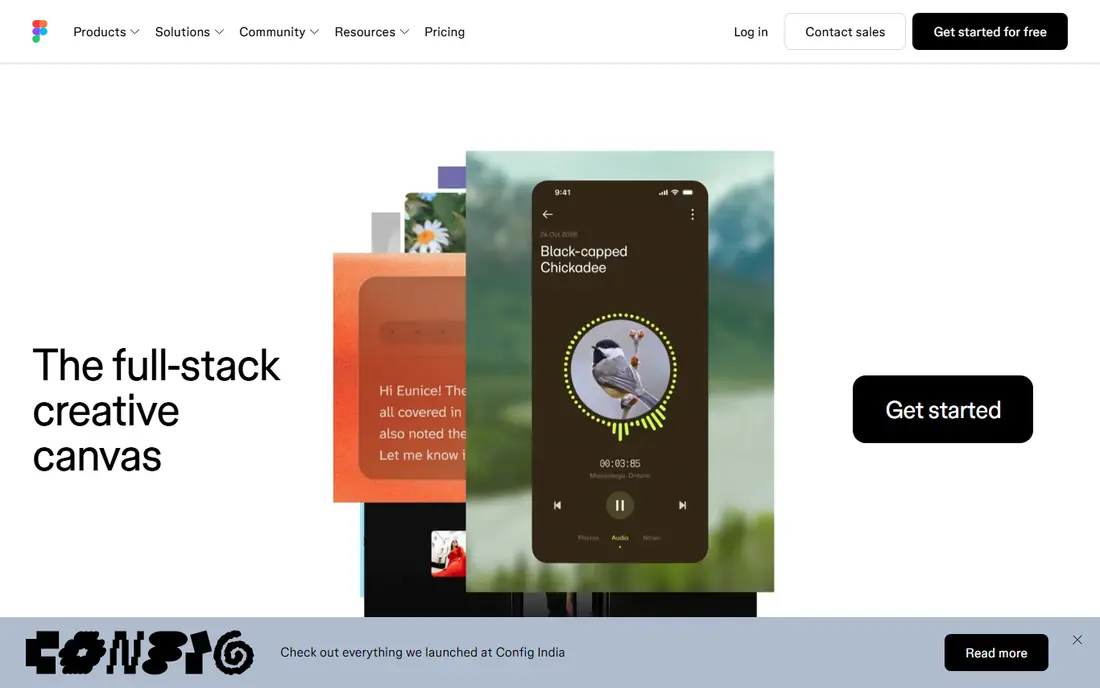
Figma put the whole product team in the same browser tab, and that habit has stuck. Designers edit live, developers inspect specs, writers leave comments pinned to an element, and stakeholders can follow progress without a new file version each day. That shared view removes the old back-and-forth of exported images and stale PDFs.
Dev Mode is the bridge to engineering, with measurements, assets and code snippets in one place. The catch is seat math. Figma now offers different seat types at different prices, and putting everyone on a full design seat can inflate the bill fast. Plan who needs to edit, who only needs to inspect, and who only needs to comment, then match seats to those roles.
- True multiplayer editing in the browser
- Dev Mode gives specs and code to engineers
- Large plugin and template ecosystem
- Seat types and pricing need careful planning
- Free plan limits collaborative files
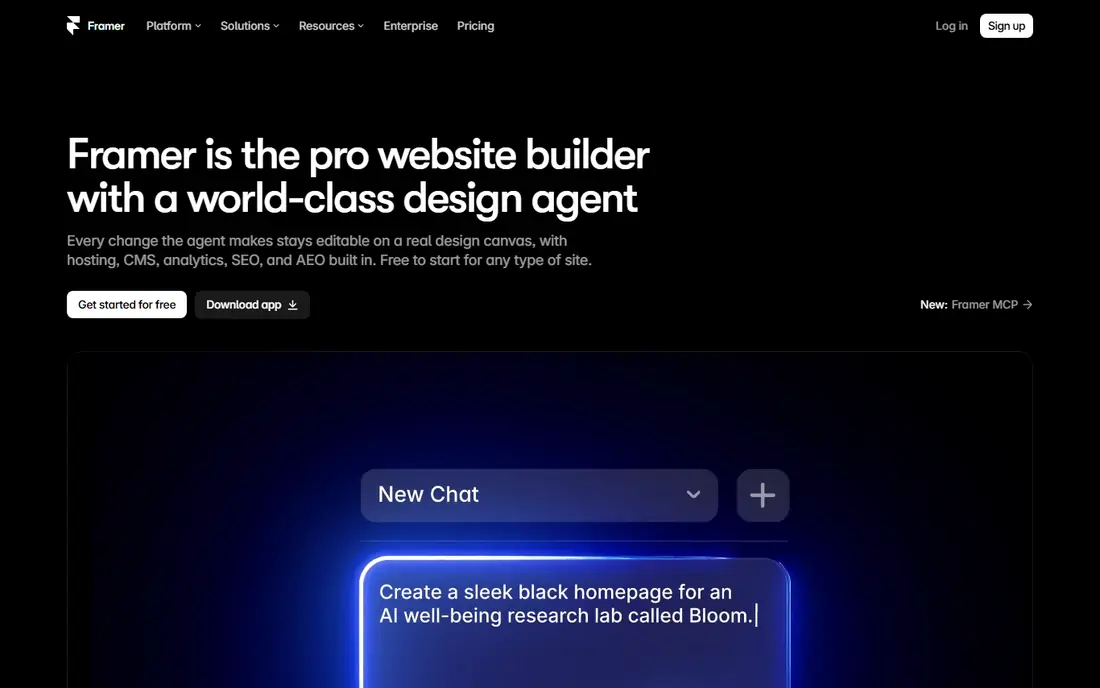
Framer closes the gap between a design and a live site. You lay out pages on a canvas, then publish a working website with hosting, a CMS, forms and analytics built in. For marketing sites, landing pages and portfolios, that removes a separate developer handoff for many projects. AI-assisted section generation can also speed up a first draft.
Pricing is per site, not only per person, so a team running several sites should model total cost, including extra editors and localisation. Framer is a website tool first. For a native mobile app or a large design system, Figma or Penpot remain better canvases. Buy Framer when the deliverable is a URL that must go live.
- Designs publish as real hosted websites
- Built-in CMS, forms and analytics
- Canvas feels familiar to designers
- Per-site pricing multiplies with each site
- Extra editor seats add cost
- Weaker for native app design systems

Webflow lets marketing and design teams build and own a website without waiting for a developer for every change. The visual builder produces real HTML and CSS, and the CMS lets non-technical editors update content, images and blog posts. Hosting, forms and SEO settings sit in the same workspace, which keeps a small marketing team moving.
The learning curve is real for advanced interactions and animations, and pricing has two layers to check: site plans and workspace plans. A team should map how many sites, editors and CMS items it needs before it commits. For a marketing site that changes often, Webflow gives more control than a static design file. For a product app, it is a complement, not a replacement for a code workflow.
- Visual building with real HTML and CSS output
- CMS and hosting in one place
- Strong for marketing sites and landing pages
- Learning curve for complex interactions
- Site and workspace pricing can stack up
Penpot is an open source design tool that runs in the browser and supports real-time collaboration. Teams can design interfaces, build prototypes and share files without paying per seat on the basic cloud plan. That makes it attractive for startups, nonprofits, schools and teams that want to avoid vendor lock-in.
The trade-off is ecosystem size. Figma has more plugins, templates and community files, and Penpot enterprise controls are less mature for very large firms. For a small or mid-size product team that values openness, file ownership and low cost, Penpot is a credible daily design tool. Test it on a real project first, especially for design system components and developer handoff.
- Open source with a free cloud plan
- Works in the browser across systems
- Design and prototyping in one canvas
- Smaller plugin ecosystem than Figma
- Fewer enterprise controls on the free tier
StackBlitz gives frontend developers an instant environment in the browser, with no local setup. You can open a project from a link, edit code, see a live preview and share the result for review. That speed helps for bug reproductions, code reviews, interviews and quick prototypes, where setting up a local repo would waste an hour.
Collaboration comes from shareable, runnable links rather than a design canvas. A reviewer can run the code, not only read it, which reduces guesswork about whether a fix works. The limit is scale. Very large repos and heavy backend work still suit a local or full cloud IDE better. For frontend work, StackBlitz is a fast, shareable workspace.
- Browser environments start in seconds
- Shareable links for code reviews and demos
- Works well for JavaScript frameworks
- Less suited to large monorepos or heavy backends
- Paid plans needed for team controls
CodeSandbox has long been a place to share code that actually runs. A developer can create a sandbox, share a link, and let a teammate or a support agent try the code, edit it and see the result. That runnable link is more useful than a code snippet in a chat message, because the reviewer can test an edge case directly.
Team workspaces add shared projects and permissions, which help when several developers work on examples, docs or prototypes together. The tool is not a full replacement for a local development setup on a large product, but it shines for examples, reproductions and learning. Check plan limits for private sandboxes and team seats before you build a workflow around it.
- Runnable sandboxes for many frameworks
- Easy sharing for feedback and support
- Team workspaces for shared projects
- Pricing and limits vary by plan
- Large projects can feel slower than local tools
Vercel turns a code change into a live preview link that designers, product managers and QA can open without a local setup. That preview workflow is where frontend collaboration moves from design to real product: a reviewer can click through the actual change, leave feedback, and approve it before it ships. Production deploys follow the same pipeline, which keeps staging and live closer together.
Next.js teams get the tightest fit, with framework-aware builds and optimisations. Teams on other stacks can still use Vercel, but should check fit for their framework and backend needs. Costs need watching as traffic, team seats and usage grow. For a team that deploys daily, preview links alone can justify the platform.
- Fast deploys with preview links for every change
- Strong Next.js support
- Analytics and edge features for production sites
- Costs can grow with traffic and team size
- Less simple for non-JavaScript stacks
Netlify is known for making deploys simple. Connect a Git repo, push a change, and get a preview link plus a production deploy, with forms, serverless functions and hosting in the same place. That simplicity helps small teams, agencies and marketing sites ship often without a dedicated DevOps person for every deploy.
Preview links let non-developers review a change in a browser, which closes the loop between design and code. The free tier covers many small sites, while larger teams should watch usage-based costs for bandwidth, functions and build minutes. Netlify fits teams that want a clear, low-friction path from code to live site, without a complex pipeline to maintain.
- Simple deploy from Git with preview links
- Forms, functions and hosting in one place
- Generous free tier for small sites
- Advanced enterprise needs may need higher tiers
- Pricing by usage needs monitoring at scale
Zeplin focuses on the handoff moment, when a design becomes code. It takes designs from Figma, Sketch and other sources and turns them into specs, assets, code snippets and style guides that engineers can use without guessing at spacing, colours or type. Version notes and notifications help a team know when a screen changed.
For a team already deep in Figma, Dev Mode may cover enough handoff that Zeplin feels like an extra step. Zeplin still helps when a team uses several design sources, needs a shared style guide outside a design tool, or wants a single handoff surface for engineers and QA. Test it on one project and compare handoff time before you pay for it across the company.
- Clean specs, assets and style guides for engineers
- Works with Figma, Sketch and other design sources
- Version notes keep handoff current
- Figma Dev Mode covers much of this for Figma teams
- Extra tool adds cost if handoff is already smooth
How we picked these
We compared official feature and pricing pages, app listings and public reviews for cloud tools that support frontend collaboration. We kept tools that run in the browser or in the cloud, support shared work by more than one person, and are actively maintained in 2026. We grouped design, code and deploy tools separately, because a design canvas and a deploy platform solve different collaboration problems.
What to check before you buy
Start with the workflow, not the tool list. Map how a design becomes code, how code becomes a preview, and how a preview becomes a live site. Gaps in that chain cause more delays than a missing feature in any one tool. Pick tools that connect at those handoff points.
Control seats and site costs
Figma seats, Framer sites and Webflow site plans all multiply in different ways. Model cost for your real team size, site count and editor count, not only for a single user. A tool that looks cheap for one person can become costly for a team of twenty with five sites.
Test handoff on a real screen
Take one real screen through the full path: design, comment, spec, code, preview and deploy. Time each step and note where information gets lost or retyped. That test reveals whether a new tool helps or only adds another tab to check.
Keep one source of truth for design tokens
Colours, type, spacing and components should live in one place that design and code both read. A design system or token file prevents drift, where a live site slowly stops matching the design. Review tokens when a brand or product change ships, not only at launch.
FAQ
What is frontend collaboration software in the cloud?
It is software that lets designers, developers and stakeholders work on frontend work together through a browser or cloud service. That can mean shared design files, runnable code sandboxes, preview links or deploy pipelines. The common thread is shared, current work, rather than files passed by email.
Do I need both a design tool and a deploy tool?
Usually yes. A design tool helps you agree on how a screen should look and behave, while a deploy tool turns code into a live preview and a production site. Some tools overlap, such as Framer and Webflow, which publish sites directly, but a product app still needs a code and deploy workflow.
Is Figma enough for frontend collaboration?
Figma covers design collaboration and handoff well, but it does not run code or deploy a site. Most product teams pair Figma with a code sandbox or repo workflow and a deploy platform such as Vercel or Netlify. That combination covers design, code review and shipping.
What is the cheapest way to start?
Penpot offers a free cloud plan for design, CodeSandbox and StackBlitz offer free tiers for code, and Vercel and Netlify offer free tiers for small sites. That stack can carry a small team a long way before paid plans are needed. Check limits for private projects, team seats and usage before you rely on free tiers for client work.
How do preview links help a team?
Preview links let a reviewer open the actual change in a browser, click through it, and leave feedback on what they see. That is clearer than a screenshot or a description, and it catches layout, content and interaction issues before a change ships. It also lets non-developers review work without a local setup.
Should a small team use Zeplin?
Only if handoff is a real pain point. If your engineers already get clean specs from Figma Dev Mode and handoff runs smoothly, Zeplin may add cost without much gain. If you use several design sources or need a shared spec surface, Zeplin can save time and reduce questions during development.