Best Financial Reconciliation Software in 2026: 8 Tools Compared
Compare the best financial reconciliation software for bank recs, account recs, close checklists, and audit trails, for small firms and large enterprises.

- Editor's choice
 BlackLine
Large enterprises with audit-grade close needs
Starts atSee websiteVisit blackline.comFull review - Great alternative
 FloQast
Mid-market teams that work in spreadsheets
Starts atSee websiteVisit floqast.comFull review - Also consider
 Numeric
Teams that want fast setup and transaction detail
Starts at$30 per user per monthVisit numeric.ioFull review
TL;DR:
- Bank reconciliation matches bank feeds to books, while account reconciliation ties balance-sheet accounts to supporting detail with sign-offs.
- Dedicated tools help when month-end involves several preparers, many accounts, intercompany activity, or audit scrutiny.
- Auto-matching and auto-certification save time, but reviewers should still check exceptions and high-risk accounts.
- Most dedicated reconciliation vendors quote pricing, so get a written quote for your account count and user count.
- This is general information, not financial advice, and a finance team should keep its own controls and audit trail.
Quick comparison
| Tool | Best for | Starts at | Free plan? | |
|---|---|---|---|---|
| BlackLine | Large enterprises with audit-grade close needs | See website | No | Visit |
| FloQast | Mid-market teams that work in spreadsheets | See website | Free trial | Visit |
| Numeric | Teams that want fast setup and transaction detail | $30 per user per month | Free trial | Visit |
 Adra by Trintech | High-volume and multi-way matching | See website | Free trial | Visit |
 ReconArt | Complex reconciliation and reporting | See website | Free trial | Visit |
 QuickBooks Online | Small businesses needing built-in bank recs | See website | Free trial | Visit |
 Xero | Small firms that want many integrations | See website | Free trial | Visit |
 SolveXia | Teams that need custom reconciliation workflows | See website | Free trial | Visit |
The best financial reconciliation software
Financial reconciliation software matches transactions, certifies accounts, and manages the close with an audit trail. We compared official feature pages, pricing pages, app store listings, privacy policies, and public reviews, and we kept tools that handle bank or account reconciliation as a core job. This article is general information, not financial advice.
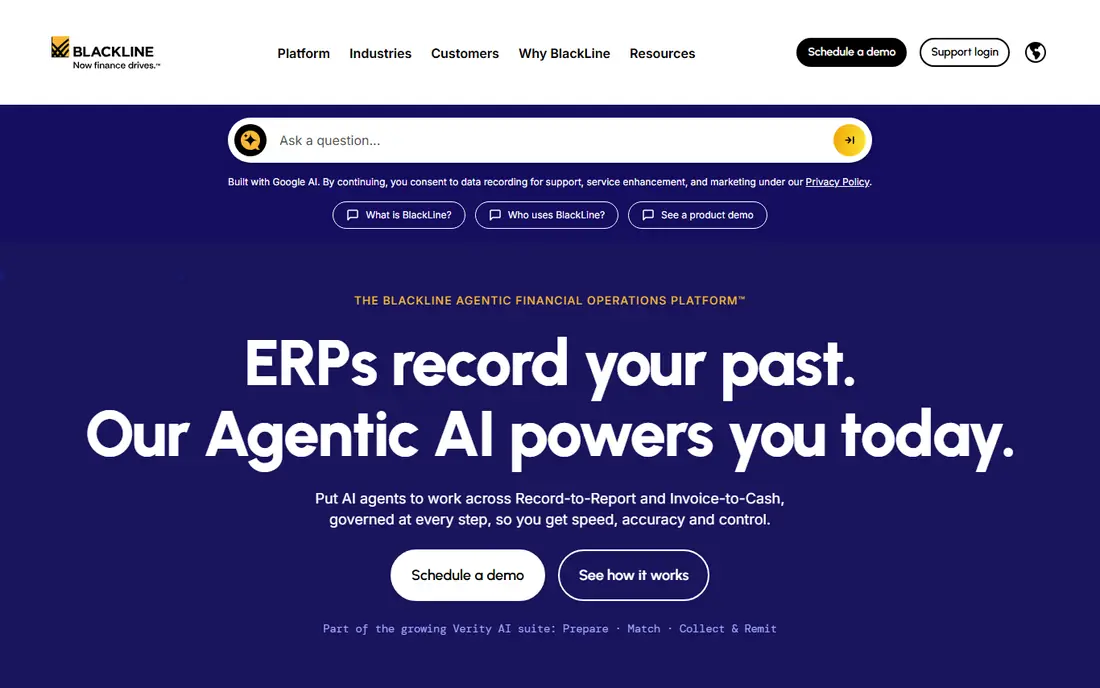
BlackLine is the enterprise leader for finance teams that reconcile thousands of accounts and must prove controls to auditors. Auto-certification can certify clean, low-risk accounts that meet set rules, so reviewers focus on exceptions. Journal entry, intercompany, and close task tools sit in the same platform, which helps a large team keep one close record.
The cost and setup are the barriers. Pricing is quoted, implementation often needs partner help, and a dedicated admin is common. For a large firm on SAP, Oracle, or NetSuite with audit scrutiny, BlackLine is a strong fit. For a small firm, a simpler tool will close faster and cheaper.
- Deep account reconciliation and auto-certification
- Strong ERP links
- Audit trail and controls
- Quote-only enterprise pricing
- Implementation takes months in many cases
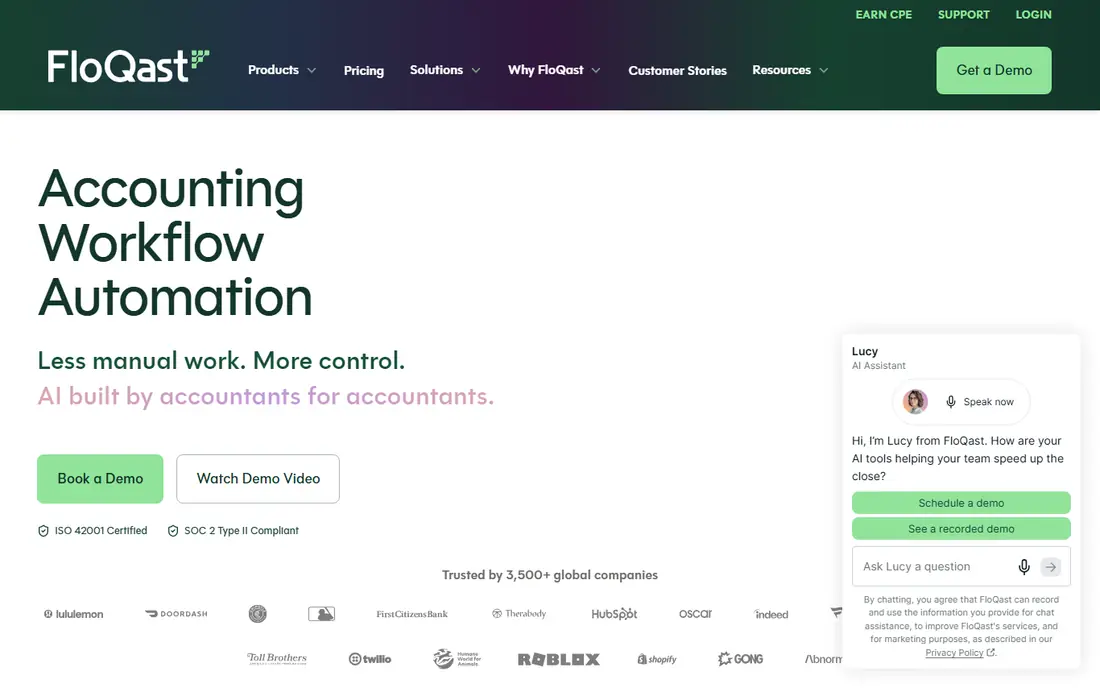
FloQast suits a mid-market accounting team that likes Excel but needs a controlled close. Checklists, deadlines, and preparer and reviewer assignments make month-end visible, while AutoRec matches transactions for bank and other high-volume accounts. GL balances pulled from the ERP help tie-outs without manual copying.
The limit is that FloQast is less automated than BlackLine for very large, complex reconciliations, and pricing is quoted. For a team moving from spreadsheets to a managed close, FloQast is a practical step. Start with a pilot close to test refresh timing and workflow fit.
- Close checklists and visibility
- Excel-native workflows
- AutoRec matching for high-volume accounts
- Pricing is quoted
- Data refresh timing can lag ERP updates in some reports
Numeric is a newer close and reconciliation tool that emphasizes transaction-level visibility and quick setup. Teams can monitor reconciliations in real time, drill into transactions, and track close tasks without a long implementation project. Published pricing also makes budgeting easier than with quote-only rivals.
The trade-off is enterprise depth. A very large firm with complex intercompany and multi-entity needs may still need BlackLine or Trintech. For a mid-size team that wants a modern tool and a fast start, Numeric is worth a trial.
- Published starting price
- Transaction-level ERP links
- Fast implementation in guides
- Newer than BlackLine and FloQast
- Less depth for the largest enterprise closes
Adra by Trintech suits finance teams with high transaction volumes and complex matching rules. Multi-way matching helps when a payment, an invoice, and a bank line must all agree, and reporting supports audit review. That depth matters for firms with many bank accounts, entities, or payment channels.
Setup time is the watch point, since complex matching rules need care. A small team with simple bank recs will not need Adra depth. For a mid-market or enterprise team with matching complexity, Adra is a strong candidate.
- Sophisticated matching, including multi-way matches
- Strong for high-volume accounts
- Audit-ready reports
- Pricing is quoted
- Implementation can take months for complex setups
ReconArt focuses on reconciliation for firms with many data sources and complex rules. Dashboards show matched, unmatched, and aged items, and exception workflows help reviewers clear breaks in order. That flexibility suits banks, payment firms, and multi-entity groups with varied formats.
The tool needs thoughtful setup, since matching rules and data feeds must be designed well. For a team with a simple bank rec, a lighter tool is enough. For a team with complex, high-volume reconciliation, ReconArt deserves a demo.
- Flexible matching rules
- Dashboards and exception handling
- Supports many data sources
- Pricing is quoted
- Setup needs data and rule design
QuickBooks Online is the right choice when a small business only needs bank reconciliation, not a full close platform. Bank feeds, suggested matches, and bulk reconciliation handle daily transactions, and accountants can access the same books. That simplicity keeps costs low and setup fast.
The limit is scope. QuickBooks does not offer auto-certification, close checklists with preparer and reviewer sign-offs, or intercompany matching at the level of dedicated tools. For a one to three person finance function, that scope is usually enough. Upgrade when the close involves several people and many balance-sheet accounts.
- Bank reconciliation in every plan
- Daily bank feeds
- Many integrations and accountant access
- Bank rec only, not full close management
- Higher tiers needed for multi-currency and projects
Xero suits a small business or firm that values integrations and unlimited users. Bank reconciliation, invoicing, and expense tools sit together, and hundreds of apps cover payroll, payments, and reporting. That ecosystem helps a firm that uses several tools alongside accounting.
Like QuickBooks, Xero handles bank rec, not a full controlled close with auto-certification and intercompany matching. For a small firm with straightforward books, Xero is a clean, affordable choice. For a larger close, pair it with a dedicated tool or move to a close platform.
- Bank reconciliation with daily feeds
- Unlimited users on plans
- Large app marketplace
- Bank rec only, not full account reconciliation
- Some features need higher tiers
SolveXia is a no-code automation platform that can build custom reconciliation and close workflows. Teams can automate data gathering, matching, checks, and reporting without writing code, which suits firms with unusual processes that off-the-shelf tools do not fit. Audit trails help reviewers follow each step.
The catch is that custom workflows still need design, testing, and ownership. A team without a clear process may build a complex workflow that is hard to maintain. For a finance team with a distinct reconciliation process, SolveXia offers flexibility that standard tools lack.
- No-code workflow building
- Automation for custom processes
- Audit trails and reporting
- Pricing is quoted
- Custom workflows need design and testing
How we picked these
We compared official feature pages, pricing pages, app store listings, privacy policies, and public reviews for tools that handle bank or account reconciliation. We kept dedicated close tools and accounting tools with strong bank rec, and we included enterprise, mid-market, and small-firm options. Most dedicated vendors quote pricing, so we used See website rather than third-party estimates. We did not claim hands-on testing, and this article is general information, not financial advice.
How to choose financial reconciliation software
Separate bank rec from account rec
Bank rec matches bank feeds to books. Account rec ties balance-sheet accounts, such as accruals, prepaids, and intercompany balances, to supporting detail with preparer and reviewer sign-offs. If you only need bank rec, an accounting tool is enough. If you need account rec at scale, choose a dedicated close tool.
Count accounts, users, and entities
Price follows account count, user count, entities, and transaction volume, not only seats. List your accounts by risk and volume, and ask vendors to quote on that list. A tool that is cheap for ten accounts may be costly for five hundred.
Test matching and exception handling
Run a sample month with real data, including breaks, duplicates, and timing differences. Check how the tool matches, flags exceptions, and ages old items. Good exception handling saves more time than a high auto-match rate on clean data alone.
Check audit trail and controls
Reviewers, auditors, and controllers need a clear trail: who prepared, who reviewed, what changed, and when. Check segregation of duties, auto-certification rules, and export options for audit. A tool without a clear trail will not pass a strict audit, even if matching is fast.
FAQ
What is the best financial reconciliation software?
BlackLine suits large enterprises, FloQast suits mid-market close teams, Numeric suits fast implementation, and Adra suits high-volume matching. For small firms, QuickBooks Online or Xero handle bank rec well. The best choice follows account count, close complexity, and audit needs.
What is the difference between bank and account reconciliation?
Bank reconciliation matches bank statements to book transactions. Account reconciliation is broader: it ties a balance-sheet account to supporting detail, with preparer and reviewer sign-offs. Accounting tools handle bank rec, while dedicated tools handle full account rec with controls.
How much does financial reconciliation software cost?
Accounting tools start with a modest monthly subscription, while dedicated tools are often quoted by account and user count. Enterprise tools can cost tens of thousands per year, while mid-market tools cost less. Get a written quote for your account and user counts.
Does reconciliation software replace my ERP?
No, reconciliation tools read from and write back to your ERP or accounting system. They automate matching, certification, and close tasks that ERP systems leave to spreadsheets. Your ERP remains the system of record for the general ledger.
How long does implementation take?
Small accounting tools can start in days, mid-market close tools often take weeks, and enterprise tools can take months. Data feeds, matching rules, and close checklists drive timing. A pilot close with real data gives the most honest timeline.
Is financial reconciliation software safe for sensitive data?
Reputable vendors use encryption, access controls, and audit logs, and they should state how financial data is stored and accessed. Limit user access by role, review auto-certification rules, and keep an export of reconciliations for audit. This article is general information, not financial advice.