Best Bank Reconciliation Software in 2026: 8 Compared
Find the best bank reconciliation software for clean books, with top options for matching, bank feeds, rules, and price for small and growing firms for 2026.
- Editor's choice
 QuickBooks Online
US small businesses
Starts at$38 per monthVisit quickbooks.intuit.comFull review - Great alternative
 Xero
Multi user and multi currency
Starts at$25 per monthVisit xero.comFull review - Also consider
 Zoho Books
Low cost full accounting
Starts atFreeVisit zoho.comFull review
TL;DR:
- QuickBooks Online and Xero are our top picks for most small businesses, because both pair bank feeds with matching rules and accountant access.
- Zoho Books is the best free option for businesses under $50,000 in revenue, while Wave suits very small firms that need free basic books.
- FreshBooks suits service firms that bill clients, but its entry plan limits reconciliation depth compared with full accounting suites.
- Sage and BlackLine suit larger or multi entity firms that need controls, approvals, and audit trails around the close.
- Reconciliation is only clean if bank feeds, rules, and review habits are set up well, so trial with a real month of transactions.
Quick comparison
| Tool | Best for | Starts at | Free plan? | |
|---|---|---|---|---|
| QuickBooks Online | US small businesses | $38 per month | Free trial | Visit |
| Xero | Multi user and multi currency | $25 per month | Free trial | Visit |
| Zoho Books | Low cost full accounting | Free | Yes | Visit |
 FreshBooks | Service billing plus books | $23 per month | Free trial | Visit |
 Wave | Free basic bookkeeping | Free | Yes | Visit |
 Sage | Growing and mid size firms | See website | Free trial | Visit |
 Ramp | Cards, bills, and sync | Free | Yes | Visit |
 BlackLine | Enterprise close controls | See website | No | Visit |
The best bank reconciliation software
Bank reconciliation means matching what your bank says happened with what your books say happened, then clearing differences. Good software imports bank feeds, suggests matches, learns rules, and leaves a clear trail for review. Here are eight tools that do that job at different scales.
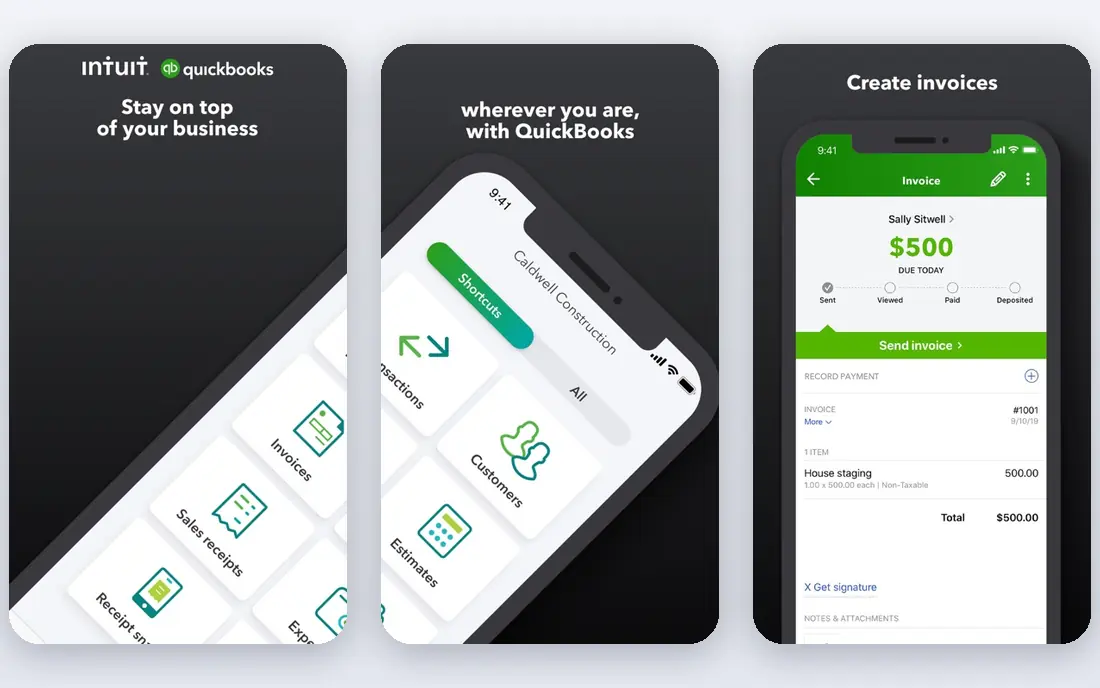
QuickBooks Online is the safe default for US small businesses because bank feeds, matching, and reporting work together in one place. You connect a bank, review suggested matches, and set rules for recurring transactions such as rent, software, or supplier payments. Higher tiers add more users, projects, and inventory, which helps as a firm grows.
The costs need attention. Simple Start starts at $38 per month with one user, and Plus and Advanced tiers cost far more. Extra users and add ons such as payroll and payments add to the bill. If your accountant already works in QuickBooks, that familiarity often outweighs the price. If you work alone and need only basic matching, Zoho Books or Wave may be enough.
- Wide bank feed coverage
- Strong matching rules
- Most US accountants already know it
- Entry plan limits users
- Price rises sharply on higher tiers
Xero is a strong rival to QuickBooks, especially for teams that need several people in the books at once. Every plan includes unlimited users, so a bookkeeper, an owner, and an accountant can all work without seat math. Bank feeds import daily, matching suggestions are clear, and rules handle recurring items well.
The entry Early plan caps invoices and bills, so growing firms should price the Growing tier from the start. Xero also handles multi currency work better than many small business tools, which suits firms with overseas customers or suppliers. For a multi user team that reconciles weekly, Xero is often the better value pick.
- Unlimited users on every plan
- Strong bank reconciliation
- Good multi currency handling
- Entry plan caps invoices and bills
- Payroll is an add on in some regions
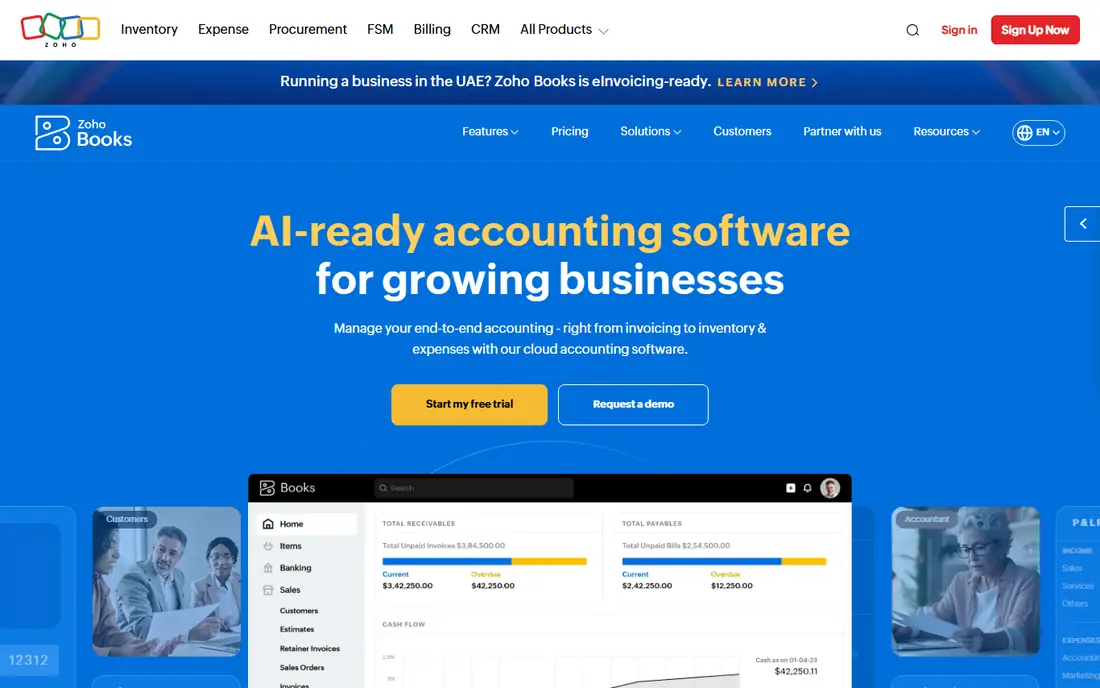
Zoho Books is the best value full accounting tool in this list. Businesses with annual revenue under $50,000 can use the free plan, which still covers double entry accounting, invoicing, and bank reconciliation. Paid Standard plans start at $15 per month billed annually and add users and invoice volume.
The limits are modest for a small firm: one user and 1,000 invoices per year on the free plan. Firms already using Zoho CRM, Inventory, or other Zoho apps get extra benefit from shared data. For a cost conscious owner who wants real books rather than a simple tracker, Zoho Books is hard to beat.
- Free for businesses under $50,000 revenue
- Full double entry books
- Bank reconciliation included
- Free plan limits users and invoices
- Zoho ecosystem suits Zoho users best
FreshBooks started as invoicing software, and it still leads for service firms that bill time and projects. Invoices look clean, clients can pay online, and tracked time flows into bills with little manual work. Bank connections and expense tracking help keep the books tidy for freelancers and small agencies.
The catch is accounting depth. The Lite plan starts at $23 per month for up to five clients, and it does not offer the same bank reconciliation and double entry depth as QuickBooks or Xero. Service firms that mainly need billing plus tidy books will be happy. Firms with inventory, complex payroll, or multi entity books should pick a full suite instead.
- Polished invoicing and client billing
- Time tracking
- Easy expense capture
- Entry Lite plan lacks full bank reconciliation depth
- No double entry on lowest tier
Wave suits solopreneurs and very small firms that need free, simple books. The Starter plan is free, with unlimited invoices, estimates, bills, and bookkeeping records. The Pro plan starts at $19 per month and adds features for growing firms. Setup is fast, and the interface stays friendly for non accountants.
The main limit is bank automation. The free plan does not include automatic bank import, so reconciliation needs more manual entry or a paid upgrade. Wave is best for firms with low transaction volume or owners who enter transactions weekly. Higher volume firms will save time with QuickBooks, Xero, or Zoho Books instead.
- Free Starter plan
- Unlimited invoices and bookkeeping records
- Simple setup
- No automatic bank import on free plan
- Limited advanced reporting
Sage covers a wide range, from small business accounting to mid market suites such as Sage Intacct. For bank reconciliation, Sage accounting tools import feeds, match transactions, and support reporting that grows with the firm. That range helps firms that expect to move from simple books to inventory, projects, or multi entity work.
The challenge is choosing the right Sage product, since pricing and features vary by region and edition. Check the vendor site for the edition that fits your size, and trial it with your real chart of accounts. Sage suits firms that want a long term accounting vendor rather than a quick free tool, especially in the UK and in mid size US firms.
- Long accounting history
- Inventory and project features on higher tiers
- Strong reporting
- Pricing varies by product and region
- Desktop products need more setup
Ramp is not a standalone accounting system, but it improves reconciliation for firms that use QuickBooks or Xero. Corporate cards, expense capture, bill approvals, and accounting sync sit in one place, so transactions arrive coded and ready to match. The free tier covers cards and basic bill work, while Plus adds deeper approvals and matching.
The limit is scope. You still need QuickBooks or Xero for the general ledger and final reconciliation. Ramp also charges payment fees for some bill payments from an external bank, though paying from a Ramp Checking account can waive them. For firms with many card and bill transactions, Ramp cuts the manual work that makes reconciliation slow.
- Free tier with cards and expense tools
- Bill capture and approvals
- Syncs to QuickBooks and Xero
- Not a full accounting system
- Payment fees apply when paying from an external bank
BlackLine is built for finance teams that close the books across many accounts, entities, and systems. It automates matching, flags exceptions, routes approvals, and keeps an audit trail that auditors can review. That control matters when reconciliation volume is high and errors carry real risk.
Pricing is quote based, and implementation is a project, not a quick signup. BlackLine is not for a five person firm. It suits mid size and large finance teams that have outgrown spreadsheet reconciliations and need a governed close. Smaller firms should pick QuickBooks, Xero, or Zoho Books and revisit BlackLine only when close complexity demands it.
- Strong close controls and audit trails
- Auto matching at scale
- Multi entity support
- Quote only pricing
- Too large and costly for small firms
How we picked these
We compared official pricing pages, feature pages, and public reviews for tools that handle bank reconciliation today, from free small business books to enterprise close platforms. We looked for bank feed support, matching and rules, review and audit features, and a clear price or trial route. We left out tools that only track expenses or only send invoices, since this guide is about matching bank activity to the books.
How to get reconciliation right
Start by connecting bank feeds and cleaning up old unmatched items. A backlog of months makes every new month harder, so clear the oldest items first or set a cut off with your accountant. Then build rules for recurring transactions, such as software, rent, and supplier payments, and review them monthly so a changed amount does not slip through.
Next, set a rhythm. Reconcile weekly if you have high volume, or monthly at minimum, and always before tax filings or loan applications. Review unmatched items, duplicates, and bank errors separately from matched items, since those are where fraud and mistakes hide. Keep notes on large or odd items so a reviewer can follow your logic later.
Finally, match the tool to your volume and controls. A solo firm can use Wave or Zoho Books with a weekly habit. A growing team needs Xero or QuickBooks with user permissions and accountant access. A finance team with many entities needs Sage Intacct or BlackLine controls. The best software is the one your team will actually reconcile in, every month, without fail.
FAQ
What is the best bank reconciliation software for small businesses?
QuickBooks Online and Xero are the top picks for most small businesses, with Zoho Books as the best free option for firms under $50,000 in revenue. Pick QuickBooks for US accountant familiarity and Xero for unlimited users and multi currency work.
What is the top bank reconciliation software for large firms?
BlackLine and Sage Intacct are the top picks for large firms, because both add controls, approvals, and audit trails around a high volume close. Smaller tools can handle the matching, but they lack the same governance at scale.
Can I reconcile bank accounts for free?
Yes. Zoho Books is free under $50,000 in revenue and Wave offers a free Starter plan, though Wave lacks automatic bank import on the free tier. Free tools suit low volume firms, while higher volume firms save time with paid feeds and rules.
How often should I reconcile?
Monthly at minimum, and weekly if you have many transactions, card spending, or client payments. Frequent reconciliation catches errors, duplicates, and fraud early, when they are easiest to fix.
What causes reconciliation differences?
Common causes include timing differences, bank fees, interest, duplicate entries, missing transactions, and data entry errors. Check those items first, then look for transposed numbers or transactions posted to the wrong account.
Do I still need an accountant if I use reconciliation software?
Software helps, but an accountant adds review, tax planning, and judgment on complex items. Many firms reconcile in house and have an accountant review the close each month or quarter.