Best Accounting Software for Bank Reconciliation in 2026: 8 Tools Compared
Compare the best accounting software for bank reconciliation in 2026, with bank feeds, auto-matching, reports, and current prices for businesses for teams.

- Editor's choice
 QuickBooks Online
All-round small business reconciliation
Starts at$38 per monthVisit quickbooks.intuit.comFull review - Great alternative
 Xero
Teams with unlimited users
Starts at$27 per monthVisit xero.comFull review - Also consider
 Zoho Books
Free plan with reconciliation
Starts at$20 per monthVisit zoho.comFull review
TL;DR:
- QuickBooks Online is our pick for most US small businesses because of its bank feeds, auto-matching, and accountant network.
- Xero is the best pick for teams that need unlimited users and a clean reconciliation screen.
- Zoho Books and Wave offer the best free routes to bank reconciliation for very small businesses.
- FloQast and BlackLine suit larger finance teams that need month-end close controls, not just basic matching.
- Test reconciliation with your real bank, since feed reliability varies by bank and account type.
Quick comparison
| Tool | Best for | Starts at | Free plan? | |
|---|---|---|---|---|
| QuickBooks Online | All-round small business reconciliation | $38 per month | Free trial | Visit |
| Xero | Teams with unlimited users | $27 per month | Free trial | Visit |
| Zoho Books | Free plan with reconciliation | $20 per month | Yes | Visit |
 Wave | Free accounting for freelancers | Free | Yes | Visit |
 FreshBooks | Service businesses and invoicing | $23 per month | Free trial | Visit |
 Sage Intacct | Mid-market ERP reconciliation | See website | No | Visit |
 FloQast | Month-end close management | See website | No | Visit |
 BlackLine | Enterprise account reconciliation | See website | No | Visit |
The best accounting software for bank reconciliation
Bank reconciliation means matching transactions in your books to transactions on your bank statement, so errors and missing items surface. We compared official pricing pages, bank feed features, and matching tools.
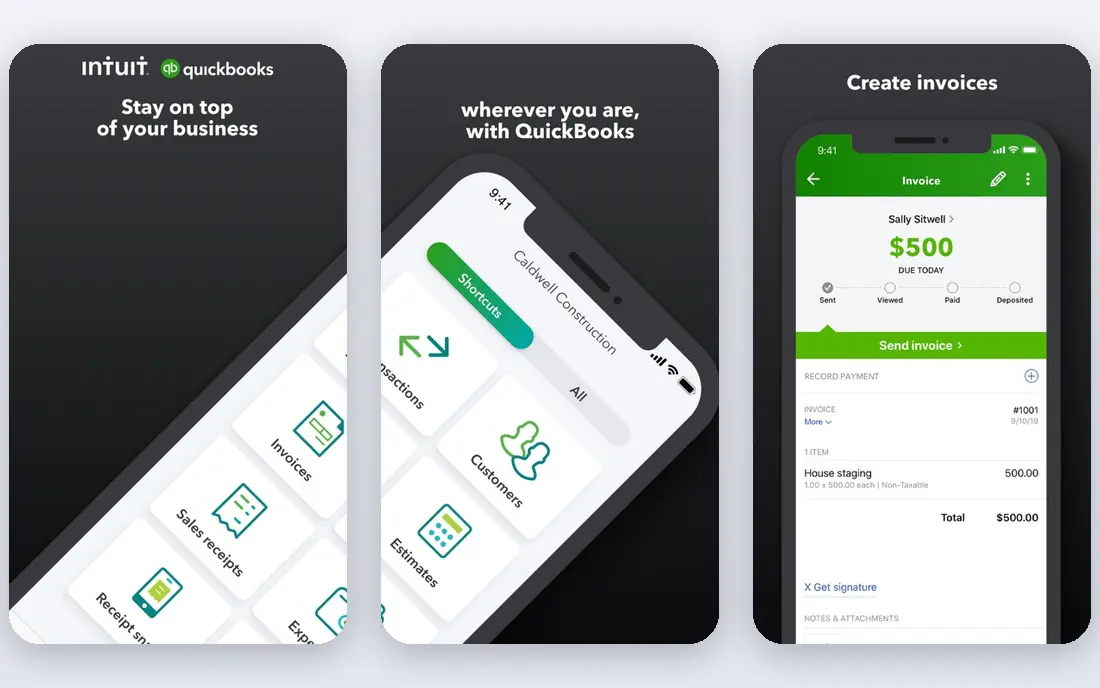
QuickBooks Online is our pick for most US small businesses because reconciliation is built into the daily workflow, not bolted on. Bank transactions stream in, QuickBooks suggests matches against your books, learns your categorisation rules, and flags what it cannot match. Simple Start, listed at $38 per month, covers one user with full bank reconciliation, invoicing, and expense tracking.
The cost curve is the watch item. Essentials, Plus, and Advanced rise in price, and payroll and payments add more. For a one-to-three person business, Simple Start or Essentials usually does the job. The fact that most US accountants know QuickBooks also matters, since it cuts year-end friction.
- Bank feeds from many institutions
- Auto-matching and bank rules
- Largest US accountant ecosystem
- Upper tiers are costly
- Per-user costs grow with team size
- Payroll and payments are add-ons
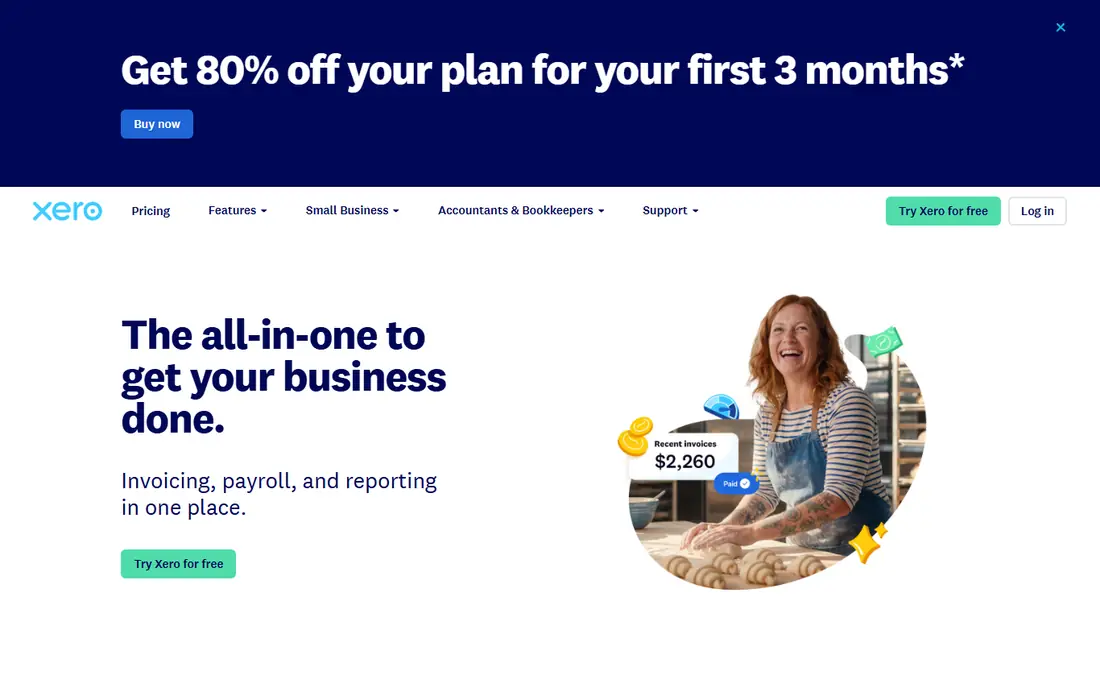
Xero is the best pick if several people need to reconcile, review, or approve. Every plan includes unlimited users, so adding a bookkeeper or manager does not raise the licence cost. The reconciliation screen is widely praised for clarity: suggested matches are easy to accept, and unmatched items are easy to find. The Early plan, listed at $27 per month in recent listings, covers basic invoicing and bank reconciliation.
Limits sit on the entry plan, including invoice and bill counts, so growing firms often move to Growing or Established. US payroll also runs through a Gusto integration rather than a native payroll tool. If your team is larger than two people, Xero often beats QuickBooks on value.
- Clean reconciliation screen
- Unlimited users on every plan
- Strong bank feed coverage
- Entry plan limits invoices and bills
- Payroll in the US runs through Gusto
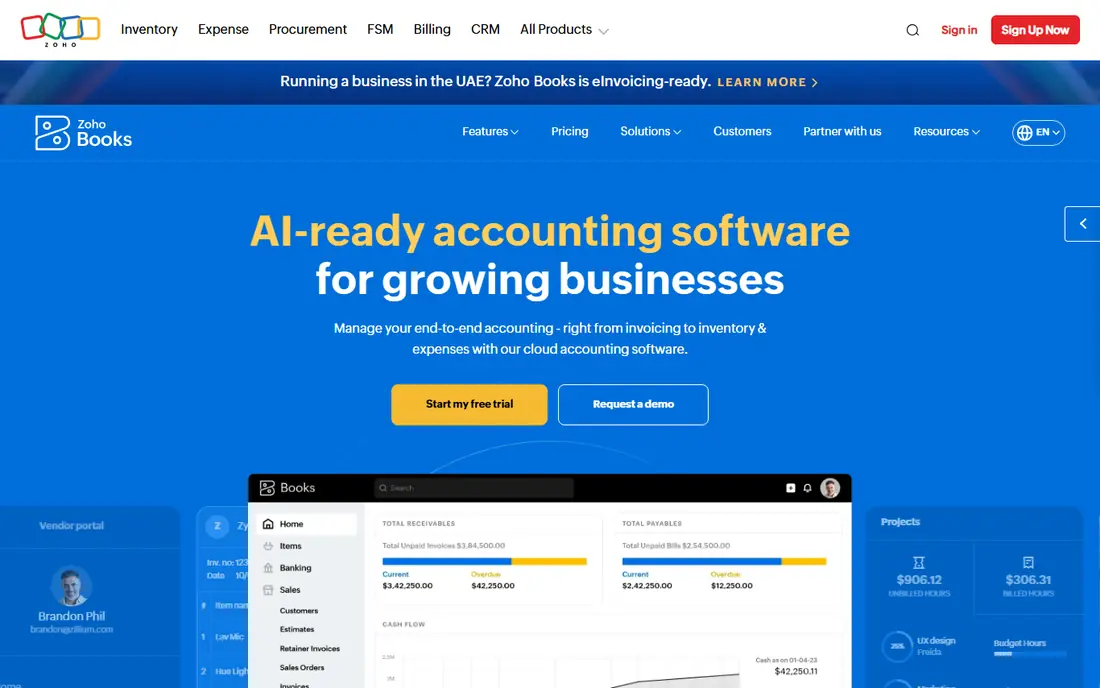
Zoho Books is the best free route to proper bank reconciliation for a small business under the free plan revenue limit. Bank feeds, matching, invoicing, and expense tracking are included, and the paid Standard plan, listed at $20 per month in recent listings, adds more users and features. For a business already using Zoho CRM or Zoho Inventory, the integration is a bonus.
The main gap is ecosystem. Fewer US accountants use Zoho Books than QuickBooks or Xero, so check that your accountant can work with it before you commit. For a self-managed small business, that gap matters less than the price.
- Real free plan for small businesses
- Bank feeds and reconciliation included
- Good Zoho app integrations
- Fewer US accountant users than QuickBooks
- Payroll features vary by region
Wave suits freelancers and very small businesses that need free accounting without a monthly fee. You can connect a bank, import transactions, categorise them, and reconcile accounts, all at no licence cost. Invoicing and receipt scanning are included, which covers the daily needs of many solo operators.
Wave is not built for inventory, multi-user approvals, or complex reporting. As a business grows, it may need to move to QuickBooks or Xero. For a freelancer starting out, Wave keeps costs at zero while still giving a real reconciliation workflow.
- Free accounting and invoicing
- Bank connections and reconciliation for basic use
- Simple setup
- Fewer advanced features than paid tools
- Support is more limited
FreshBooks is best for service businesses that bill by hour or project and want reconciliation tied to client payments. Bank transactions can be matched to invoices and expenses, and the dashboard keeps cash flow in view. The Lite plan, listed at $23 per month in recent listings, covers basic invoicing and reconciliation for a small client list.
Pure accounting depth is lighter than QuickBooks or Xero, and lower plans limit billable clients. If your main work is inventory or complex multi-entity accounting, pick a different tool. If your main work is services and invoices, FreshBooks is easier to live with day to day.
- Friendly invoicing and time tracking
- Bank reconciliation for service income
- Easy client billing
- Accounting depth is lighter than QuickBooks or Xero
- Client limits on lower plans
Sage Intacct suits mid-market companies that need reconciliation inside a larger financial system. Bank feeds, matching, and approvals sit alongside general ledger, payables, receivables, and reporting, with controls for multi-entity firms. That depth helps finance teams that reconcile many accounts each month.
Small businesses should not start here. Pricing is by quote, implementation needs planning, and the system is more than a small firm needs. For a growing company that has outgrown QuickBooks or Xero, Sage Intacct is a logical next step.
- Strong reconciliation inside a full ERP
- Multi-entity and multi-currency support
- Audit trails and controls
- Quote-only pricing
- Implementation takes time and expertise
FloQast is different from the tools above, because it manages the month-end close rather than replacing your accounting system. It tracks which accounts are reconciled, who owns each task, and what is still open, with links to your ERP or accounting tool. For an accounting team that reconciles dozens of accounts, that visibility prevents last-minute surprises.
FloQast is not a good pick for a solo business, since it adds cost on top of an accounting system. It earns its place when close work involves several people, reviewers, and deadlines. Get a quote only after you know your account count and close timeline.
- Close checklists and reconciliation tracking
- Ties to QuickBooks, Xero, and ERPs
- Clear status for each account
- Quote-only pricing
- Not a stand-alone accounting system
BlackLine suits large finance teams that reconcile high volumes across many entities. Its automation matches transactions, flags exceptions, and keeps an audit trail for reviewers and auditors. That control matters in regulated or audited environments, where a spreadsheet reconciliation is hard to defend.
Cost and implementation put it out of reach for small firms. If you reconcile a handful of bank accounts, QuickBooks or Xero will do the job for far less. If you reconcile hundreds of accounts each month, BlackLine is built for that scale.
- Enterprise reconciliation automation
- Controls and audit trails
- High-volume matching
- Quote-only pricing
- Enterprise implementation and cost
How we picked these
We compared official pricing pages, bank feed coverage, matching features, and close management tools for accounting software with a clear bank reconciliation function. We kept only tools still offered in 2026, and we mixed free tools, small business accounting, mid-market ERP, and enterprise close tools so different company sizes are covered.
What to check before you choose
Start with your bank. Connect your real accounts during a trial and check that transactions import reliably and that matches are suggested correctly. A tool that works well with one bank can struggle with another, especially for credit cards and savings accounts. Next, check matching rules. Good rules learn from past categorisation and cut manual work over time, while weak rules leave you matching line by line.
Also check user limits, accountant access, and year-end reports. A cheap plan that charges per user can become costly when your bookkeeper and accountant join. Finally, set a reconciliation routine. Reconcile monthly at minimum, investigate unmatched items promptly, and keep bank statements for your records. Software helps, but a regular routine is what keeps books accurate.
FAQ
What is the accounting software with best bank reconciliation for small businesses?
QuickBooks Online is the best all-round pick for US small businesses, while Xero is best for teams that need unlimited users. Zoho Books and Wave are the best free options. The right choice depends on team size, accountant preference, and bank feed reliability.
What is the best bank reconciliation accounting software for free?
Wave is free for basic accounting and reconciliation, and Zoho Books offers a free plan for small businesses under its revenue limit. Both cover bank feeds and matching. Paid tools add more users, automation, and support.
How often should I reconcile my bank accounts?
Monthly reconciliation is the minimum for most businesses, and weekly reconciliation is better for high-volume accounts. Frequent reconciliation catches errors, duplicate charges, and fraud sooner. Set a fixed day each month so it becomes routine.
What causes bank reconciliation differences?
Common causes include outstanding checks, deposits in transit, bank fees, interest, errors in entry, and duplicate transactions. A good tool flags unmatched items so you can check each one. If a difference persists, compare the bank statement line by line with your books.
Do I still need an accountant if I use reconciliation software?
Software handles matching and reports, but an accountant still helps with tax, compliance, and year-end review. Many accountants work inside QuickBooks, Xero, or Sage, so pick a tool your accountant already uses when possible.