Best Financial Presentation Software (2026): 5 Picks Checked on Vendor Pages
Searching for the best financial presentation software? Here are 5 options with prices and free plans. Fit, price and catches for every tool. See which fits.
- Editor's choice
 Lucidchart
Diagramming and process visualization
Starts atSee websiteVisit lucidchart.comFull review - Great alternative
 Canva
Design-focused presentations with visual appeal
Starts atSee websiteVisit canva.comFull review - Also consider
 Beautiful.ai
AI-powered on-brand team presentations
Starts at$14.50 a monthVisit beautiful.aiFull review
Direct answer
For Diagramming and process visualization, Lucidchart is where this list starts. Listed starting prices: Beautiful.ai from $14.50 a month and Pitch from €10 per month. Canva is the stronger choice for design-focused presentations with visual appeal, while Beautiful.ai suits AI-powered on-brand team presentations. The other 2 tools in the list cover narrower or pricier cases.
TL;DR:
- Top of the list is Lucidchart, which targets Diagramming and process visualization.
- PowerPoint fits thorough financial decks with advanced design.
- Starting prices begin at $14.50 per month with Beautiful.ai.
- One limit worth knowing about Canva: less specialized for financial data visualization.
Last checked November 2026. Prices and plan details were read from the vendors' own pages in November 2026; vendors change plans often, so confirm the current price on the vendor site before you buy.
Quick comparison
| Tool | Best for | Starts at | Free plan? | |
|---|---|---|---|---|
| Lucidchart | Diagramming and process visualization | See website | Not stated | Visit |
| Canva | Design-focused presentations with visual appeal | See website | Not stated | Visit |
| Beautiful.ai | AI-powered on-brand team presentations | $14.50 a month | Free trial | Visit |
 Pitch | Collaborative teams needing AI assistance | €10 per month | Yes | Visit |
| PowerPoint | Thorough financial decks with advanced design | See website | Not stated | Visit |
Every option for financial presentation software explained
This LinkVetted guide covers 5 options for financial presentation software. Each profile lists a starting price, free plan details, strengths and drawbacks, so you can drop poor fits quickly.
Think of Lucidchart for Diagramming and process visualization. Whereas not a traditional presentation tool, it is valuable for financial presentations that need flowcharts, process maps, or system diagrams.
Honest limits: Not a dedicated presentation tool.
Lucidchart is a diagramming product that uses AI, data, and automation to help users produce next-generation diagrams and understand complicated systems. Lucidchart does not show a starting price in this comparison, so check the vendor site for current pricing. As for free access: Not stated.
- Capable diagramming tools
- Integration with data sources
- May need extra software for slide creation
Canva is designed for design-focused presentations with visual appeal. Canva may not offer the depth of financial-specific features like advanced charting or data integration found in tools like PowerPoint or Lucidchart. For highly technical or data-intensive presentations, a more specialized tool might be necessary.
Honest limits: Less specialized for financial data visualization.
In practice, Canva is a visual design product that comes with presentation creation among its plenty of offerings. It supplies many different templates and design elements that make it simple to produce visually appealing slides, even for users without design experience. It is especially handy for marketing or client-facing decks where visual impact is important. Pricing for Canva is not stated here, so ask the vendor for current figures. Free access: Not stated.
- Simple drag-and-drop design
- Versatile for other visual content
- Advanced features may need a subscription
Pick Beautiful.ai if this describes you: AI-powered on-brand team presentations. Beautiful.ai is an AI presentation product designed for enterprise teams, focusing on keeping every deck on-brand and ready to share. This tool is well-suited for financial teams that require to produce professional-looking presentations rapidly and ensure brand compliance across the organization.
Trade-offs to know: May need adaptation for complicated financial data.
Beautiful.ai excels in scenarios where speed and brand consistency are paramount. Beautiful.ai may offer less adaptability for custom slide designs compared with traditional tools like PowerPoint. It might not deal with highly complicated financial data visualizations along with specialized software. Beautiful.ai pricing: $14.50 per month. Free options: Free trial.
- AI-driven slide design
- Simple to use for non-designers
- Less control over custom layouts
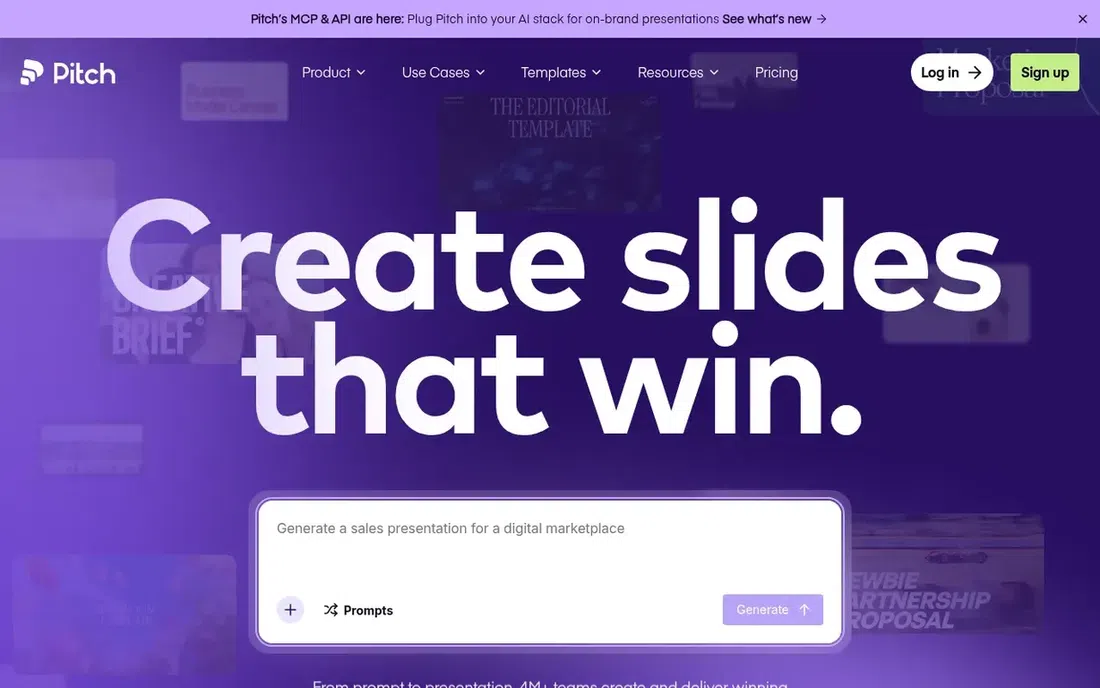
Pitch works best for collaborative teams needing AI assistance. Pitch is a collaborative presentation system built for teams that want to create, share, and deliver presentations efficiently. It incorporates AI to help create slides and simplify workflow, and it emphasizes live collaboration.
Where it falls short: Restricted offline functionality.
This tool is well suited to financial teams that require to work together on decks, share feedback quickly, and maintain version control. Its modern interface makes it accessible to users who may not be presentation experts. Pitch shines in collaborative environments where speed and teamwork are prioritized over granular design control. Price to start with Pitch: €10 per month. Free access exists with Pitch. Upsides: AI-powered slide generation.
- Live collaboration features
- Easy-to-learn interface
- Fewer advanced animation choices than PowerPoint
PowerPoint
Best for: Thorough financial decks with advanced design
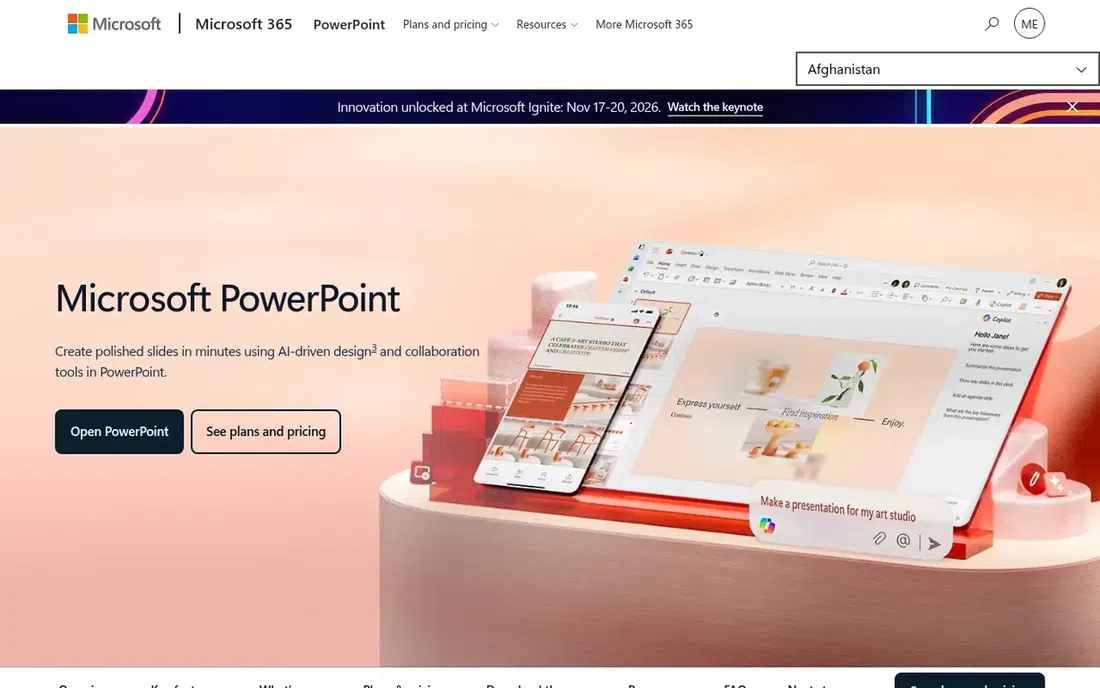
Pick PowerPoint if this describes you: thorough financial decks with advanced design. It provides a feature-rich set of design tools, including animations, transitions, and multimedia integration. The software supports complicated data visualization through charts and graphs, making it a good match for financial reporting and investor presentations.
Where it falls short: Can be complicated for beginners.
From a buyer's view, Whereas PowerPoint is feature-rich, it may need training to use effectively, and collaboration features are not as fluid as cloud-native alternatives. On top of that, PowerPoint is a good match for individuals or teams that require advanced customization and are already embedded in the Microsoft ecosystem. Pricing for PowerPoint is not stated here, so ask the vendor for current figures. As for free access: Not stated.
- Familiar interface for most users
- Rich animation and transition choices
- Live collaboration less smooth than some web tools
How we built this list
Things to verify first
- Ask Lucidchart, Canva and PowerPoint for a written quote, since no starting price is shown.
- Look at the free plan from Pitch closely: its caps decide whether it is usable for real work.
- Take the trial from Beautiful.ai and push a live task through it before you pay.
- Read the limits listed for Lucidchart first: not a dedicated presentation tool.
- Check how data leaves Pitch: formats, limits and whether exports are available on every plan.
- Let daily users try Canva on real work; their feedback beats any feature checklist.
FAQ
How are the tools for financial presentation software ordered?
Lucidchart sits first and PowerPoint last because the order follows typical fit for financial presentation software, then price clarity and free access. It is a judgement call, so read each profile for fit and limits.
What is the best financial presentation software for team collaboration?
Lucidchart is the pick this page puts first, mainly for Diagramming and process visualization. If your situation differs, Canva suits design-focused presentations with visual appeal, and Beautiful.ai suits AI-powered on-brand team presentations. Compare price and limits before you decide.
Do these tools publish their prices?
Not all of them. Lucidchart, Canva and PowerPoint publish no starting price, so expect a quote request for those. The rest, Beautiful.ai included, show a starting price, though seats and billing terms still change the final cost.
Which options for financial presentation software have a free plan?
Pitch is the only tool in this list with a free plan. Free plans usually cap users, projects or features, so check the limits on the vendor page. One other tool offers a trial instead. Prices, free plan details and limits for all 5 tools in this financial presentation software roundup sit on the individual cards above.
Is Lucidchart the right pick for everyone comparing financial presentation software?
No single tool suits every team. Lucidchart comes first because it fits Diagramming and process visualization, while Canva suits design-focused presentations with visual appeal and Beautiful.ai suits AI-powered on-brand team presentations. Match the tool to your own size, budget and workflow before deciding.
Sources
- https://www.lucidchart.com
- https://www.canva.com
- https://www.beautiful.ai
- https://pitch.com
- https://www.microsoft.com/microsoft-365/powerpoint