Best Financial Reporting Software in 2026: 8 Tools Compared
Compare the best financial reporting software in 2026, with 8 tools for clear statements, consolidation, planning reports and readable monthly packs now.
- Editor's choice
 QuickBooks Online
Small businesses that want standard reports
Starts at$38 per monthVisit quickbooks.intuit.comFull review - Great alternative
 Xero
Teams that need unlimited users
Starts at$27 per monthVisit xero.comFull review - Also consider
 Sage Intacct
Growing firms with multi-entity reporting
Starts atSee websiteVisit sage.comFull review
TL;DR:
- This article is general information, not financial advice. Talk to a qualified accountant or adviser before making decisions based on a report.
- QuickBooks Online and Xero cover most small firms, while Sage Intacct and NetSuite suit multi-entity and ERP reporting.
- Datarails, Cube and Workday Adaptive Planning are stronger when planning and reporting must stay in one cycle.
- Fathom is the clearest visual reporting pick for owners and advisors who need readable monthly packs now.
Quick comparison
| Tool | Best for | Starts at | Free plan? | |
|---|---|---|---|---|
| QuickBooks Online | Small businesses that want standard reports | $38 per month | Free trial | Visit |
| Xero | Teams that need unlimited users | $27 per month | Free trial | Visit |
| Sage Intacct | Growing firms with multi-entity reporting | See website | No | Visit |
 Oracle NetSuite | Larger firms that need ERP reporting | See website | No | Visit |
 Datarails | Finance teams that live in Excel | See website | No | Visit |
 Fathom | Small firms and advisors that need clear visuals | See website | Free trial | Visit |
 Cube | Lean finance teams that want spreadsheet planning | $1,250 per month | No | Visit |
 Workday Adaptive Planning | Larger firms that need planning and reporting together | See website | No | Visit |
The best financial reporting software
We compared official feature pages, pricing pages, app store listings and public reviews for this guide on best financial reporting software. Each option below is a real product you can sign up for today, and we note the honest limits alongside the strengths.
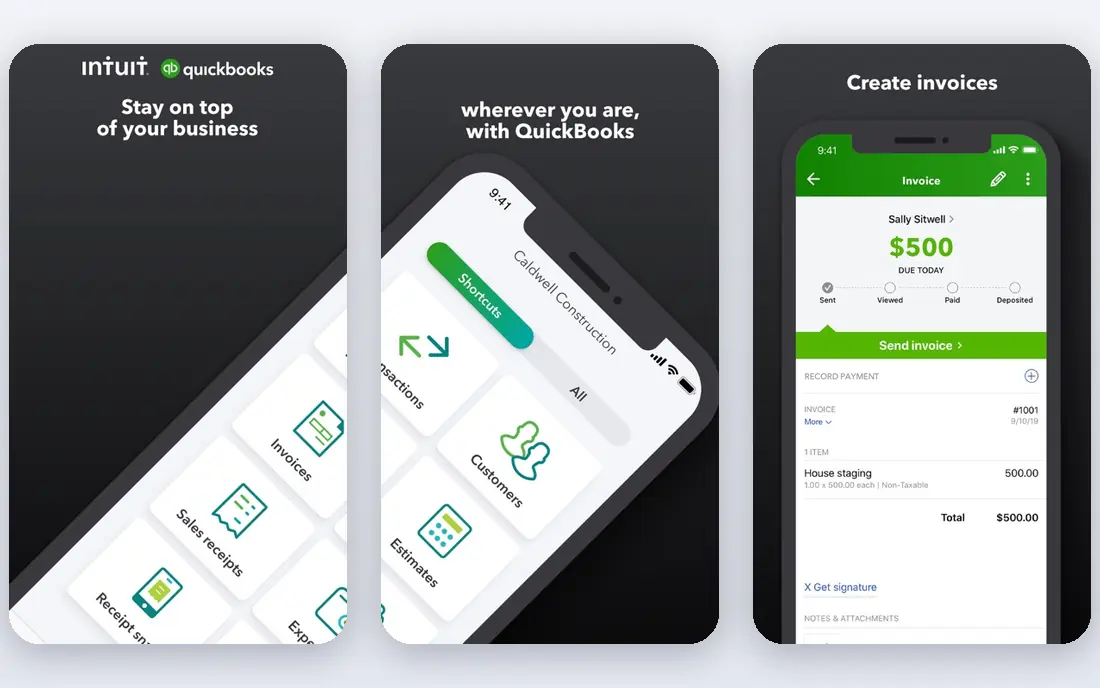
QuickBooks Online is the safe default for many small businesses. Its reports are familiar to accountants, which makes month-end and tax time less painful. In practice, that means you should judge it on the job you actually need done, not on the size of its feature list, because a long list can hide a weak core workflow.
For most buyers, the deciding question is fit rather than fame. QuickBooks Online works best when its strengths line up with your daily routine, your budget and the tools you already use. Check the free option or trial first, look at the limits on the entry plan, and confirm that the parts you will use every week are included before you pay for a higher tier.
The catch is worth stating plainly. No tool here is perfect for every person, and the right choice often comes down to one trade-off you accept. If it touches your main use case, keep looking. If it only affects a rare feature, this is a strong pick.
- Wide accountant support
- Standard profit, loss and balance reports
- Many integrations
- Costs rise with higher tiers
- Advanced reporting needs Plus or Advanced

Xero is a strong pick when several people need access without per-seat fees piling up. Its dashboard and report templates cover the core statements most owners check each month. In practice, that means you should judge it on the job you actually need done, not on the size of its feature list, because a long list can hide a weak core workflow.
For most buyers, the deciding question is fit rather than fame. Xero works best when its strengths line up with your daily routine, your budget and the tools you already use. Check the free option or trial first, look at the limits on the entry plan, and confirm that the parts you will use every week are included before you pay for a higher tier.
The catch is worth stating plainly. No tool here is perfect for every person, and the right choice often comes down to one trade-off you accept. If it touches your main use case, keep looking. If it only affects a rare feature, this is a strong pick.
- Unlimited users on every plan
- Clean bank reconciliation
- Strong reporting
- Some advanced features need higher tiers
- US payroll is limited in places
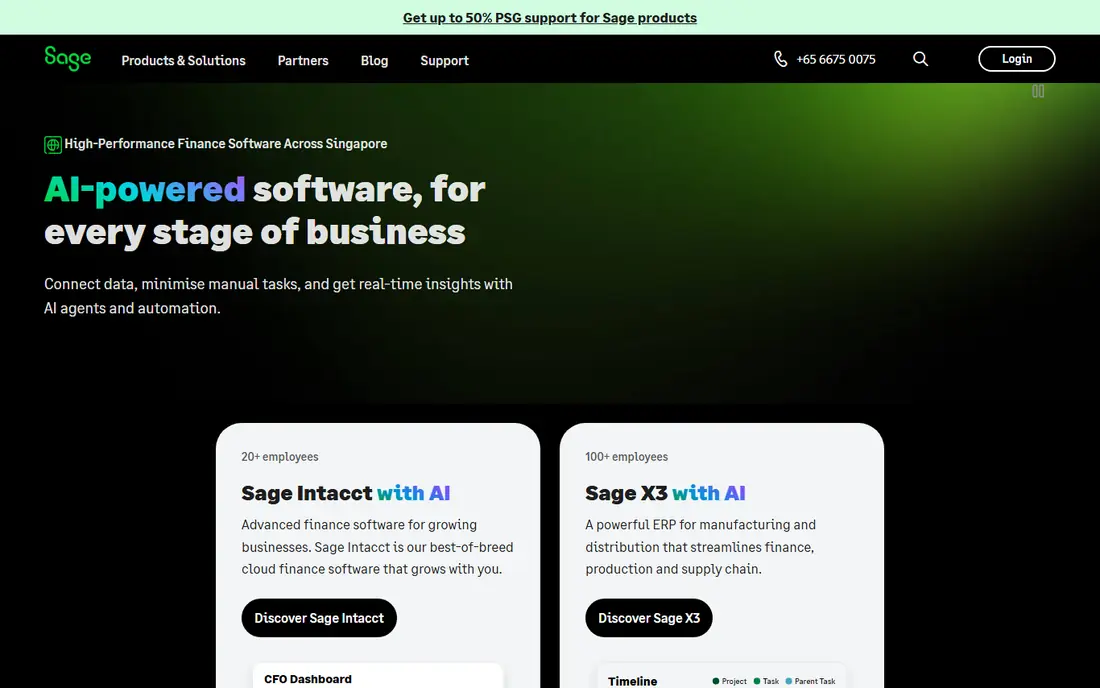
Sage Intacct suits firms that have outgrown simple bookkeeping reports. Its dimensional reports let finance teams slice results by department, location or project without rebuilding spreadsheets. In practice, that means you should judge it on the job you actually need done, not on the size of its feature list, because a long list can hide a weak core workflow.
For most buyers, the deciding question is fit rather than fame. Sage Intacct works best when its strengths line up with your daily routine, your budget and the tools you already use. Check the free option or trial first, look at the limits on the entry plan, and confirm that the parts you will use every week are included before you pay for a higher tier.
The catch is worth stating plainly. No tool here is perfect for every person, and the right choice often comes down to one trade-off you accept. If it touches your main use case, keep looking. If it only affects a rare feature, this is a strong pick.
- Multi-entity and multi-currency reporting
- Dimensional reporting
- Strong controls
- Custom pricing
- Implementation takes time and expert help
NetSuite is for companies that need reporting across finance, inventory and orders in one system. That breadth is valuable at scale, but it is a poor fit if you only need clean monthly statements. In practice, that means you should judge it on the job you actually need done, not on the size of its feature list, because a long list can hide a weak core workflow.
For most buyers, the deciding question is fit rather than fame. Oracle NetSuite works best when its strengths line up with your daily routine, your budget and the tools you already use. Check the free option or trial first, look at the limits on the entry plan, and confirm that the parts you will use every week are included before you pay for a higher tier.
The catch is worth stating plainly. No tool here is perfect for every person, and the right choice often comes down to one trade-off you accept. If it touches your main use case, keep looking. If it only affects a rare feature, this is a strong pick.
- Full ERP reporting
- Consolidation
- Real-time dashboards
- High cost and long setup
- Overkill for small firms
Datarails keeps finance teams in Excel while adding control and automation behind the scenes. That approach cuts retraining, though it still needs clean source data to work well. In practice, that means you should judge it on the job you actually need done, not on the size of its feature list, because a long list can hide a weak core workflow.
For most buyers, the deciding question is fit rather than fame. Datarails works best when its strengths line up with your daily routine, your budget and the tools you already use. Check the free option or trial first, look at the limits on the entry plan, and confirm that the parts you will use every week are included before you pay for a higher tier.
The catch is worth stating plainly. No tool here is perfect for every person, and the right choice often comes down to one trade-off you accept. If it touches your main use case, keep looking. If it only affects a rare feature, this is a strong pick.
- Excel-native reporting
- Automated consolidation
- Dashboards and board packs
- Quote-based pricing
- Setup needs a structured data source
Fathom turns accounting data into reports owners can actually read. Its visual KPIs and forecasts help advisors explain results without sending a dense spreadsheet. In practice, that means you should judge it on the job you actually need done, not on the size of its feature list, because a long list can hide a weak core workflow.
For most buyers, the deciding question is fit rather than fame. Fathom works best when its strengths line up with your daily routine, your budget and the tools you already use. Check the free option or trial first, look at the limits on the entry plan, and confirm that the parts you will use every week are included before you pay for a higher tier.
The catch is worth stating plainly. No tool here is perfect for every person, and the right choice often comes down to one trade-off you accept. If it touches your main use case, keep looking. If it only affects a rare feature, this is a strong pick.
- Clear management reports and KPIs
- Cash flow forecasting
- Multi-company views
- Pricing varies by company count
- Not a full ERP
Cube suits lean teams that want planning and reporting without leaving spreadsheets. Its model keeps the familiar spreadsheet feel while adding a shared, controlled source of numbers. In practice, that means you should judge it on the job you actually need done, not on the size of its feature list, because a long list can hide a weak core workflow.
For most buyers, the deciding question is fit rather than fame. Cube works best when its strengths line up with your daily routine, your budget and the tools you already use. Check the free option or trial first, look at the limits on the entry plan, and confirm that the parts you will use every week are included before you pay for a higher tier.
The catch is worth stating plainly. No tool here is perfect for every person, and the right choice often comes down to one trade-off you accept. If it touches your main use case, keep looking. If it only affects a rare feature, this is a strong pick.
- Spreadsheet-based planning and reporting
- Fast setup for its class
- Version control
- High entry price for small firms
- Dimensions are more limited than enterprise FP&A
Workday Adaptive Planning
Best for: Larger firms that need planning and reporting together
Workday Adaptive Planning fits larger firms that plan and report in the same cycle. Its scenario tools help teams test a forecast change and see the reported effect quickly. In practice, that means you should judge it on the job you actually need done, not on the size of its feature list, because a long list can hide a weak core workflow.
For most buyers, the deciding question is fit rather than fame. Workday Adaptive Planning works best when its strengths line up with your daily routine, your budget and the tools you already use. Check the free option or trial first, look at the limits on the entry plan, and confirm that the parts you will use every week are included before you pay for a higher tier.
The catch is worth stating plainly. No tool here is perfect for every person, and the right choice often comes down to one trade-off you accept. If it touches your main use case, keep looking. If it only affects a rare feature, this is a strong pick.
- Integrated planning, budgeting and reporting
- Scenario modeling
- Strong controls
- Enterprise pricing and setup
- Needs dedicated finance staff
How we picked these
We started with products that exist, are currently offered and truly fit the topic, then we compared their official feature pages, pricing pages, app store listings and privacy pages. We gave weight to a clear free option or trial, honest pricing, a core workflow that works without many add-ons, and a track record of regular updates. We left out products that were discontinued, that did not fit the topic, or whose pricing and features we could not verify. Prices change, so check the vendor page linked in each block before you buy.
How to pick reporting software that matches your close
Start with the job you need done every week, then work backward to the plan that covers it. A tool that looks cheap on the entry tier can turn expensive once you add seats, extra projects or the features you actually use. Write down your must-have features, your nice-to-have features and your hard budget before you open a trial, and score each option against that list rather than against a marketing page.
Use the trial the way you will use the paid plan. Add a real project, invite a real teammate or client if the plan allows it, and test the exact workflow that matters most to you. Pay attention to how easy it is to export your work, cancel, and get help when something breaks. A smooth trial that hides export limits or support gaps is not a good sign for a long subscription.
Check the limits that are easy to miss. These include caps on projects, clients, prompts, reports or data volume, renewal prices after an intro offer, and features that only appear on a higher tier. If two options are close, pick the one with clearer pricing and simpler limits, because that is the one whose bill is least likely to surprise you later.
FAQ
What is the best best financial reporting software for beginners?
Start with a free plan or a short trial, and pick the option whose core workflow feels clear on day one. Beginners do best with a simple setup, plain pricing and good help pages, even if a more advanced tool has a longer feature list. You can move to a stronger plan later once you know which features you actually use.
Can I try a best financial reporting software option for free?
Many options on this list offer a free plan or a free trial, but the limits differ a lot. Check how many projects, clients, prompts or reports the free option allows, and whether a card is needed to start the trial. A free option that covers your main job is often enough to decide.
How much should I expect to pay?
Prices range from free to a sizable monthly subscription, and the right spend depends on how often you use the tool and how many people need access. Compare the full cost at your real usage level, including seats and add-ons, rather than the headline price on the pricing page. Check the vendor page before you buy, because prices and plan limits change.
How do I choose between similar options?
List the two or three features you will use every week, then check which plan includes them without an add-on. After that, weigh ease of use, support, export options and renewal price. The best choice is usually the one that covers your weekly workflow with the fewest compromises.
Are these options still available in 2026?
We checked the products on this list against their official pages and current listings for October 2026. Availability and pricing can still change, so confirm the plan details on the vendor website linked in each product block before you sign up.
Sources
- https://quickbooks.intuit.com/pricing
- https://www.xero.com/us/pricing/
- https://www.sage.com/en-us/sage-business-cloud/intacct/
- https://www.netsuite.com/portal/products/erp/financial-management.shtml
- https://www.datarails.com
- https://www.fathomhq.com
- https://www.cubesoftware.com
- https://www.workday.com/en-us/products/adaptive-planning.html