Best Financial Analytics Software for Remote Teams in 2026: Prices, Free Plans and 6 Picks
Weighing the best financial analytics software for remote teams? We lined up 6 products by cost, free access and fit. Where a tool struggles is spelled out.
- Editor's choice
 Sisense
Embedding analytics into products
Starts atSee websiteVisit sisense.comFull review - Great alternative
 Anaplan
Collaborative scenario planning and analysis
Starts atSee websiteVisit anaplan.comFull review - Also consider
 Domo
End-to-end data movement and insight
Starts atSee websiteVisit domo.comFull review
Direct answer
Our first pick is Sisense, best for embedding analytics into products. Listed starting prices: Tableau from $15 per user per month. Anaplan is the stronger choice for collaborative scenario planning and analysis, while Domo suits end-to-end data movement and insight. The remaining 3 options are covered below with prices and limits.
TL;DR:
- The list opens with Sisense, aimed at embedding analytics into products.
- Tableau is the only tool of the 6 with a free plan.
- Looker is the one to check for governed metrics with AI assistance.
- A fair warning about Qlik Sense: system breadth needs planning.
- Tableau has the lowest monthly starting price in this list: $15 per user per month.
Last checked November 2026. Prices and plan details were read from the vendors' own pages in November 2026; vendors change plans often, so confirm the current price on the vendor site before you buy.
Quick comparison
| Tool | Best for | Starts at | Free plan? | |
|---|---|---|---|---|
| Sisense | Embedding analytics into products | See website | Free trial | Visit |
| Anaplan | Collaborative scenario planning and analysis | See website | Not stated | Visit |
| Domo | End-to-end data movement and insight | See website | Free trial | Visit |
 Qlik Sense | Data integration plus analytics | See website | Not stated | Visit |
 Tableau | Adaptable visual dashboards for distributed teams | $15 per user per month | Yes | Visit |
 Looker | Governed metrics with AI assistance | See website | Not stated | Visit |
Our 6 financial analytics software for remote teams
If you are comparing financial analytics software for remote teams, this page covers 6 tools in one place: what each is best for, what it costs to start, whether it has a free plan, and the main limit to know about.
Sisense is a good fit for embedding analytics into products. The system is targeted at unlocking insights and turning data into revenue, which suits remote teams that ship analytics inside their own products or client portals.
More specifically, for classic dashboard sharing, Tableau is a more direct choice. This comparison lists no price for Sisense; ask the vendor. As for free access: Free trial.
Where it shines: Pro-code, low-code.
What to check first: Embedded focus may not suit pure internal reporting.
- No-code adaptability
- Built to convert data into revenue
- Needs product and engineering coordination
Pick Anaplan if this describes you: collaborative scenario planning and analysis. Anaplan calls itself decision infrastructure for agentic enterprises, a scenario planning and analysis system where AI, data, and planning converge.
Also, finance teams working remotely can model scenarios and evaluate choices together, which fits budgeting, forecasting, and decision support more than general-purpose dashboarding. No starting price is listed for Anaplan here; confirm pricing on the vendor site. On free options: Not stated.
Where it is weaker: Model design needs dedicated owners.
- Scenario planning and analysis focus
- Links AI, data, planning
- Planning-centric instead of general BI
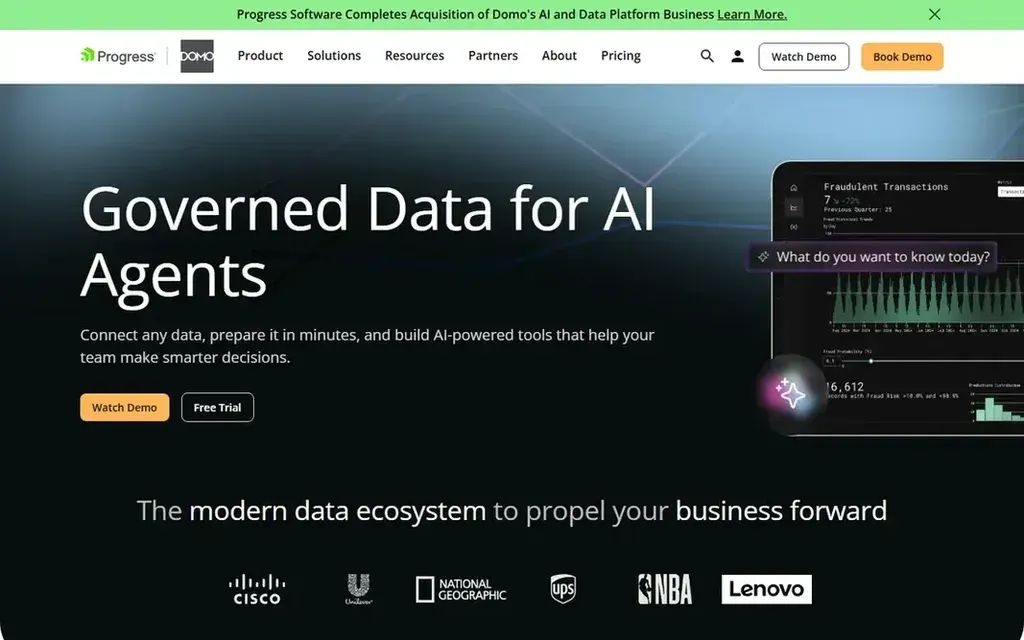
Domo makes the most sense for end-to-end data movement and insight. Domo positions itself around governed data for AI agents, offering AI and data products across the data journey. Since it spans data movement, preparation, and insight, setup can involve more moving parts than a focused analytics tool.
For everyday use, remote teams that want one place to run data flow and analysis may find that consolidation handy. Also, teams that already have a mature data stack may prefer a lighter layer for example Sisense for embedded delivery. Pricing for Domo is not stated here, so ask the vendor for current figures. Free options: Free trial.
Points against: Wide scope can complicate setup.
- Links and moves data from any source
- AI and data products in one place
- May overlap with existing data stack
For data integration plus analytics, Qlik Sense is a natural candidate. Remote finance teams that require to bring scattered sources together before analyzing them can treat integration and analytics as one effort instead of stitching separate tools.
Also, the combined system is wide, so rollout needs planning and some training for newer users. Check the vendor site for Qlik Sense pricing; none is listed in this comparison. Free options: Not stated.
Points against: System breadth needs planning.
- End-to-end data integration
- Analytics alongside integration
- Ramp-up time for newer users
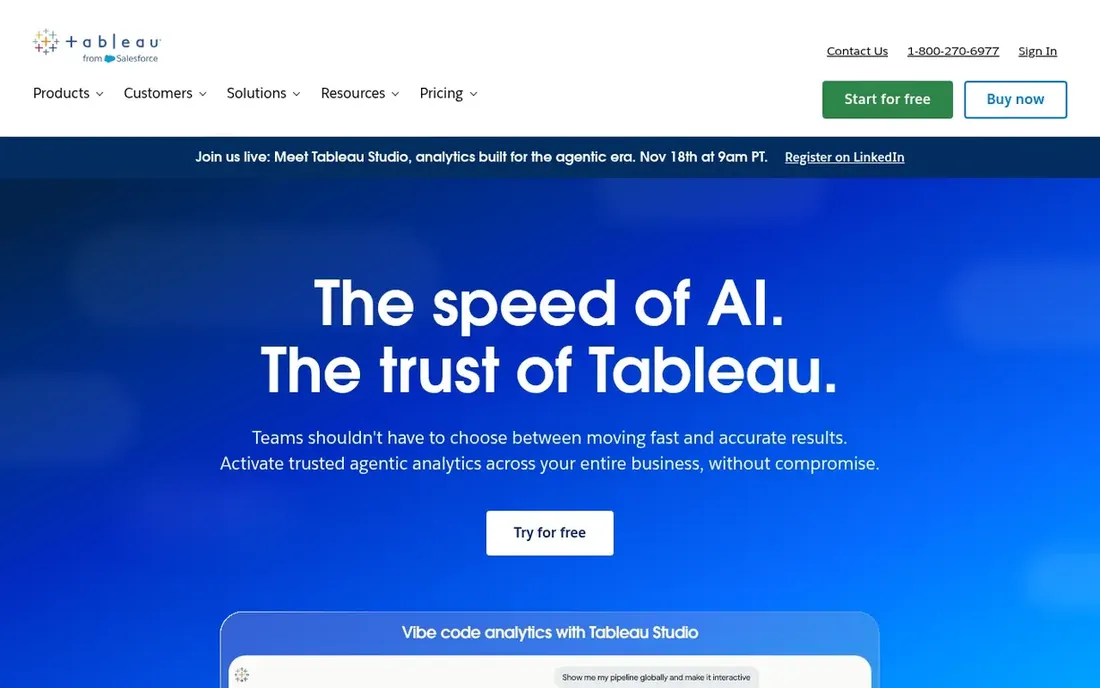
Tableau is a good fit for adaptable visual dashboards for distributed teams. If your priority is a governed metrics layer instead of visual freedom, Looker may be the better fit.
Watch-outs: Wide product can feel heavy for narrow finance use.
It links to almost any database, lets users drag-and-drop to build visualizations, and shares results with a click. On cost, Tableau starts like this: $15 per user per month. Tableau has a free plan.
- Links to almost any database
- Share insights with a click
- Deep dashboards need training
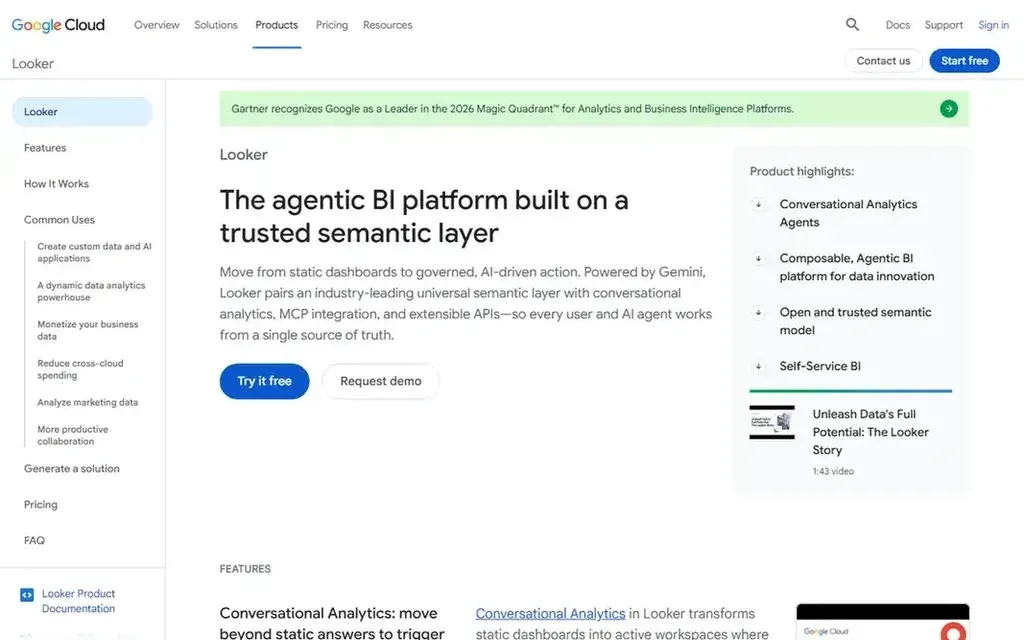
Looker was built for governed metrics with AI assistance. It brings together metrics through a trusted semantic layer and layers on Gemini agents to support analysis.
Also, teams wanting fast visual exploration without that modeling step might prefer Tableau. The semantic layer needs modeling effort before teams get value, and the product sits within the Google Cloud ecosystem. Looker shows no starting price here, so confirm the cost on the vendor site. Free options: Not stated.
The main drawbacks: Tied to the Google Cloud ecosystem.
- Gemini agents support analysis
- Trusted semantic layer brings together metrics
- Semantic modeling takes upfront work
How the list was put together
LinkVetted used vendor pricing pages and product documentation as the base, then compared plans, free access and documented limits for 6 tools. Prices and plan limits come from vendor pages and can change, so confirm them on the vendor site before you buy. The order reflects how well each tool fits the most common buying scenario for financial analytics software for remote teams, then price clarity, then free plan access. It is a starting point, not a verdict.
A buyer's checklist
- Get a written quote from Sisense, Anaplan, Domo and others; the list shows no starting price for them.
- Test the free plan from Tableau against your real workload before relying on it.
- Use real work to test the free trial from Sisense and Domo, rather than a demo project.
- Read the limits listed for Sisense first: embedded focus may not suit pure internal reporting.
- See whether Sisense offers onboarding or training, and whether it is included in the price.
- Ask Looker how an export works before you move any records in; an easy exit lowers the risk.
FAQ
How are the tools for financial analytics software for remote teams ordered?
Sisense sits first and Looker last because the order follows typical fit for financial analytics software for remote teams, then price clarity and free access. It is a judgement call, so read each profile for fit and limits.
What is the cheapest option for financial analytics software for remote teams in this list?
On published monthly entry prices, Tableau is the lowest here at $15 per user per month. Entry price is only part of the cost, because seats, add-ons and billing terms can change the total. For the full picture, the cards above cover all 6 entries of this financial analytics software for remote teams list, including price, free plan and limits.
Can these products support embedded analytics in our own product?
Sisense and Looker both emphasize embedded analytics, with Sisense offering pro-code, low-code, and no-code choices and Looker offering embedded capabilities on Google Cloud.
Which options for financial analytics software for remote teams have a free plan?
Tableau is the only tool in this list with a free plan. Free plans usually cap users, projects or features, so check the limits on the vendor page. Several others offer a trial instead. Prices, free plan details and limits for all 6 tools in this financial analytics software for remote teams roundup sit on the individual cards above.
Do these tools publish their prices?
Not all of them. Sisense, Anaplan, Domo and others publish no starting price, so expect a quote request for those. The rest, Tableau included, show a starting price, though seats and billing terms still change the final cost.
Which tool is a good match for remote teams new to financial analytics?
Start with Sisense if you need embedding analytics into products. Anaplan is the better match for collaborative scenario planning and analysis, and Domo for end-to-end data movement and insight. The best choice depends on budget, team size and workflow.
Sources
- https://www.sisense.com
- https://www.anaplan.com
- https://www.domo.com
- https://www.qlik.com
- https://www.tableau.com
- https://cloud.google.com/looker