6 Financial Predictive Analytics Software for Remote Teams Worth Shortlisting in 2026
Best financial predictive analytics software for remote teams: 6 tools compared on price, free plans and fit. Concise write-ups of every option. Choose faster.
- Editor's choice
 Anaplan
Collaborative scenario planning and analysis across remote teams
Starts atSee websiteVisit anaplan.comFull review - Great alternativeIBM Planning Analytics
Finance teams running AI-powered planning on the TM1 engine
Starts at$79.50 per authorized userVisit ibm.comFull review - Also consider
 Oracle NetSuite
Finance teams wanting predictive planning inside a full cloud ERP
Starts atSee websiteVisit netsuite.comFull review
Direct answer
For collaborative scenario planning and analysis across remote teams, Anaplan is where this list starts. Listed starting prices: IBM Planning Analytics from $79.50 per authorized user and Tableau from $15 per user a month. IBM Planning Analytics is the stronger choice for finance teams running AI-powered planning on the TM1 engine, while Oracle NetSuite suits finance teams wanting predictive planning inside a full cloud ERP. The other 3 tools in the list cover narrower or pricier cases.
TL;DR:
- The list opens with Anaplan, aimed at collaborative scenario planning and analysis across remote teams.
- Workday Adaptive Planning is the one to check for connecting finance, workforce and operations planning remotely.
- The cheapest monthly starting price in the list is $15 per user per month, offered by Tableau.
- Tableau stands alone as the one tool in this list with a free plan.
Last checked November 2026. Prices and plan details were read from the vendors' own pages in November 2026; vendors change plans often, so confirm the current price on the vendor site before you buy.
Quick comparison
| Tool | Best for | Starts at | Free plan? | |
|---|---|---|---|---|
| Anaplan | Collaborative scenario planning and analysis across remote teams | See website | Not stated | Visit |
| IBM Planning Analytics | Finance teams running AI-powered planning on the TM1 engine | $79.50 per authorized user | Free trial | Visit |
| Oracle NetSuite | Finance teams wanting predictive planning inside a full cloud ERP | See website | Not stated | Visit |
 Domo | Remote teams connecting and preparing data for predictive insight | See website | Free trial | Visit |
 Tableau | Visualizing and sharing financial data across distributed teams | $15 per user a month | Yes | Visit |
 Workday Adaptive Planning | Connecting finance, workforce and operations planning remotely | See website | Not stated | Visit |
6 financial predictive analytics software for remote teams in detail
Choosing financial predictive analytics software for remote teams usually comes down to price, fit and limits. This LinkVetted guide sets 6 tools side by side on those three points, with the facts kept short and checkable.
Anaplan
Best for: Collaborative scenario planning and analysis across remote teams
In short, Anaplan is for collaborative scenario planning and analysis across remote teams. Remote teams can model alternatives and make decisions rapidly from a shared environment.
Honest limits: Broad product may need dedicated owners.
For straightforward budgeting, a lighter tool may handle the need with less overhead. Building and maintaining models can be complicated, so teams commonly need dedicated planning owners. This comparison lists no price for Anaplan; ask the vendor. Free options: Not stated.
- Data and planning
- Scenario planning and analysis in one product
- Model building can be complicated
IBM Planning Analytics
Best for: Finance teams running AI-powered planning on the TM1 engine
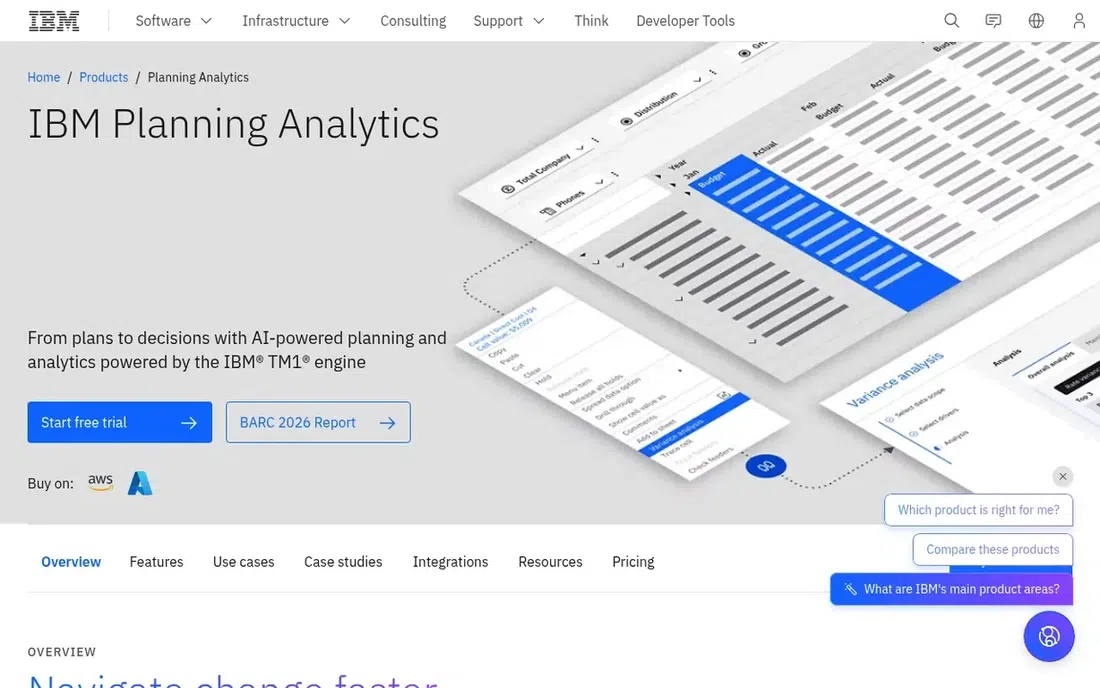
Choose IBM Planning Analytics for finance teams running AI-powered planning on the TM1 engine. IBM Planning Analytics is planning and analytics software powered by the IBM TM1 engine.
Price to start with IBM Planning Analytics: $79.50 per authorized user. Trial and free access: Free trial.
Downsides: Interface depth can overwhelm casual users.
- Built on the IBM TM1 engine
- AI-powered planning and analytics
- May need specialist skills to model
Oracle NetSuite
Best for: Finance teams wanting predictive planning inside a full cloud ERP
For finance teams wanting predictive planning inside a full cloud ERP, Oracle NetSuite is a natural candidate. For remote teams, it means predictive financial insight sits alongside the daily records, so planners and accountants work from the same system. The platform is wide, so teams that only need standalone predictive modeling may find it heavier than necessary.
What to check first: Setup and configuration can be involved.
On top of that, configuration takes planning, and the value relies on adopting the wider ERP. In daily use, consider a dedicated analytics tool if your finance stack already lives elsewhere. This comparison lists no price for Oracle NetSuite; ask the vendor. Trial and free access: Not stated.
- CRM and inventory in one cloud suite
- Merges financials
- Wide suite may be more than analytics-only teams need
Where Domo fits: remote teams connecting and preparing data for predictive insight. Domo gives you AI and data products that strengthen the data journey.
Remote teams can link and move data from any source, prepare it and expand access for exploration. The system spans numerous data tasks, so governance and setup need attention to avoid sprawl. Domo does not show a starting price in this comparison, so check the vendor site for current pricing. On free options: Free trial.
Drawbacks to consider: Data governance setup needs attention.
- Accelerates business-critical insights
- Links and moves data from numerous sources
- Analytics depth varies by use case
Tableau makes the most sense for visualizing and sharing financial data across distributed teams. Tableau is business intelligence and analytics software that helps people see and understand their data.
It suits teams that want clear financial dashboards and exploratory analysis. Tableau cost at the entry level: $15 per user per month. Tableau includes a free tier.
Downsides: Predictive modeling is lighter than dedicated planning tools.
- Connects to almost any database
- Drag-and-drop visualization
- Data preparation may need additional steps
Workday Adaptive Planning
Best for: Connecting finance, workforce and operations planning remotely
Think of Workday Adaptive Planning for connecting finance, workforce and operations planning remotely. Adaptive from Workday is enterprise planning software that links finance, workforce and operations data. Also, AI-driven planning helps remote teams make quicker, more confident decisions across departments.
Upsides: workforce and operations data.
Where it falls short: Enterprise focus may suit bigger teams best. Beyond that, if your needs are restricted to financial forecasting, a narrower tool could be more straightforward. On top of that, the enterprise orientation means smaller teams may not use its full breadth, and setup takes deliberate effort. Workday Adaptive Planning shows no starting price here, so confirm the cost on the vendor site. On free options: Not stated.
- Links finance
- AI-driven planning for quicker decisions
- Implementation needs planning effort
How we chose
Before you commit
- Get a written quote from Anaplan, Oracle NetSuite, Domo and Workday Adaptive Planning; the list shows no starting price for them.
- Test the free plan from Tableau against your real workload before relying on it.
- Use real work to test the free trial from IBM Planning Analytics and Domo, rather than a demo project.
- Before choosing Anaplan, weigh its main limit: model building can be complicated.
- Compare total cost, not headline price: for Workday Adaptive Planning, add extra seats, add-ons and any usage-based charges.
- A short pilot of IBM Planning Analytics with your real workflow tells you more than a feature table.
FAQ
Is Anaplan the right pick for everyone comparing financial predictive analytics software for remote teams?
No single tool suits every team. Anaplan comes first because it fits collaborative scenario planning and analysis across remote teams, while IBM Planning Analytics suits finance teams running AI-powered planning on the TM1 engine and Oracle NetSuite suits finance teams wanting predictive planning inside a full cloud ERP. Match the tool to your own size, budget and workflow before deciding.
How are the tools for financial predictive analytics software for remote teams ordered?
Anaplan sits first and Workday Adaptive Planning last because the order follows typical fit for financial predictive analytics software for remote teams, then price clarity and free access. It is a judgement call, so read each profile for fit and limits.
Can I try these tools before paying?
Often, yes. Tableau has a free plan and IBM Planning Analytics and Domo offer a free trial. Use your own data and a real task during the test, and check what the free tier or trial limits before you rely on it.
What is the cheapest option for financial predictive analytics software for remote teams in this list?
On published monthly entry prices, Tableau is the lowest here at $15 per user per month. Entry price is only part of the cost, because seats, add-ons and billing terms can change the total. All 6 picks in this financial predictive analytics software for remote teams comparison list a starting price, free plan details and the main limits on their cards above.
Sources
- https://www.anaplan.com
- https://www.ibm.com/products/planning-analytics
- https://www.netsuite.com
- https://www.domo.com
- https://www.tableau.com
- https://www.workday.com/en-us/products/adaptive-planning/overview.html